असीमित उपयोगकर्ता खाते
Create as many accounts as you need. With 10 workstations, up to 10 people work at the same time.
↑↓ choose · ↵ open · Esc close
व्यवसाय
आपके यहाँ IT संभालने वाले व्यक्ति के लिए: कोड से ग्राहकों और टीम की मदद करें, ऑफ़िस पीसी और सर्वर को दूर से संभालें। Pro के साथ आज ही।
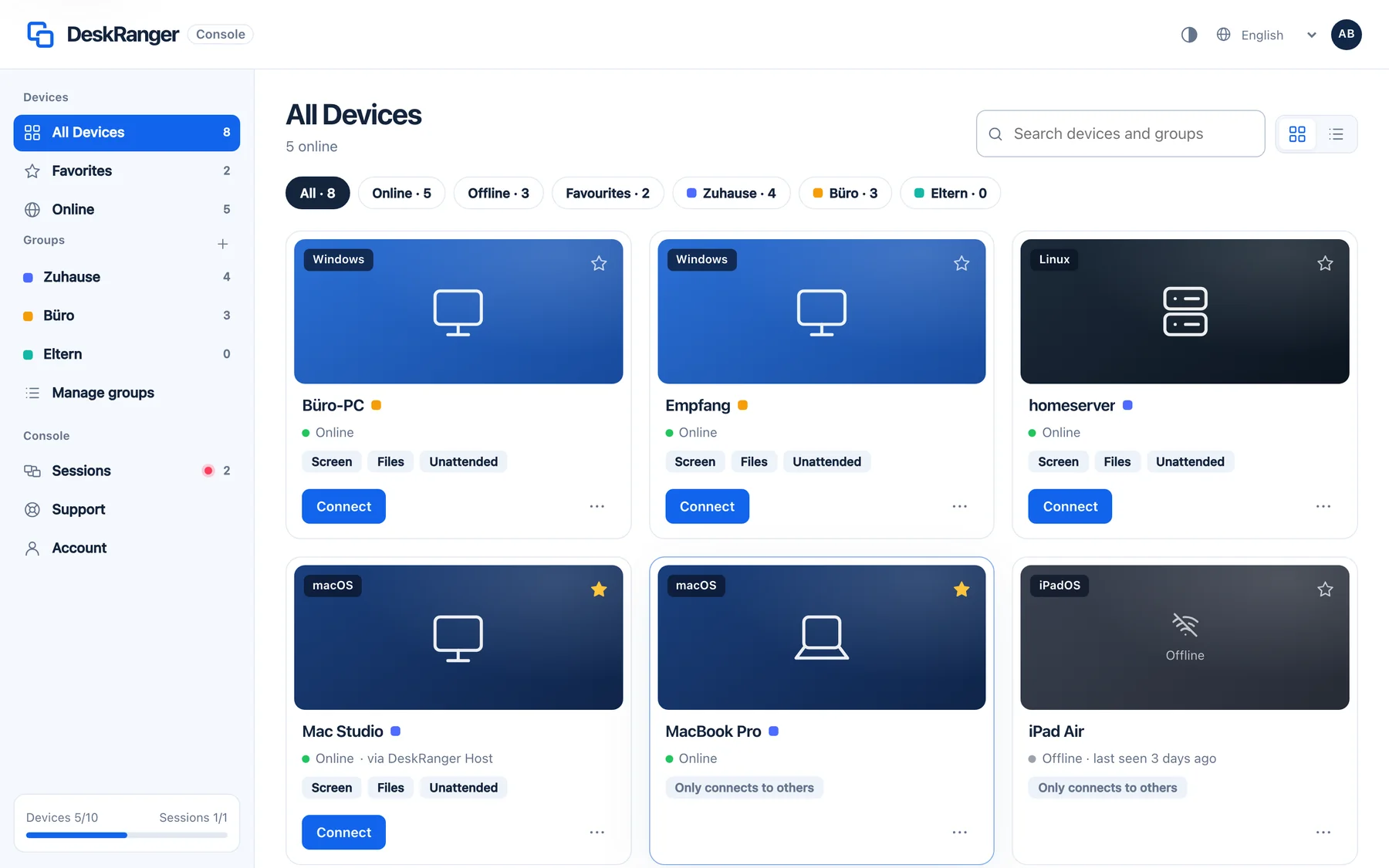
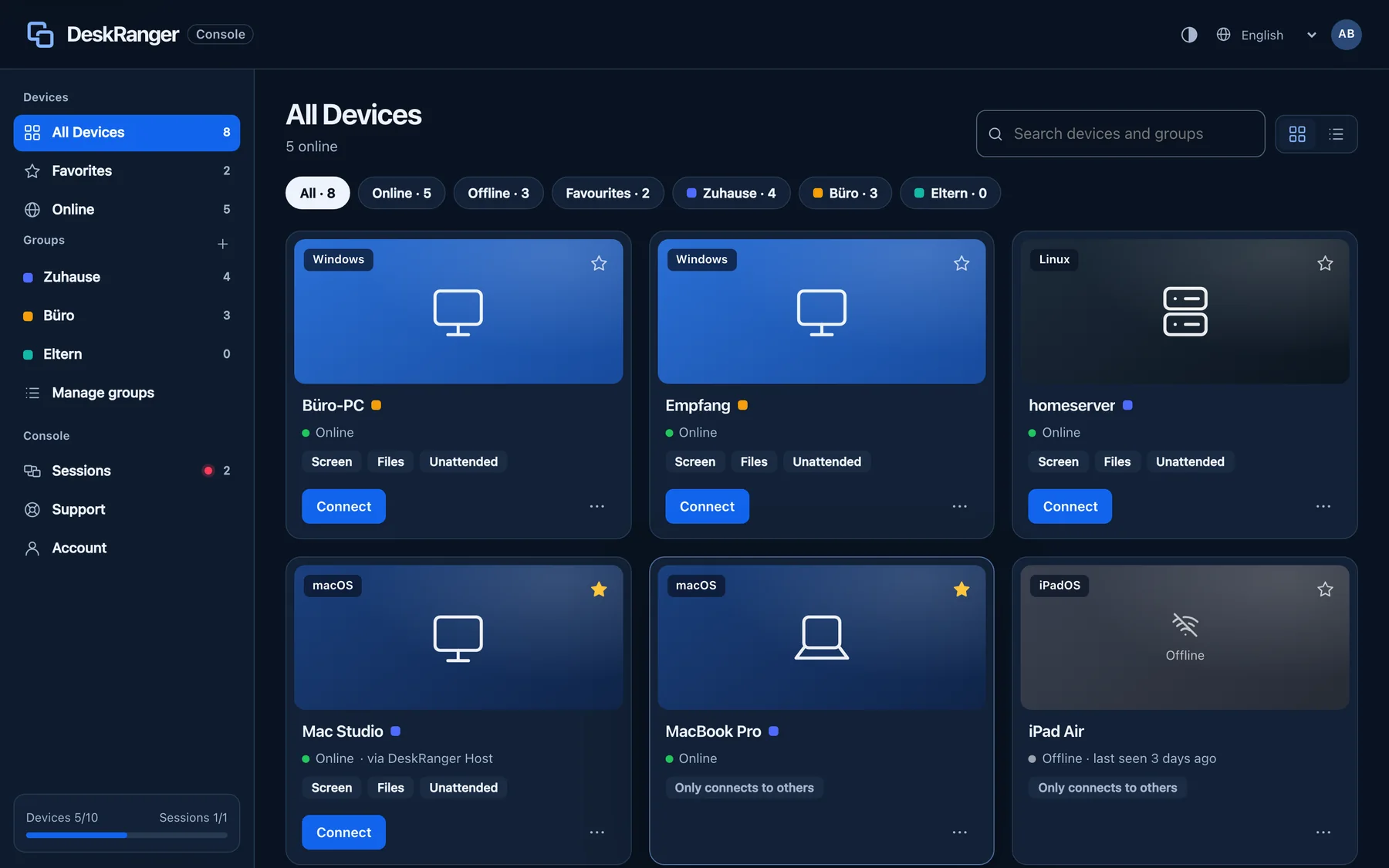
आज Pro के साथ
एक खाता, 50 डिवाइस तक, उनमें से पाँच एक साथ: छोटे व्यवसाय की IT के लिए काफ़ी।
सामने वाला आपको एक कोड बताता है और अपने डिवाइस पर सत्र की अनुमति देता है। उसे खाते की ज़रूरत नहीं है और वह कभी भी इसे रोक सकता है।
ऑफ़िस के कंप्यूटर, बिना स्क्रीन के सर्वर और NAS तक आप कभी भी पहुँच सकते हैं, रीस्टार्ट के बाद भी और बिना पोर्ट फ़ॉरवर्डिंग के।
ग्राहक के कंप्यूटर पर या सफ़र में आप ब्राउज़र में अपने डिवाइस खोलते हैं, ऐप जैसी ही एंड-टू-एंड एन्क्रिप्शन के साथ।
व्यावसायिक उपयोग की कोई पहचान नहीं, मासिक बिलिंग उपलब्ध और ऑनलाइन रद्द करने योग्य।
एक साथ कई लोग? साझा वर्कस्टेशन वाला Team जल्द आ रहा है।
आपका ग्राहक DeskRanger खोलकर आपको नौ अंकों का सहायता कोड बताता है।
आपका ग्राहक देखता है कि कौन पहुँच चाहता है और क्या अनुमति है, और अपने डिवाइस पर पुष्टि करता है।
डिवाइस पर लाल फ़्रेम दिखाता है कि कोई काम कर रहा है। आपका ग्राहक कभी भी सत्र समाप्त कर सकता है।
अलग-अलग उद्योगों की टीमें DeskRanger का इस्तेमाल कैसे करती हैं: आम स्थितियाँ, किन बातों पर ध्यान देना ज़रूरी है और कौन-सा प्लान सही रहता है।
ग्राहकों की सेवा, वर्कस्टेशन साझा
क्लिनिक की IT के लिए मदद
गोपनीय बात गोपनीय ही रहती है
स्टूडियो का Mac, हर जगह
बिना आने-जाने के IT मदद
मशीन पर सर्विस
CAD वर्कस्टेशन, कहीं से भी
जर्मनी से, रिले EU में
बिलिंग काउंटर और शाखा के पीसी आपके नियंत्रण में
दफ़्तर और सफ़र में सलाह
A workstation is in use as long as a remote session runs from it. On Team you work on up to ten devices at once from there. When the last session ends, it is free again. Just being signed in takes no workstation. Team will be bookable soon.
Create as many accounts as you need. With 10 workstations, up to 10 people work at the same time.
एक वर्कस्टेशन से आप एक साथ 10 डिवाइस तक खोल सकते हैं, जैसे रोलआउट या समानांतर रखरखाव के लिए। Pro में 5।
If the same person works on a Mac and a Windows PC at the same time, that takes two workstations. As long as some are free, that’s fine.
When every workstation is in use, no further workstation can start a session for now. On workstations that are already active you can connect more devices up to your plan’s limit. DeskRanger never ends a running session because of a limit.
Example: 100 user accounts and 10 workstations. Up to 10 people are active at once, each with up to 10 devices.
व्यावसायिक उपयोग की जाँच नहीं। सीमाओं में Free काम के लिए भी इस्तेमाल हो सकता है।
The other person gives you a nine-digit support code and visibly allows the session on their own device. They can end it at any time. The person who needs help does not need an account.
In a remote session DeskRanger types a saved password directly into the other computer, for example at the sign-in window, never through the clipboard.
जल्द आ रहा हैTeam vaults with roles and a log. Technicians use admin passwords without seeing them, and when someone leaves, DeskRanger replaces the credentials.
Open a session right in the browser, with nothing to install and the same end-to-end encryption as in the app. Remote access in the browser belongs to Pro, also in Early Access.
जल्द आ रहा हैLook after devices together and set responsibilities: shared groups, tiered roles and workstations for the whole team.
जल्द आ रहा हैतय करें कि कौन किन डिवाइस तक पहुँच सकता है, फ़ाइलों, क्लिपबोर्ड और बिना निगरानी वाली पहुँच के नियमों के साथ।
सत्र की सामग्री आपके डिवाइस के बीच रहती है। हमारे सर्वर इसे खुले रूप में नहीं पढ़ सकते।
सहायता कोड और सहमति से मदद। चल रहे सत्र डिवाइस पर हमेशा दिखते हैं।
क्या आप किसी बड़े संगठन के लिए DeskRanger की योजना बना रहे हैं? हम Enterprise को आपकी ज़रूरतों के अनुसार ढालते हैं: वर्कस्टेशन और उपयोगकर्ता, साइन-इन और नीतियाँ, संचालन और अनुबंध।