- 10 台设备
- One after the other
- 全部核心功能
- 在额度内也可用于工作
DeskRanger 能为你做什么
五个日常时刻,DeskRanger 帮你省去一趟奔波。
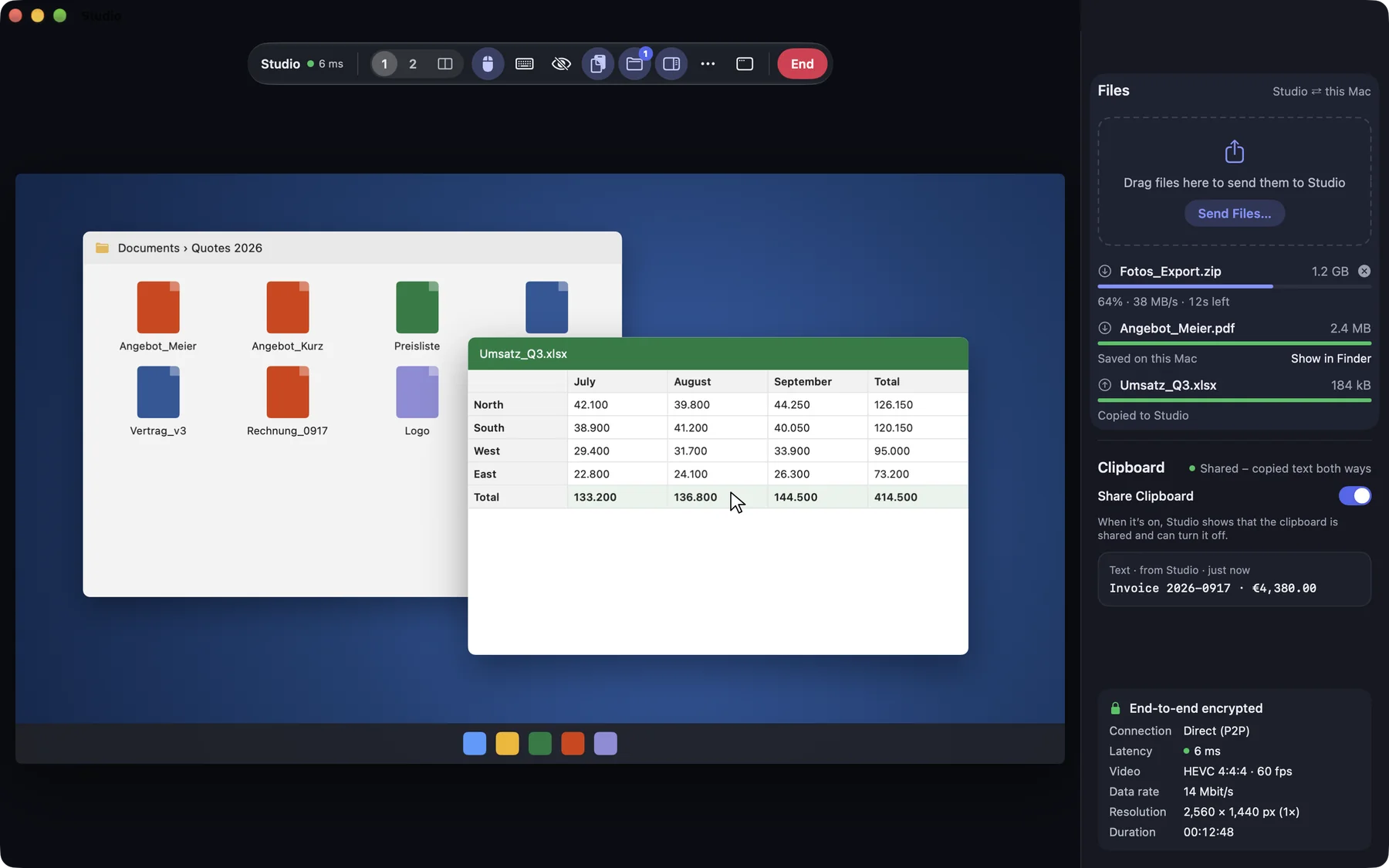
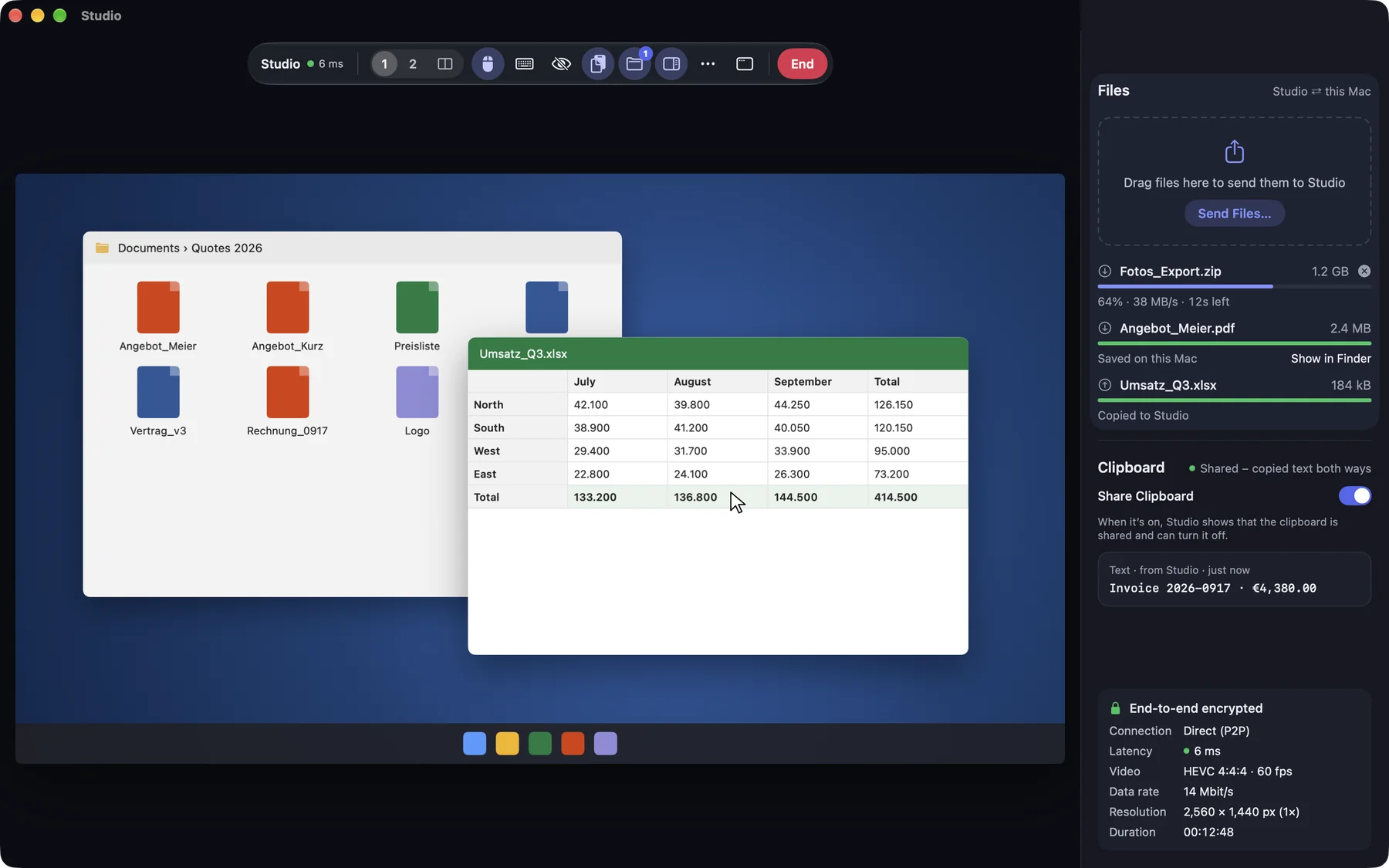
从沙发到书桌
Control the computer in your study from a tablet or laptop, with keyboard shortcuts and every display.
Remote desktop落在家里的文件
在外面才发现资料还在家里的电脑上?连接、取文件,搞定。
文件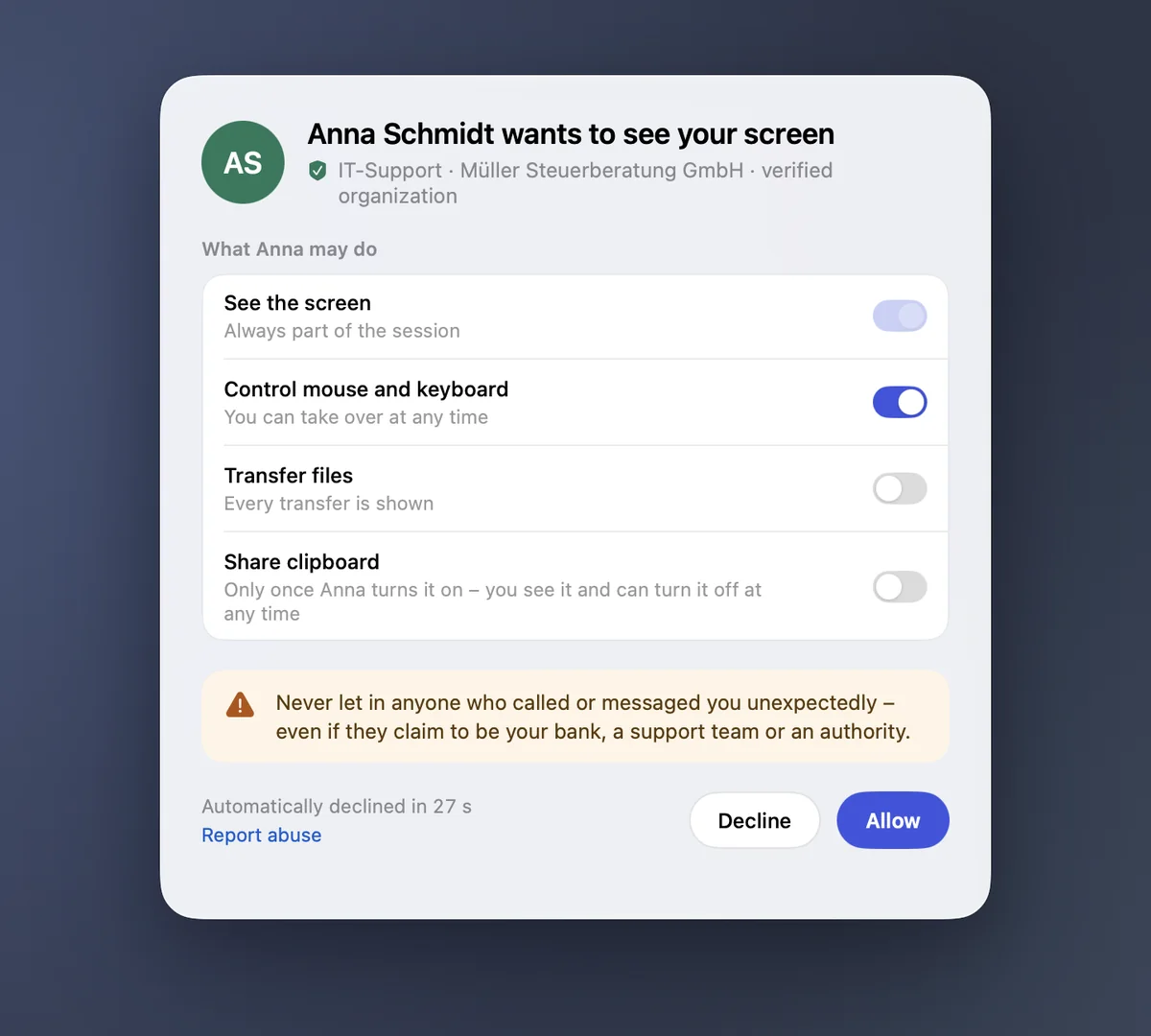
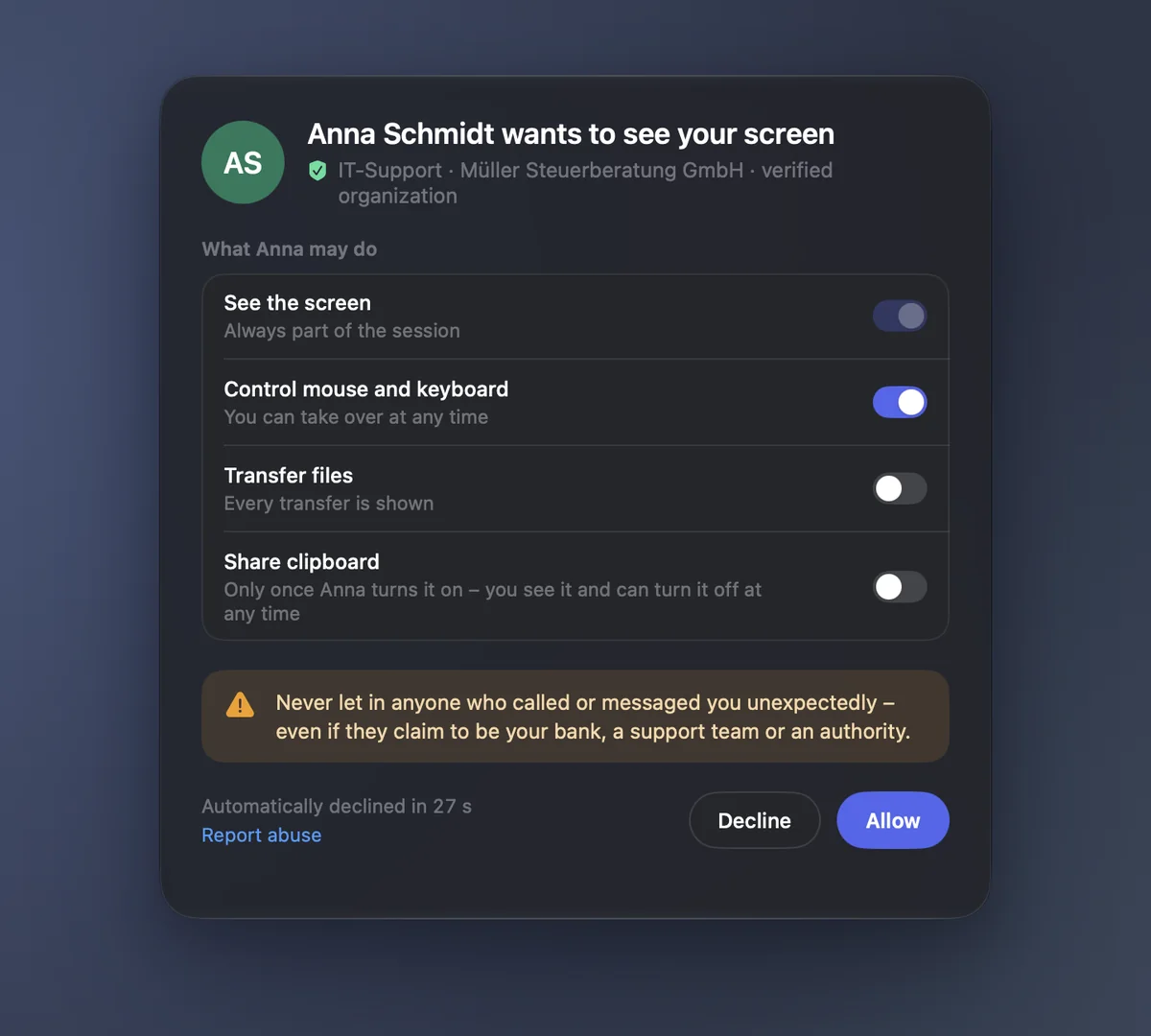
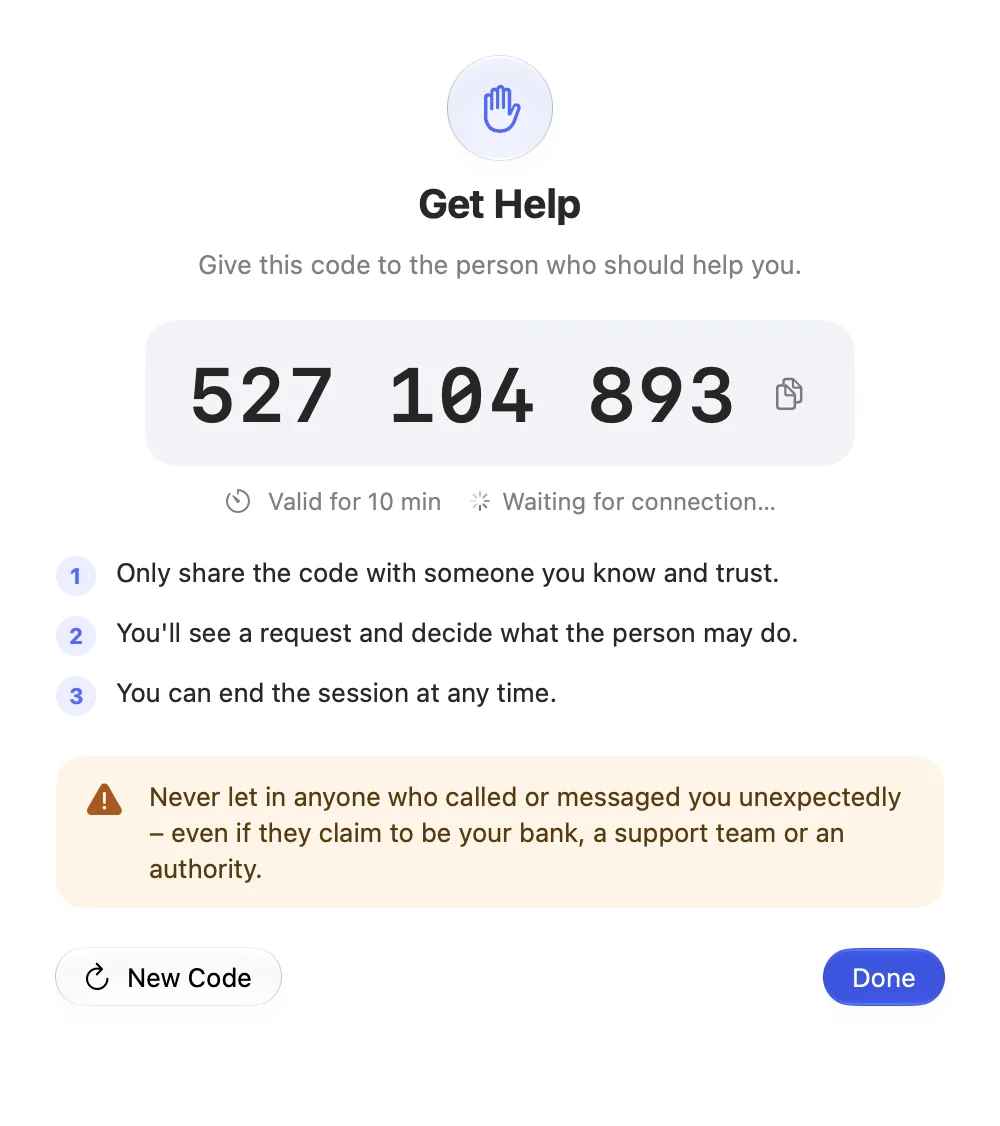
“你能帮我看一下吗?”
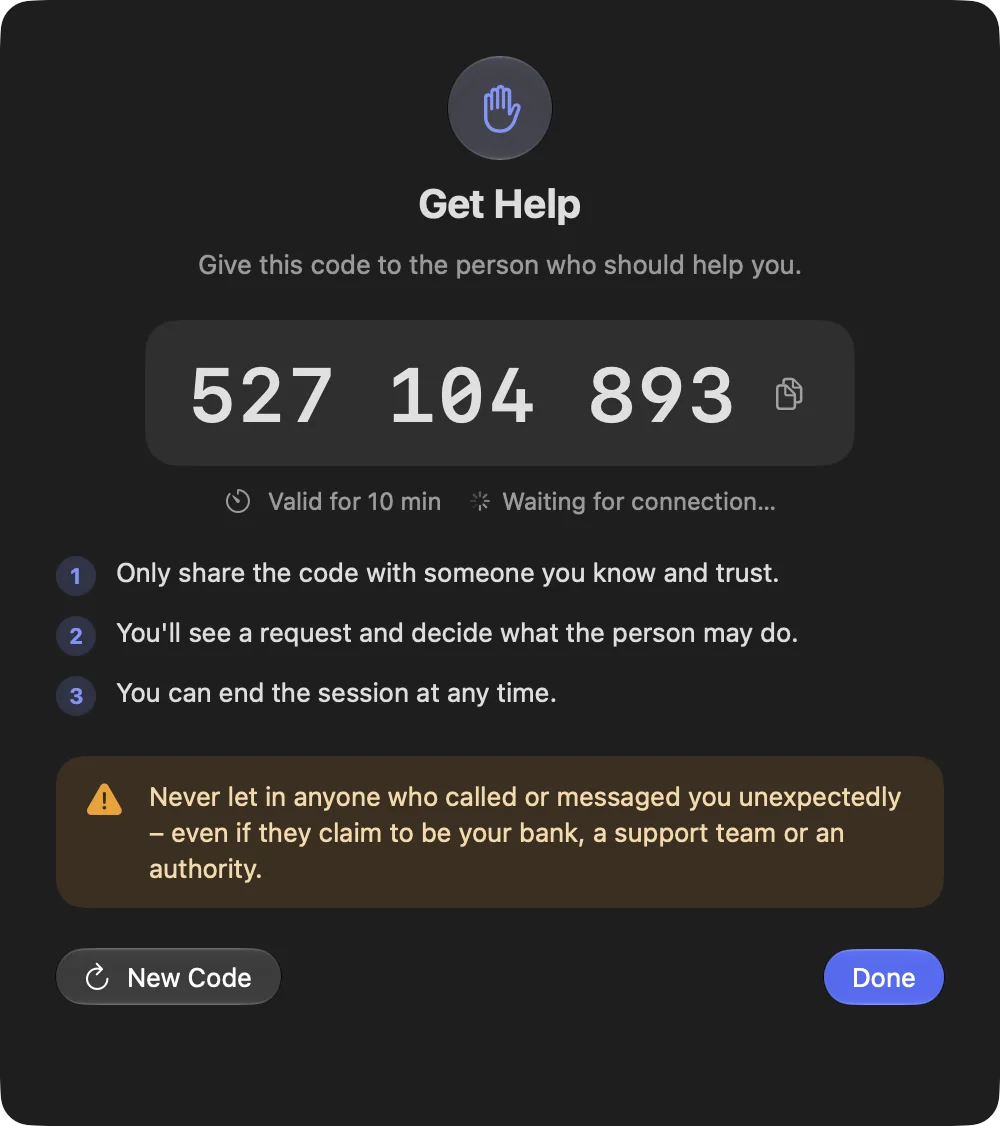
父母把支持码告诉你,并在自己的设备上确认。你来帮忙,他们看得到一切,也可以随时结束。
Help with a support code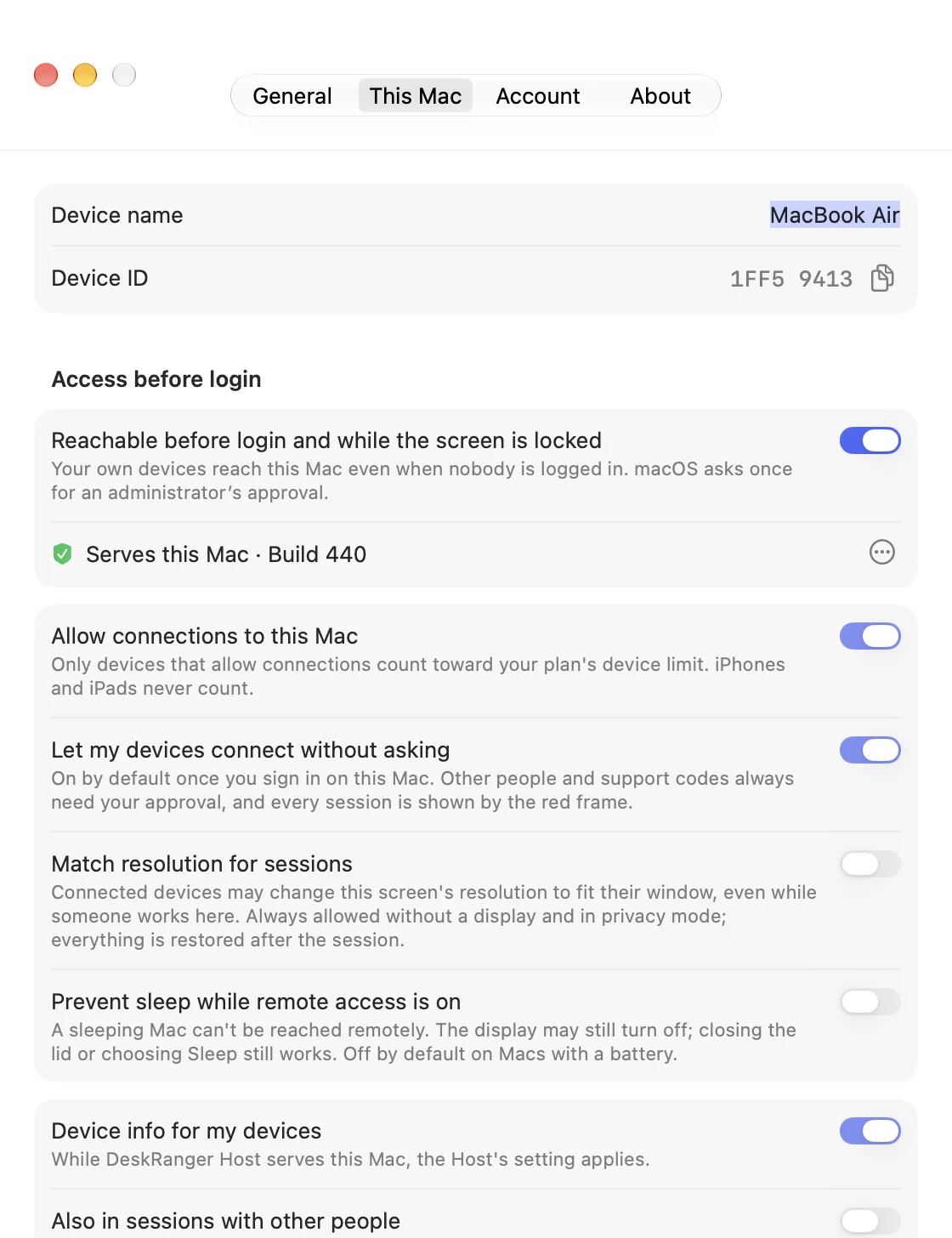
重启后也能连接
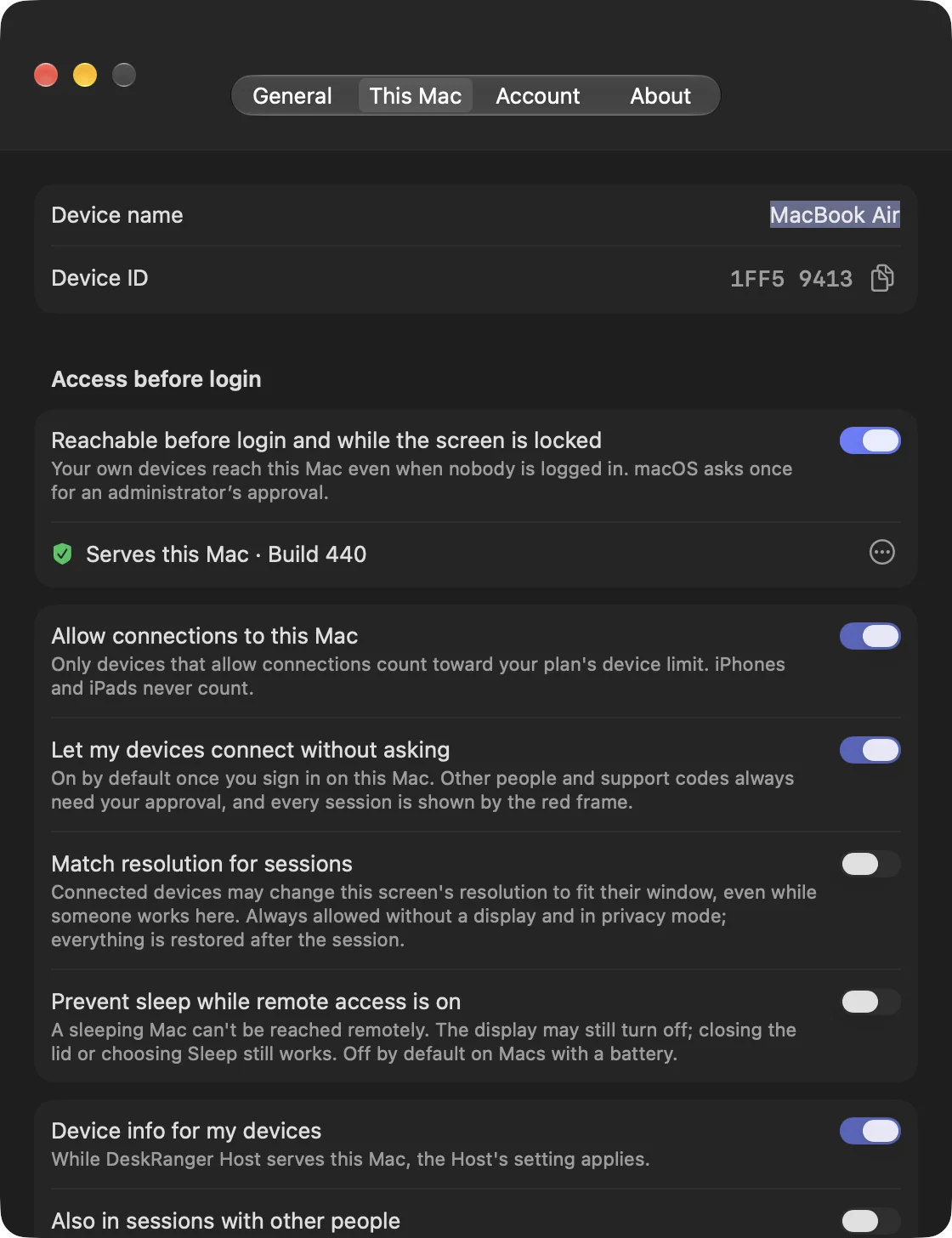
One switch is all it takes: your computer stays reachable, even after a restart. On a Mac and a Windows PC also at the login window and with the screen locked.
Access your own devices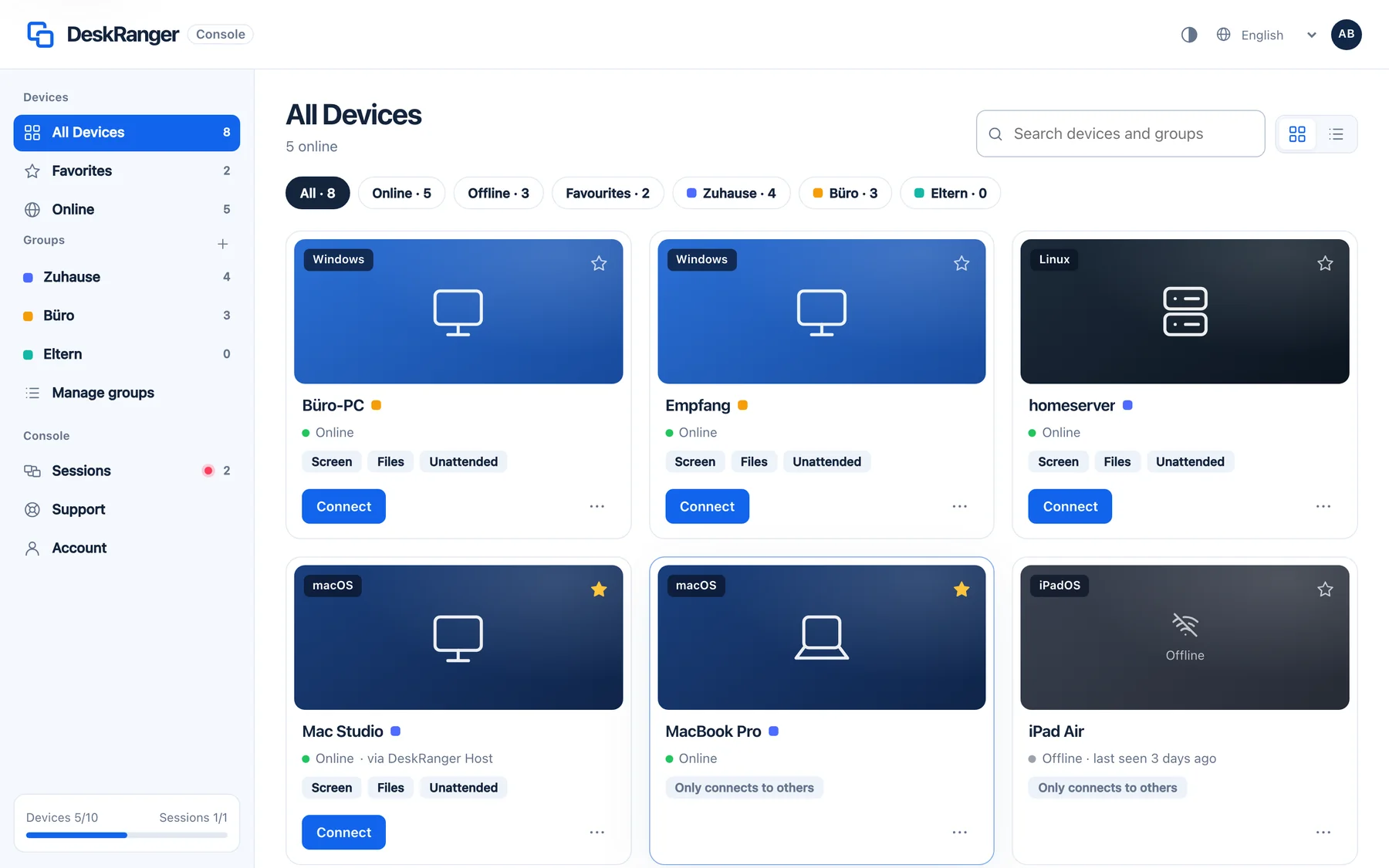
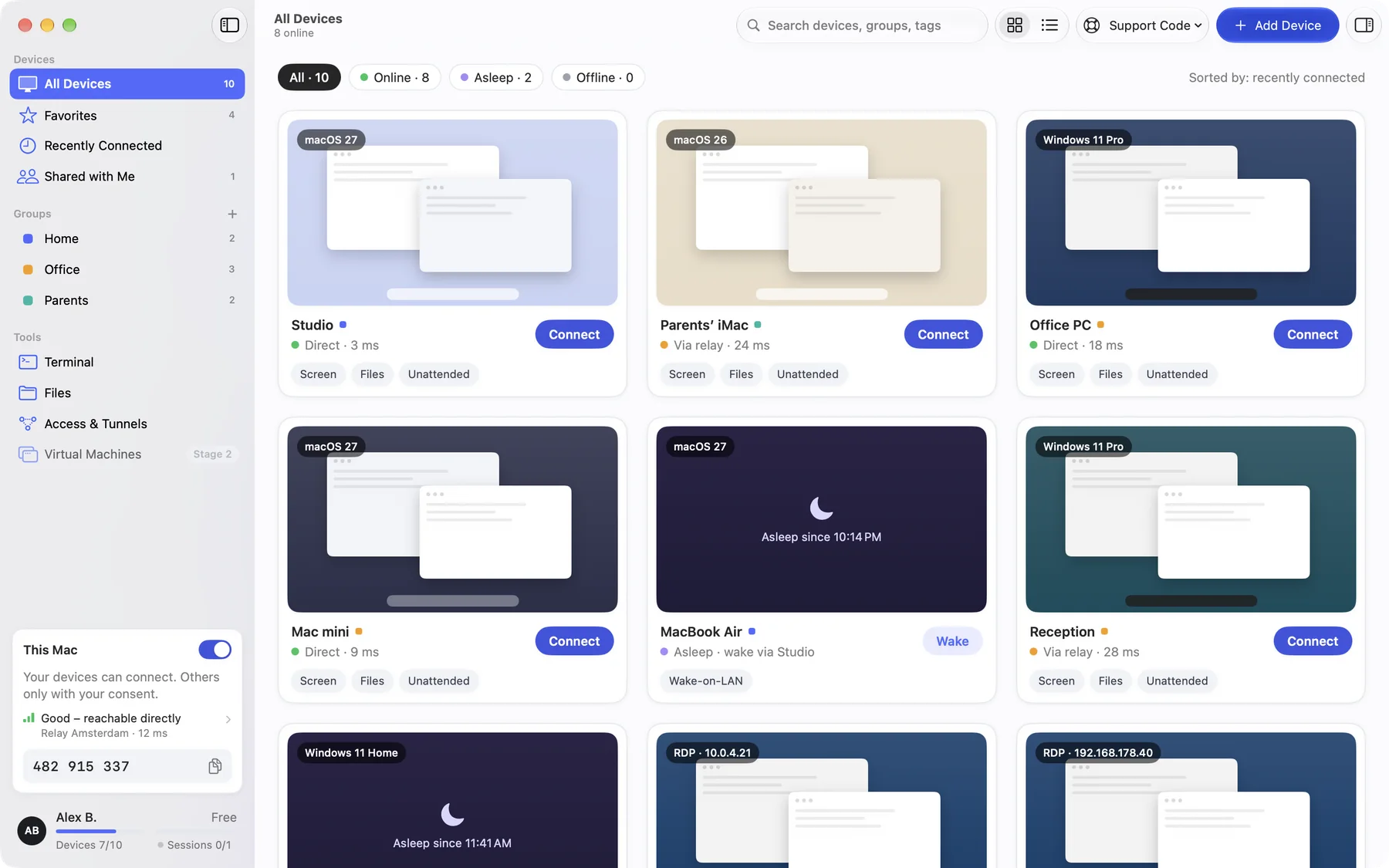
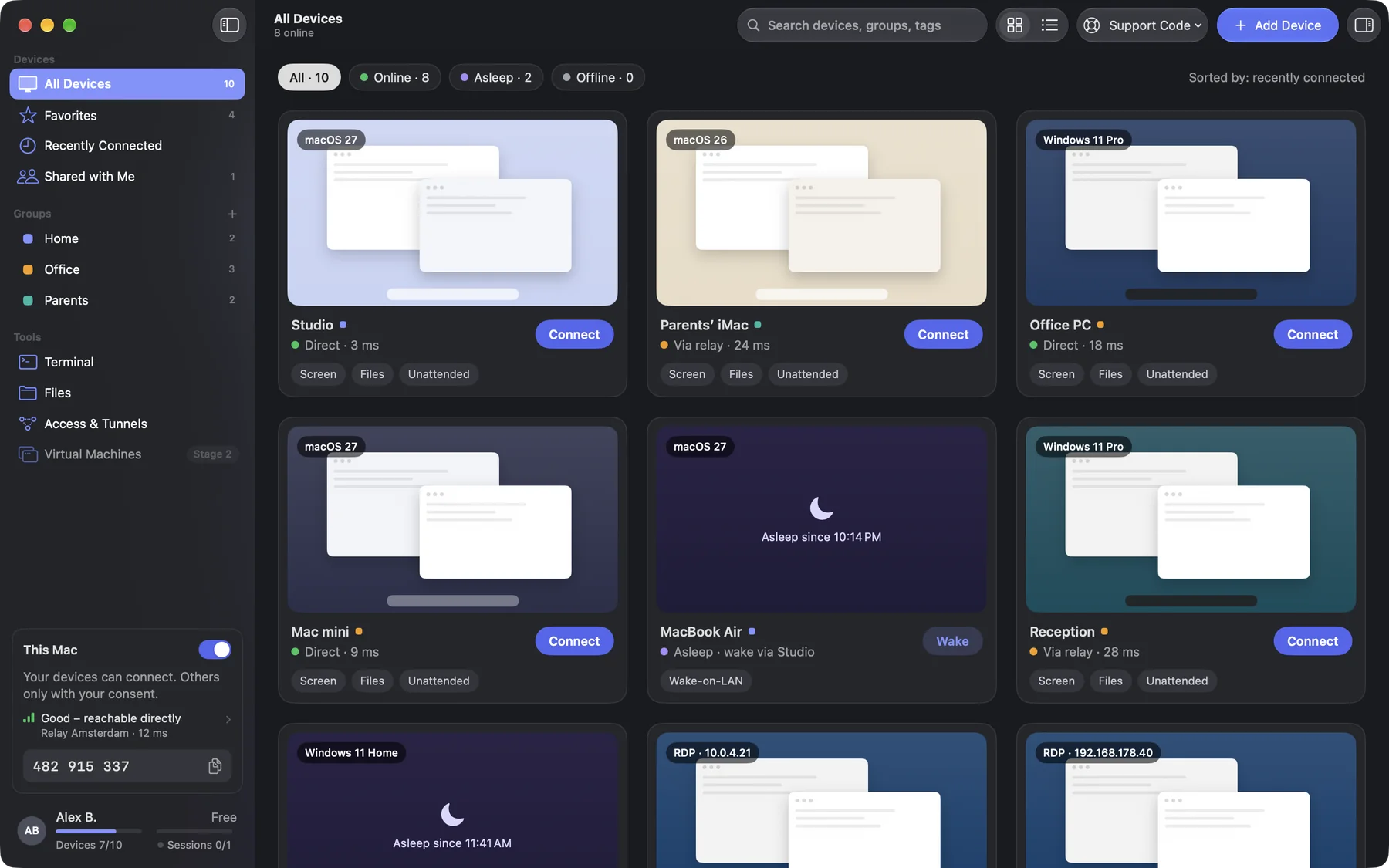
所有设备,一目了然
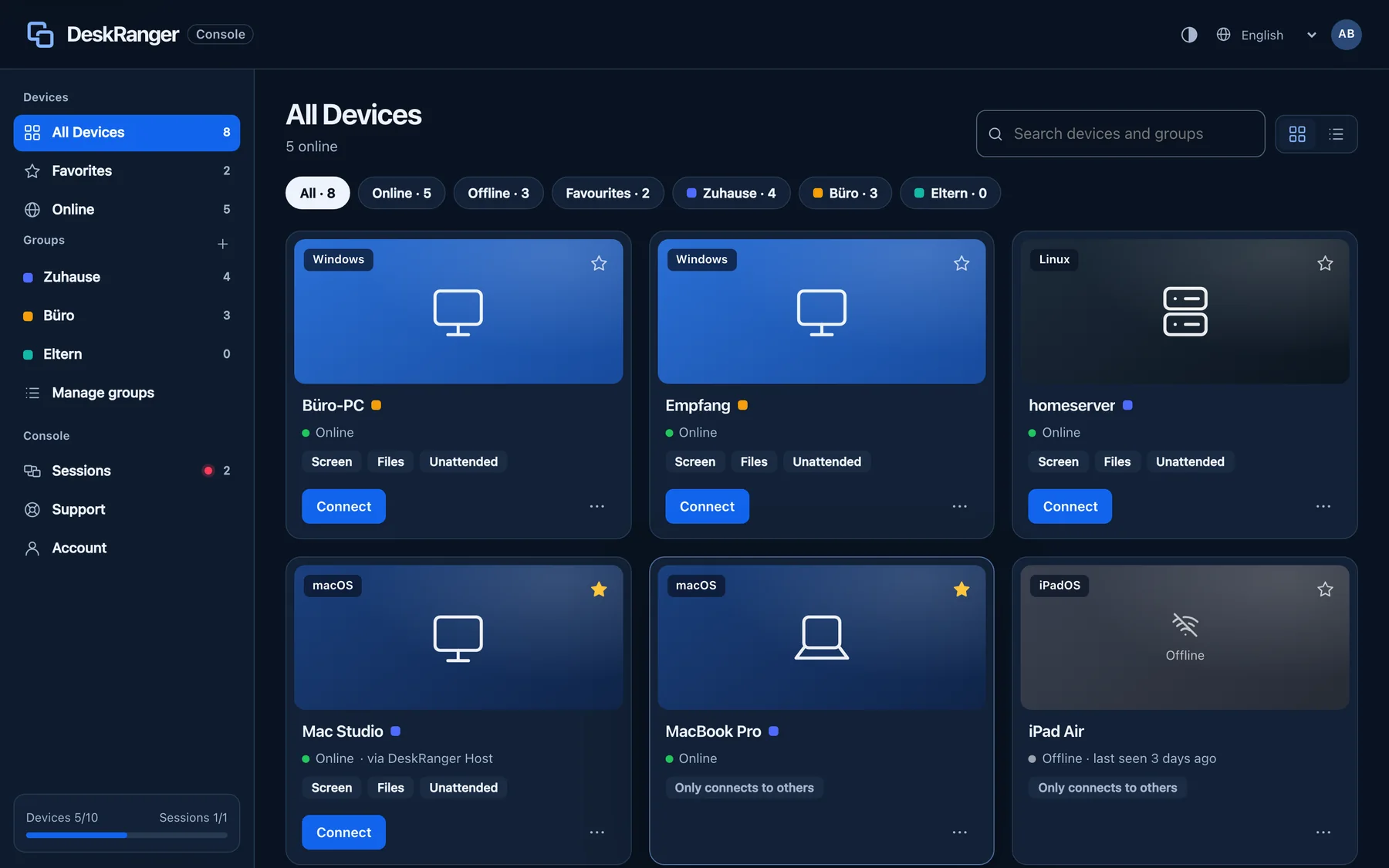
实时状态、分组和收藏,应用和浏览器中都能查看。DeskRanger 会自动发现同一网络中的设备。
Groups & favorites给爱折腾的你
终端、文件和你的家庭网络。
不是所有事情都需要整个屏幕。如果你在家里运行服务器、NAS 或树莓派,DeskRanger 就是你的工具箱。
我们说免费,就是免费。
You pay nothing for your own devices. If you want more, Pro adds up to 50 devices and remote access in the browser.
不进行商业用途检测。Free 可在额度内用于工作。
价格- 50 台设备
- 5 devices at once
- Browser access
- 全部核心功能
Free 和 Pro 的价格含增值税,Team 的价格不含增值税。你可以在网页控制台订阅 Pro。Team 将随 27.1 版本推出。
隐私,始终是隐私。
了解更多 →端到端加密
只有参与会话的设备才能看到画面、输入和文件。
未经你同意,什么都不会发生
通过支持码帮助你的人需要你的确认。红色边框标示每个进行中的会话。
Privacy mode
While you work remotely, the screen at home stays dark. Anyone in the room sees nothing. This works on a Mac and a Windows PC; privacy mode is not possible on Linux.
常见问题
DeskRanger 个人使用真的免费吗?
Yes. Free covers up to 10 of your own devices and all core features, and core features stay free. Pro costs €19.90 a year incl. VAT if you want more devices or remote access in the browser. Then €29.90 a year. Book by 2026年12月31日 and keep €19.90 for as long as you stay.
我需要端口转发、VPN 或固定 IP 地址吗?
不需要。你的设备会直接相互连接。如果没有可用的直连路径,位于欧盟的中继只转发加密数据。
会有人在我不知情的情况下访问我的电脑吗?
只有你本人用自己的账户才能访问你的设备。通过支持码帮助你的人需要你在设备上确认,每个进行中的会话都会显示红色边框。
DeskRanger 支持哪些设备?
DeskRanger runs on macOS, Windows, Linux, Android, iPhone, iPad and in the browser. In Early Access, Mac, Windows, Linux and the web console come first, Android follows as an APK from the website, and iPhone and iPad after App Store review.