Work

Terminal & SSH

A shell on your devices or SSH to your servers, even without an open port: with keys, forwards and tabs, alone or together.

FreemacOS · Windows · Linux · Android · iOS / iPadOS · Web
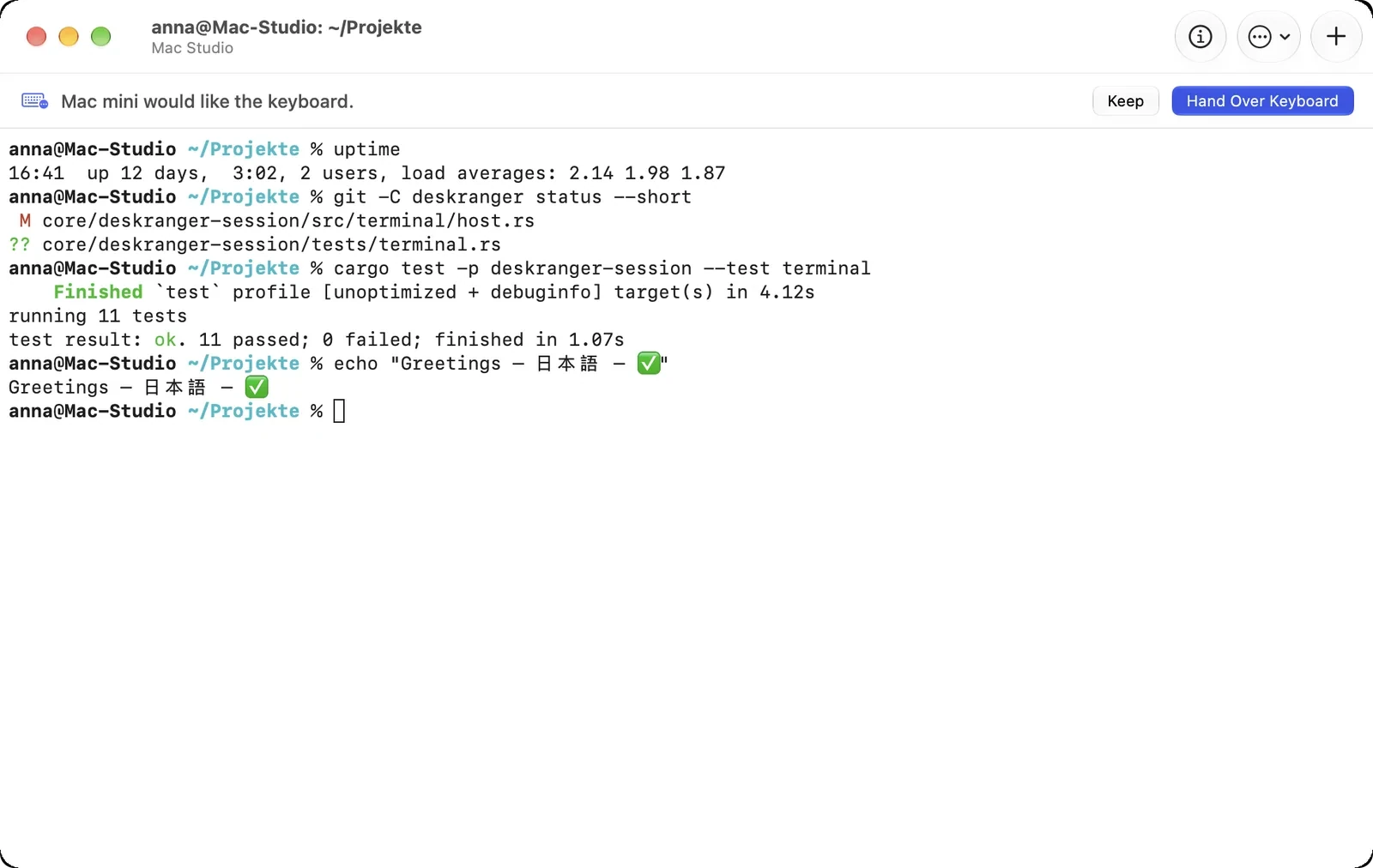
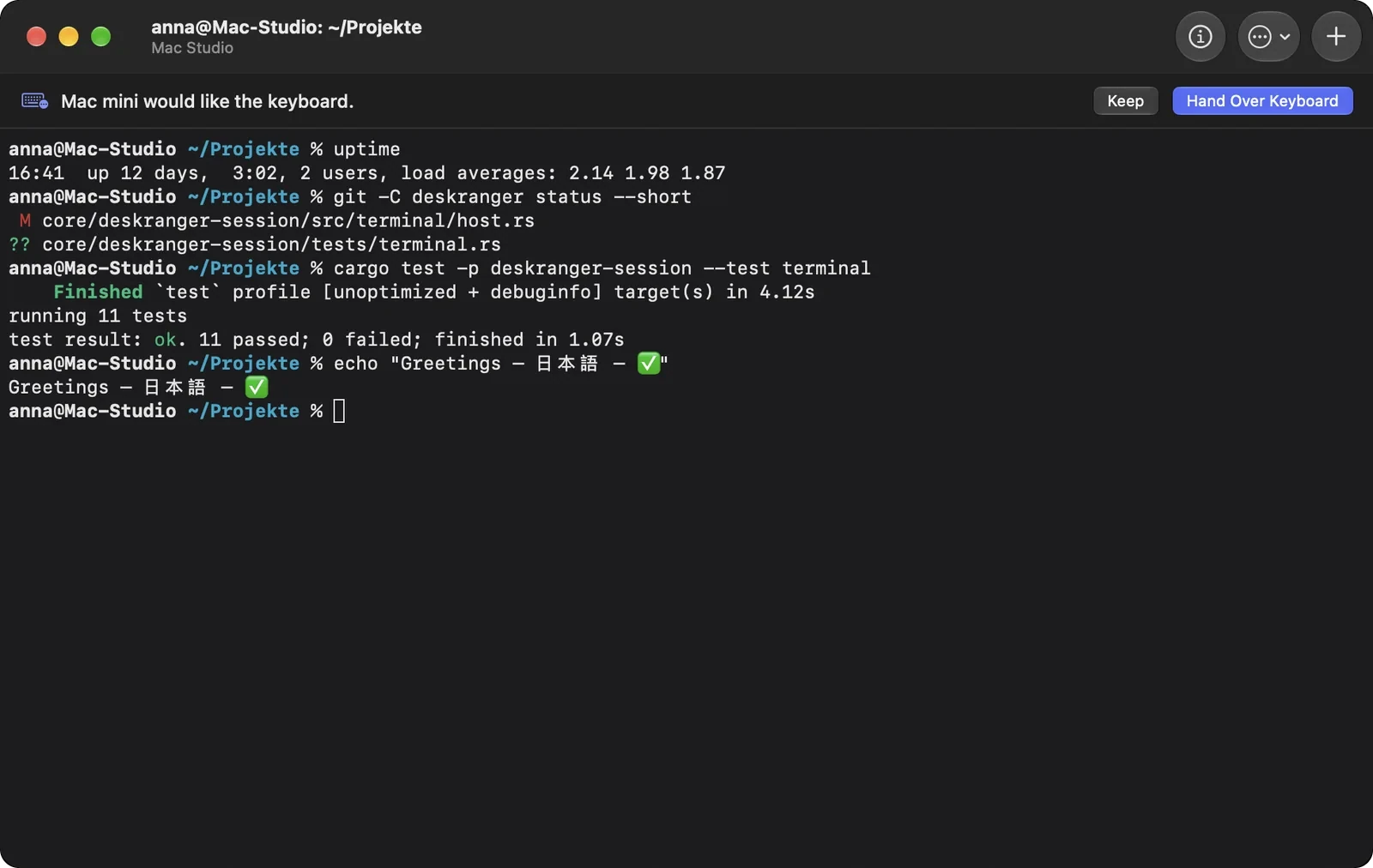
The Mac Studio's terminal: the Mac mini would like the keyboard, with “Keep” and “Hand Over Keyboard”The Mac Studio's terminal: the Mac mini would like the keyboard, with “Keep” and “Hand Over Keyboard”

Shown: Mac

What you do with it

See it on

The terminal of your devices

For your own devices you need no SSH and no open port: “Open terminal” on the card of a Mac, PC or Linux device opens a shell on that device as if you sat in front of it.

  • Runs as the person signed in, never as administrator, never before sign-in
  • Terminals to your own devices do not count as a session of your plan
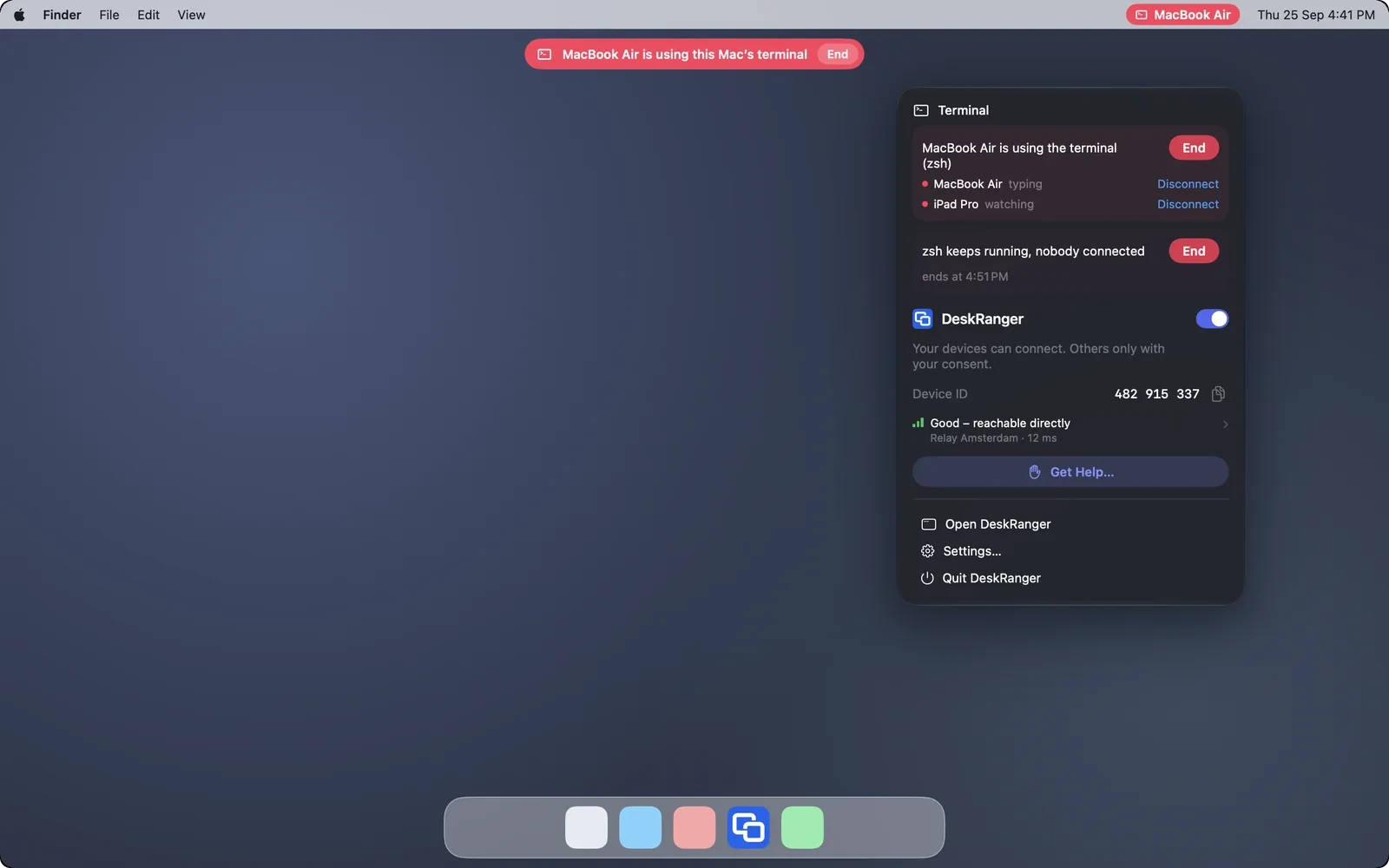
  • At the device you see who types and who watches; you can disconnect or end it
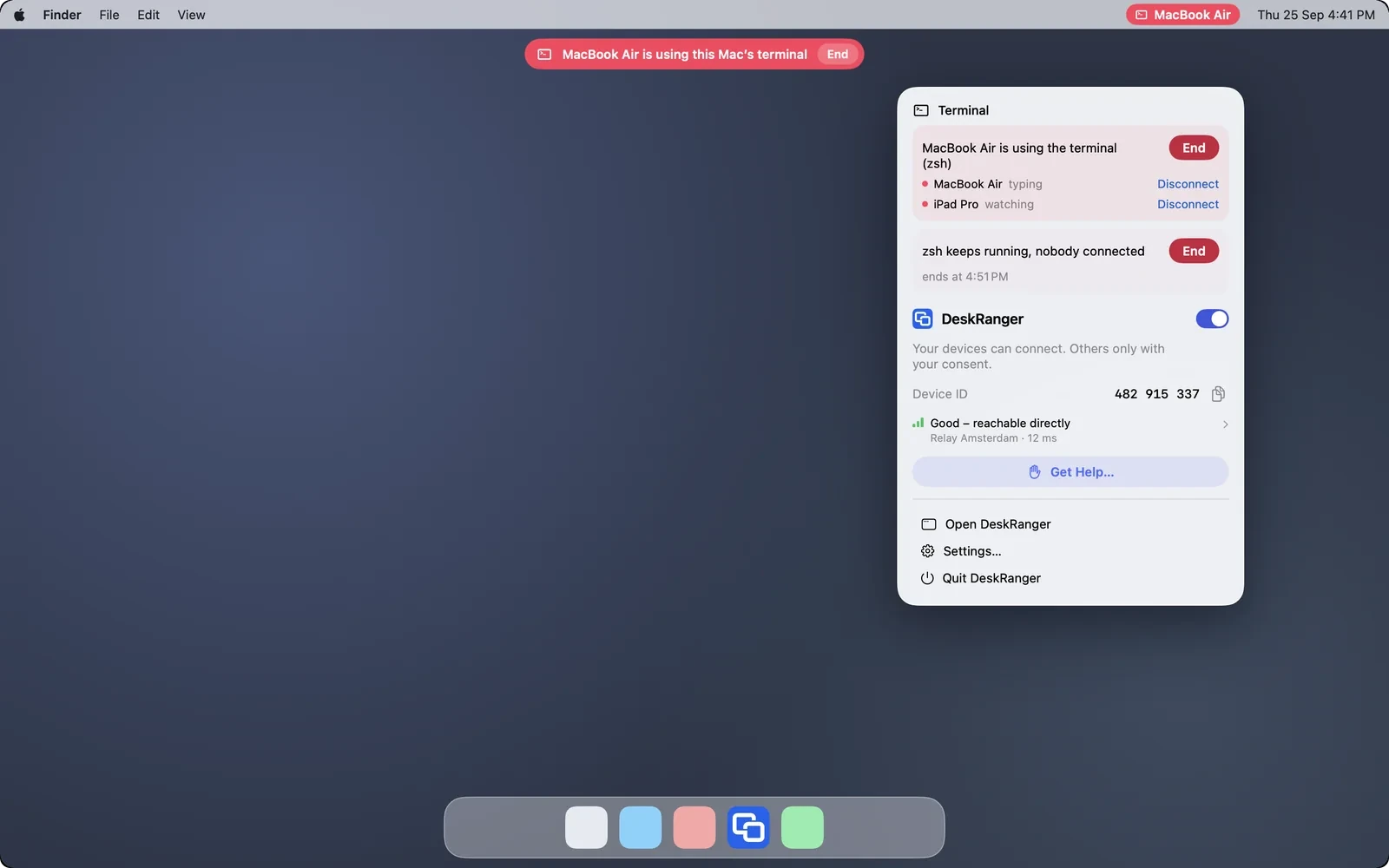
The menu bar menu: who uses this Mac's terminal, who types and who watches, with “Disconnect” and “End”The menu bar menu: who uses this Mac's terminal, who types and who watches, with “Disconnect” and “End”

Shown: Mac

Two at the same terminal

If you open the same terminal on a second device you watch there. “Request keyboard” asks for the keyboard, “Give keyboard” hands it over. Only one device types at a time.

  • “Detach” closes the window, the shell keeps running
  • If the connection drops, DeskRanger reconnects by itself
  • If someone from another account wants to open your terminal, DeskRanger always asks
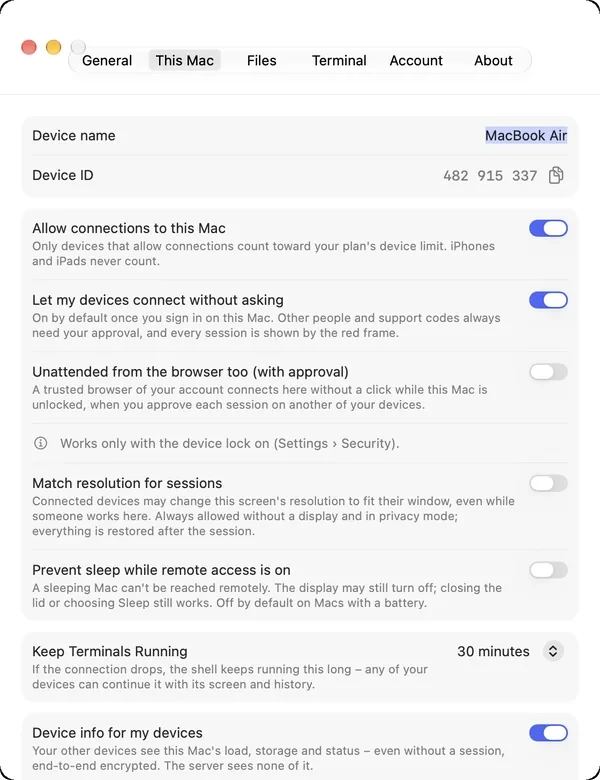
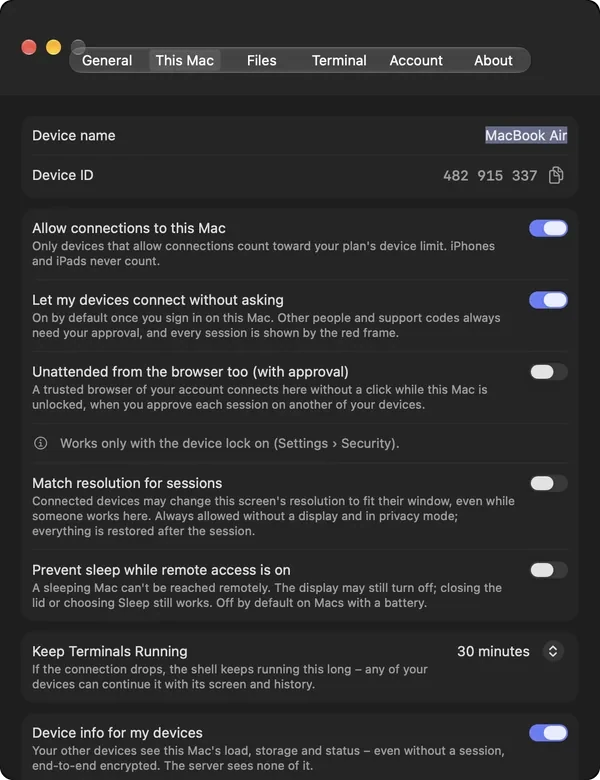
The “Keep Terminals Running” setting under “This Mac”The “Keep Terminals Running” setting under “This Mac”

Shown: Mac

SSH to your servers

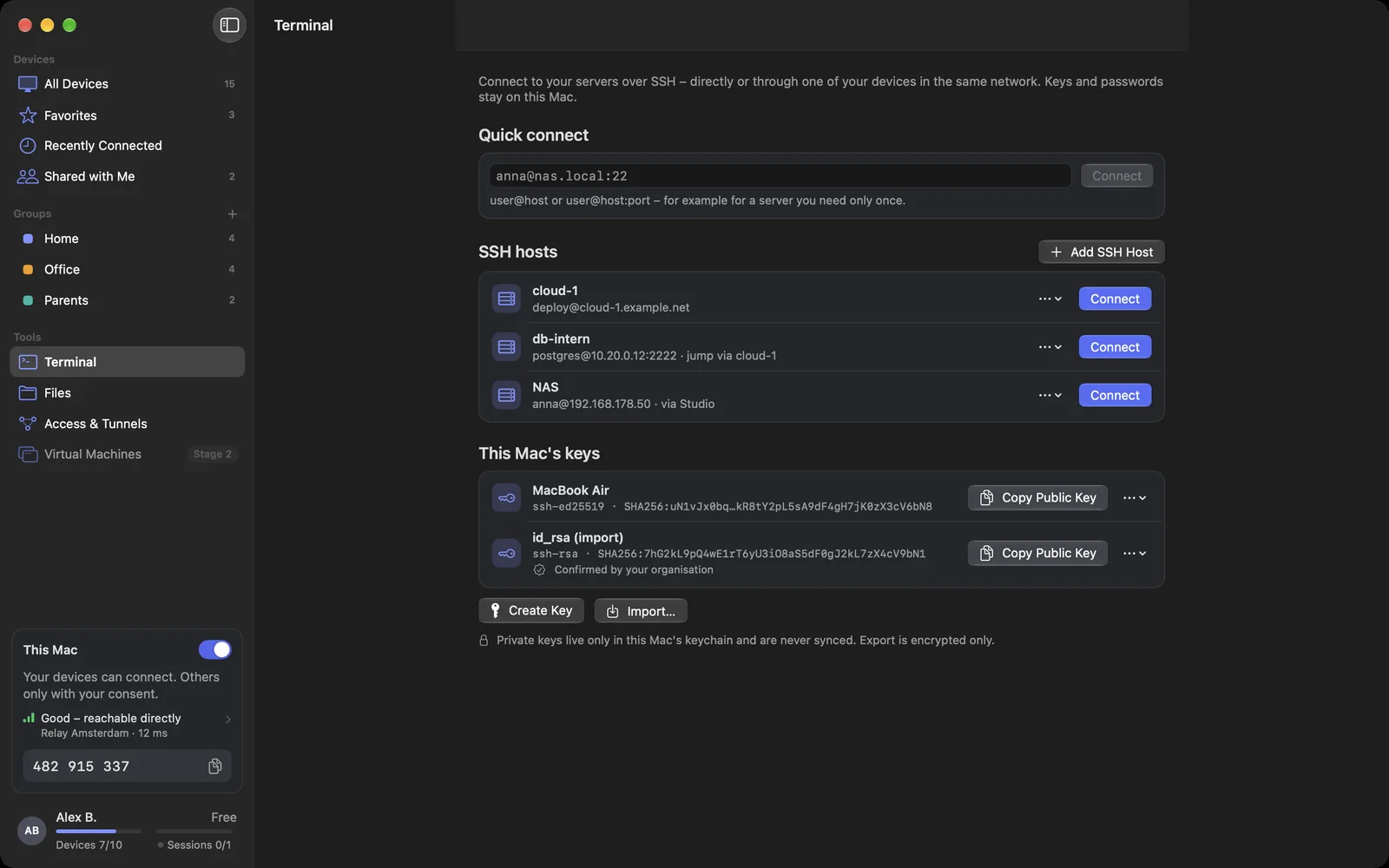
Your SSH hosts belong to your account and appear on all your devices. Passwords and keys, however, stay on the device where you type or create them.

  • Add hosts with address, user, login, key and “Access via”
  • Import hosts from your SSH configuration and from known_hosts
  • Jump across other servers (ProxyJump), each hop with its own fingerprint
  • Home-network servers through one of your devices, without putting them on the internet
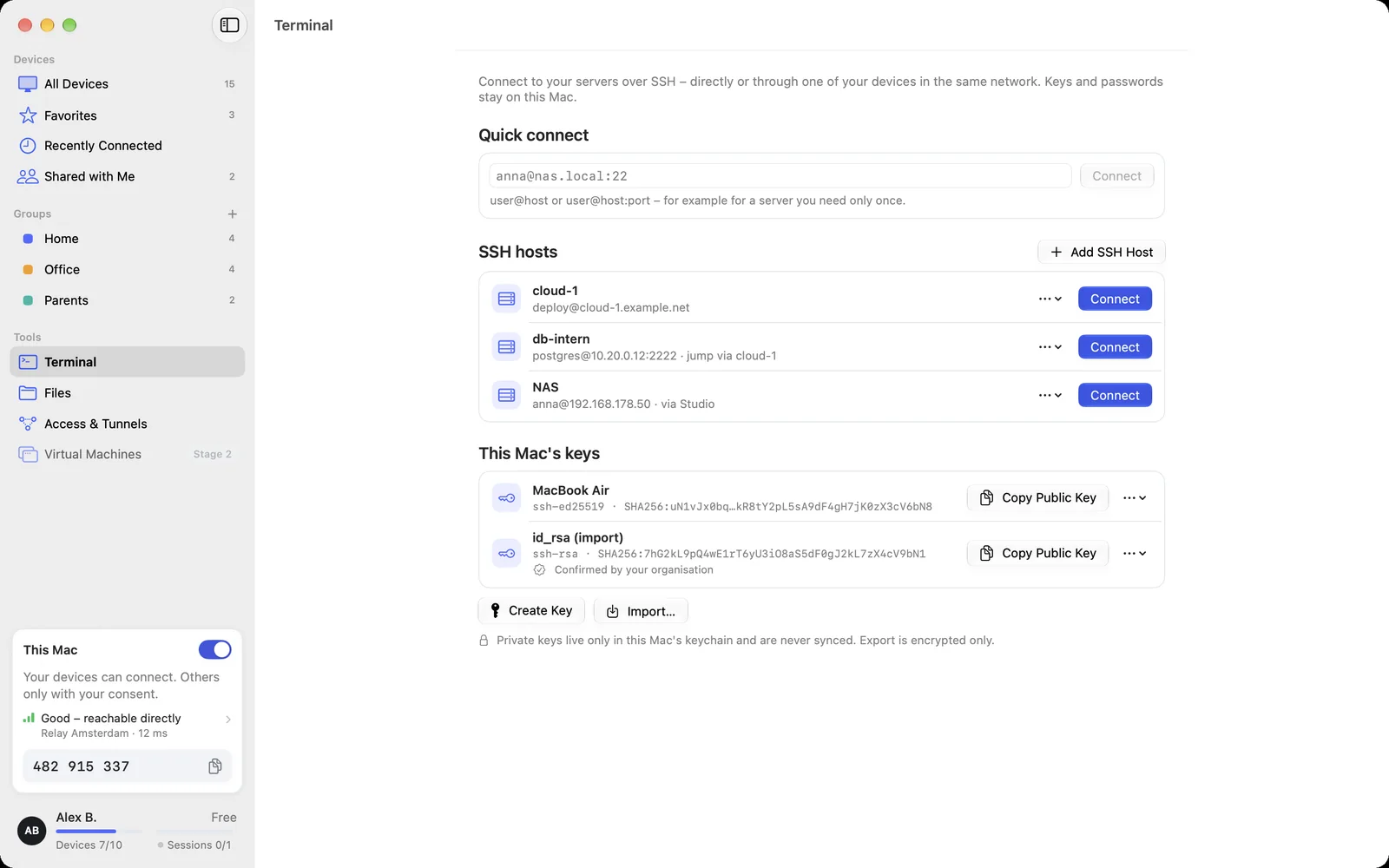
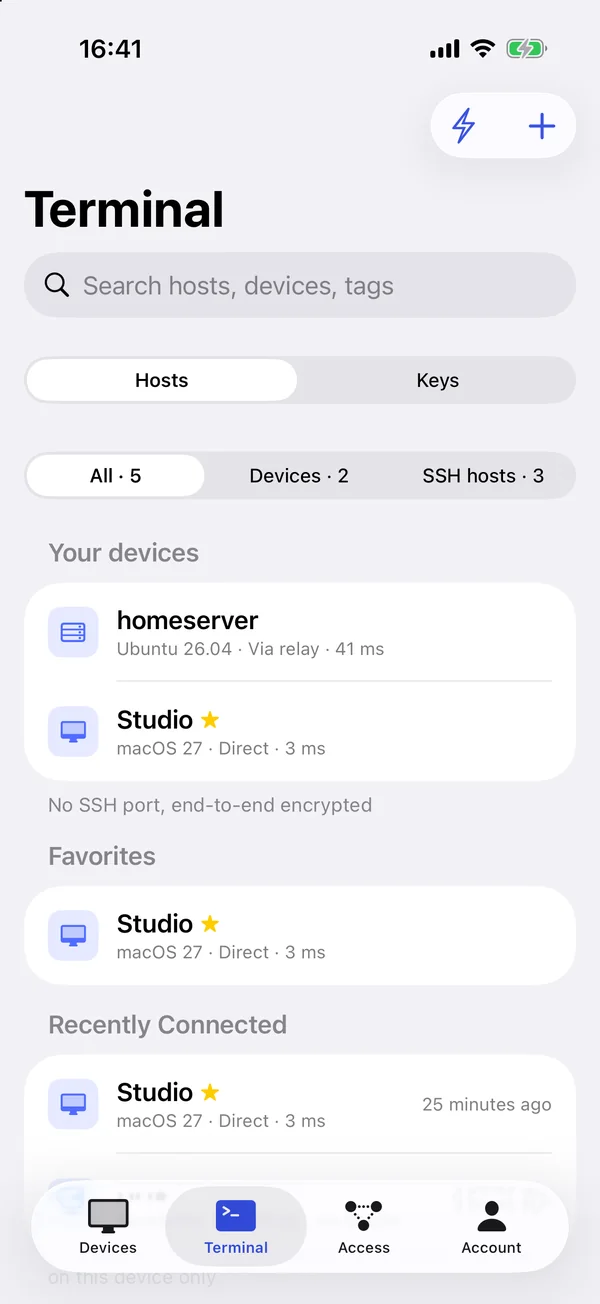
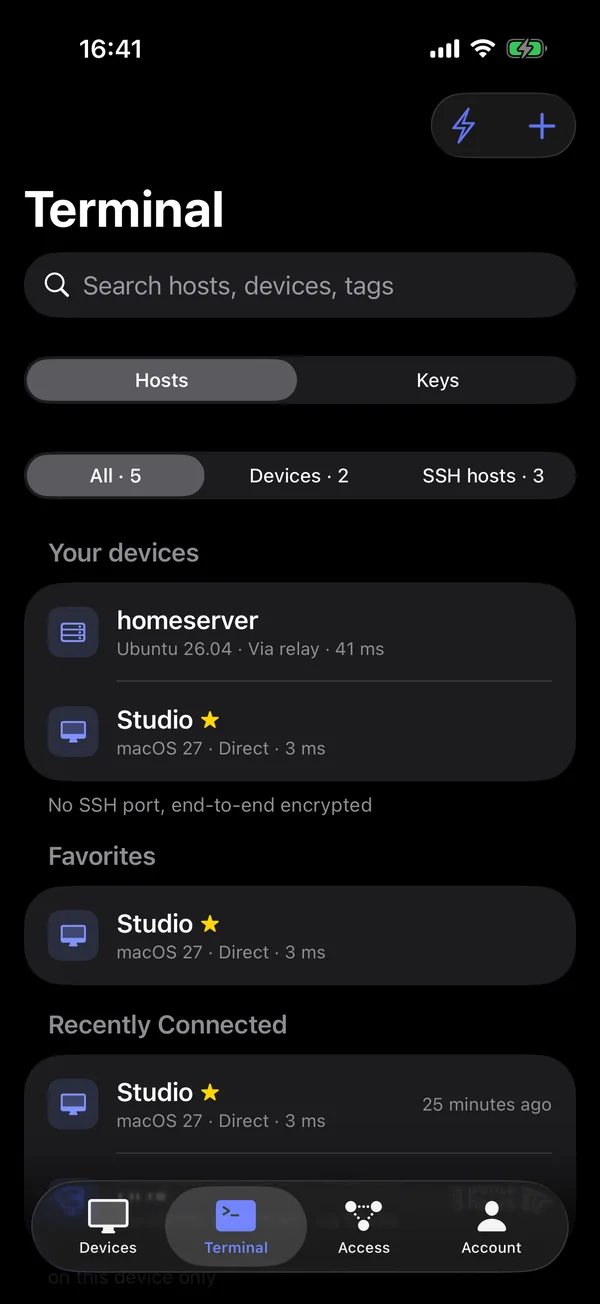
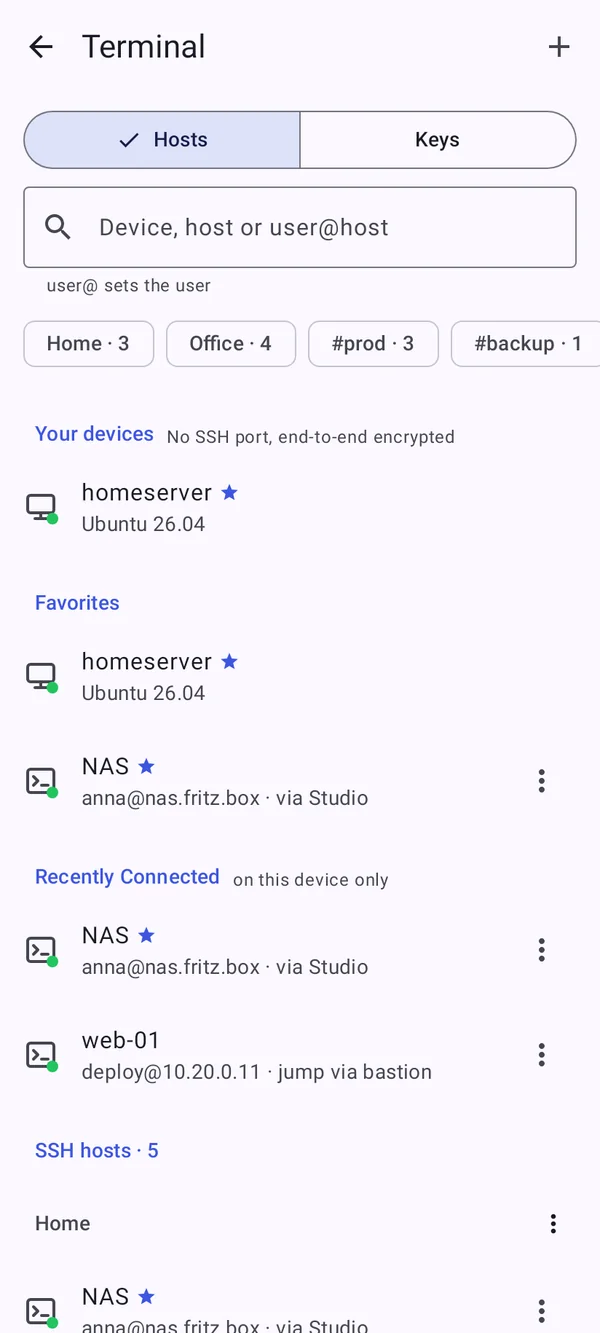
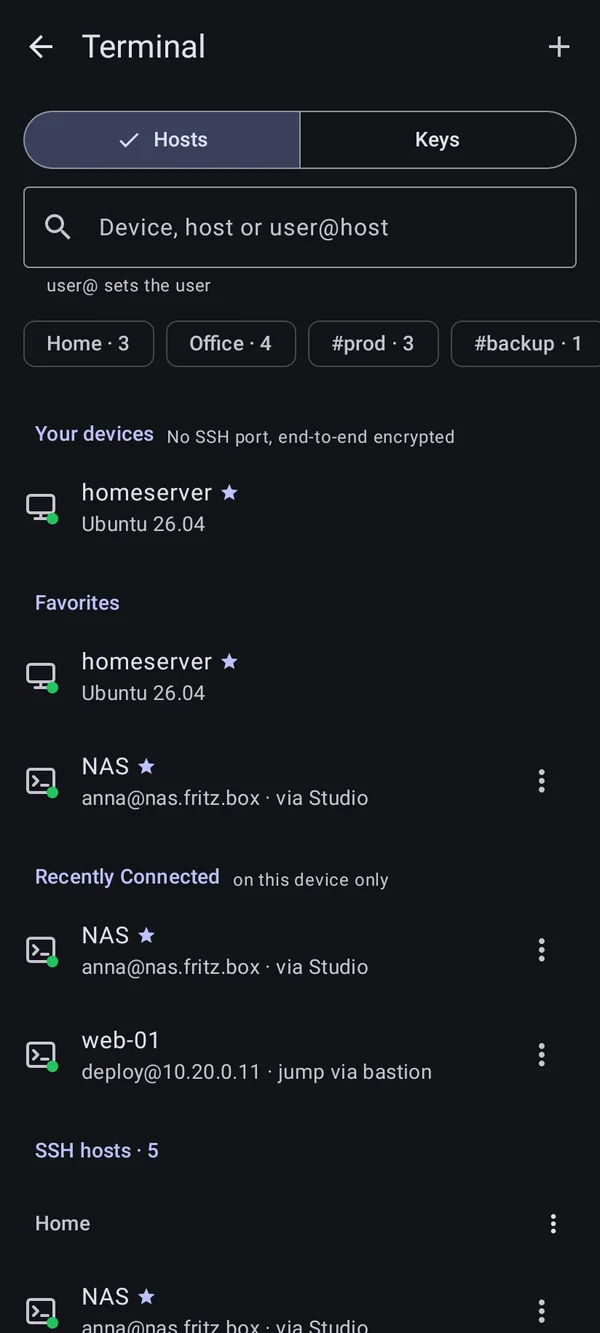
The Terminal page: your devices, favorites, recently connected and the SSH hosts in their groups with tagsThe Terminal page: your devices, favorites, recently connected and the SSH hosts in their groups with tags

Shown: Mac

Keys and trust

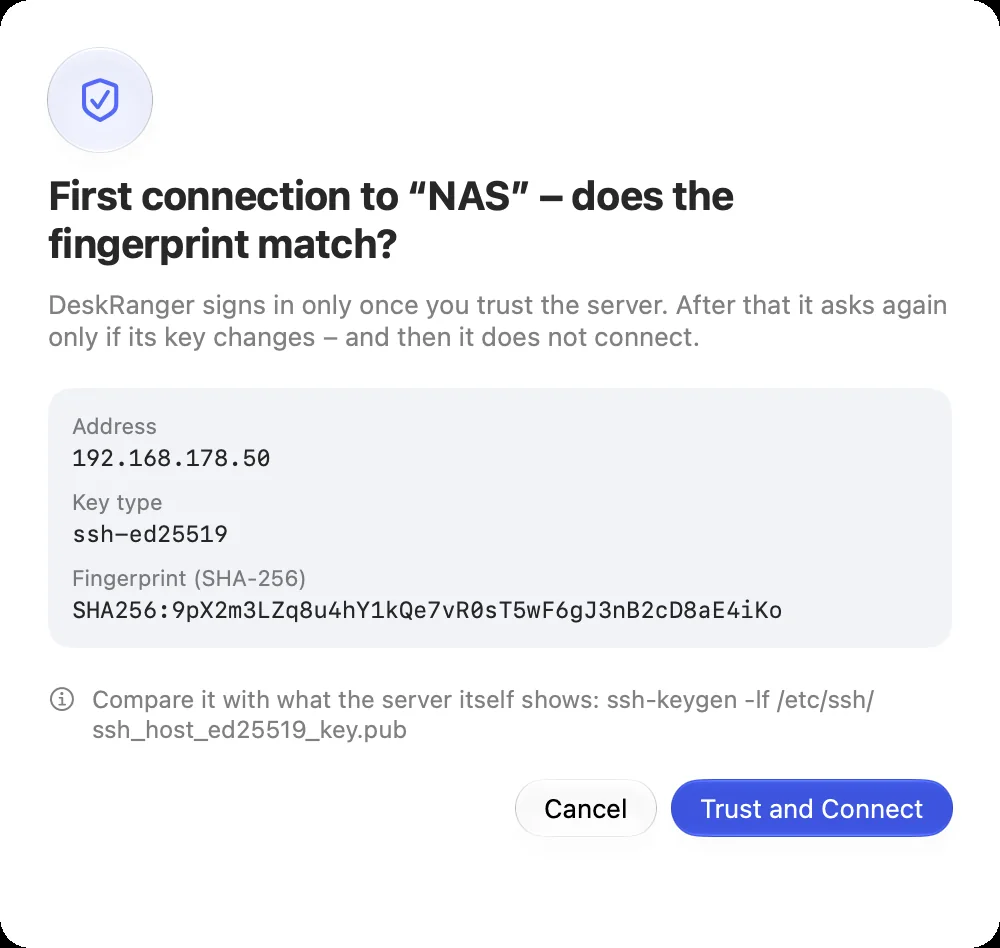
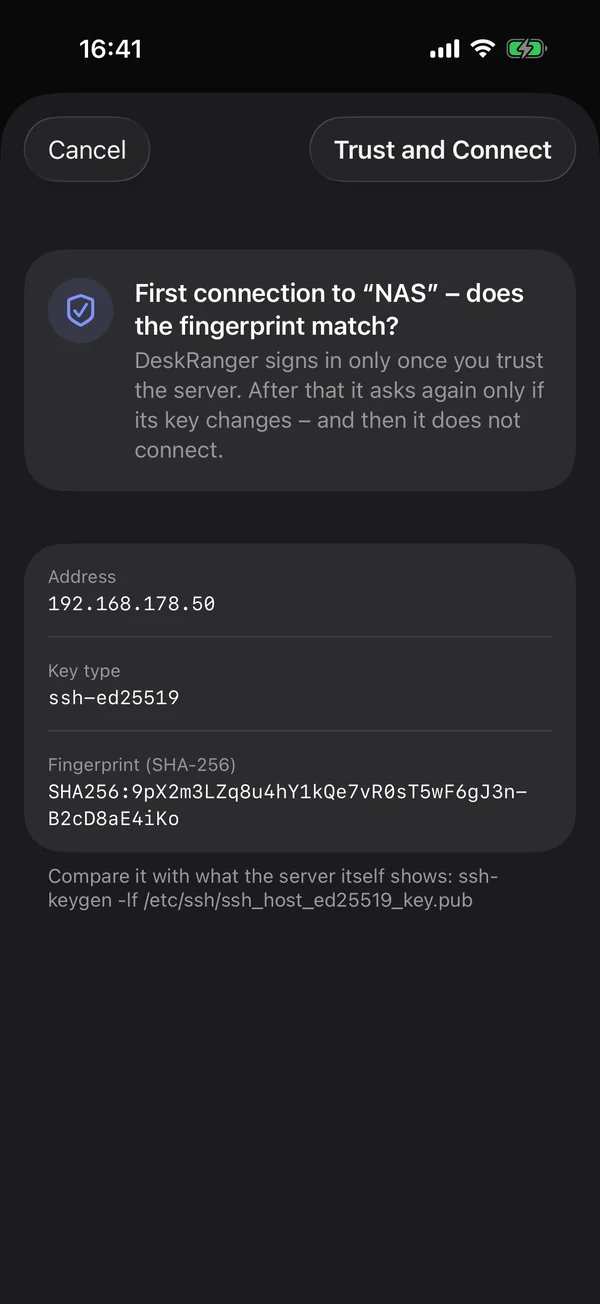
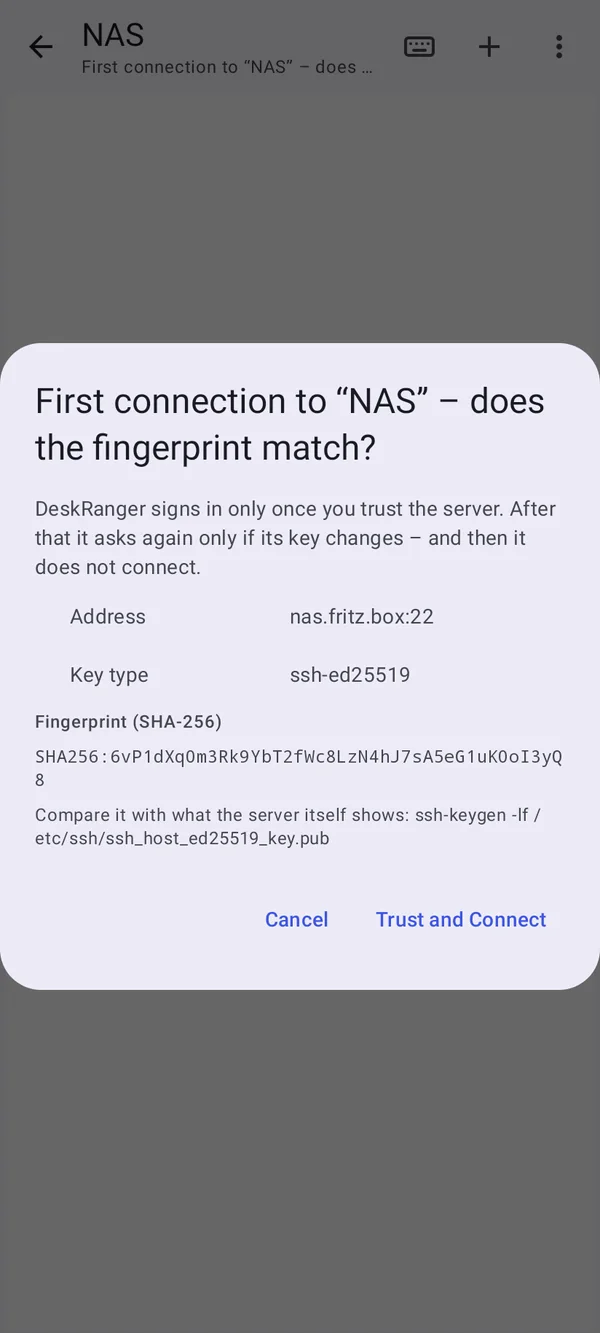
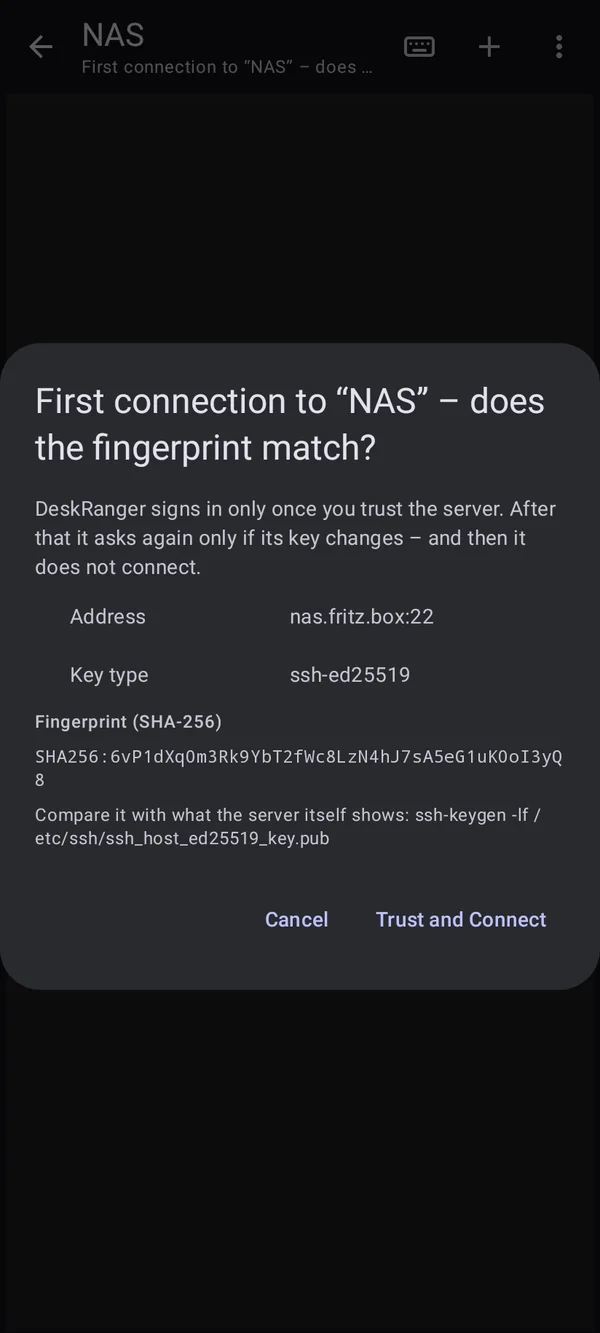
“Generate key” creates a key on this device. The private part stays there and is never synced. On first connect DeskRanger shows the server’s fingerprint; if it changes later, DeskRanger stops and shows both.

  • On the Mac also in the Secure Enclave, with confirmation on every use
  • Keys from other apps and agent forwarding: you confirm every use
  • Host certificate authorities of a group on the Mac
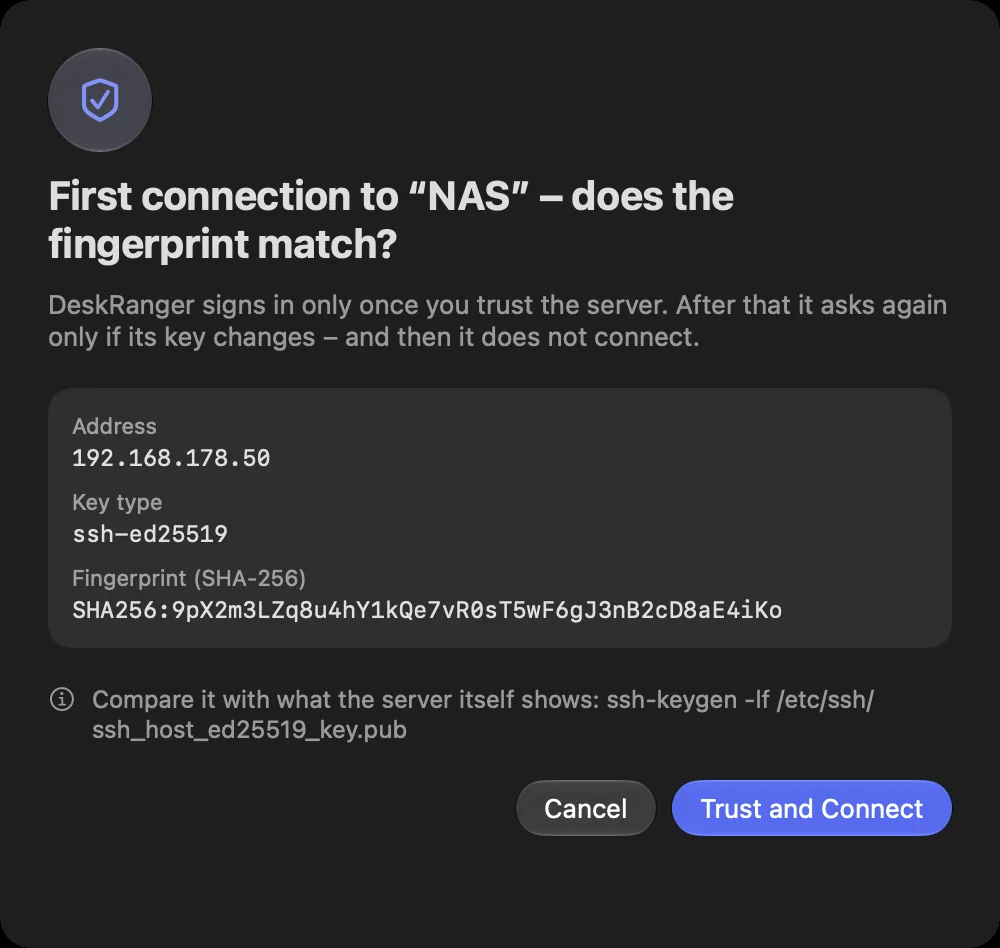
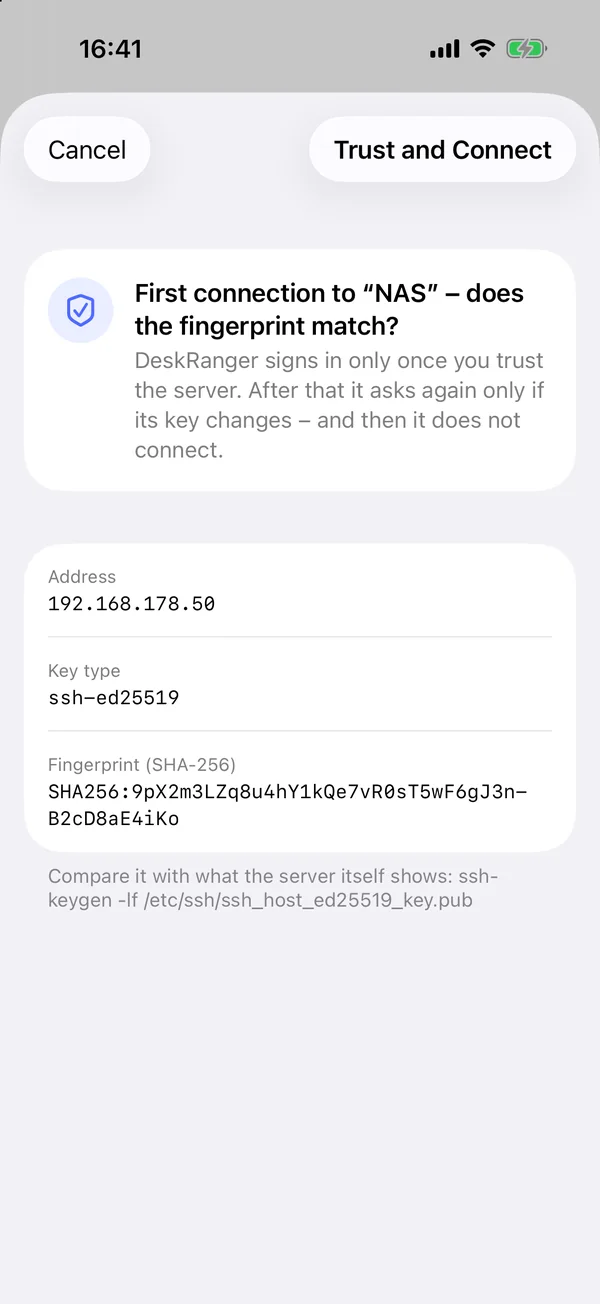
The question on the first connection: the server's address, key type and fingerprintThe question on the first connection: the server's address, key type and fingerprint

Shown: Mac

Forwards and files

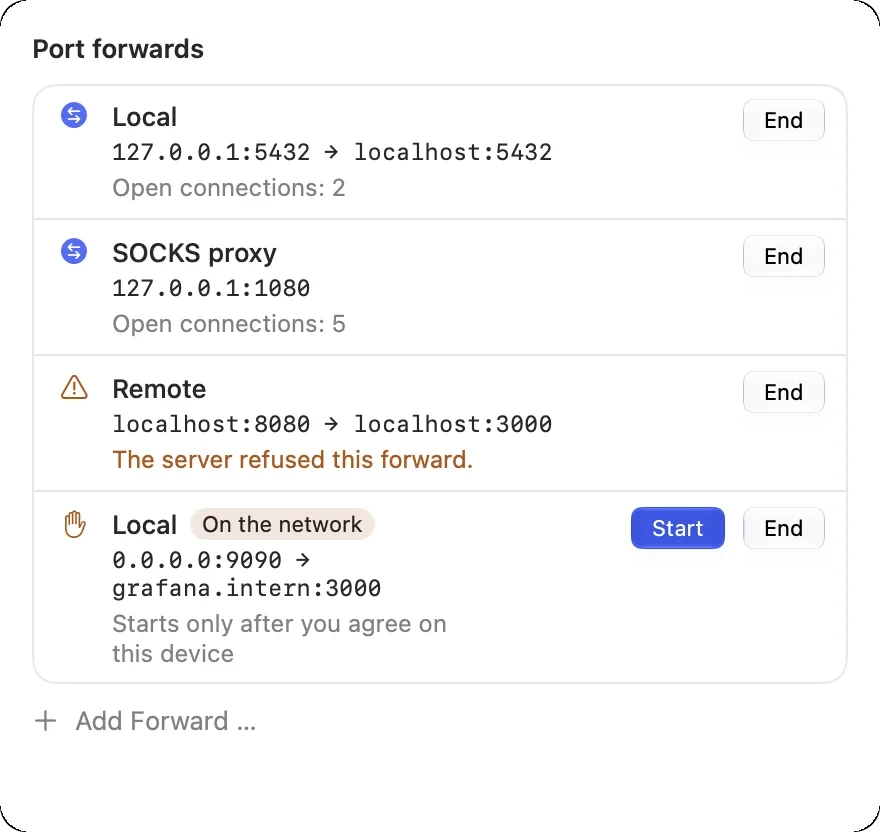
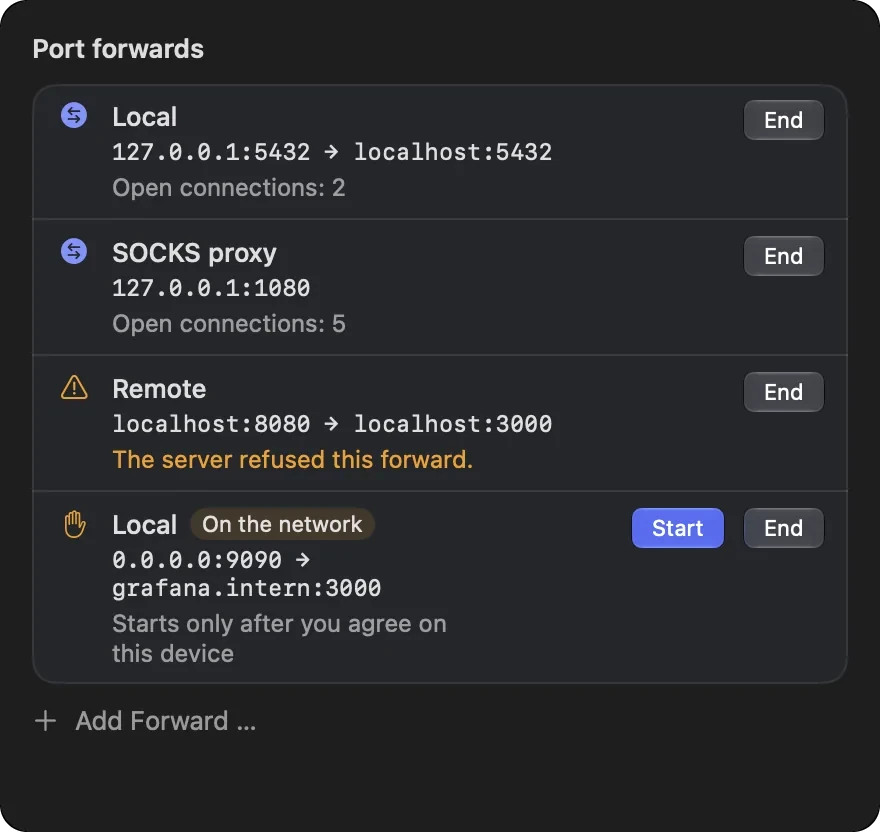
A forward lets you reach services behind a server as if they ran on your device, such as a database. You see a server’s files under “Files” in “Servers”, with the same jumps and keys as in the terminal.

  • Local, remote or dynamic as a SOCKS proxy
  • Rename, move, delete: Mac and Windows; Android uploads and downloads
A terminal window's port forwards: local to the database, a SOCKS proxy, one the server refused and one shared on the network that waits for “Start” on this deviceA terminal window's port forwards: local to the database, a SOCKS proxy, one the server refused and one shared on the network that waits for “Start” on this device

Shown: Mac

Fast, with tabs and profiles

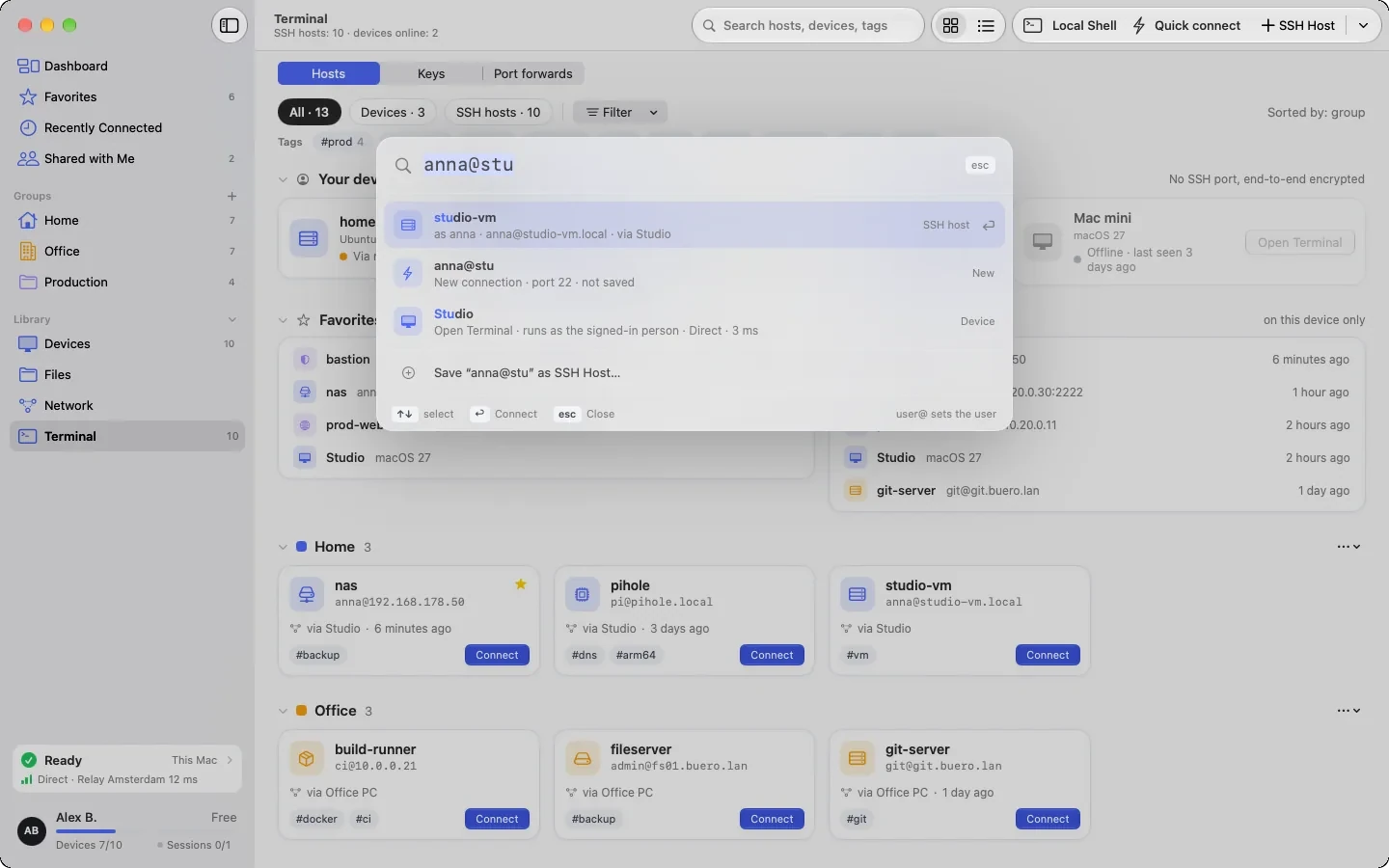
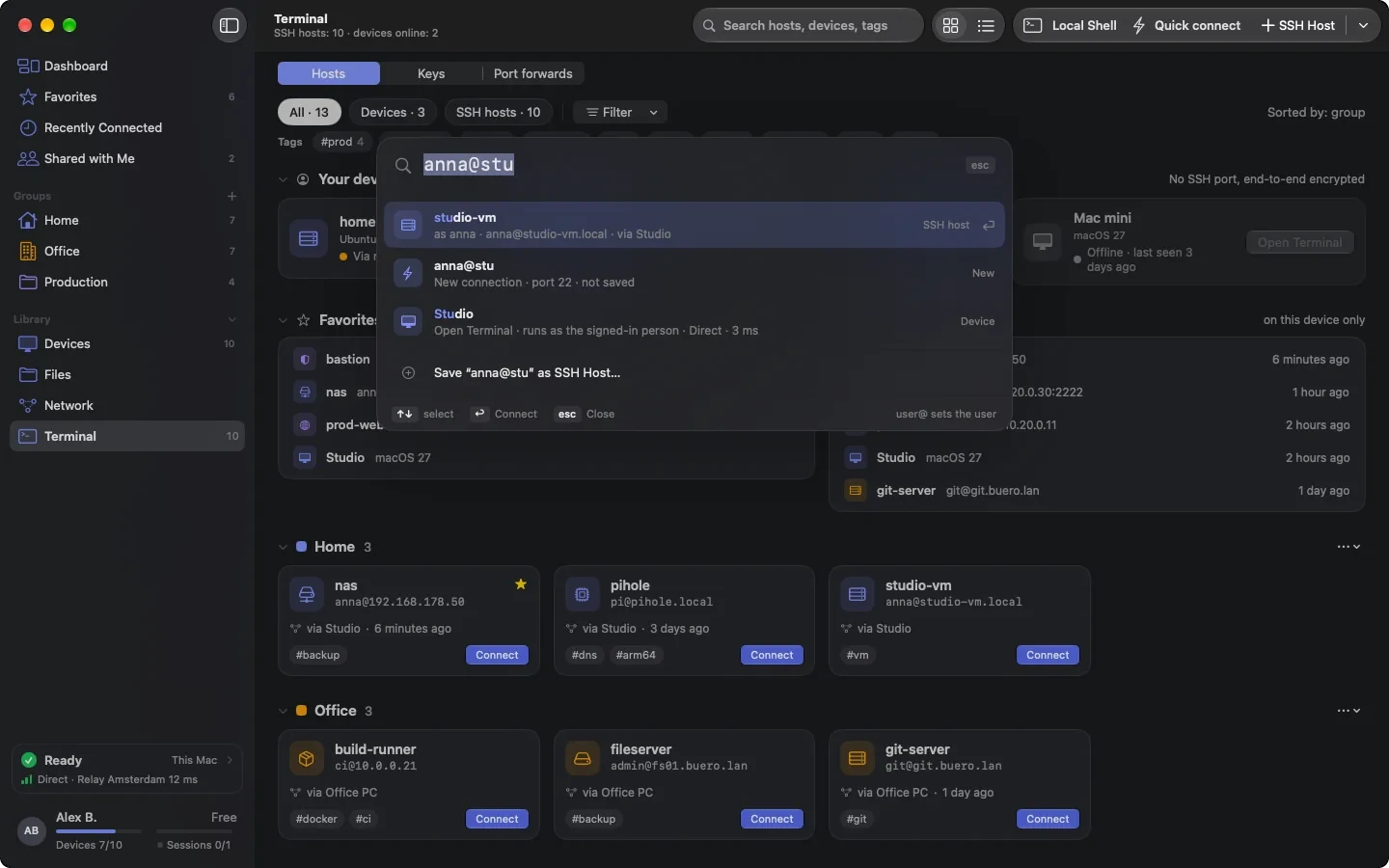
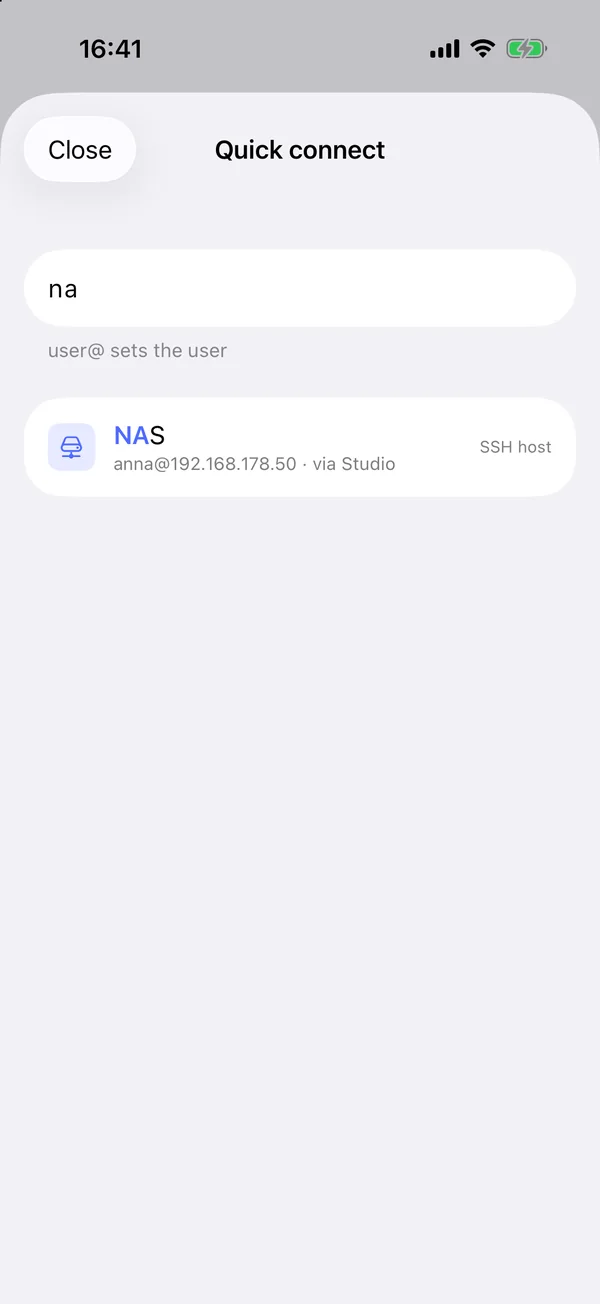
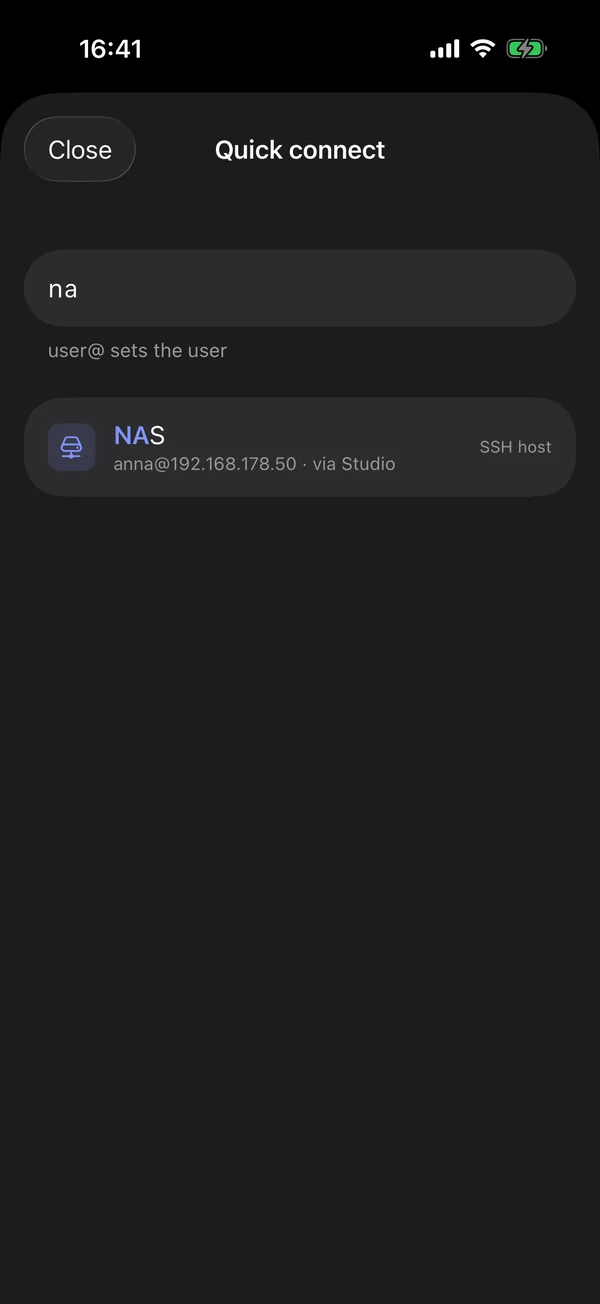
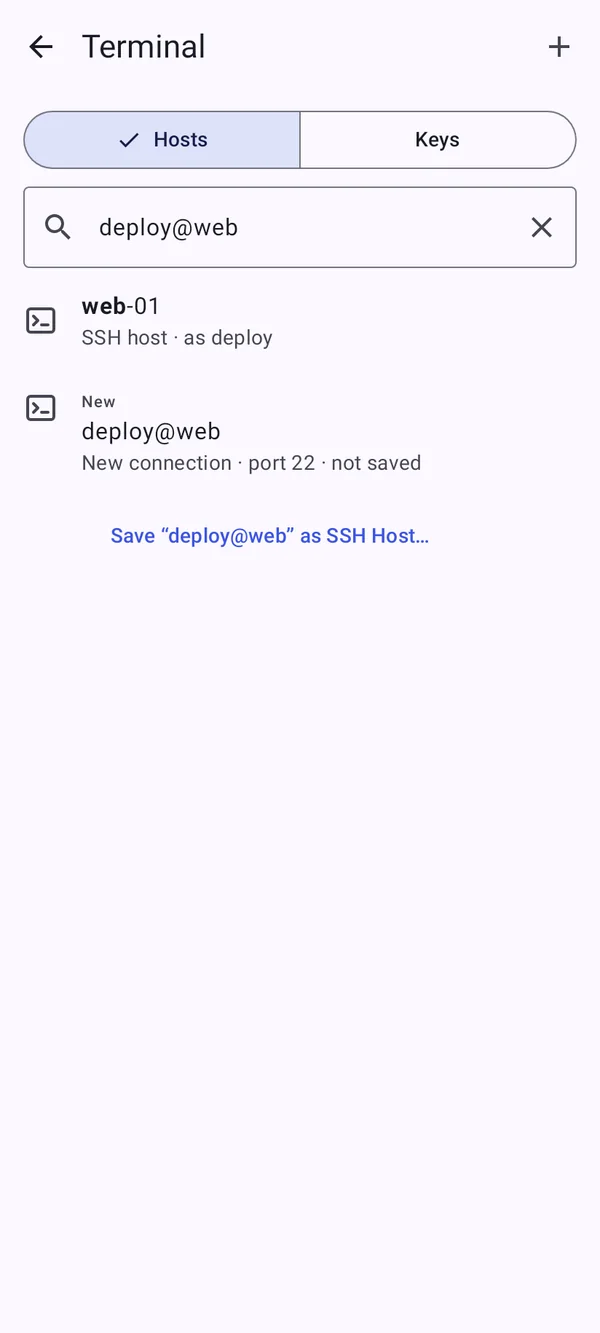
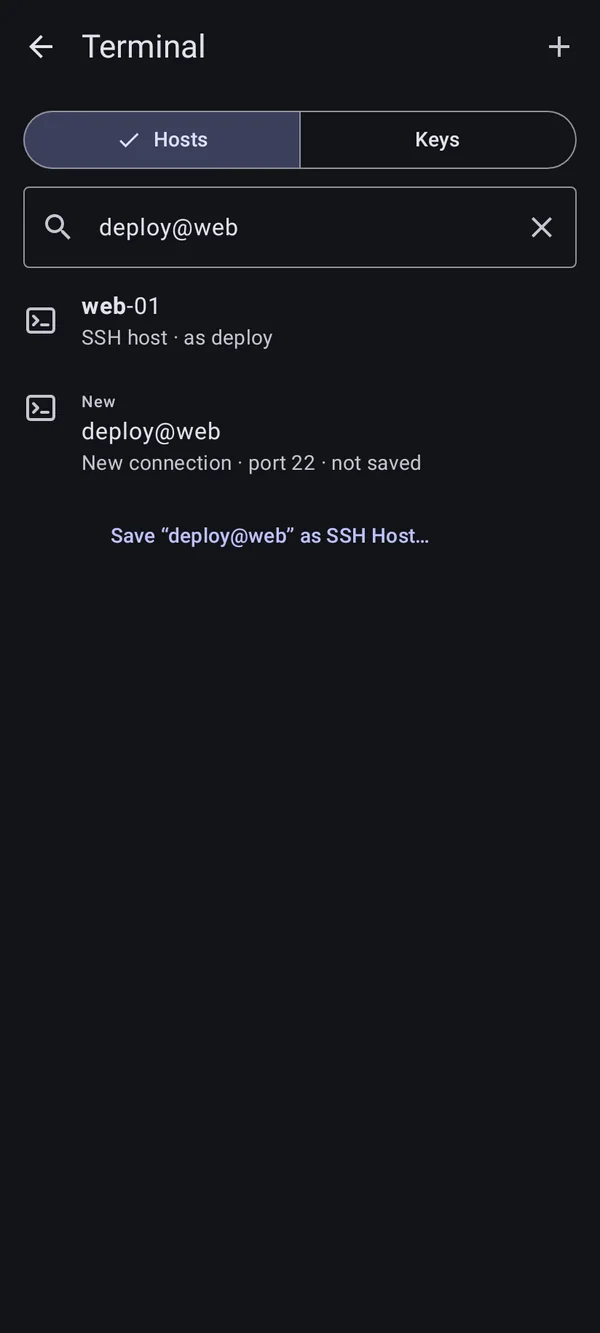
With ⌘K or Ctrl+K quick connect finds a host, a device or a new connection. A profile decides how a terminal looks: colour scheme, font, ligatures, cursor and the length of the scrollback.

  • Snippets are inserted, not run; “Run immediately” changes that
  • Send input to several sessions: off until you switch it on
  • A local shell exists on Mac, Windows and Linux, not on Android
Quick connect with ⌘K: “anna@stu” finds an SSH host, a new connection and an own deviceQuick connect with ⌘K: “anna@stu” finds an SSH host, a new connection and an own device

Shown: Mac

Still to come 即将推出

  • SSH keys on security keys (FIDO2)
  • Recording terminal sessions
  • Shared host groups in Team

Everything step by step, for every platform:

Terminal and SSH

常见问题

Do I need an open port or SSH?

Not for your own devices with DeskRanger. You need SSH only for other servers such as a NAS, a Raspberry Pi or a server in a data centre.

Can a program in the shell read my clipboard?

No. Programs in the shell may put text on the clipboard of the device you sit at, but can never read it.