Help

Help with a support code

The other person gives you a nine-digit support code and visibly allows the session on their own device. They can end it at any time. The person who needs help does not need an account.

FreemacOS · Windows · Linux · Android · iOS / iPadOS · Web
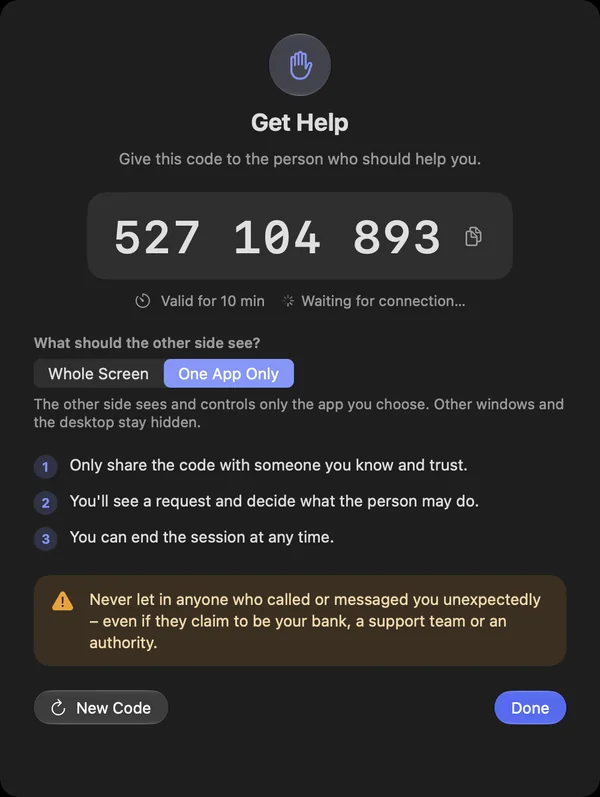
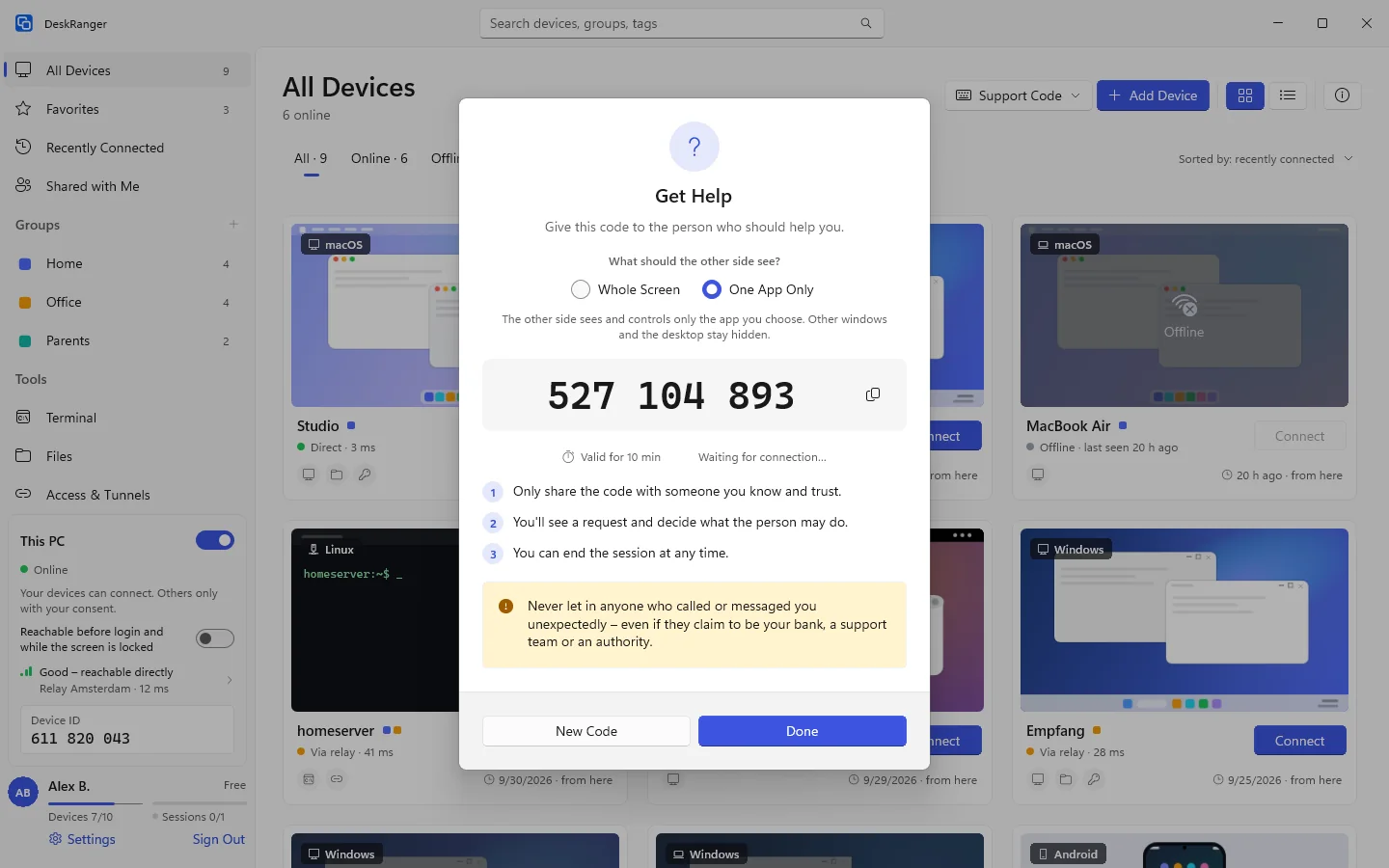
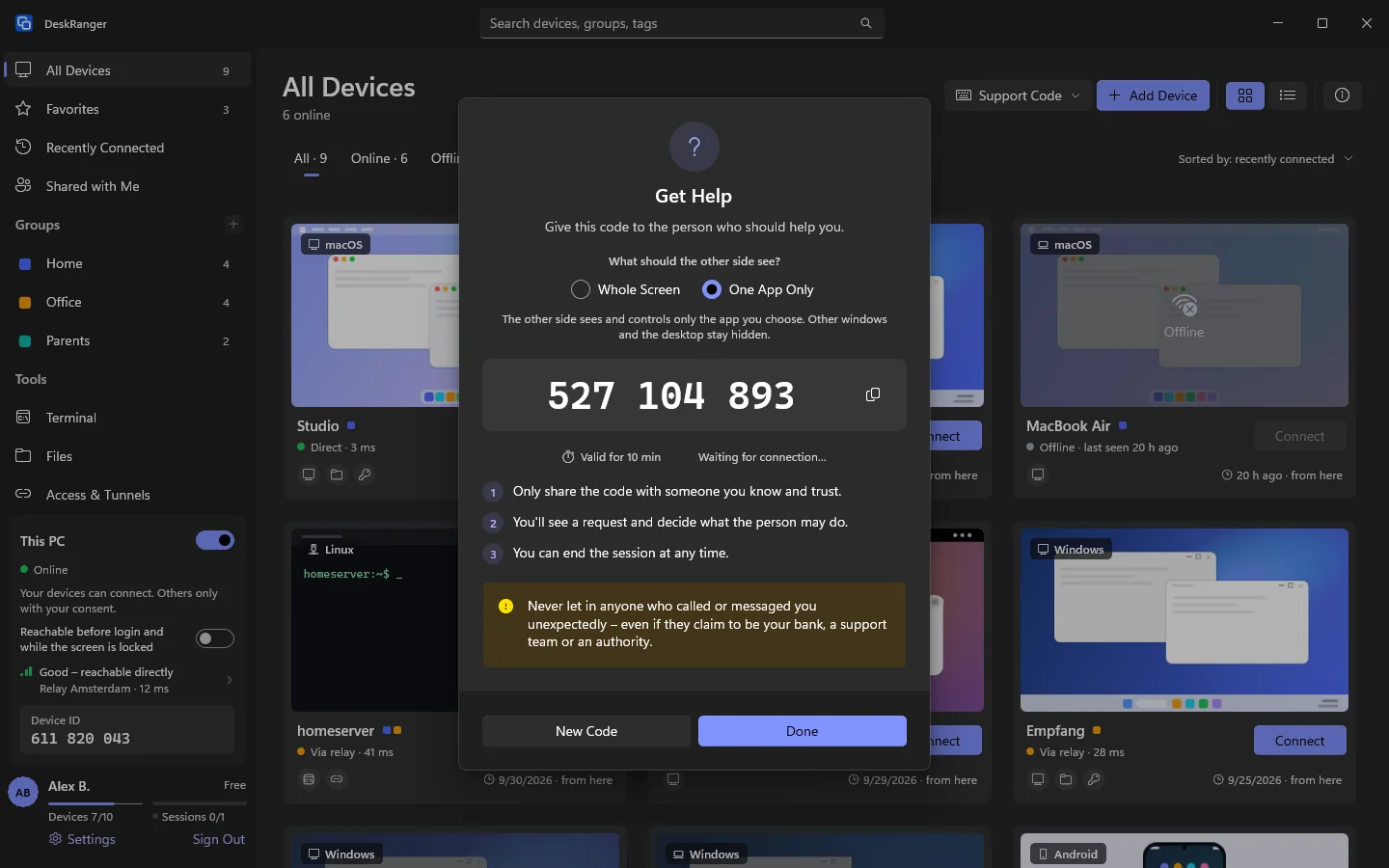
“Get Help” with the code and the choice “One App Only”“Get Help” with the code and the choice “One App Only”

Shown: Windows

What you do with it

See it on

Get help: one code

You get help with a single number: the „Hilfe erhalten“ view shows a large nine-digit number. It is valid for 10 minutes and for one connection only. „Vorlesen“ reads it out, copying works too. You do not need an account for it.

  • On Mac, Windows, Linux and Android; iPhone and iPad use „Bildschirm zeigen“
  • The first time, DeskRanger sets up the permissions
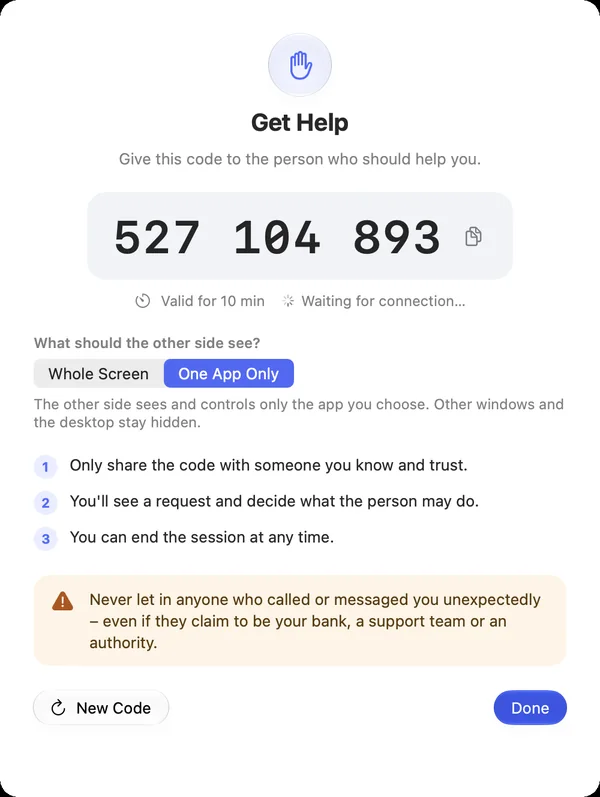
“Get Help” with the code and the choice “One App Only”“Get Help” with the code and the choice “One App Only”

Shown: Mac

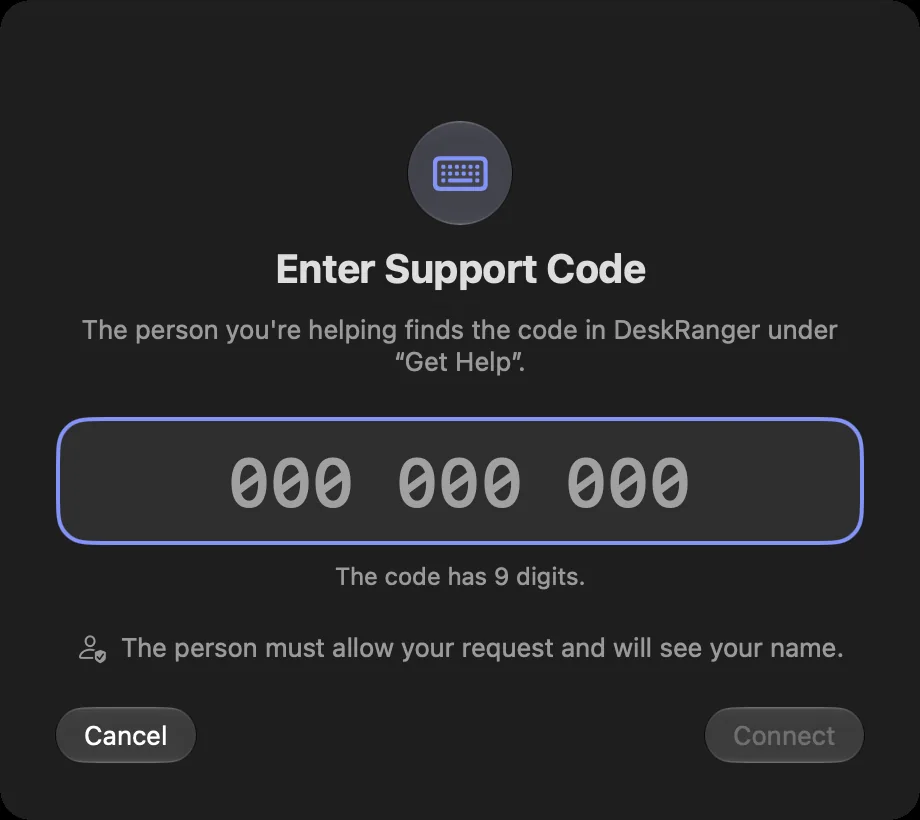
Give help: enter the code

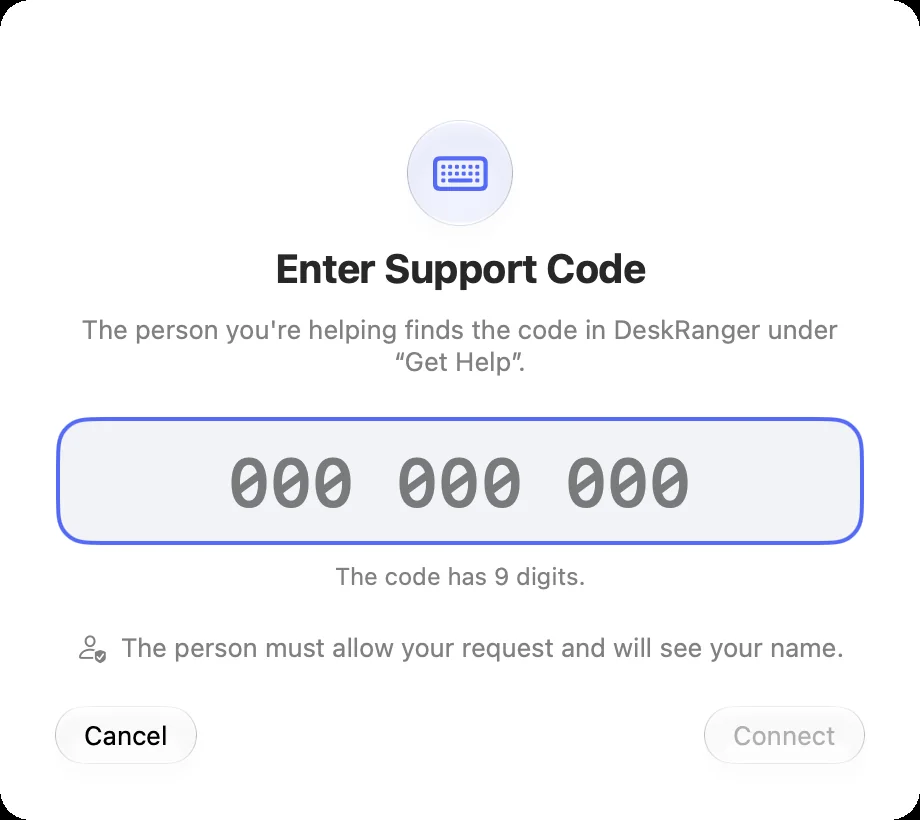
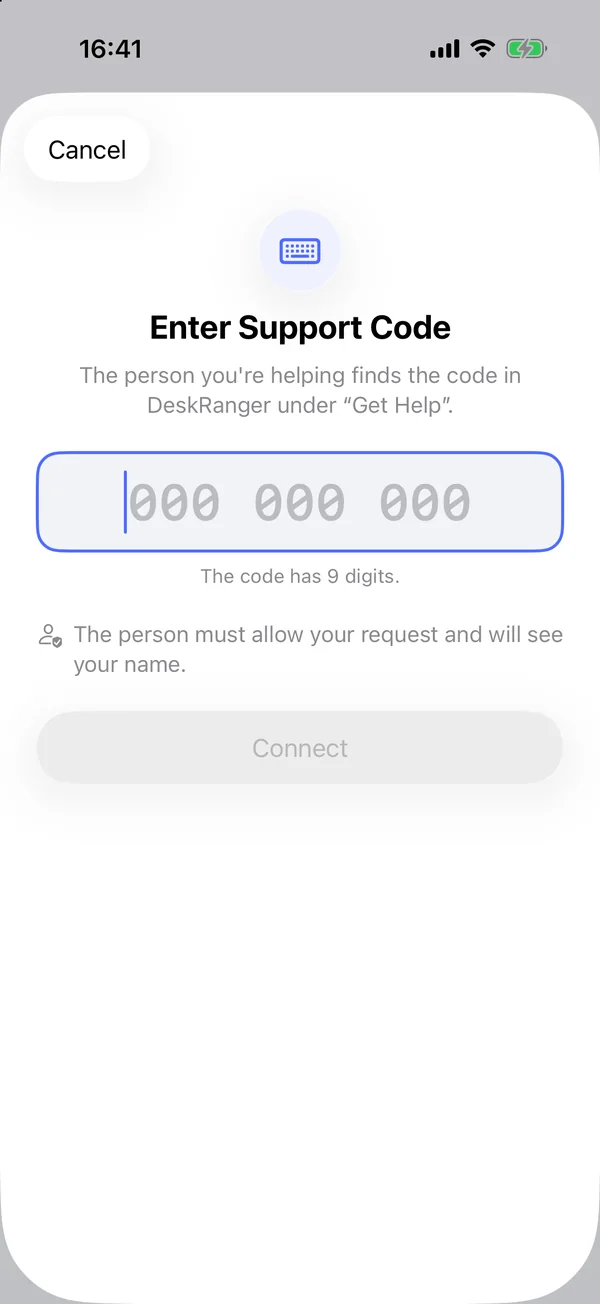
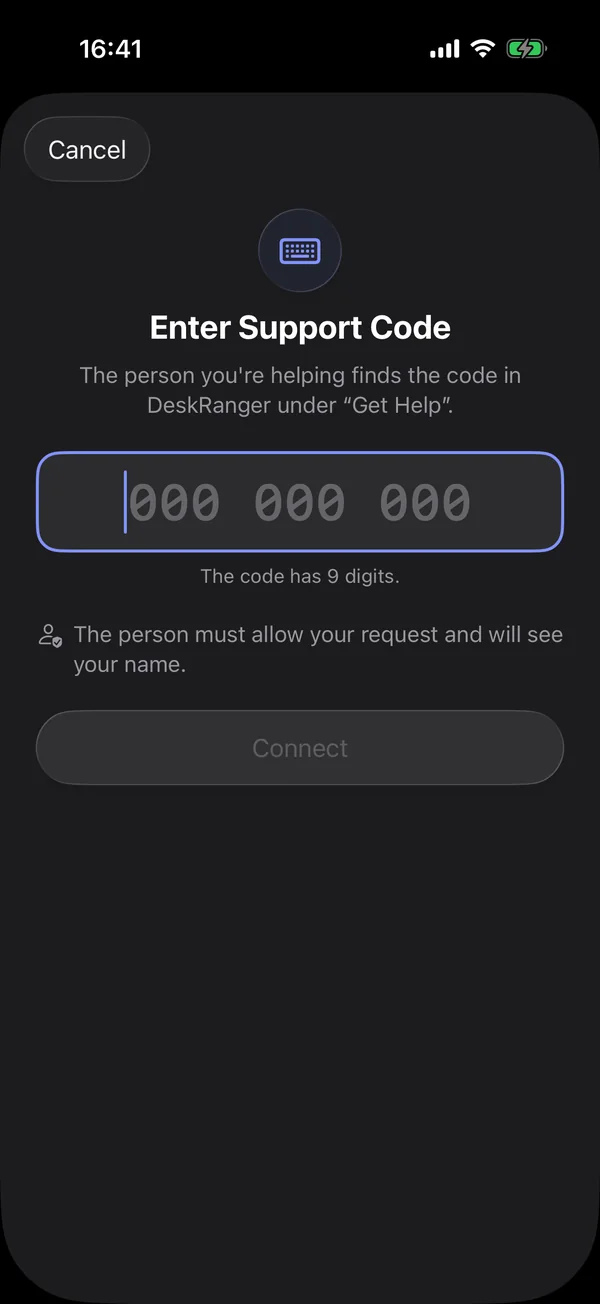
You help with the other person’s code: in „Hilfe geben“ you sign in briefly once so they see who is helping, enter the nine digits and click „Verbinden“. If they do not have DeskRanger yet you send a link with a ready text.

  • Also in the web console under „Hilfe geben“
  • The people you helped are listed on this device only and can be deleted
Enter a support codeEnter a support code

Shown: Mac

The person allows it

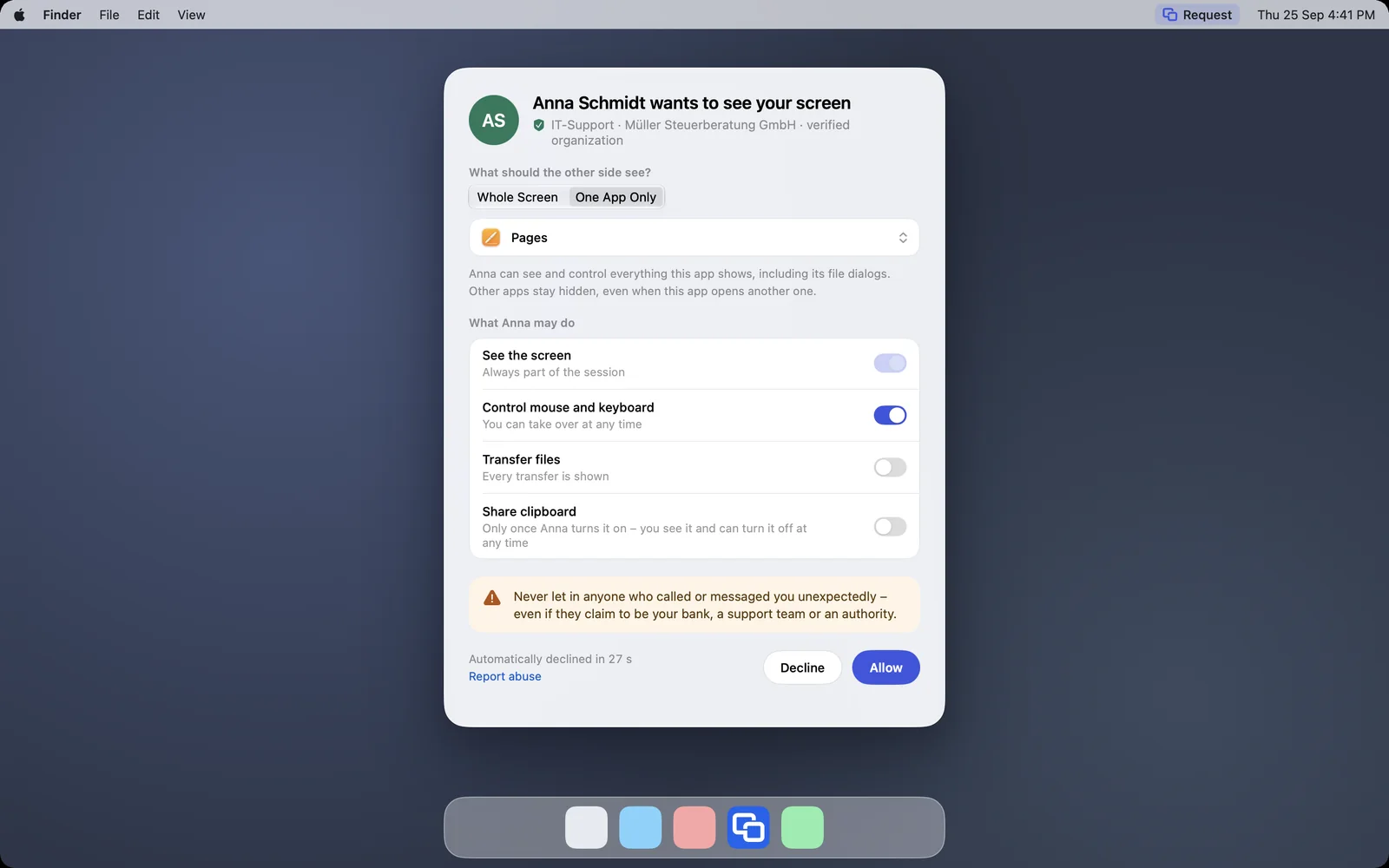
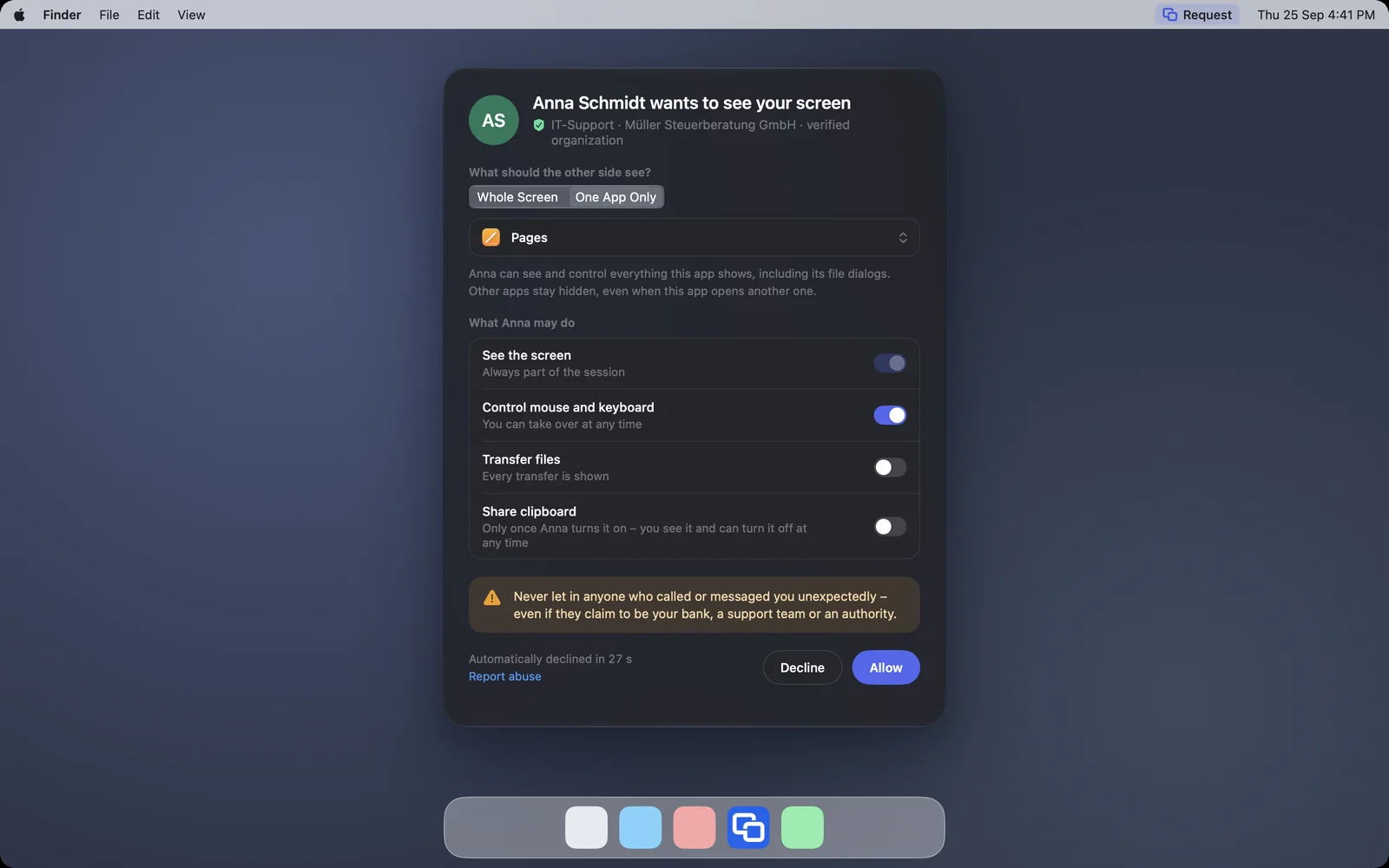
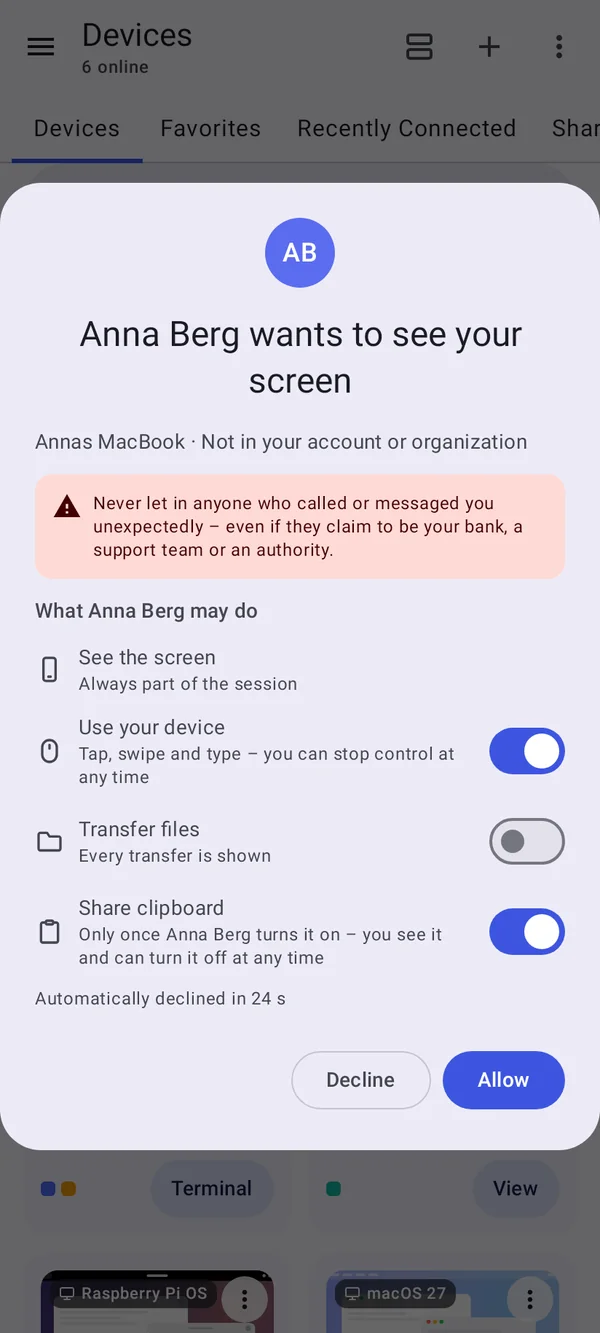
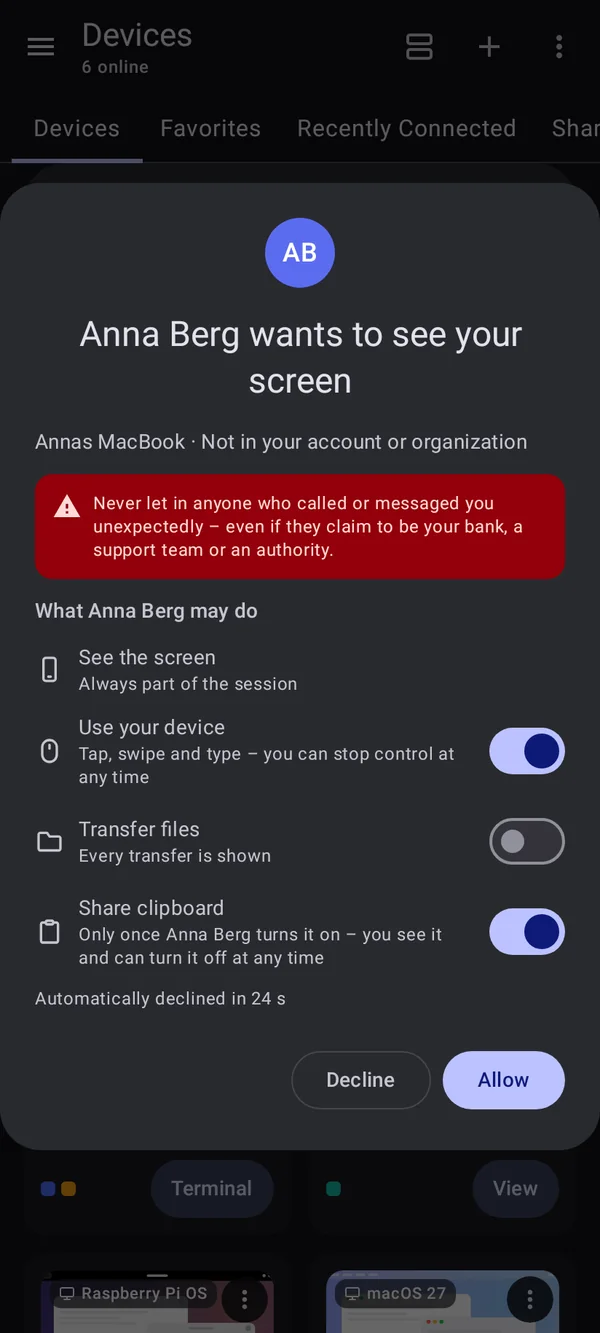
The request shows the helper’s name. The person decides what you may do: seeing the screen is always included; they switch „Maus und Tastatur steuern“, „Dateien übertragen“ and „Zwischenablage teilen“ on one by one. Files are off at first.

  • 每个来自账户之外的请求都附有提醒:只允许认识的人
  • The helper hears sound only if „Ton übertragen“ is ticked
  • A helper's new account is shown with its date
The request with “One App Only” and the chosen app PagesThe request with “One App Only” and the chosen app Pages

Shown: Mac

Always visible, can be ended at any time

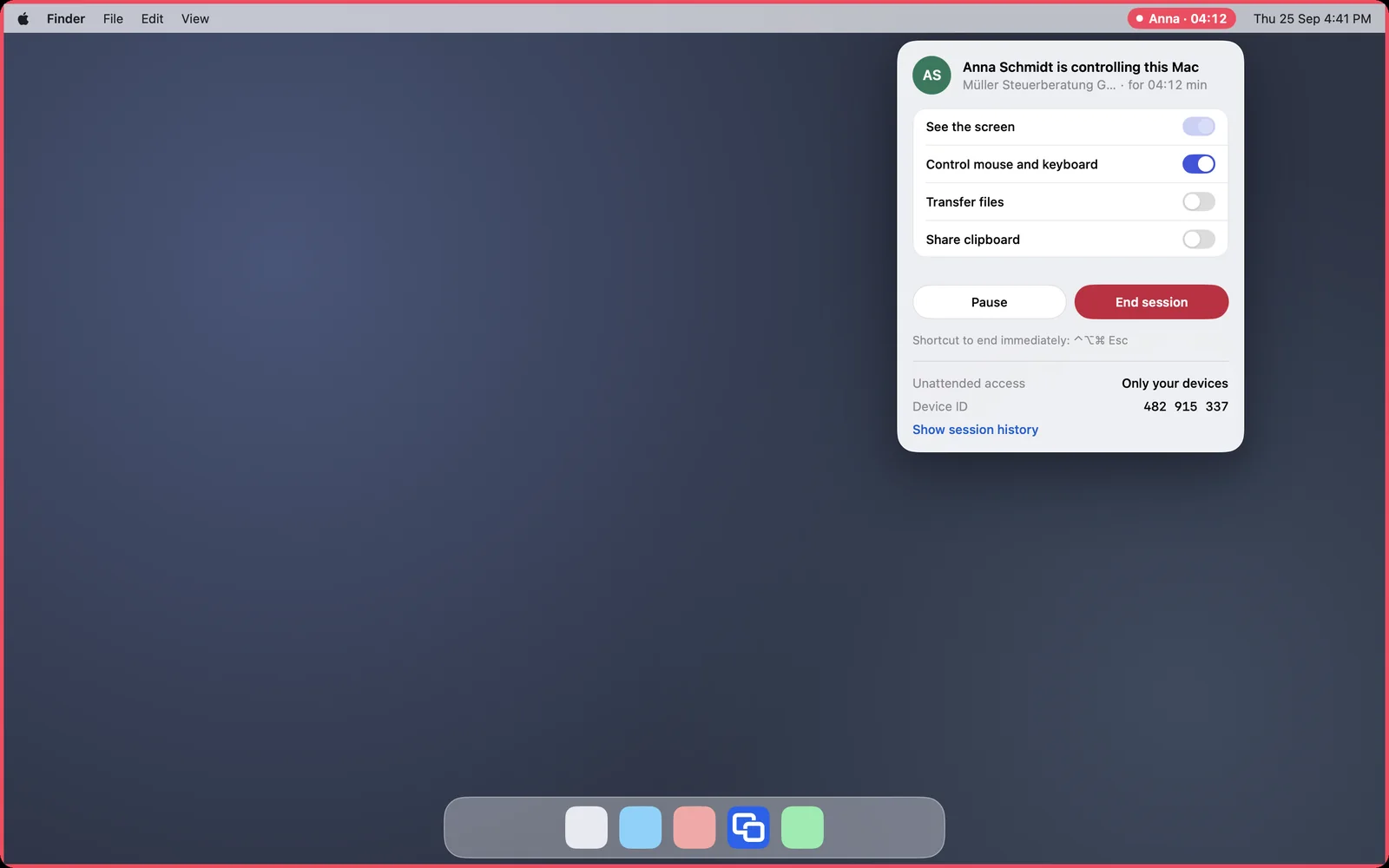
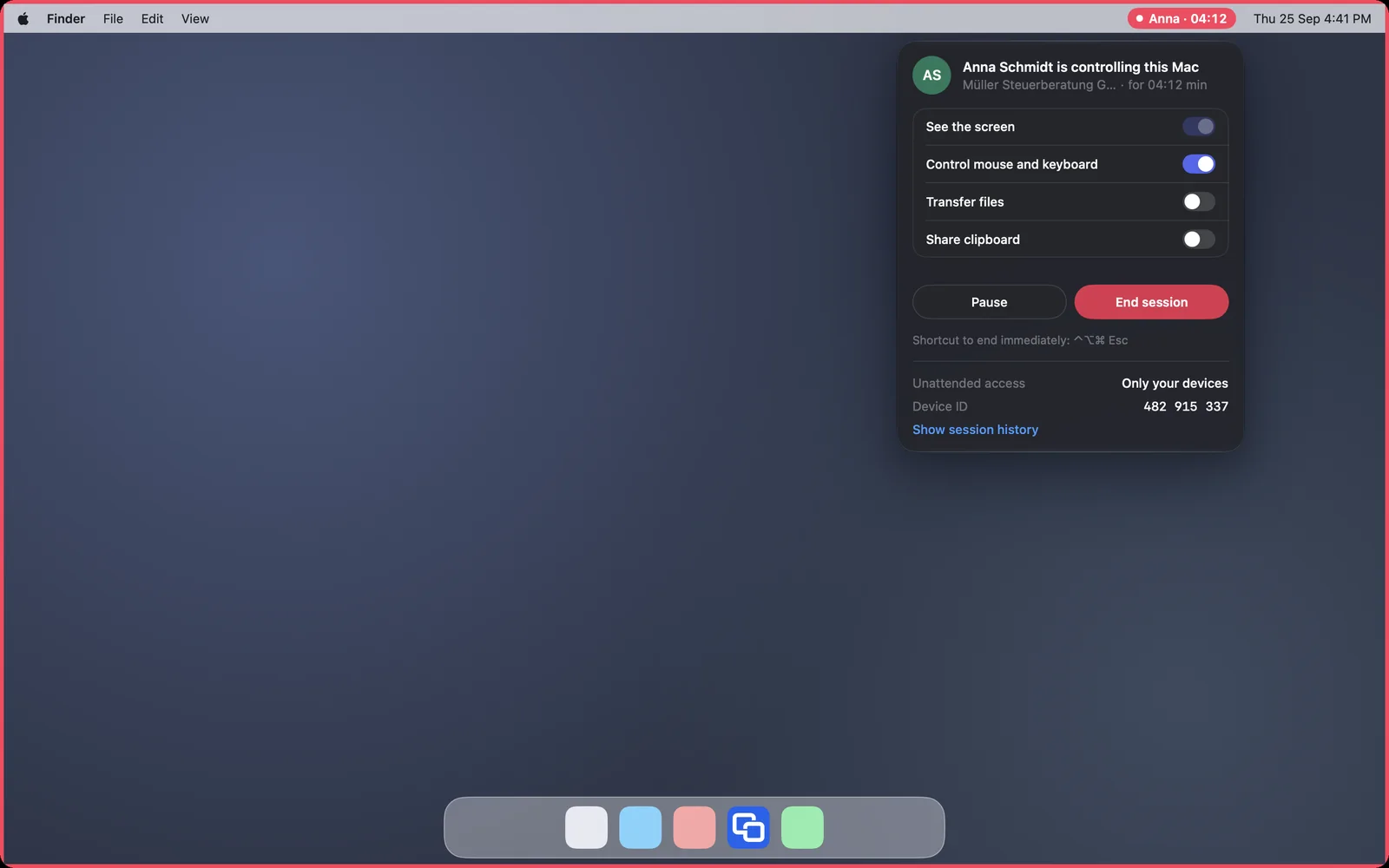
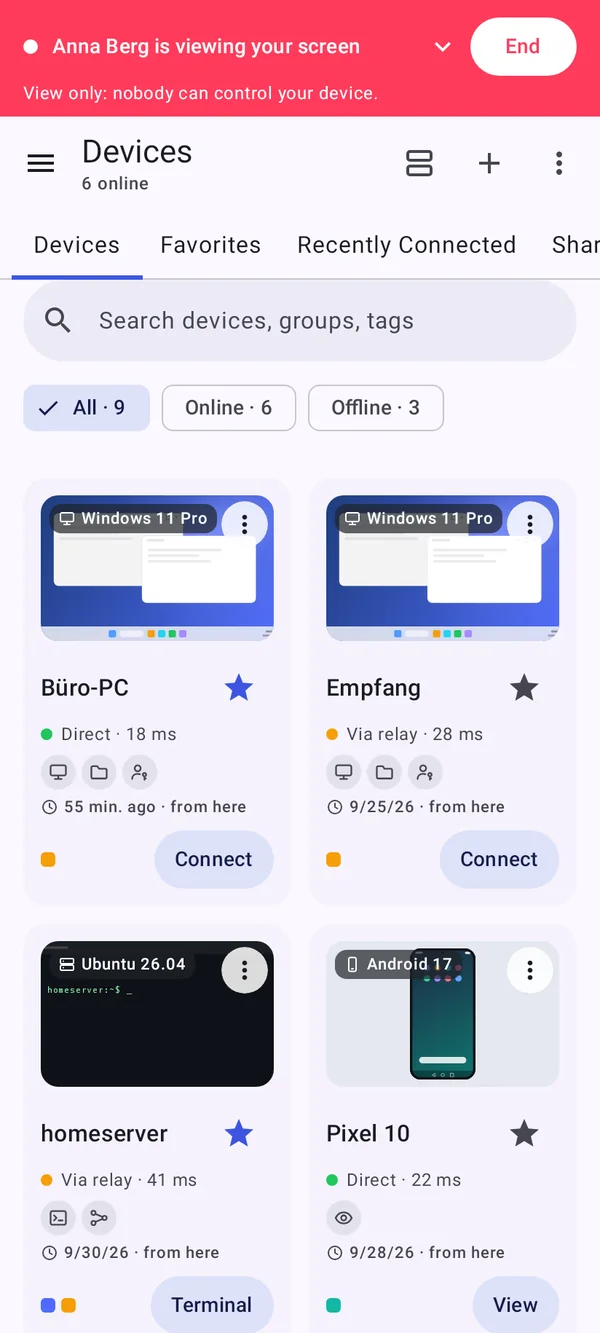
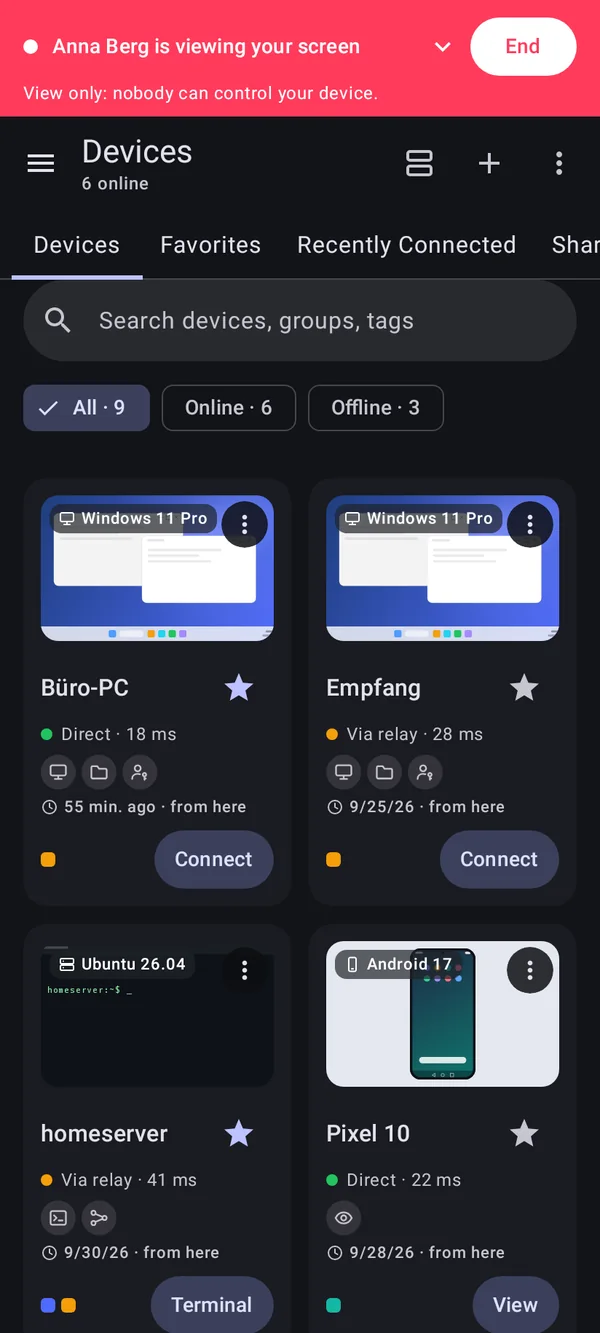
During help the Mac shows a red frame and the name in the menu bar. There the person pauses, switches rights off or ends it. Ending at once works on the Mac with ⌃⌥⌘ Esc. On Android a red bar shows who is watching.

  • More rights exist only at the device itself, never from within the session
  • While someone is helping, nobody can pull the device into an account
The Mac during a session: red menu bar indicator and red frameThe Mac during a session: red menu bar indicator and red frame

Shown: Mac

For a single app too

Whoever asks for help can choose „Nur eine App teilen“. The helper then sees only that app.

“Get Help” with the code and the choice “One App Only”“Get Help” with the code and the choice “One App Only”

Shown: Mac

Everything step by step, for every platform:

Help someone with a support code

常见问题

Does help with a support code cost anything?

No, it is included in Free.

对方使用 iPhone 时我也能协助吗?

可以观看:iPhone 或 iPad 通过支持码共享屏幕。iOS 不允许远程控制。