Work

Clipboard

Copied text travels between your devices, visible to both sides and switchable off at any time.

FreemacOS · Windows · Linux · Android · iOS / iPadOS · Web
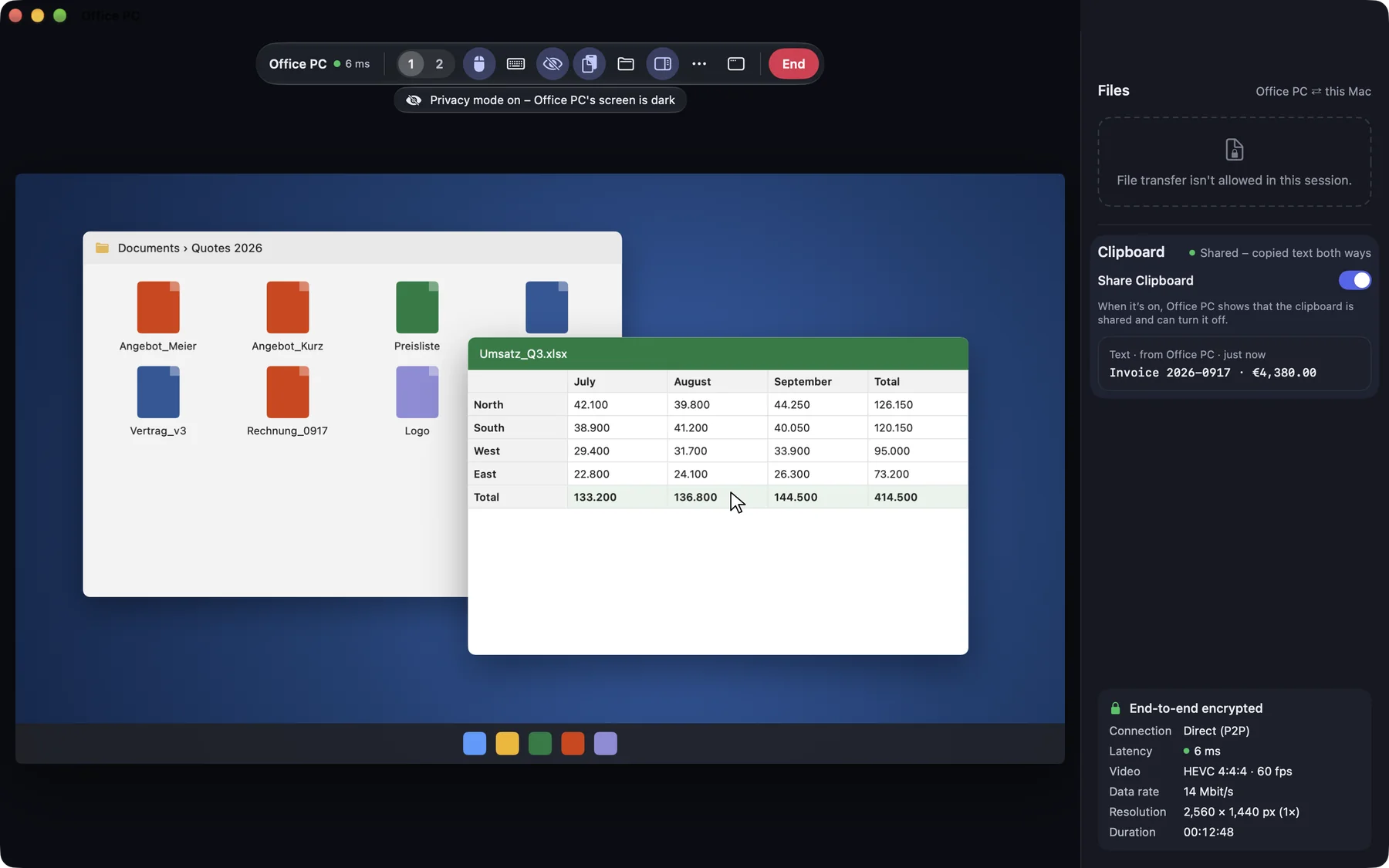
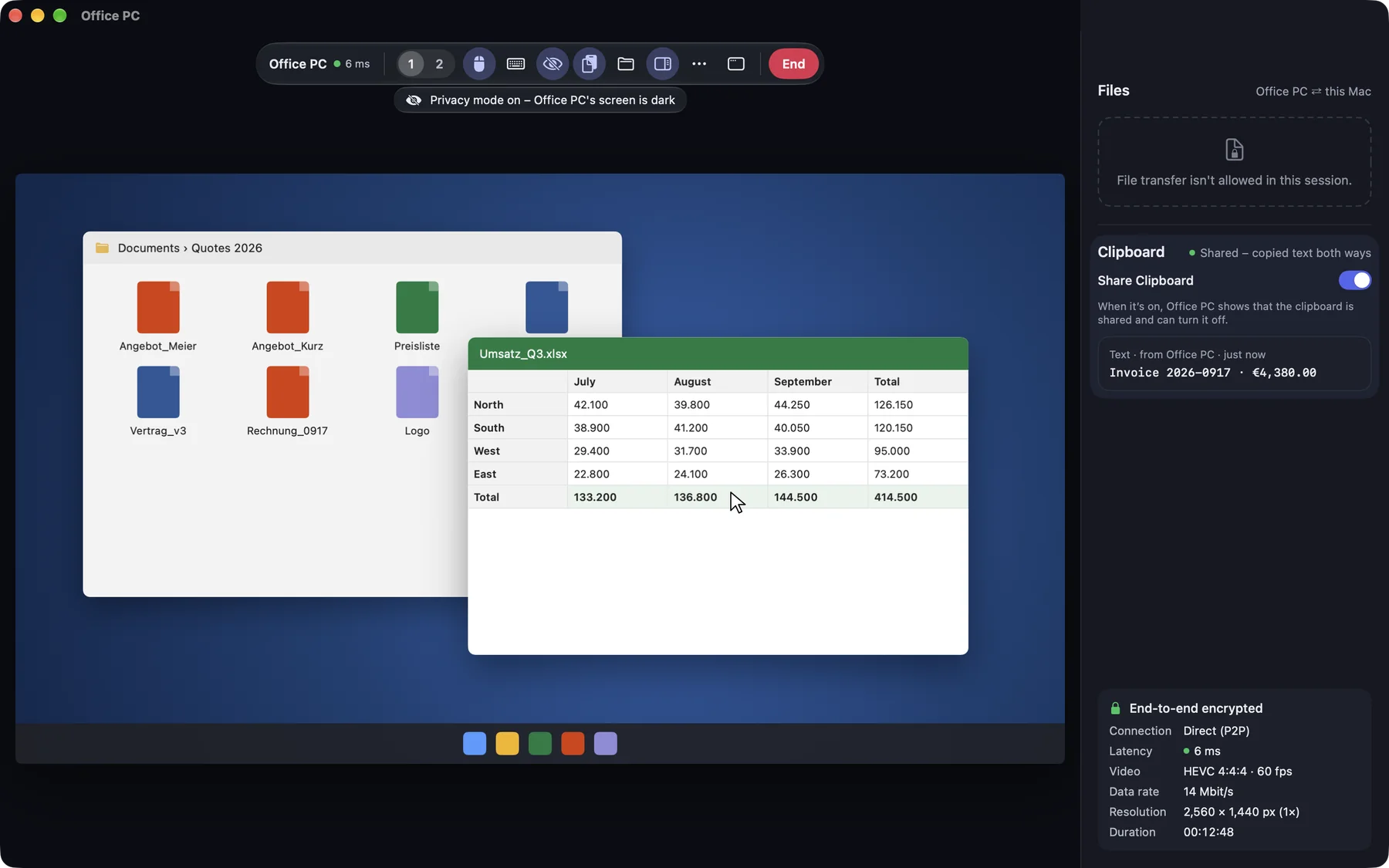
The side panel with the switch “Share Clipboard”The side panel with the switch “Share Clipboard”

Shown: Mac

What you do with it

See it on

Text back and forth

What you copy on one device you paste on the other, in both directions. Text up to 1 MB goes across; you send files with file transfer. With “Share clipboard” you switch it on and off in the session.

  • Between your own devices the switch is on from the start
  • In support sessions and with other accounts it is off until somebody switches it on
  • What was copied before switching on stays where it is
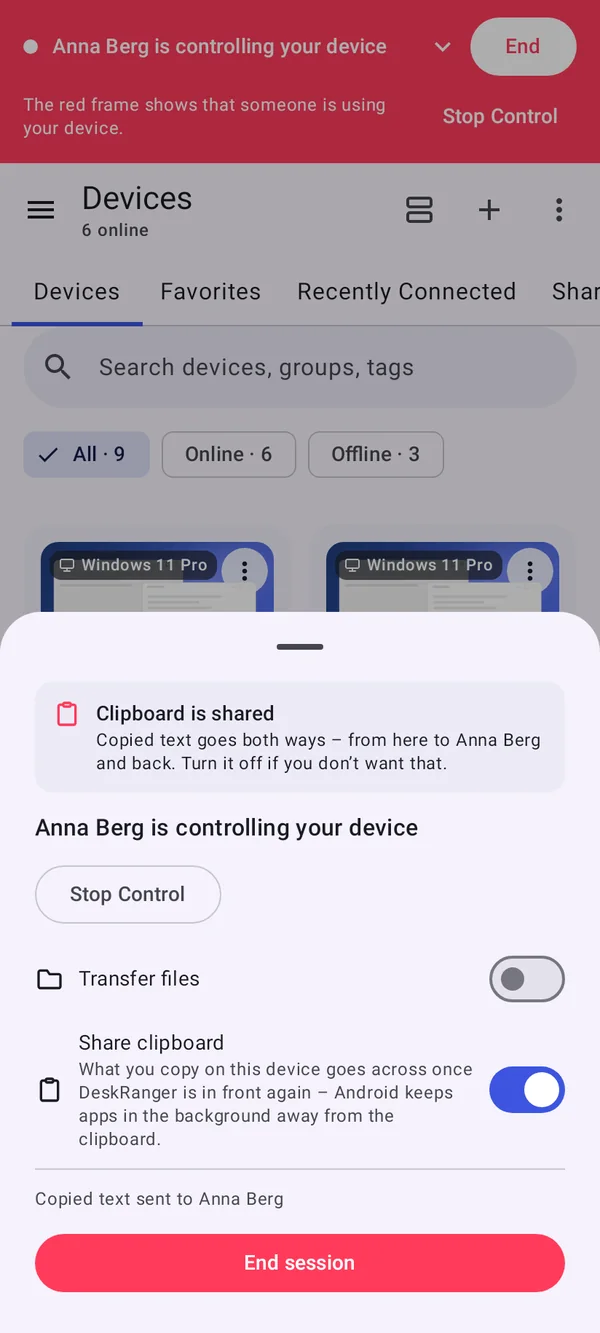
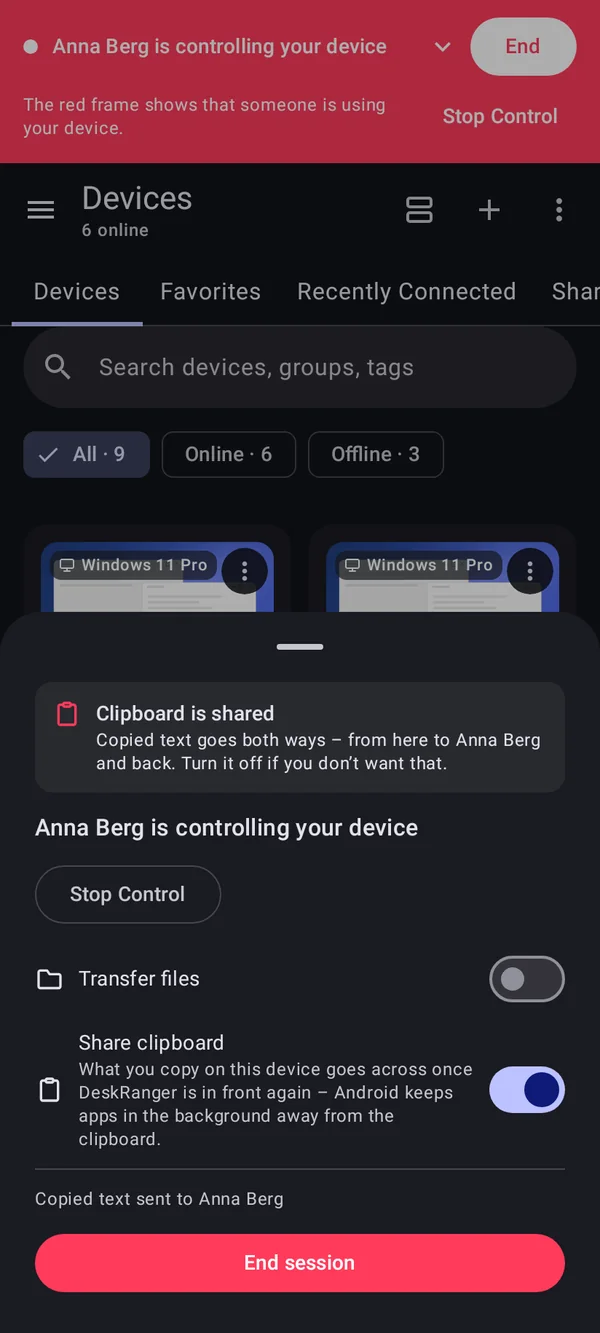
A tap on the red bar: “Clipboard is shared” and the switch “Share clipboard”A tap on the red bar: “Clipboard is shared” and the switch “Share clipboard”

Shown: Android

The other side sees it

The person at the other device can see that the clipboard is shared: the red indicator shows a sign for it. They can switch sharing off at any time, and only they can switch it on again there.

  • Mac: menu bar, Windows: notification area, Android: red bar
  • With the DeskRanger service only while someone is signed in at the PC
A tap on the red bar: “Clipboard is shared” and the switch “Share clipboard”A tap on the red bar: “Clipboard is shared” and the switch “Share clipboard”

Shown: Android

Browser, iPhone and Android

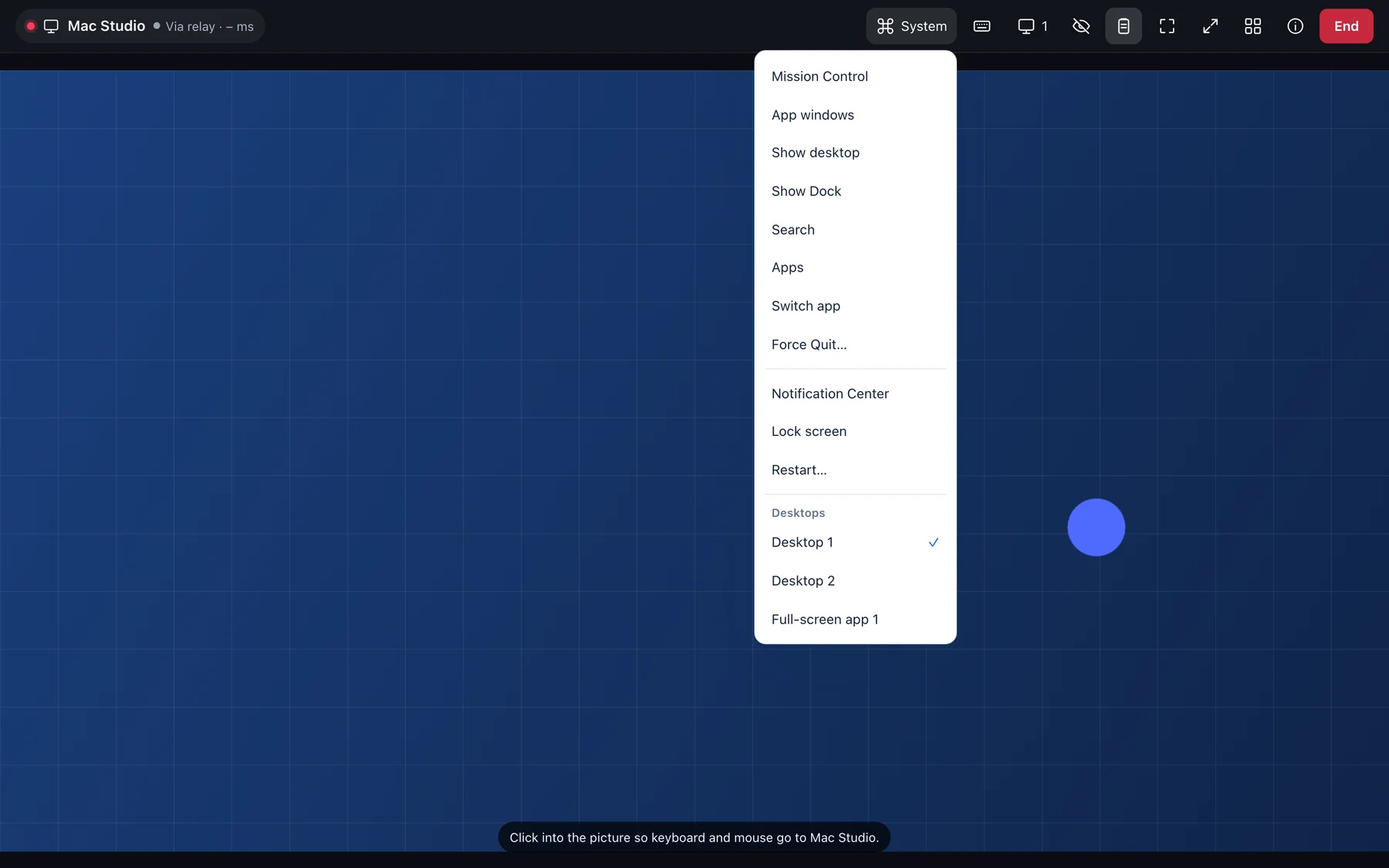
You share text in the browser, on the iPhone and on Android too. In the browser it goes across when you paste with Ctrl+V or ⌘V; on the iPhone you send what you copied on purpose.

  • With sharing off in the browser only the shortcut goes across, never the text
  • On Android what you copied goes across once DeskRanger is in front again
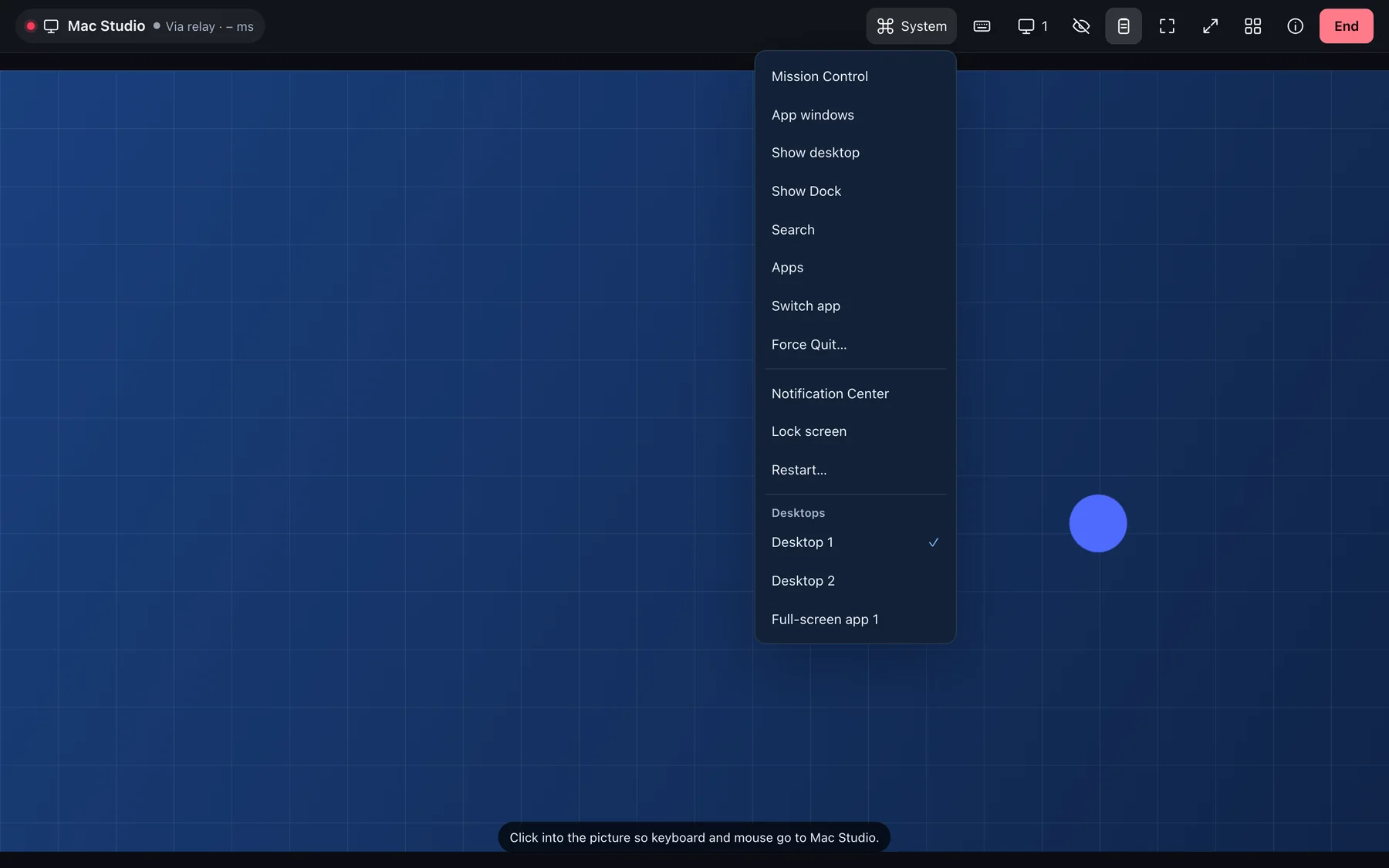
A session in the browser: toolbar with display, privacy mode and clipboard, the desktops in the System menuA session in the browser: toolbar with display, privacy mode and clipboard, the desktops in the System menu

Shown: Browser

Several people on one device

If several people are connected to one device, what one of them copies stays with that person: it lands in this device’s clipboard but not with the other connected people. What is copied at the device itself goes to everyone.

Everything step by step, for every platform:

Share the clipboard

よくある質問

Is my counterpart’s clipboard shared?

Only if the person allows it. In support sessions the clipboard is off until it is switched on, and that is visible at the device.

Are images and files transferred, too?

The clipboard transfers text up to 1 MB. For files there is file transfer.