Help › Functions
Share the clipboard
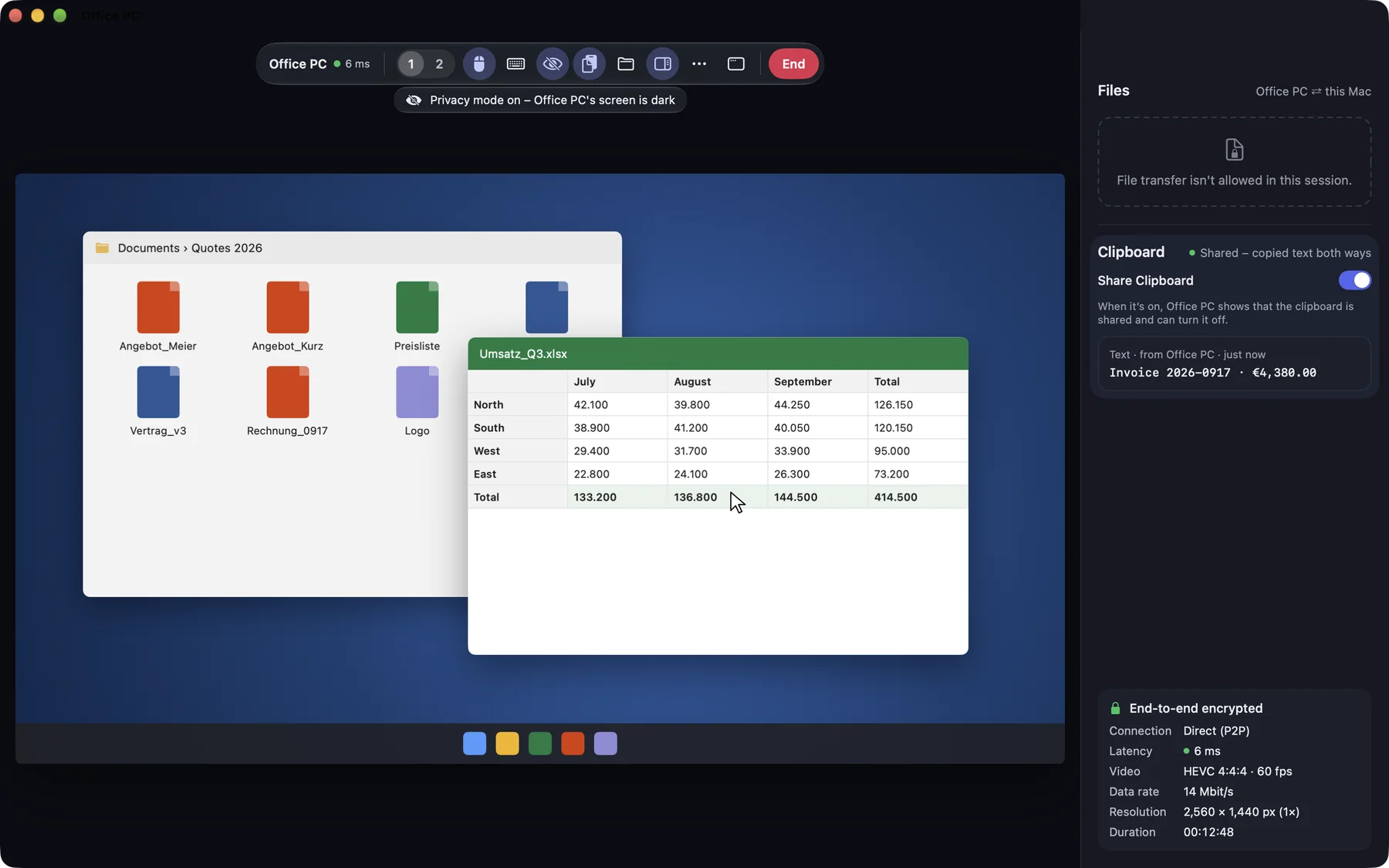
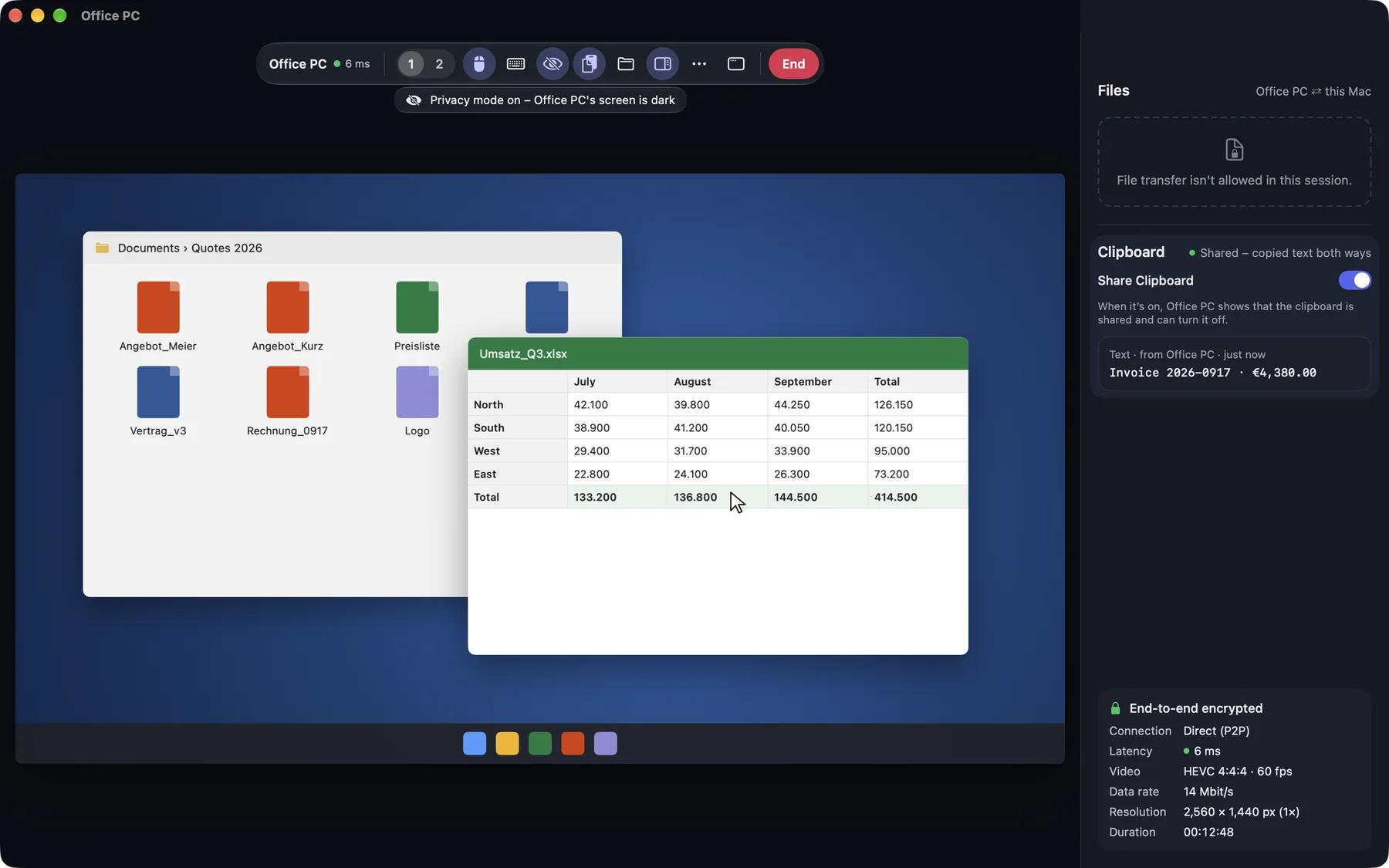
Copied text moves between the devices, visible to both sides and switchable off at any time.
Two things work together: the permission Share clipboard says the clipboard may be shared. The switch Share Clipboard says whether it is shared right now.
- Between your own devices the switch is on from the start.
- In support sessions and with other accounts it is off until someone switches it on. The helper may switch it on without asking again.
- Only text, up to 1 MB, both ways. What was copied before switching on stays where it is.
macOS
You find the switch in the toolbar, in the ⋯ menu and in the session’s side panel.
Windows
This function is coming soon to Windows.
iPhone & iPad
In the session menu. In addition, Send Clipboard to … sends what you copied on purpose, because iOS asks before every paste.
Web
This function is planned for Web.
What the other side sees
On the Mac you are connected to, the red indicator in the menu bar shows a clipboard mark, and the menu says Clipboard is shared. The person there can switch sharing off at any time.
The person at the other device switched sharing off. Only they can switch it on again there.