Standard is convenient and trusts our sign-in and our servers: your account decides which devices belong. With DeskRanger Secure only your own devices decide: a new device waits until one of your trusted devices confirms it.
Until then the new device sees no devices, no groups and no names
At Standard a new device signing in with a password needs an e-mail code or your confirmation
내 기기만 결정합니다
내 기기들은 신뢰하는 기기의 서명된 목록을 보관합니다. 이 목록은 신뢰하는 기기나 복구 키만 늘릴 수 있고, DeskRanger Secure를 다시 끌 수 있는 것도 이들뿐입니다.
Not covered: sessions with other people, where the person at the device decides
Whoever holds a trusted device plus its password counts as you for DeskRanger
Switched on in four steps
You switch it on in four steps: confirm, check the device list, print the recovery key and type two blocks of it as a check. On the first device of a new account DeskRanger offers it once, with “Later” as an equal choice.
With Touch ID, Face ID or screen lock you type nothing of your account
On a Windows PC Windows Hello asks for face, fingerprint or PIN at the end
With DeskRanger Secure two-factor sign-in is on, too
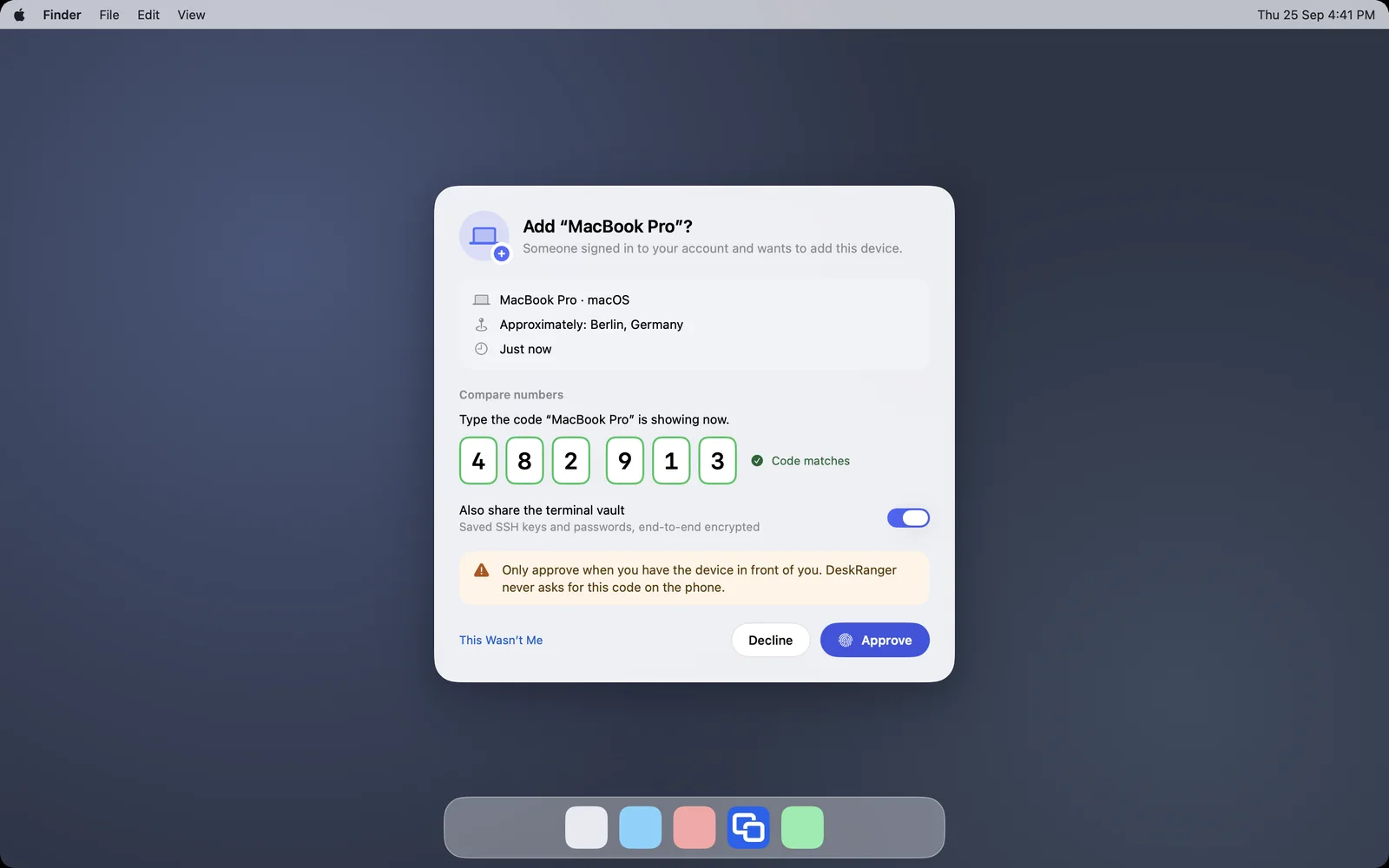
Approve a new device
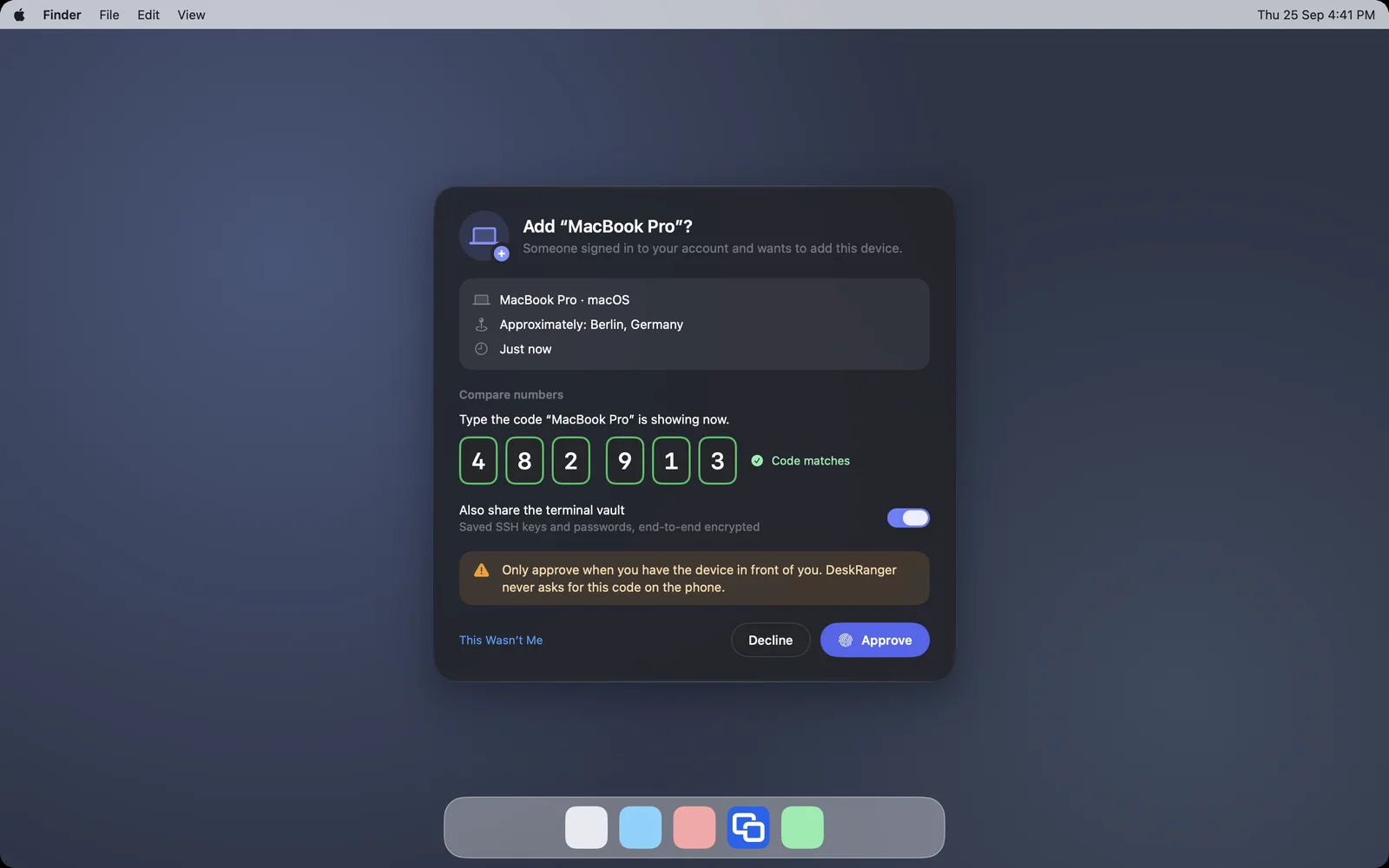
The new device waits and shows a six-digit code. On a trusted device the request appears with device, approximate place and time; you type the code and confirm with Touch ID, Face ID, Windows Hello, the screen lock or the device password.
Approve only if the device is in front of you; DeskRanger never asks by phone
If the place does not fit you, choose “That was not me”
The place comes from the IP address on our server; neither is stored
The recovery key
If you no longer have a trusted device at hand, you approve a new device with the recovery key. It consists of 28 characters in 7 groups and a QR code. We do not keep it and cannot restore it.
Keep it apart from your devices
All your devices get a message; create a new key right away
You remove a trusted device in “Security”, for all devices
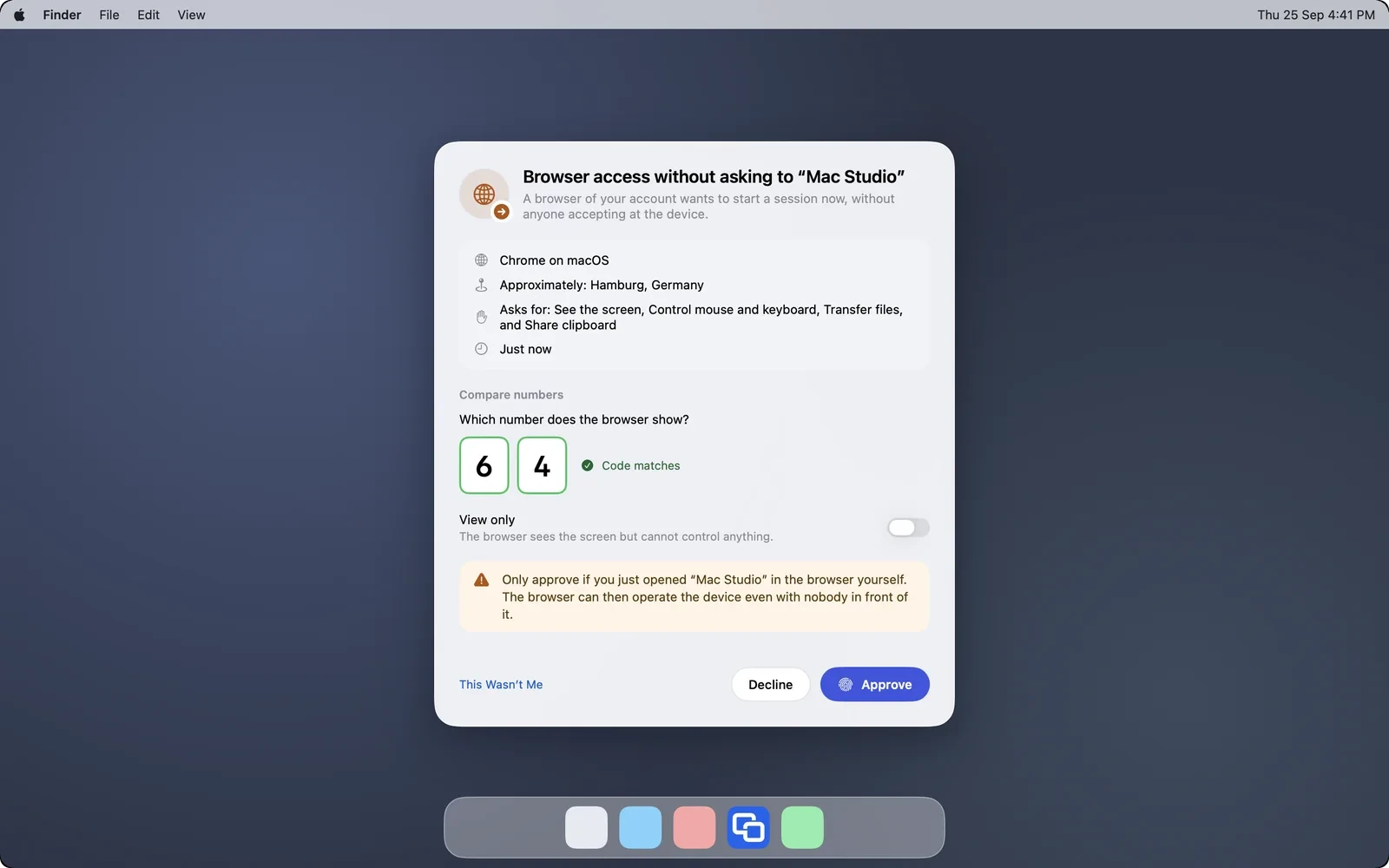
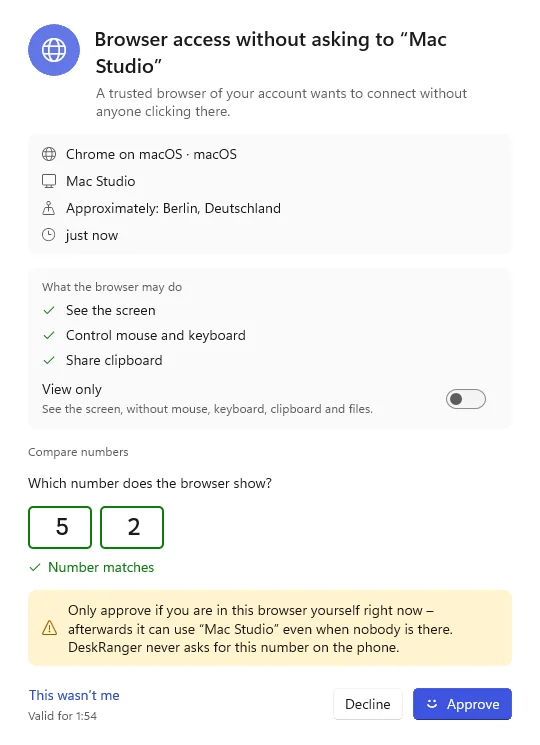
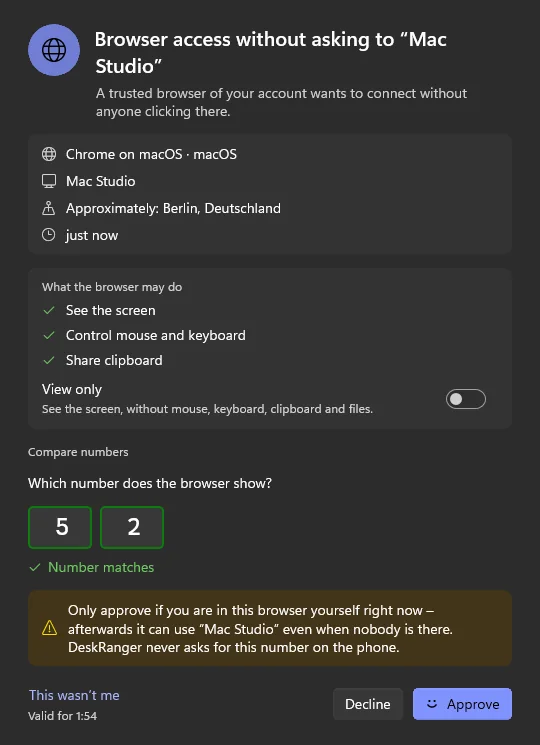
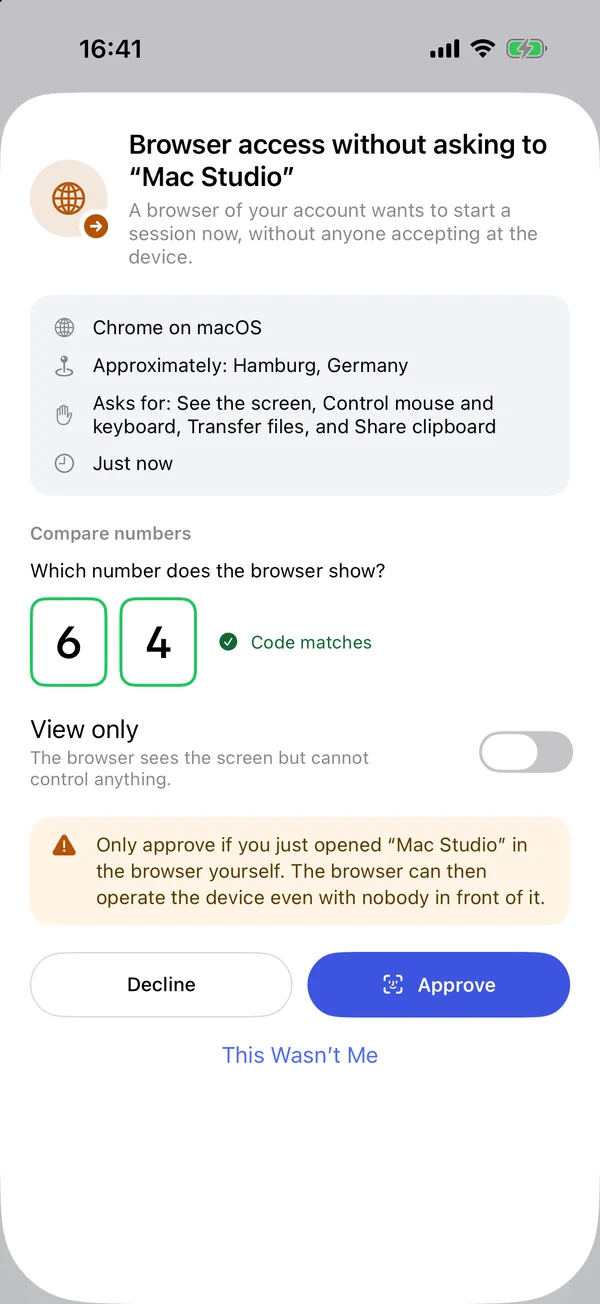
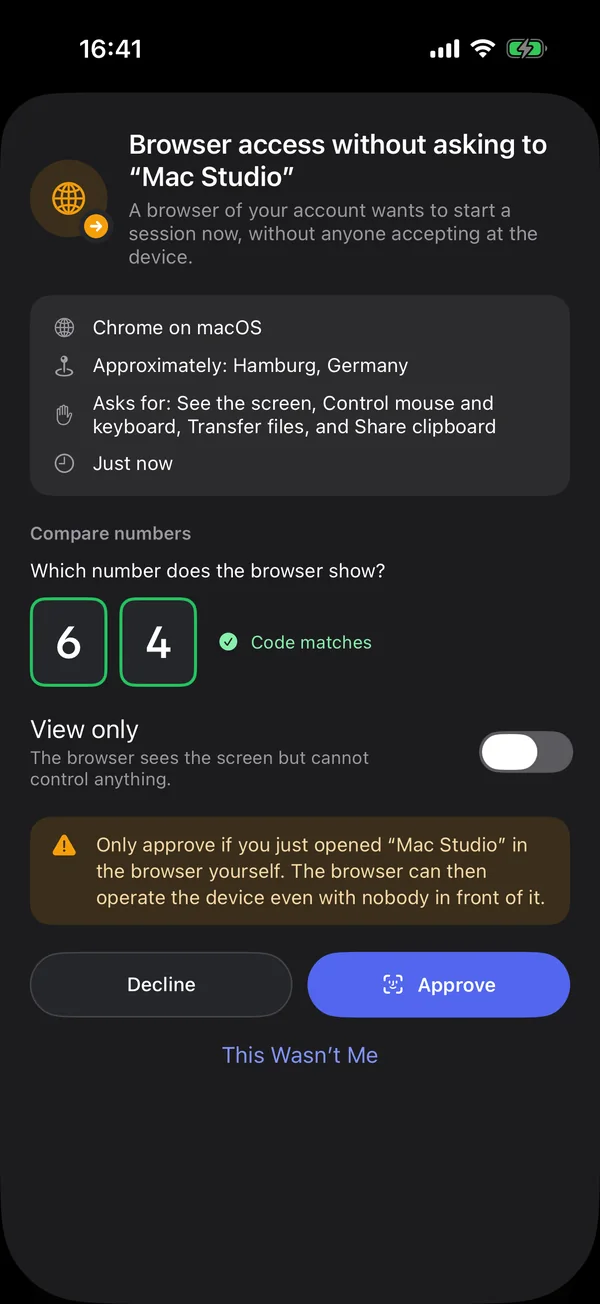
Browser access with no click at the device
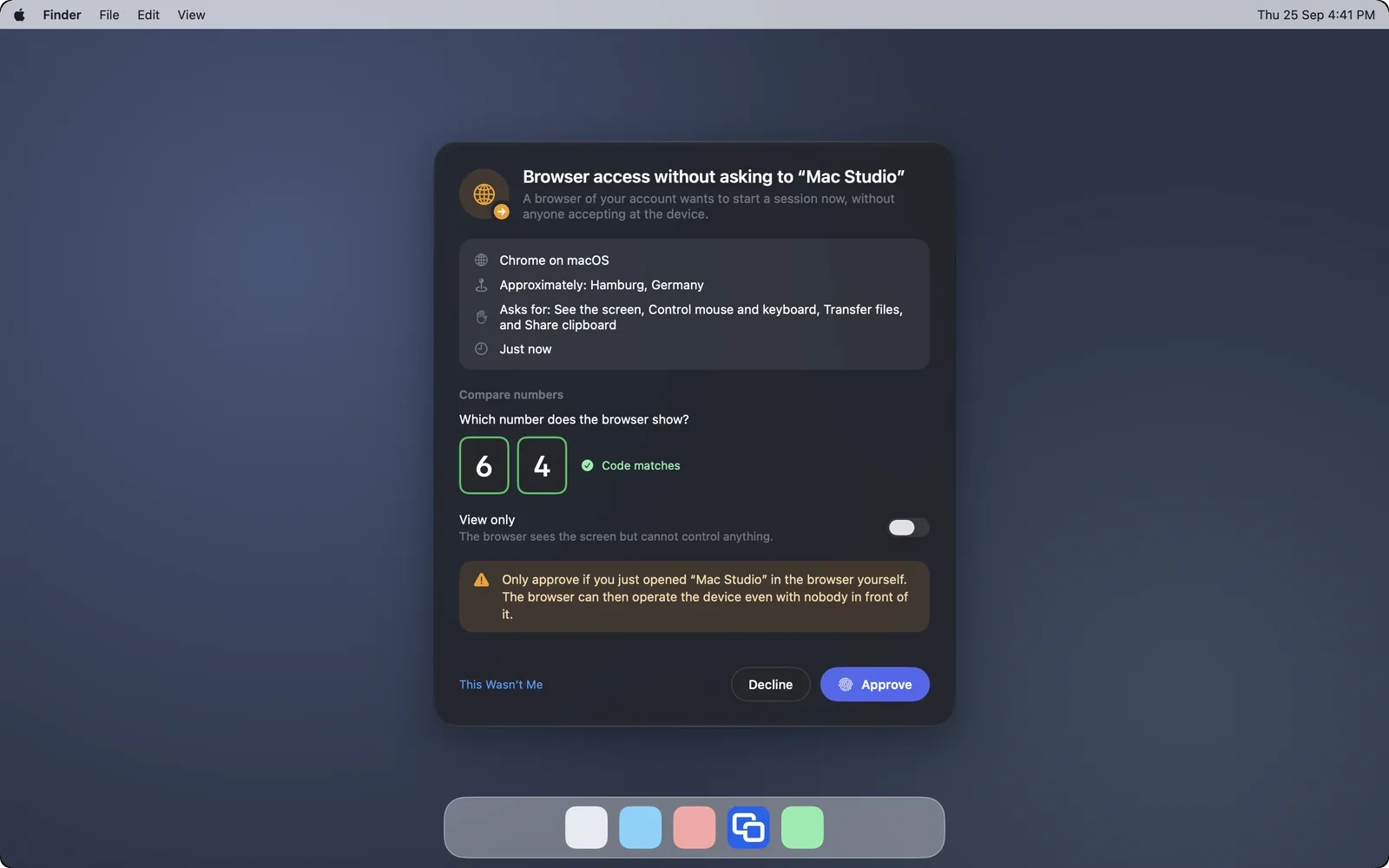
With DeskRanger Secure you reach an own computer from the browser without anyone clicking there, such as a Mac without a screen or a locked computer. You still approve every session on another of your devices.
You choose once which devices a trusted browser reaches without a click