Your devices reach each other under simple names and fixed addresses, end-to-end encrypted and only among themselves. You do not need to open anything on your router.
FreemacOS · Windows · Linux · Android · iOS / iPadOS
The switch “This device in the network” takes a device in. Beforehand DeskRanger asks once for your consent to what our server stores: the names and addresses of your devices, their public keys and the internet addresses they can be reached at.
Only a device protected with DeskRanger Secure can join the network
“Disconnect from network” takes a device out again
On a Linux server you switch the network on in the terminal
Map and device list
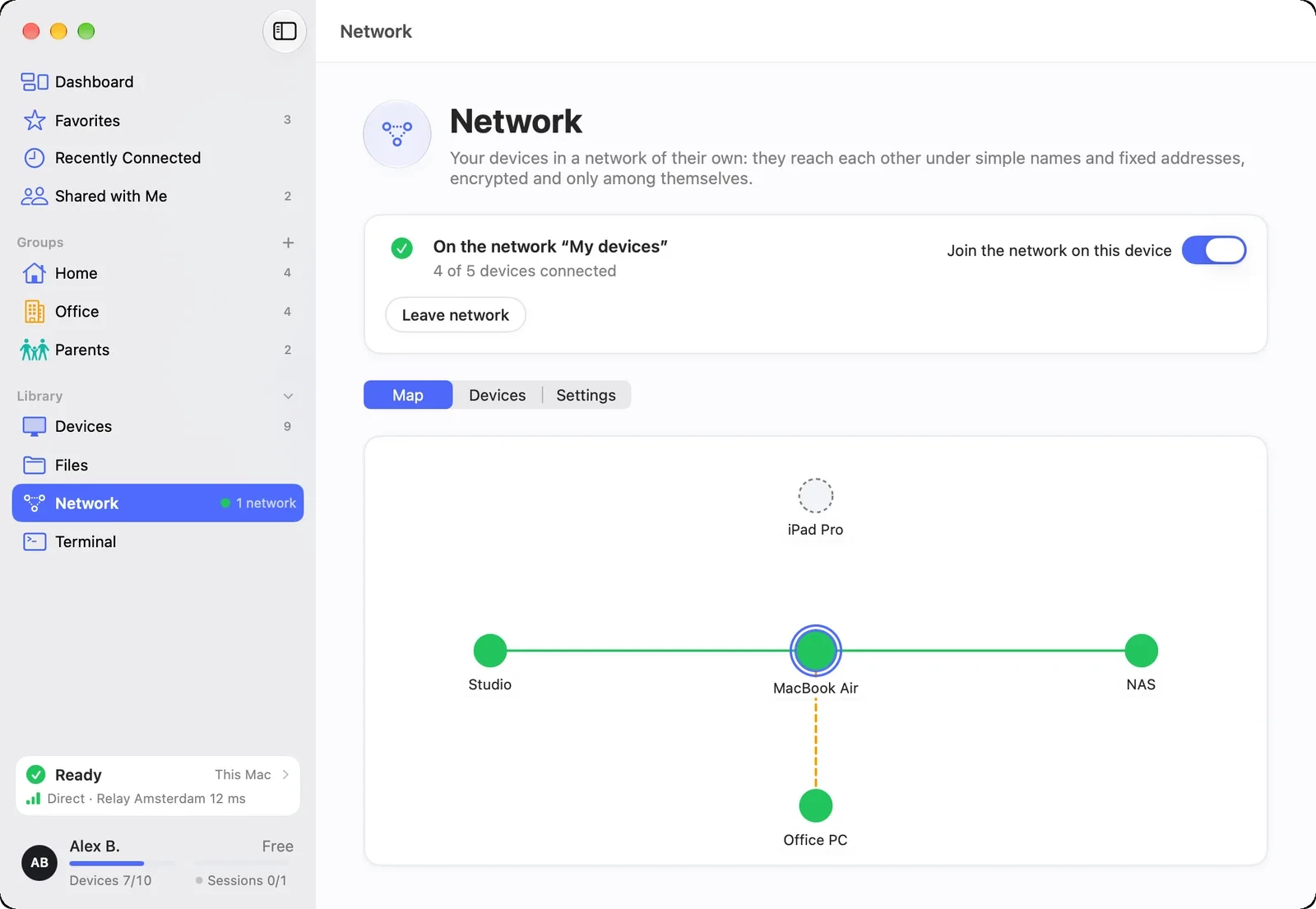
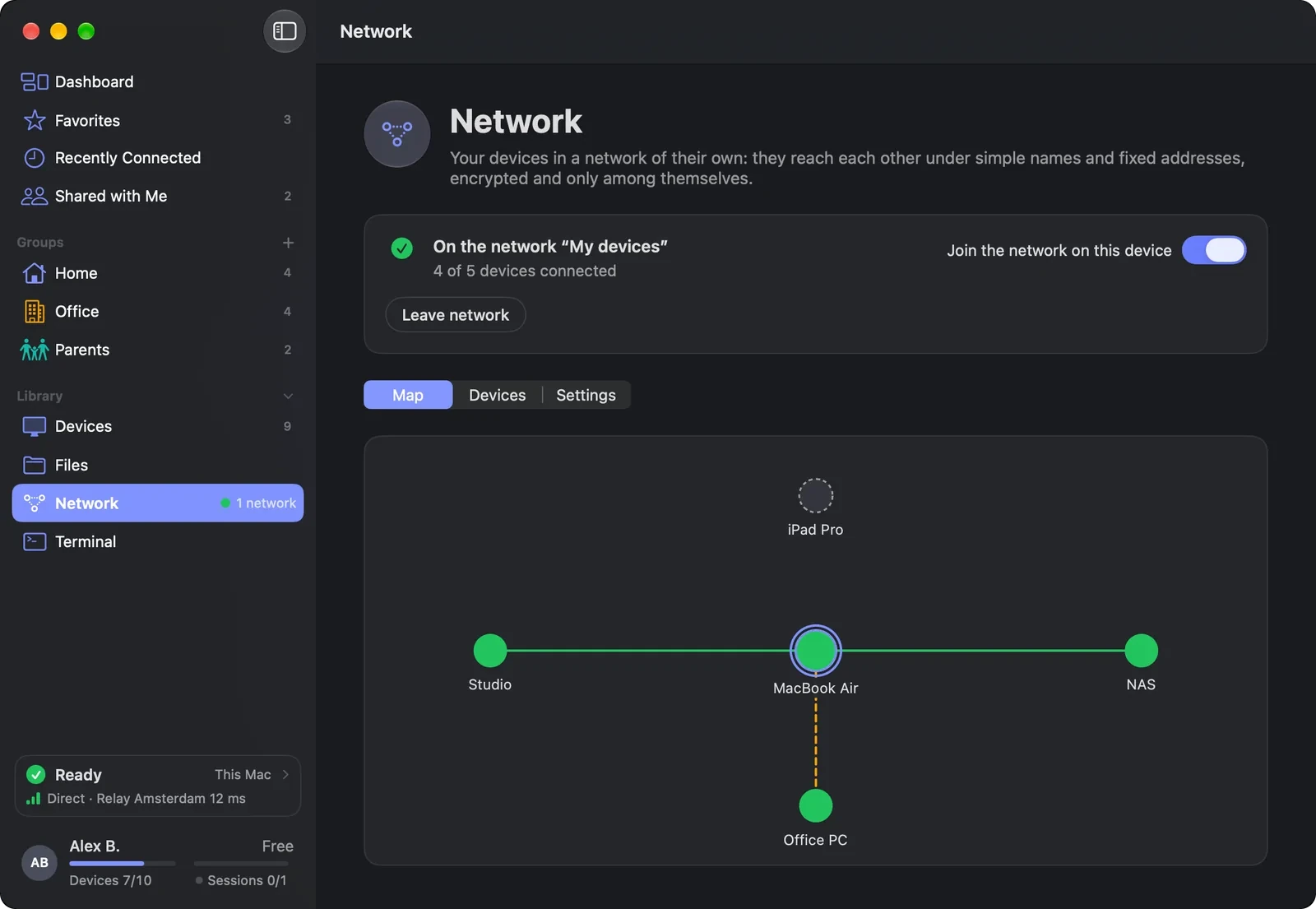
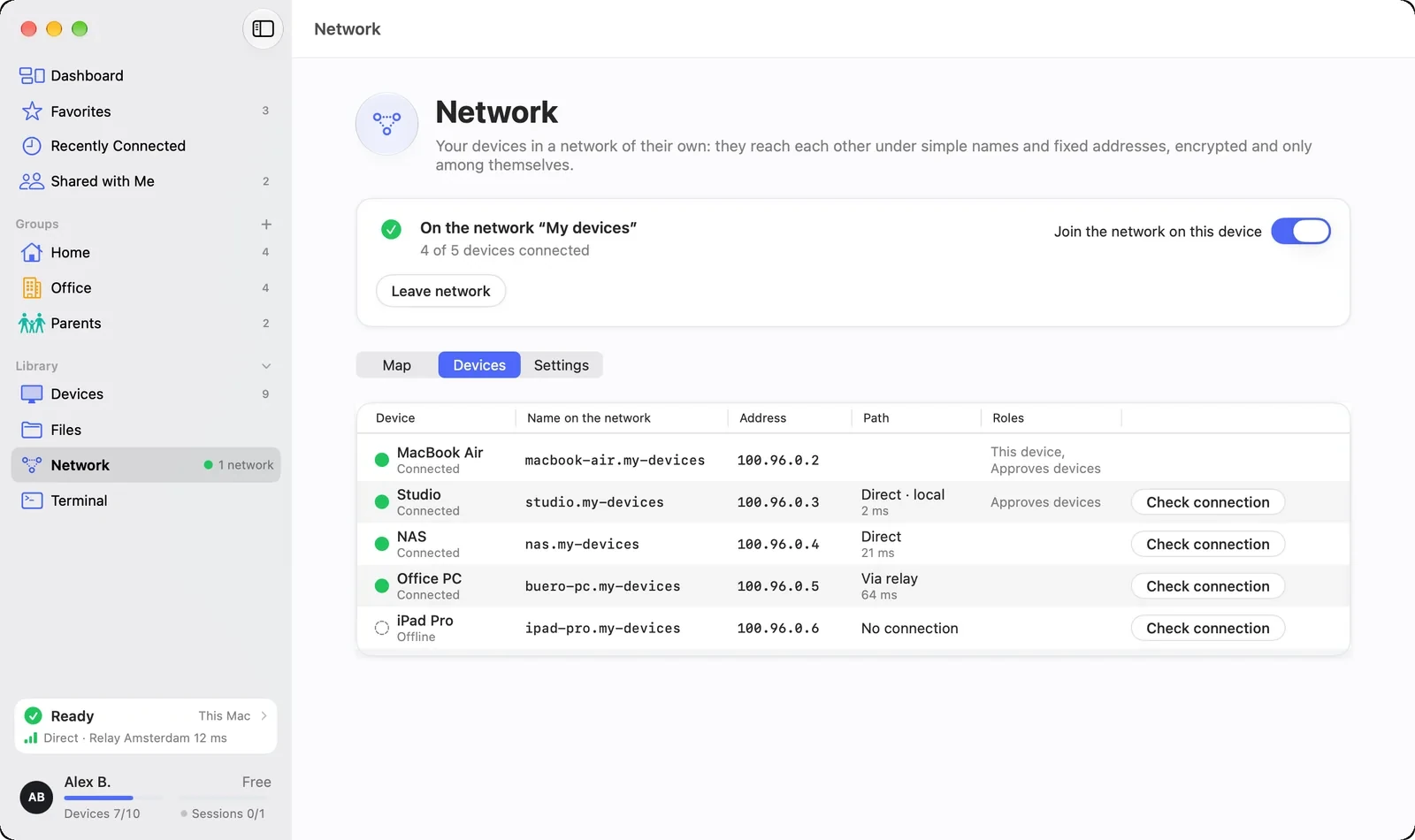
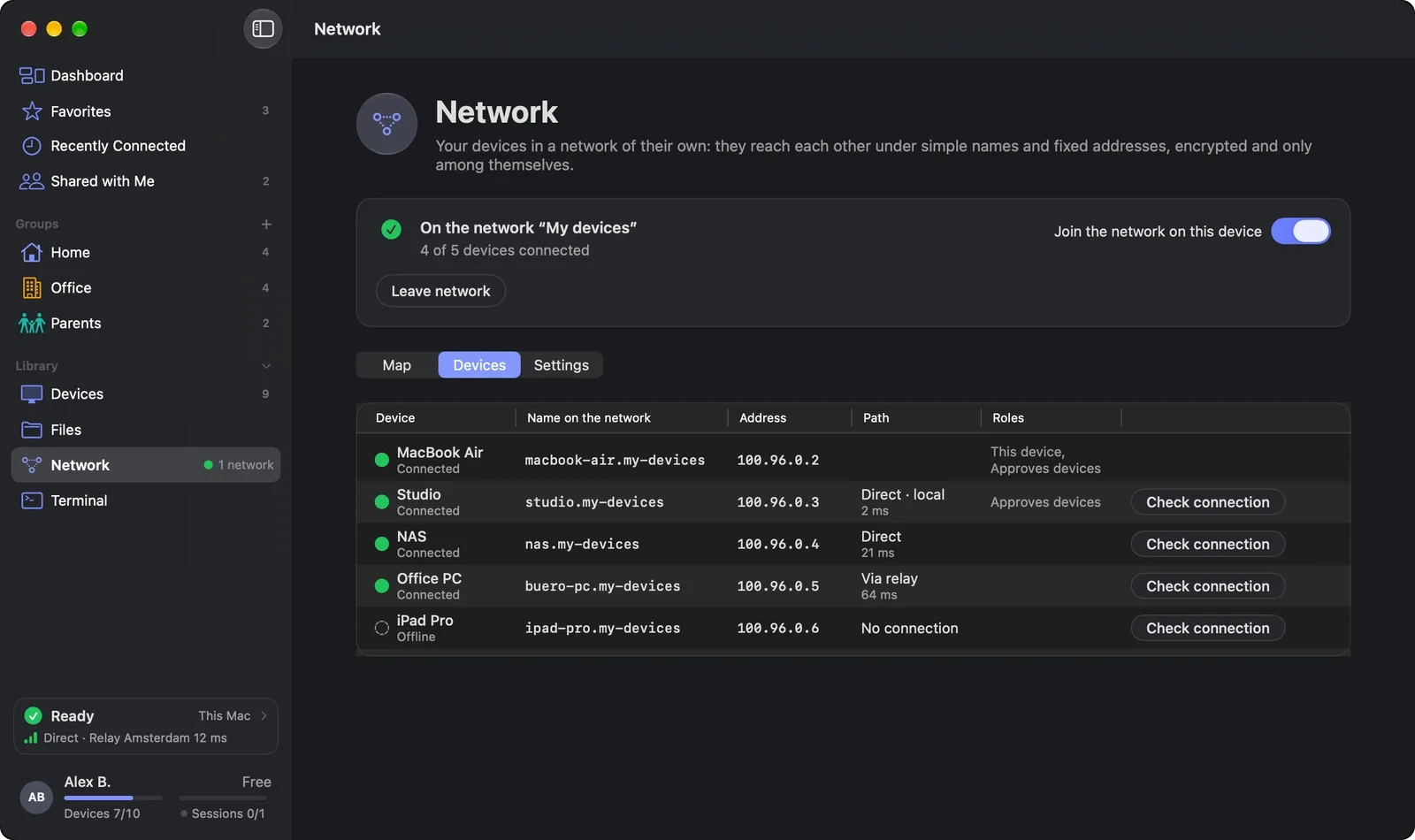
On the map every device is a card, this device in the middle, with the path to it and the response time. Under “Devices” you see names, addresses, paths and roles at a glance.
The line shows the path: direct, over IPv4 or IPv6, or through a relay
A thin dashed line means online, but nothing has gone to it yet
The “Networks” view shows which devices belong to which network
Shown: Mac
Names instead of addresses
You reach every device by its name, for example “nas”. You change the name of the network and its ending in the settings.
Only a device with DeskRanger Secure switched on may change it
Every change is listed with the device that signed it
If two devices change it at once, DeskRanger stops and shows both versions
Shown: Mac
Several networks
A device can be in up to 16 networks, for example home, office and lab. You create a new network with “+ Network”, if you like from a template that only fills in the name.
Another device can invite you into one of its networks
“Leave network” takes only this device out of exactly this network
The page reports duplicate addresses or endings before anything gets mixed up
On all your devices
iPhone, iPad and Android join the network too: you switch on the switch at the top of the card, and the system asks once whether DeskRanger may set up a VPN connection. Only connections to your own devices go through DeskRanger, everything else goes as before.
On Android the key icon shows that the network is running
Names like “studio.my-devices” work on the phone, too
In the web console you can look at your network
You decide who belongs
With DeskRanger Secure a trusted device confirms every new device. If a known device comes with a different key, it counts nowhere until you accept the new key.
Everything that runs through the network is end-to-end encrypted
On Mac, iPhone and iPad a removed device loses access within about a minute
Still to come 곧 출시
The “Traffic” view on the map: how much flows along each line