Show the screen of your iPhone, iPad or Android phone on your other devices or to someone who helps you. On a computer you share the screen through “Get help”, with remote control.
You show the screen of an iPhone or iPad: start the screen broadcast in DeskRanger and choose „Mit einem Support-Code“ or one of your devices. A picture first shows which button to press in iOS; then the number appears.
In the „Bildschirm zeigen“ view there is nothing to set up
You do not need an account for it
Watching on your devices
If an iPhone or iPad from your account shares its screen, DeskRanger opens the session on your Mac, Windows PC, Linux computer, Android device or in the browser by itself, for viewing: „Nur ansehen“.
In the browser the session opens in the tab currently connected to DeskRanger
You allow, you end
If someone connects with the number, the request appears as a full page with the person's name. Only with „Erlauben“ does the help begin, and the helper can only watch. During the broadcast iOS shows the red status bar, and „Beenden“ is also in the app.
The person hears the sound only if you choose „Erlauben mit Ton“
On your own devices sound is on while sharing; you can untick it beforehand
And Android?
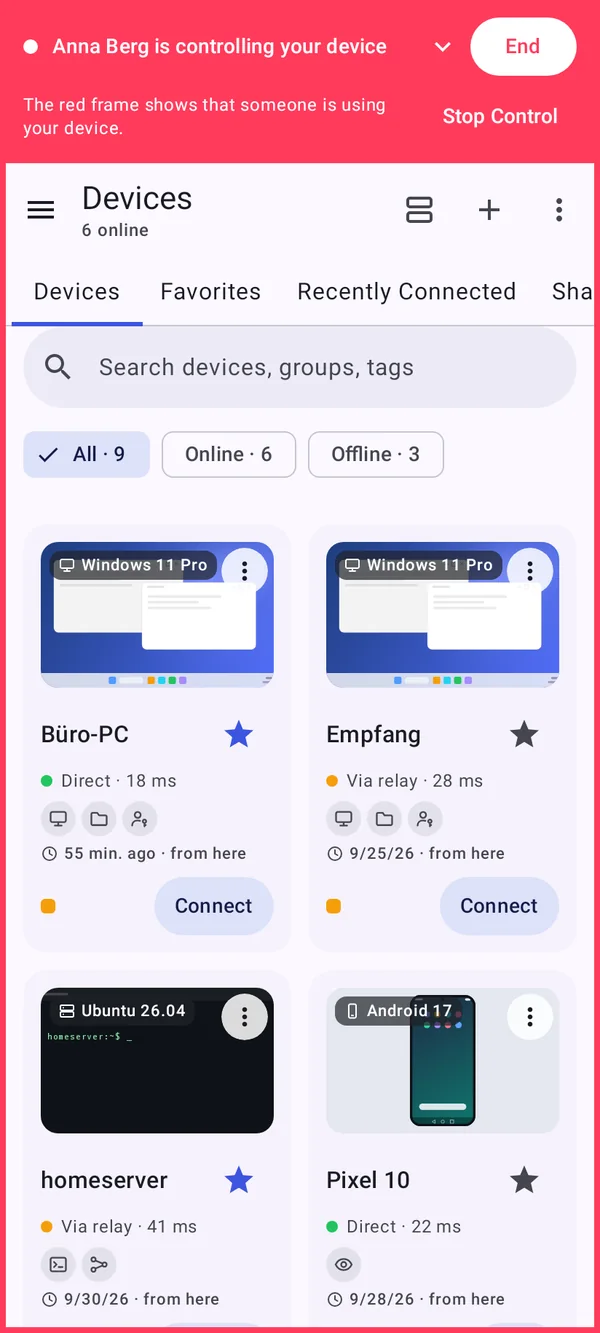
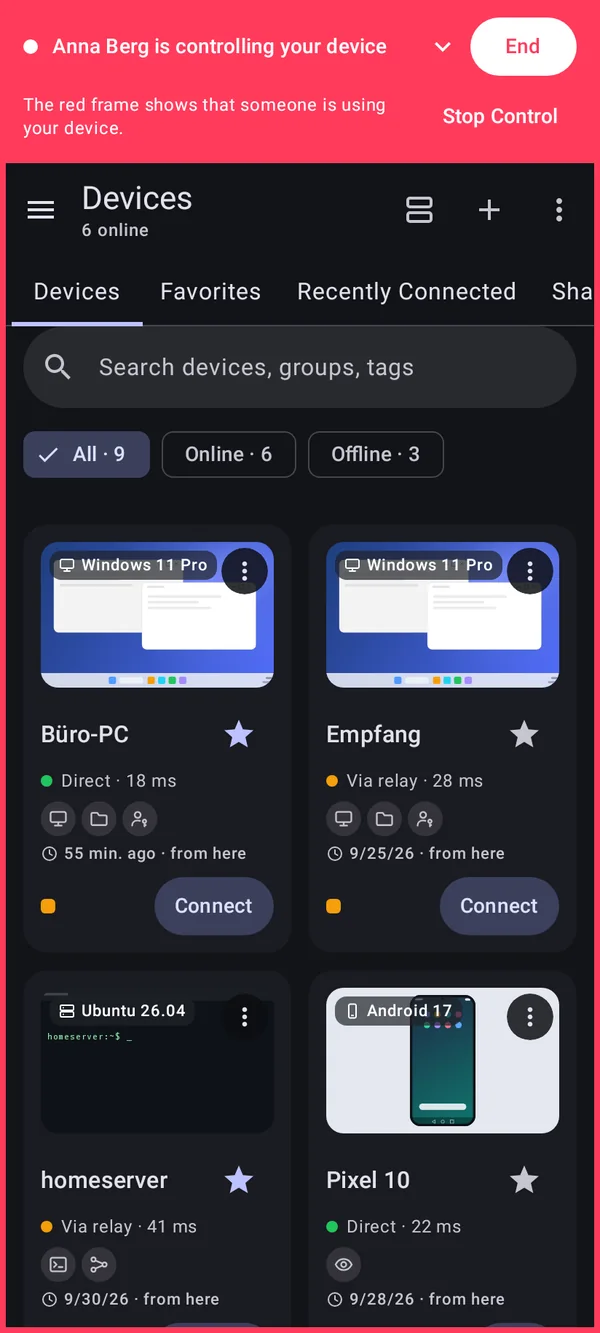
An Android device can do more: with „Fernsteuerung“ the helper may operate it. You allow it anew every session and a red bar shows who is watching.
„Steuerung beenden“ lets the person only watch
Shown: Android
And on a computer?
Macs, Windows PCs and Linux computers share their screen with remote control: for help you read out your number under “Get help”, your own devices you reach directly. This page is about phones and tablets showing their screen.