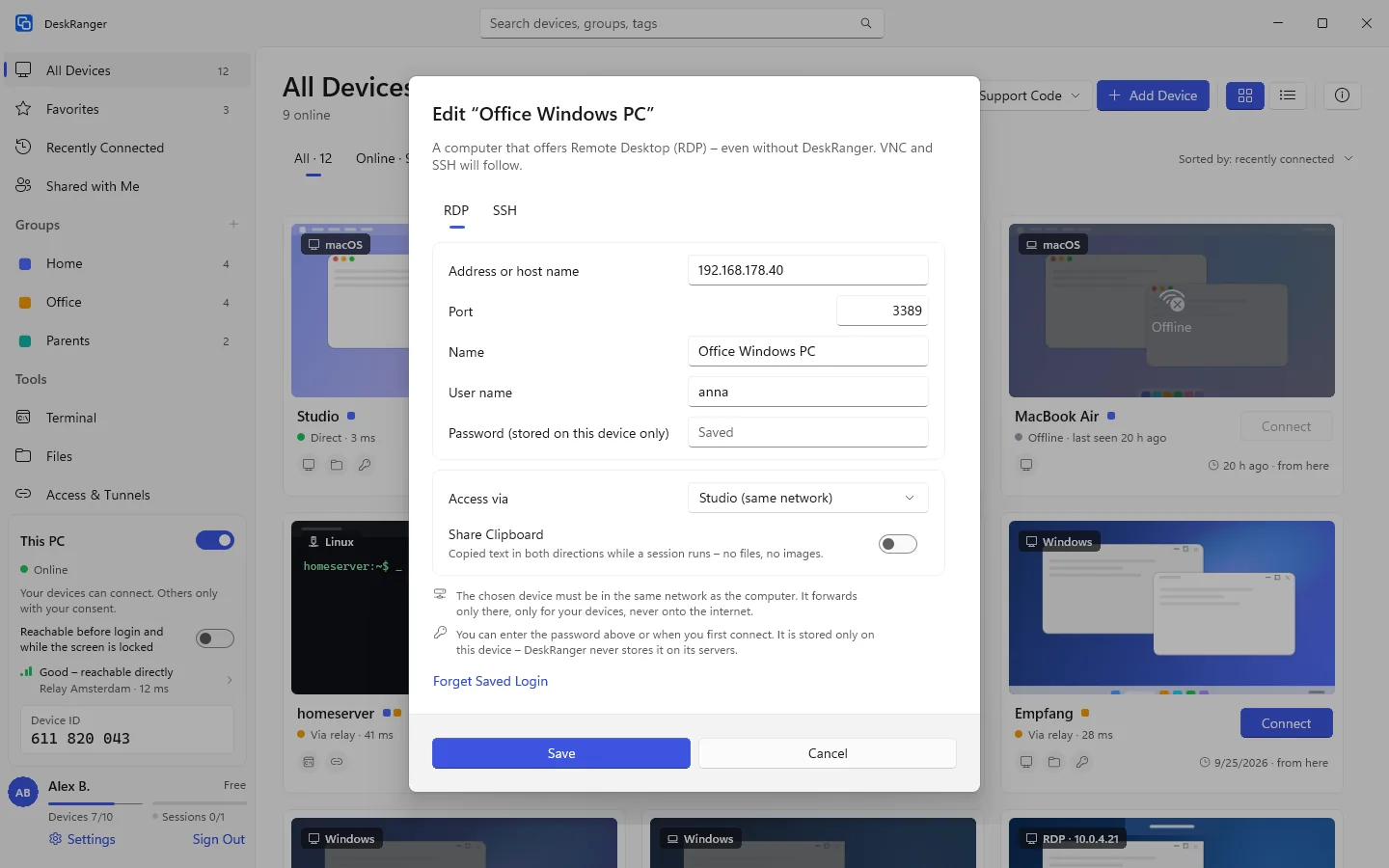
Open computers that offer Remote Desktop (RDP) or VNC in the same app, directly or through one of your devices on the same network, with no port forwarding. SSH servers open in the terminal.
FreemacOS · Windows · Linux · Android · iOS / iPadOS
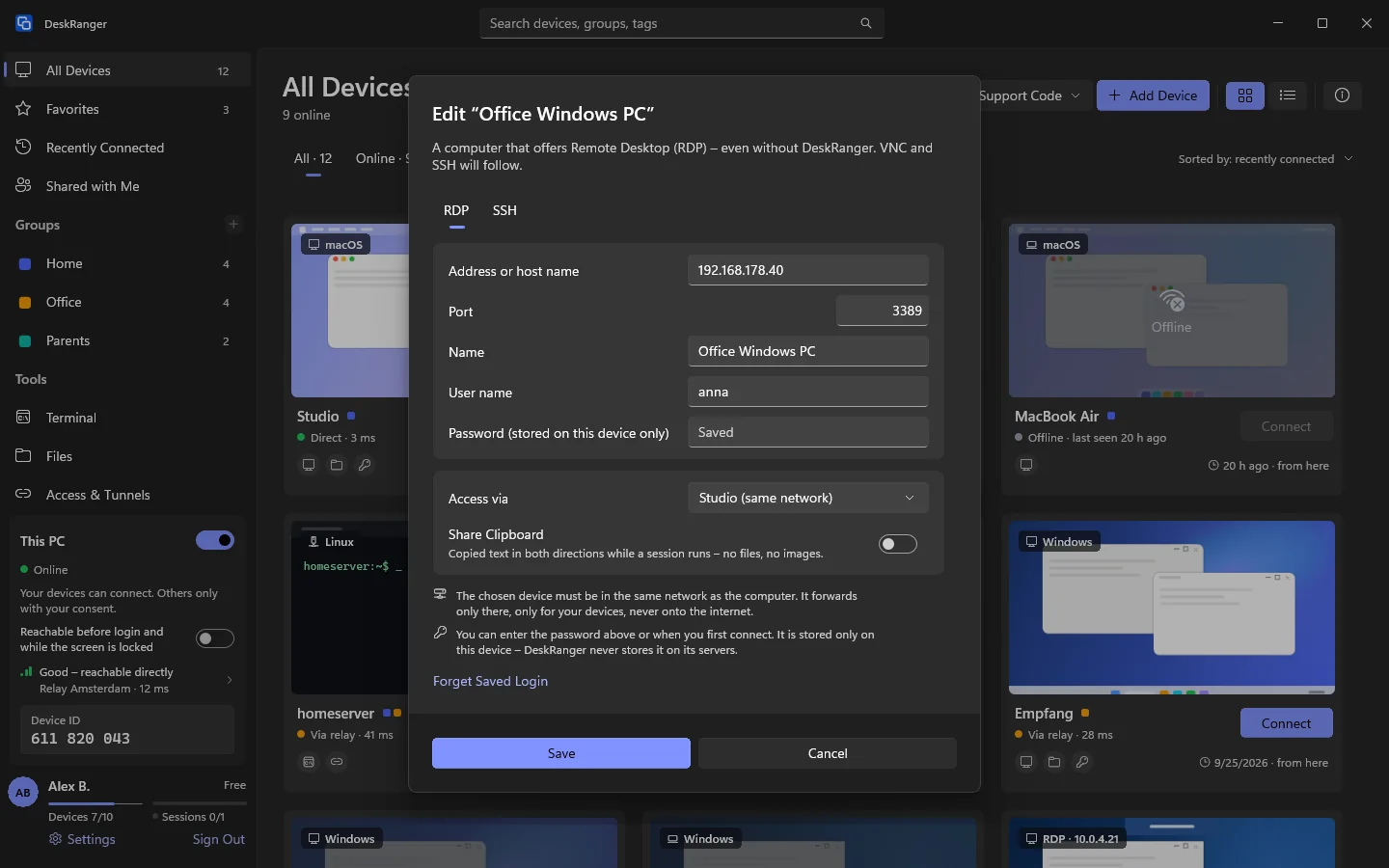
Save the computer as an RDP entry and open it like any other device. The PC's own sign-in applies, with network level authentication. At the first connection DeskRanger shows the PC's fingerprint and remembers it.
The remote desktop follows your window's size
If Windows refuses the sign-in, DeskRanger says why in plain words
More computers via VNC
Computers with a VNC server open in DeskRanger too: a Mac with screen sharing, a Raspberry Pi or a Linux computer. DeskRanger on Mac, Windows, Linux, iPhone, iPad and Android is the client. A Mac asks for the user name and password of an account there.
The password stays on this device and never sits on our servers
On iPhone, iPad and Android a tap clicks and two fingers scroll
On Windows in the same window as a remote desktop
Through your own device at home
You reach computers in your home network from anywhere, without port forwarding and without a VPN: if a Mac or Windows PC of yours runs in the same network, it serves as the access. You allow it per computer on the „Netzwerk“ page.
Only for your devices, only for the saved address, never to the internet
It shows nothing of the device's screen and takes no input
Your device shows who is using it, and you end it with one click
Clipboard and security
You switch the clipboard on per computer; it is off at first. Only text goes across. VNC encrypts nothing itself: the session shows „VNC · unverschlüsselt im Netz“. Through one of your devices DeskRanger encrypts the way up to your home network.