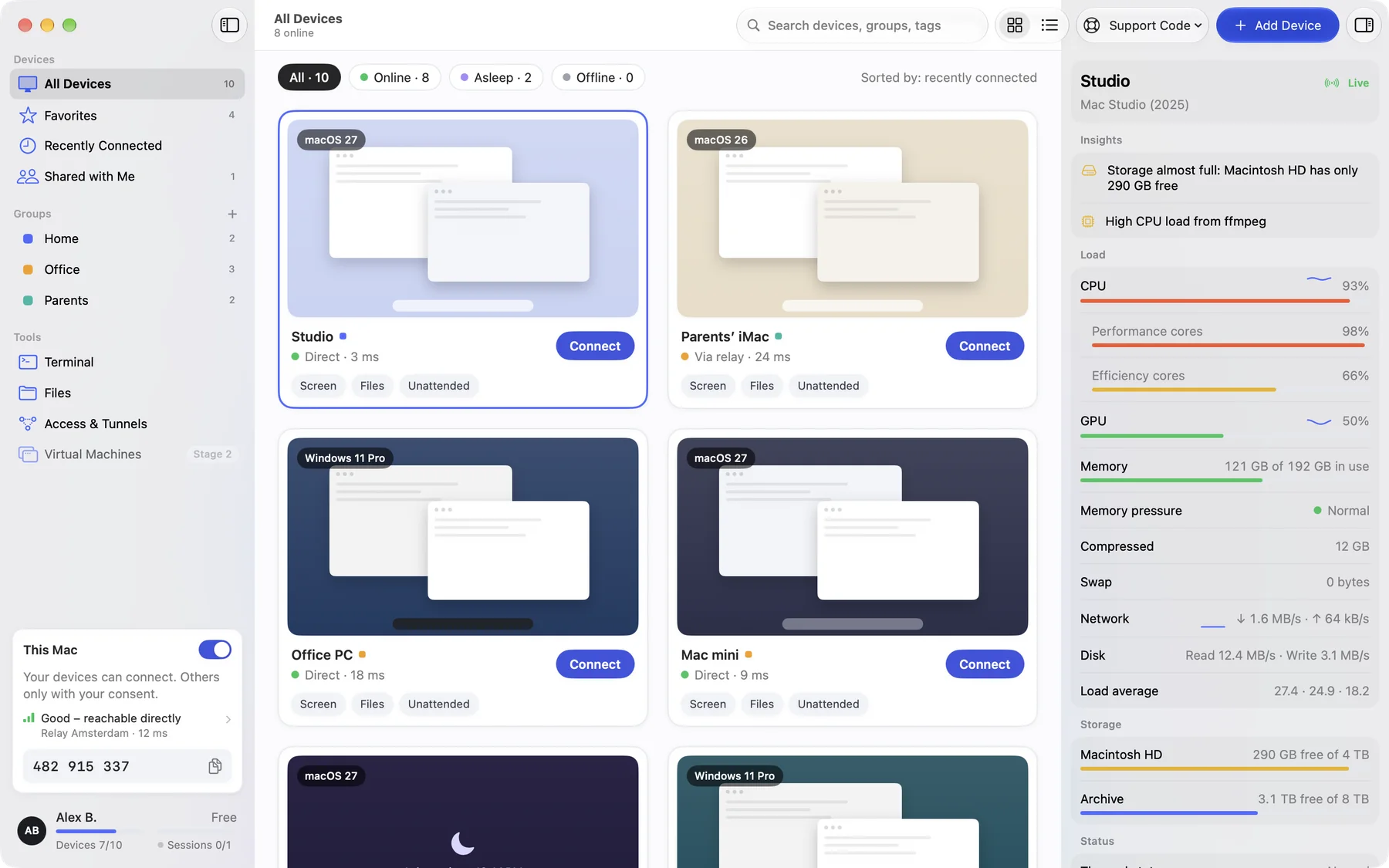
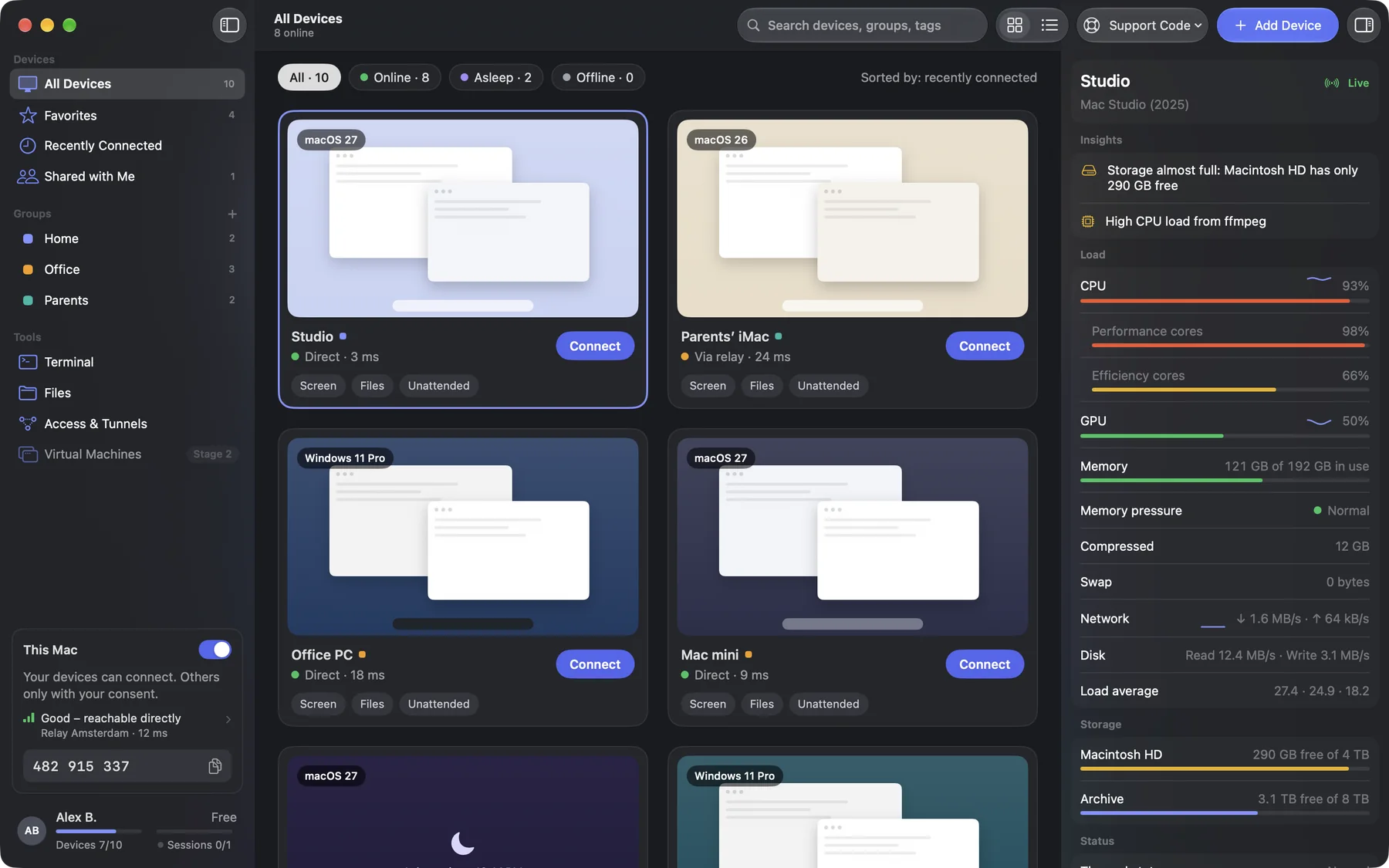
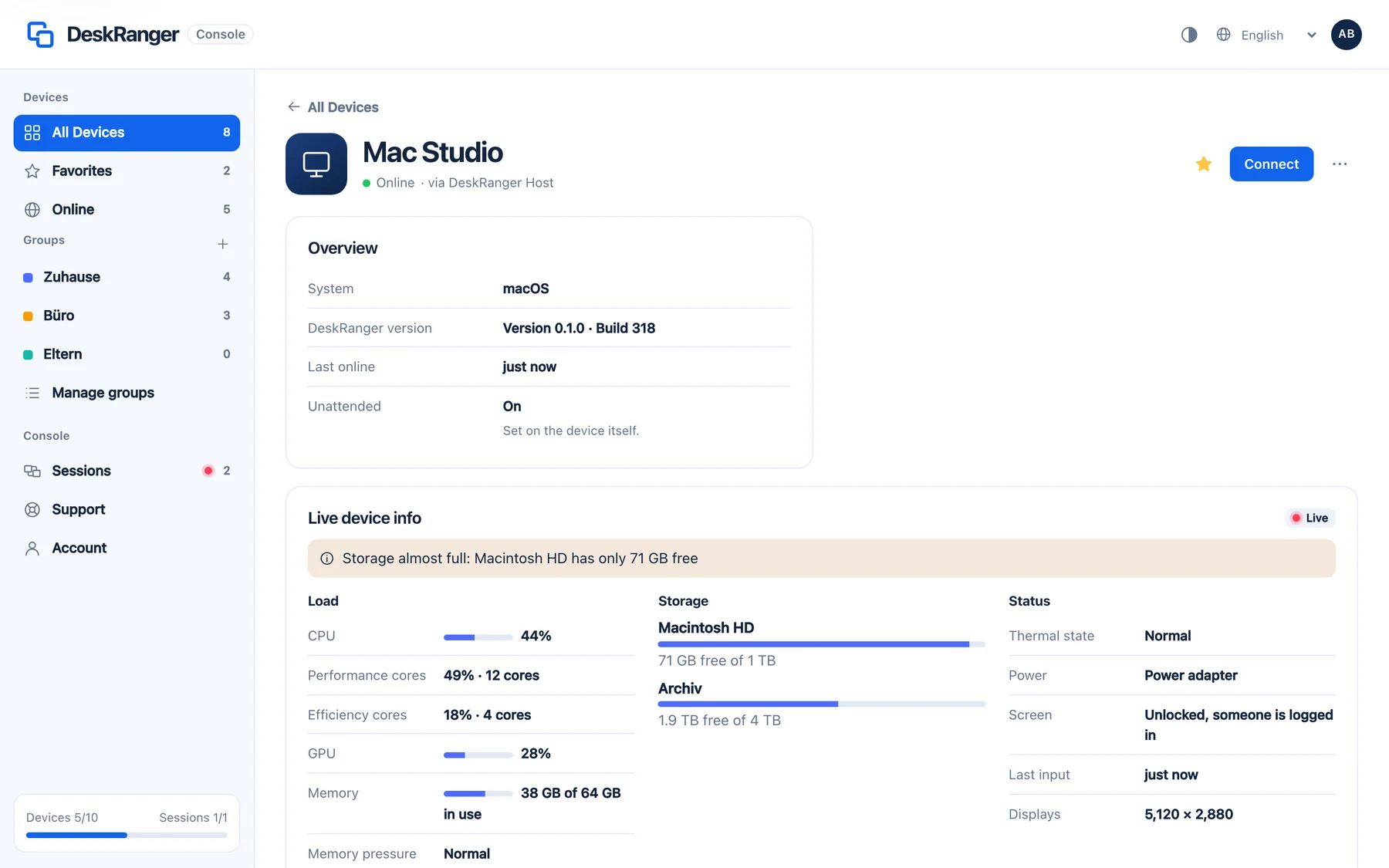
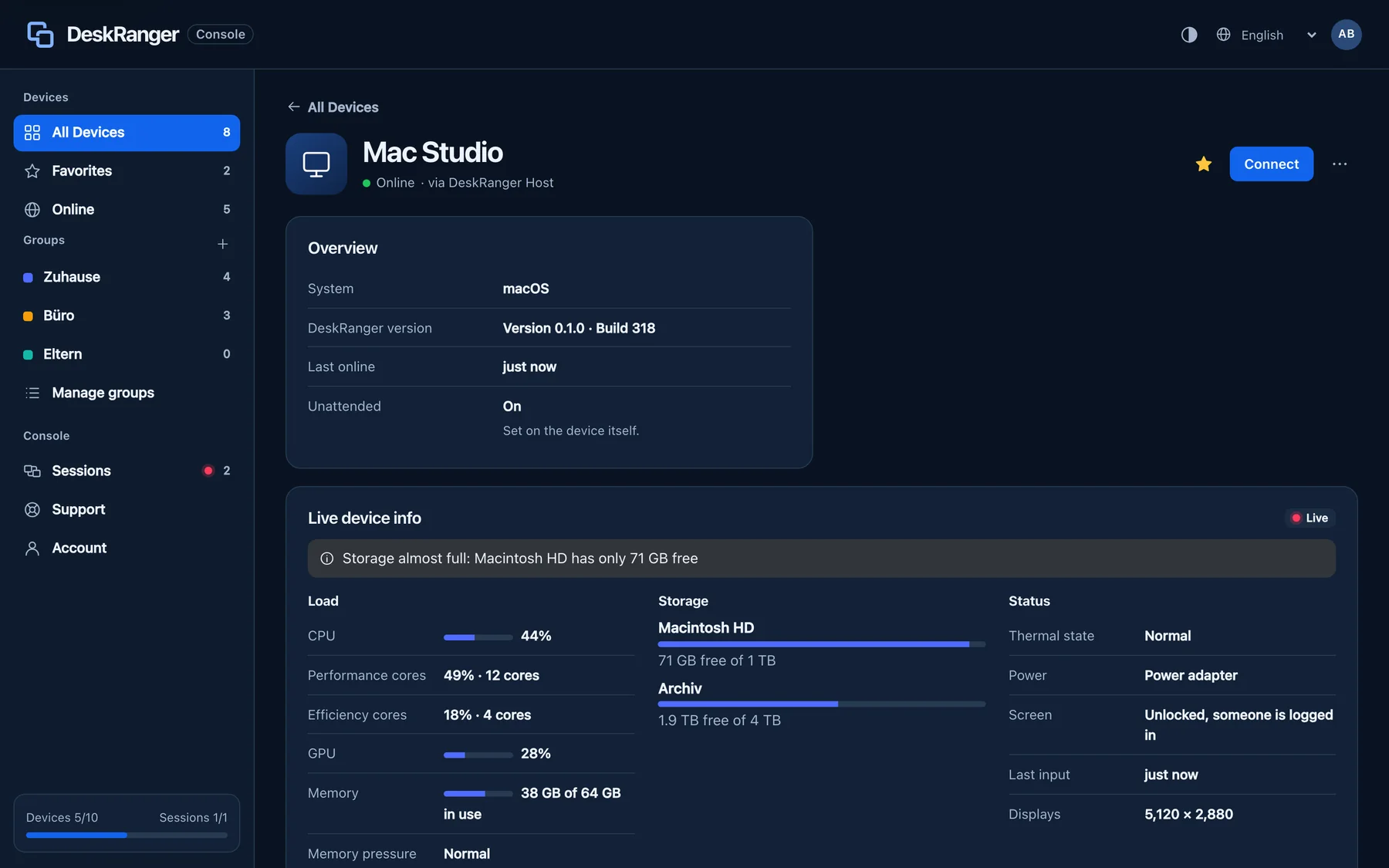
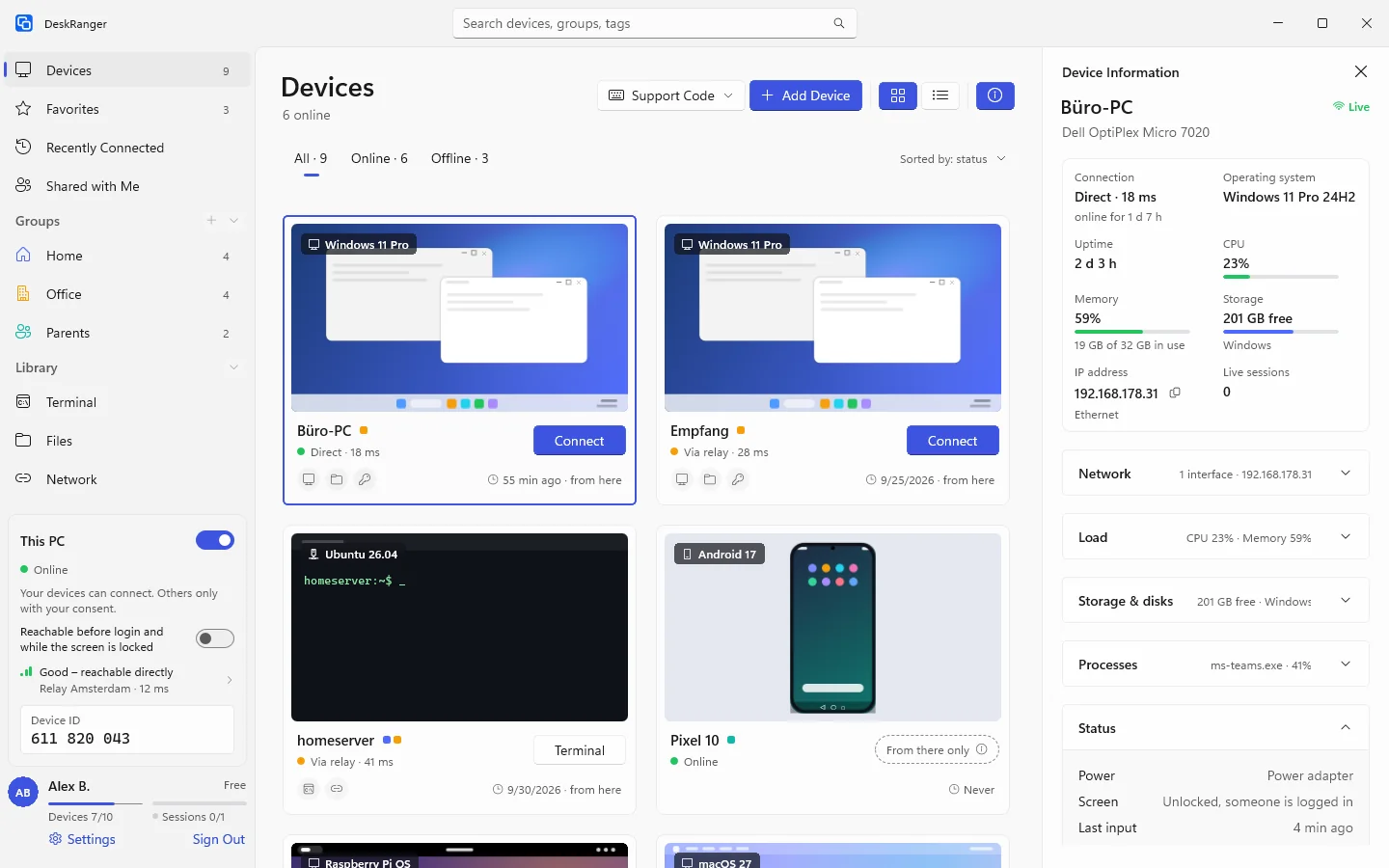
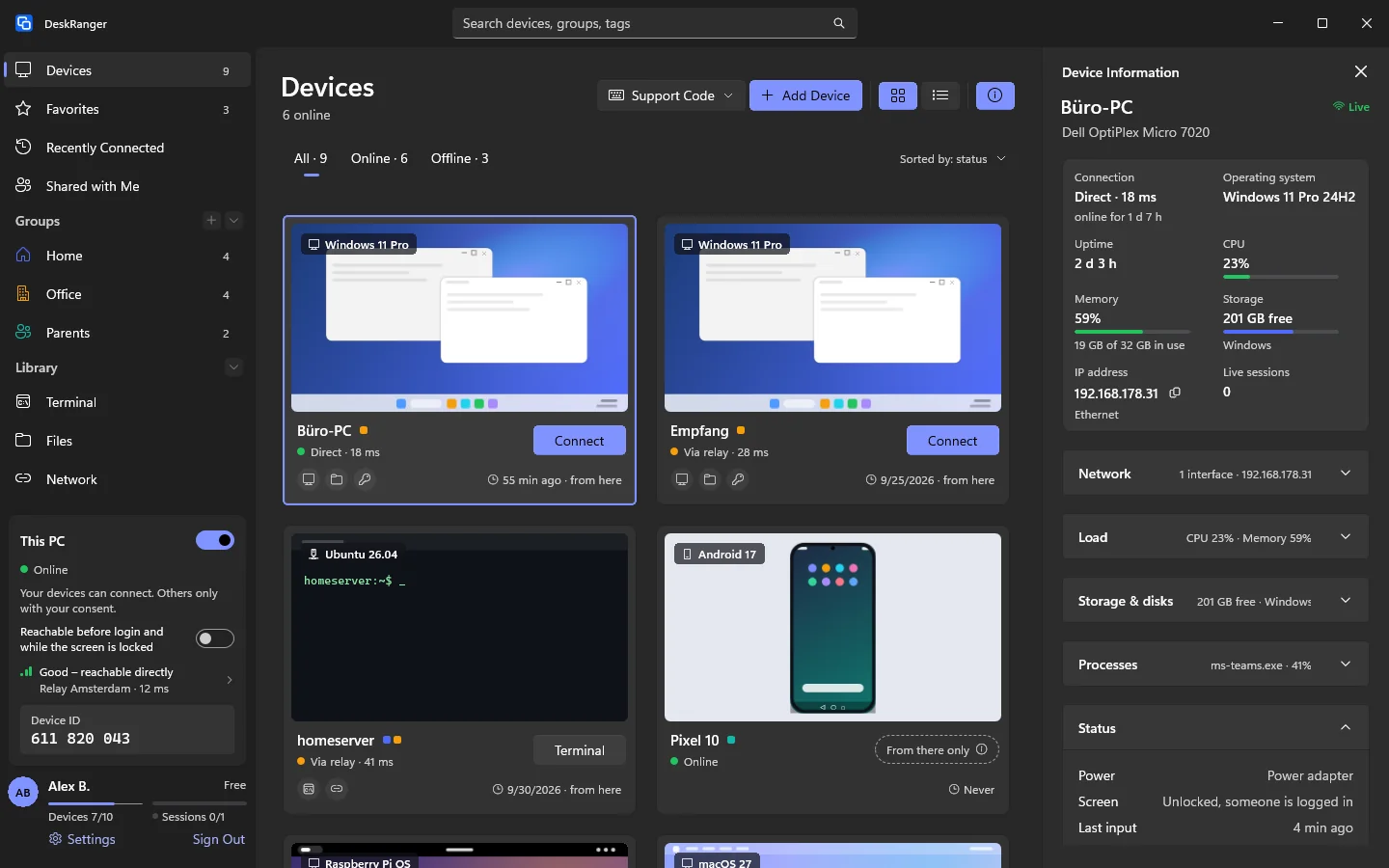
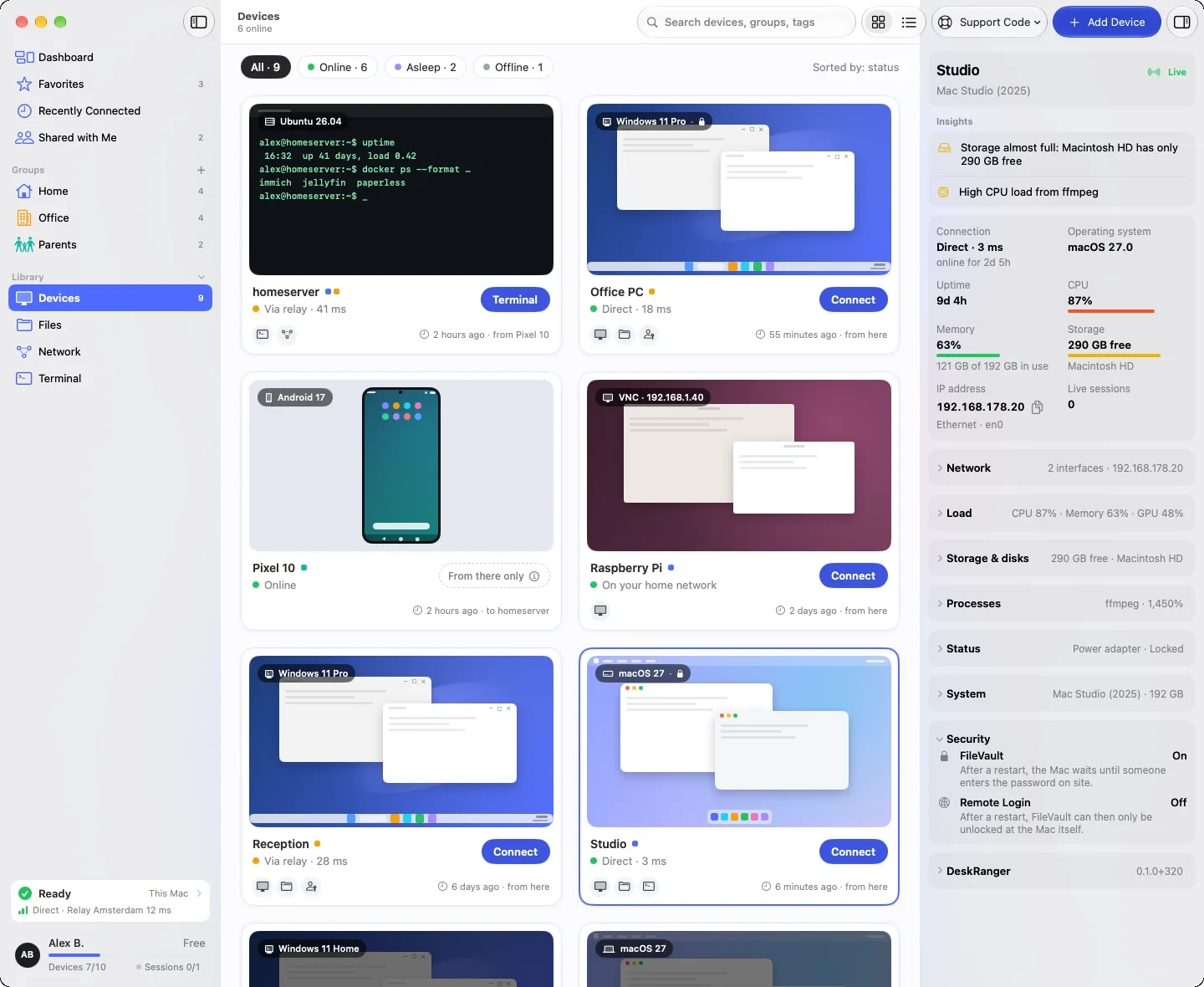
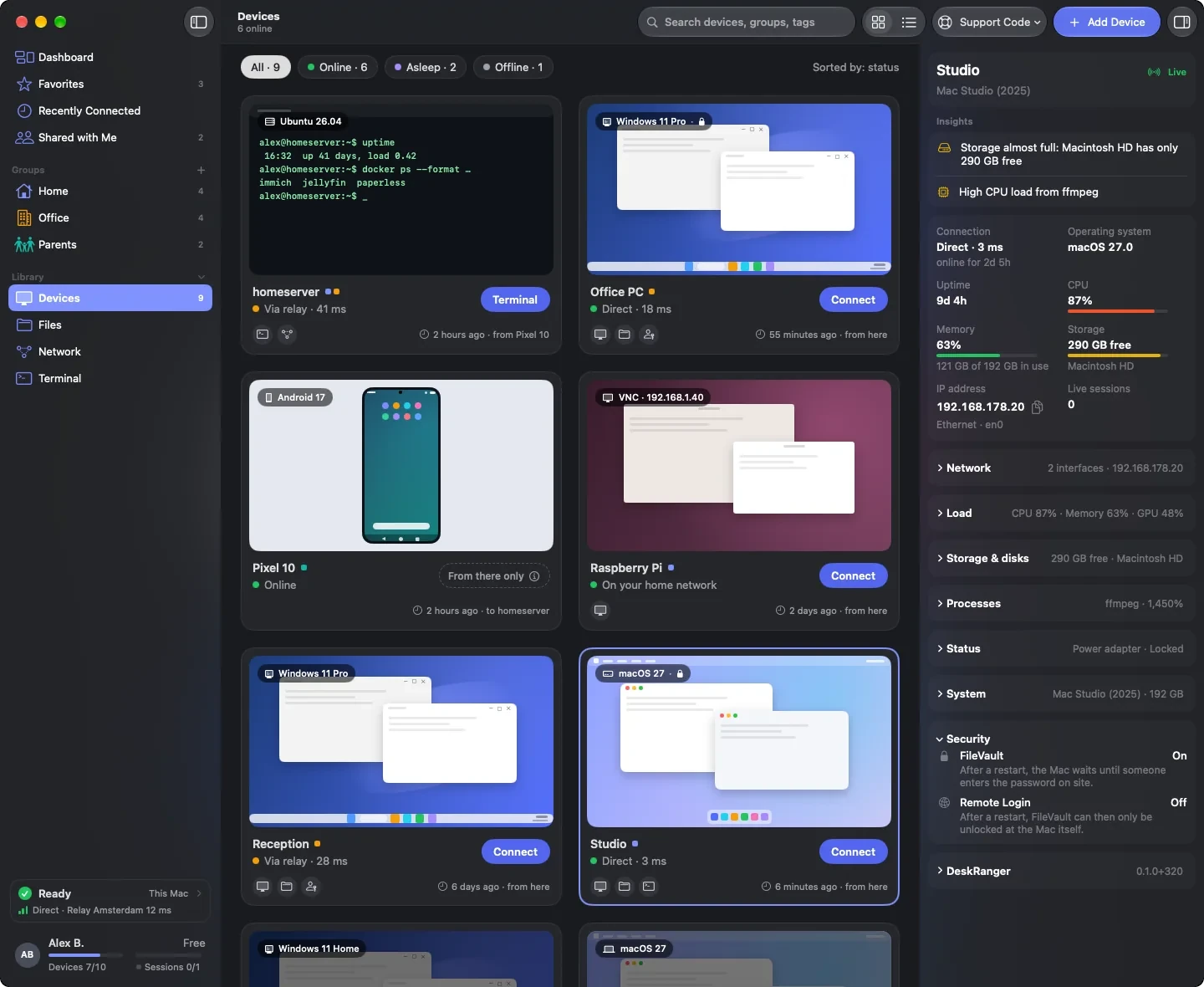
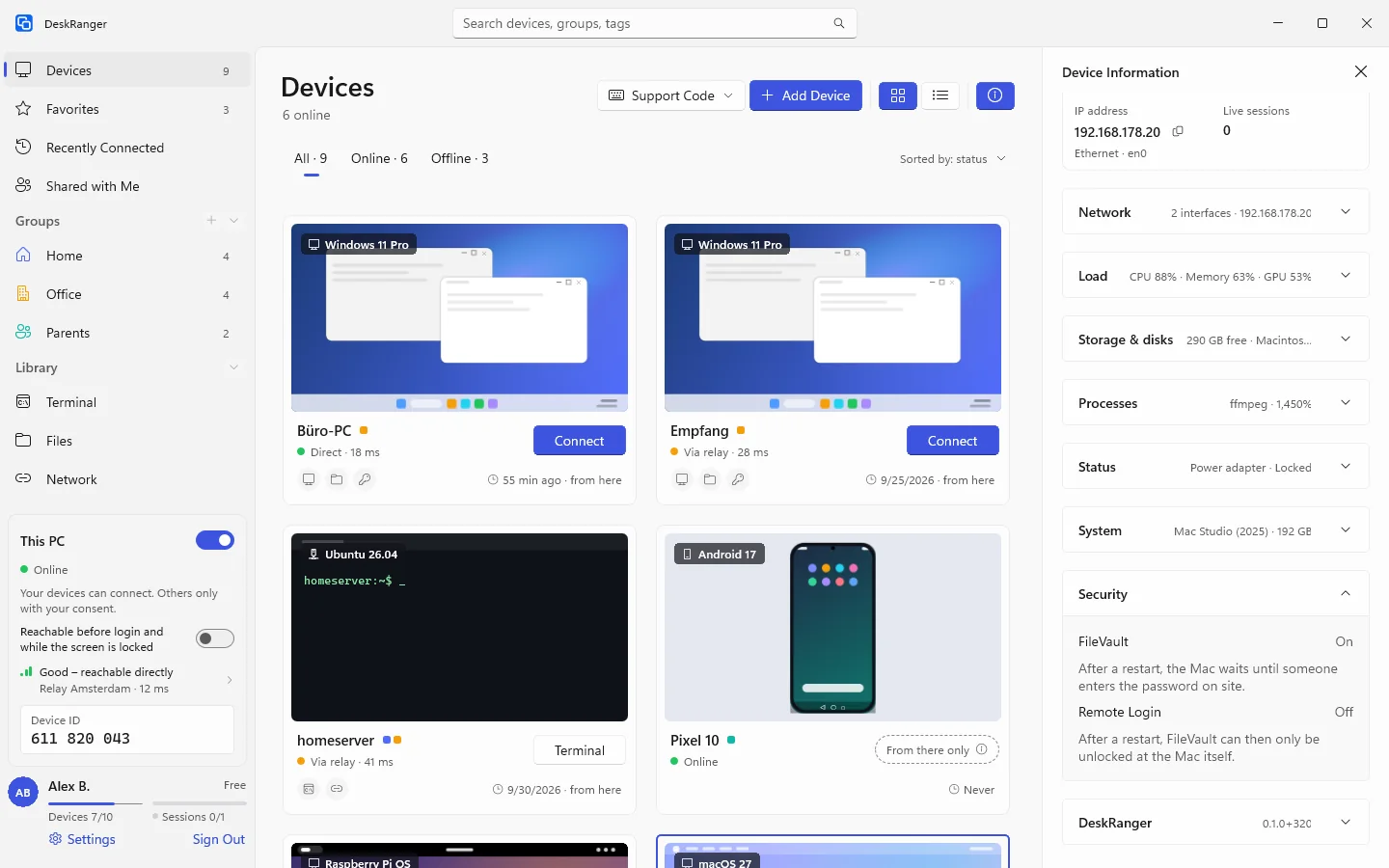
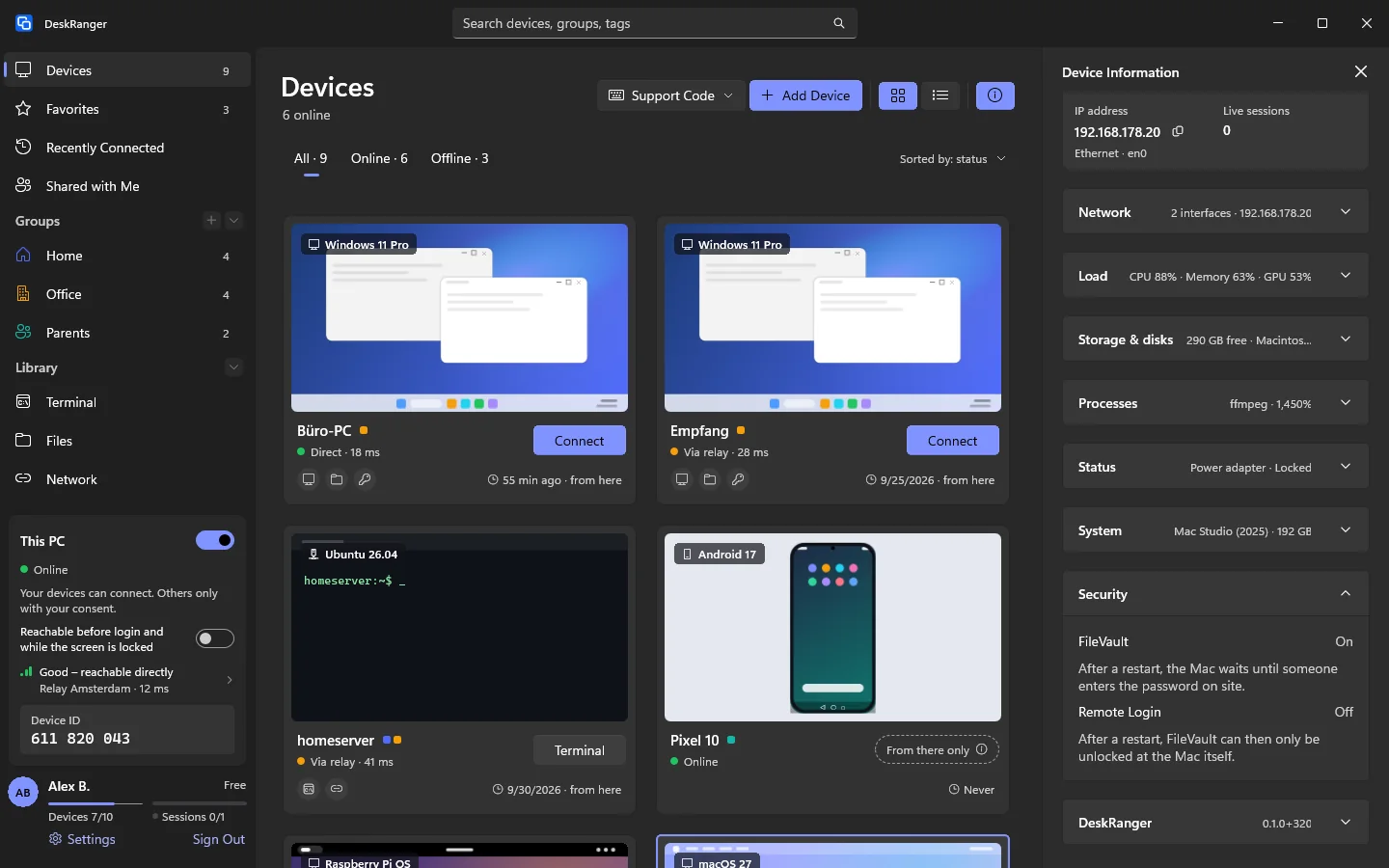
You see at a glance how the device is doing: at the top notes, if there are any, and an overview with connection, system, uptime, CPU, memory, free storage, address and sessions. Below you expand groups such as network, load, processes and security.
A collapsed group names the most important thing in one line
What you expand and collapse is remembered by the device you look at it on
Shown: Windows
What your system reports
Every device shows what its system provides. A Windows PC names its model, edition and version, power supply, battery and whether someone is signed in or the PC is locked. An Android device reports maker, model, Android version, chip, memory, battery, temperature and storage.
Load, processes and network rates are missing on Android
Mac, Windows, Linux and Android provide values; iPhone and iPad display them
In the web console you find them on the device’s page
Shown: Windows
Does it wait after a restart?
The “Security” group shows how the startup disk is encrypted and what the device waits for after a restart. A Mac with FileVault waits for the password, a PC with BitLocker and PIN for the PIN, a Linux computer with LUKS for the disk password.
Starts without input: BitLocker with TPM only, Linux with TPM or a Tang server
On the Mac it also says whether “Remote login” is on
Shown: Mac
Shown: Windows
You decide who sees it
You decide on the device who sees the values. They go end-to-end encrypted directly from device to device; our servers do not see them.
Device information: on from the start
For people outside your account: off at first
Running programs: off at first, program names only without paths
Network interfaces and “Security” are seen by your own devices only