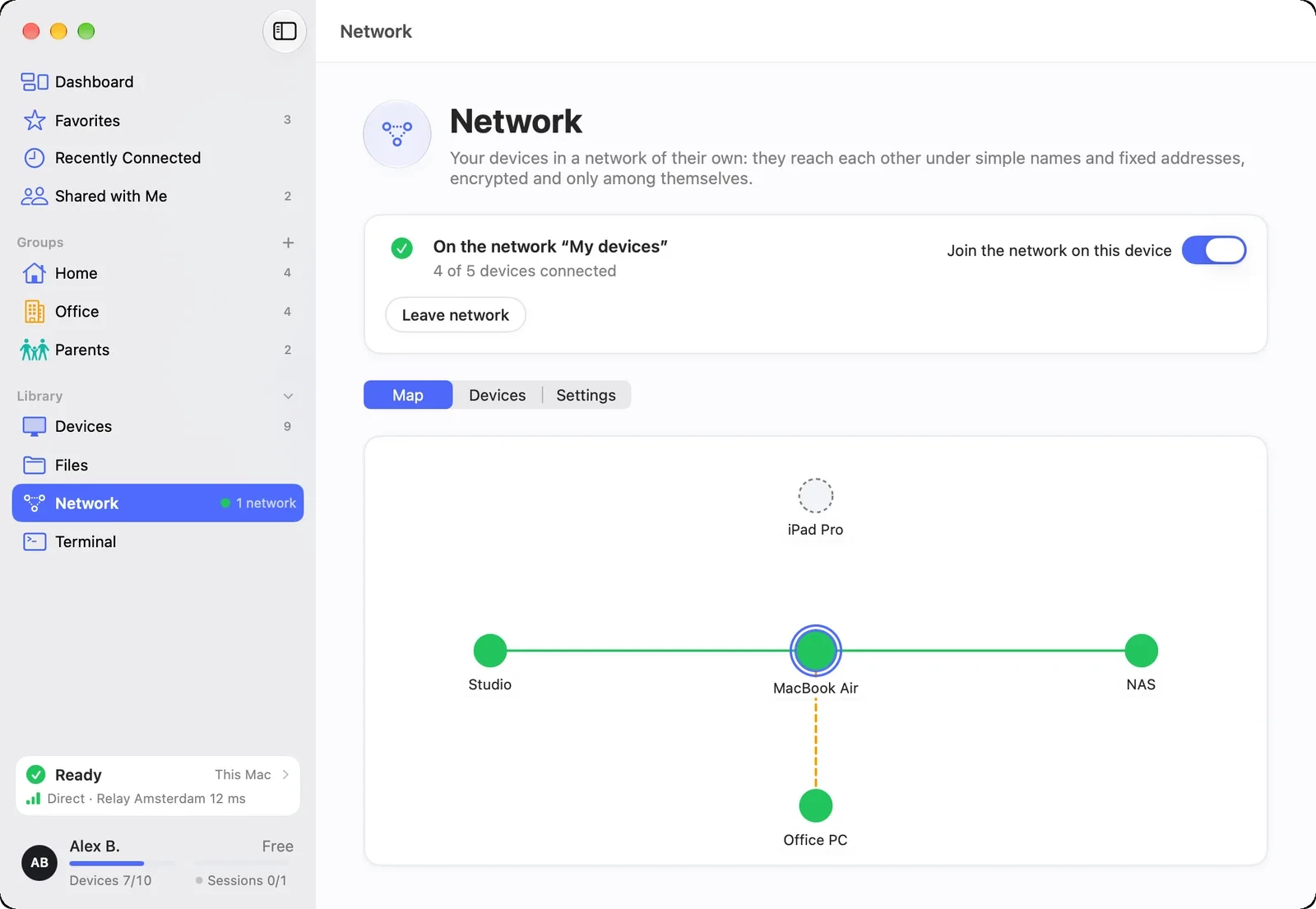
You reach the NAS, printer or camera at home from anywhere through one of your computers as the gateway. The devices in the home network do not need DeskRanger.
FreemacOS · Windows · Linux · Android · iOS / iPadOS
MacWindowsLinuxiPhone & iPad Em breveAndroidBrowser
One computer makes the home network reachable
You reach your home network on the go: a Mac or Windows PC at home makes its local network reachable for all your other devices. Everything that runs through your network on the way is end-to-end encrypted.
Only the device with the access needs to be approved for it
Names from the home network such as fritz.box work on the go, too
iPhone, iPad and Android use local networks; they do not offer one
The path as a line
A card shows the path from you through the access device into the local network. A note tells you whether your device offers the network itself, whether it is reachable through another device or whether that one is currently off.
On the network map the home network is an area behind its access device
At home in the home network connections go directly, not through the access device
DeskRanger notices you are home
DeskRanger works this out with the access device at home, not by the name of a Wi-Fi, because anyone can pick that freely. DeskRanger shows your Wi-Fi name only when you switch it on.
For the Wi-Fi name the system asks for your location once, on Linux never
The name stays on this device: not to your other devices, not to our servers
If your Wi-Fi uses the same addresses, the home network appears under other ones; names stay the same
A backup if the access fails
If the usual device is missing, another one that offers the same network steps in. A backup you chose comes before the automatic one.
As soon as the usual device is back, the backup hands the network back at once
The card “Access to …” shows who is carrying the network right now
One backup access per local network
What announces itself in the home network
If the access device shares its list, you see the devices that announce themselves in the home network: printers, NAS, speakers and TVs with name, type and address, with filter and search.
Not a router list: silent devices and Windows PCs without DeskRanger are missing
If the list is missing, DeskRanger names the reason