Control

Groups & favorites

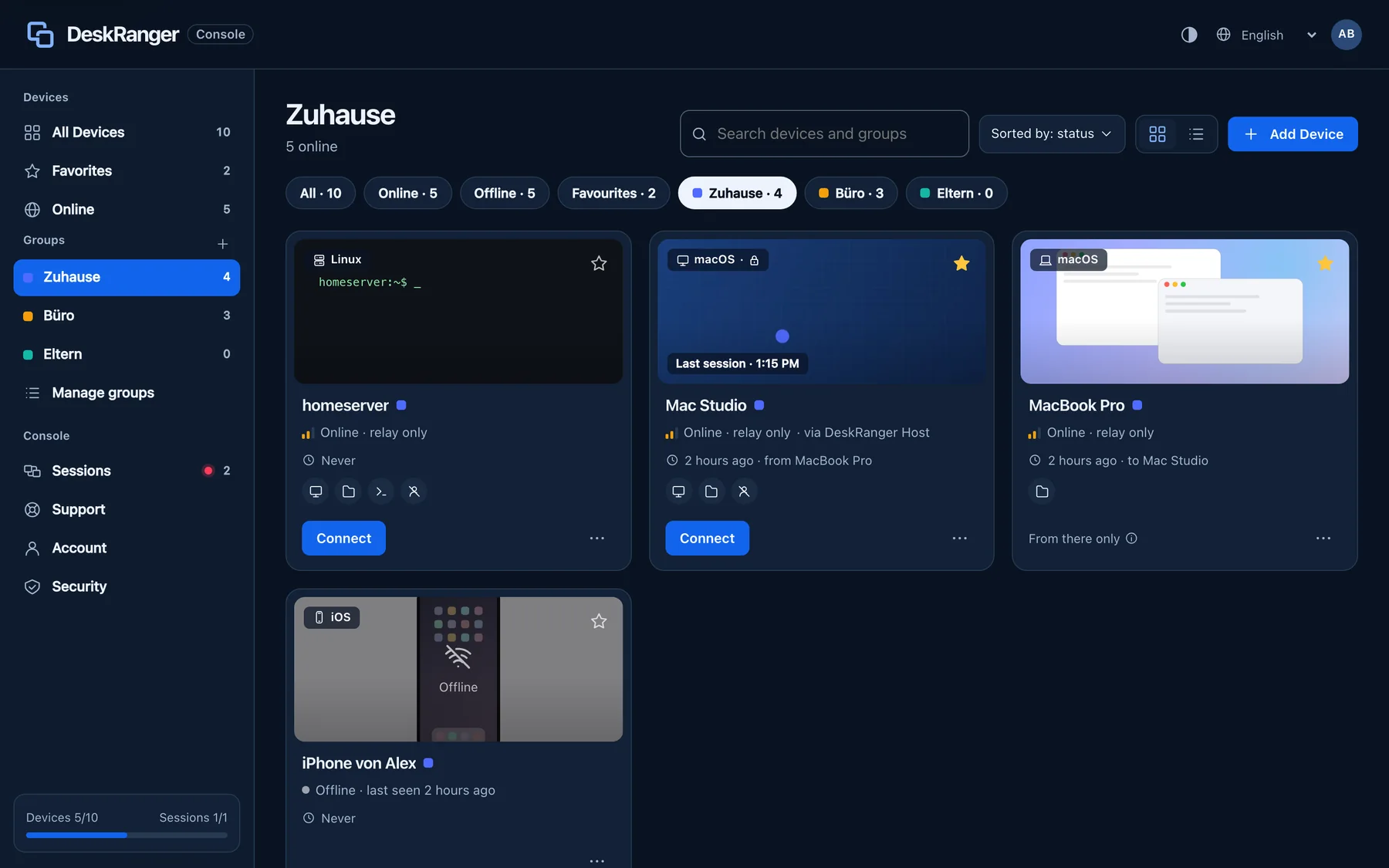
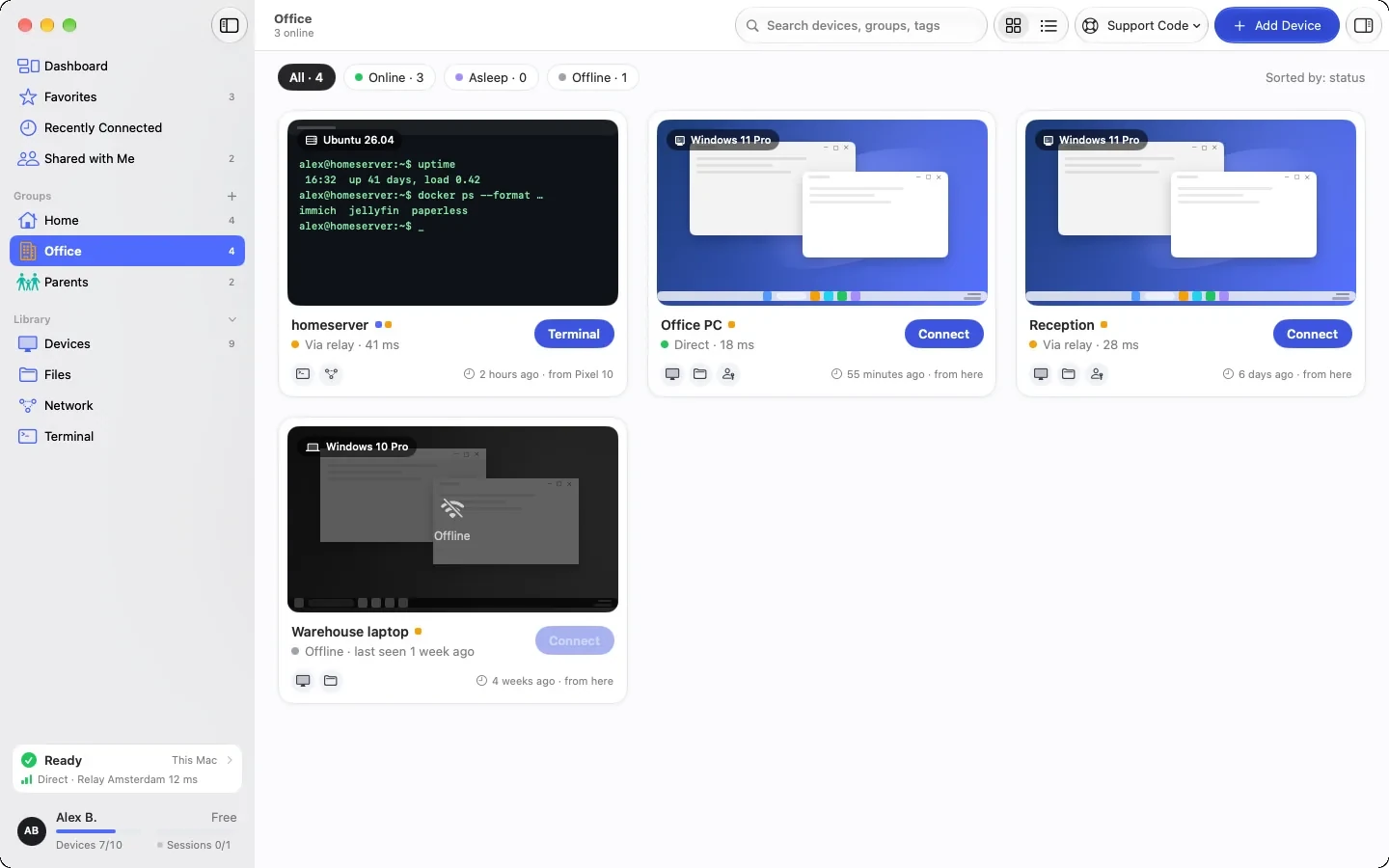
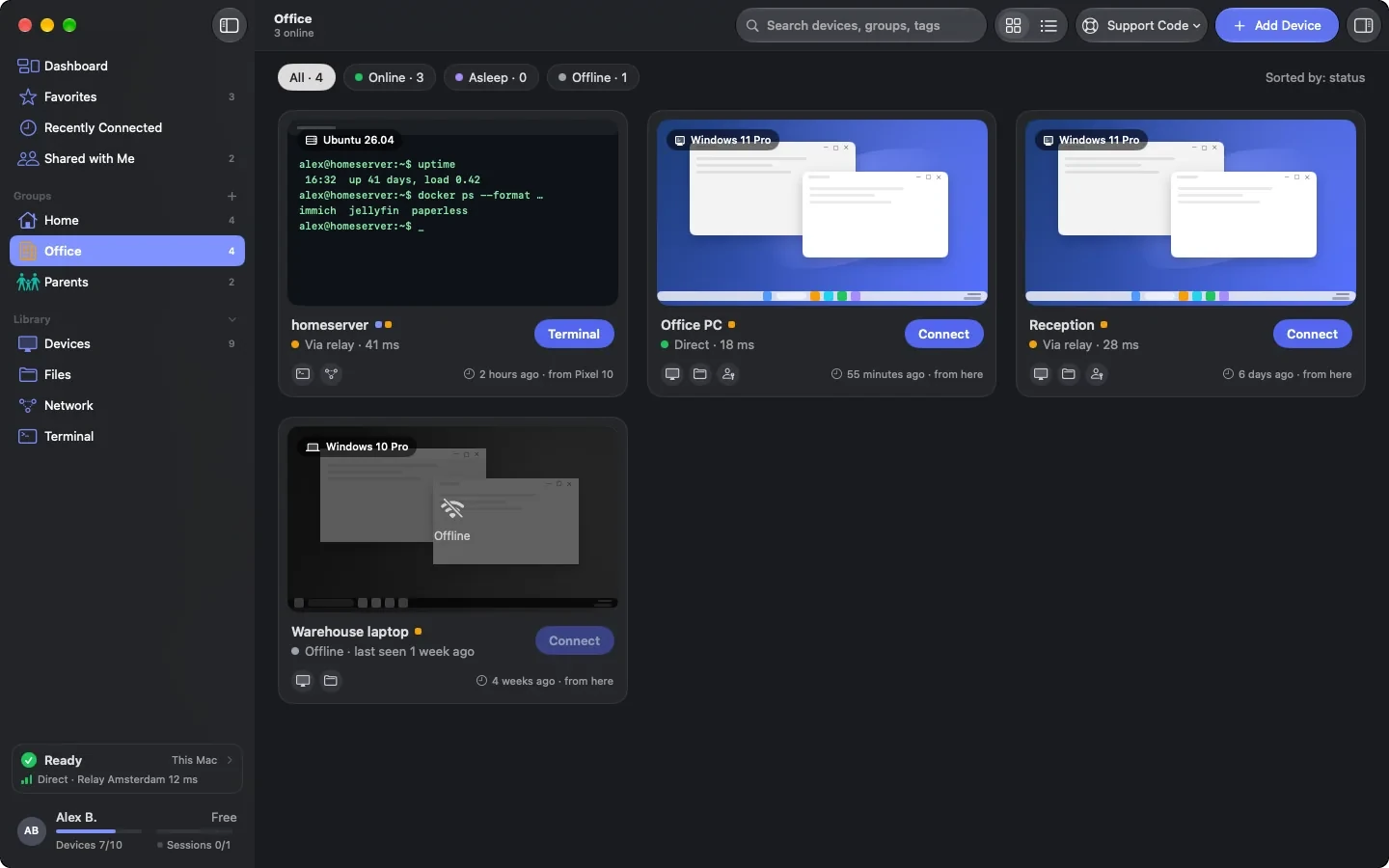
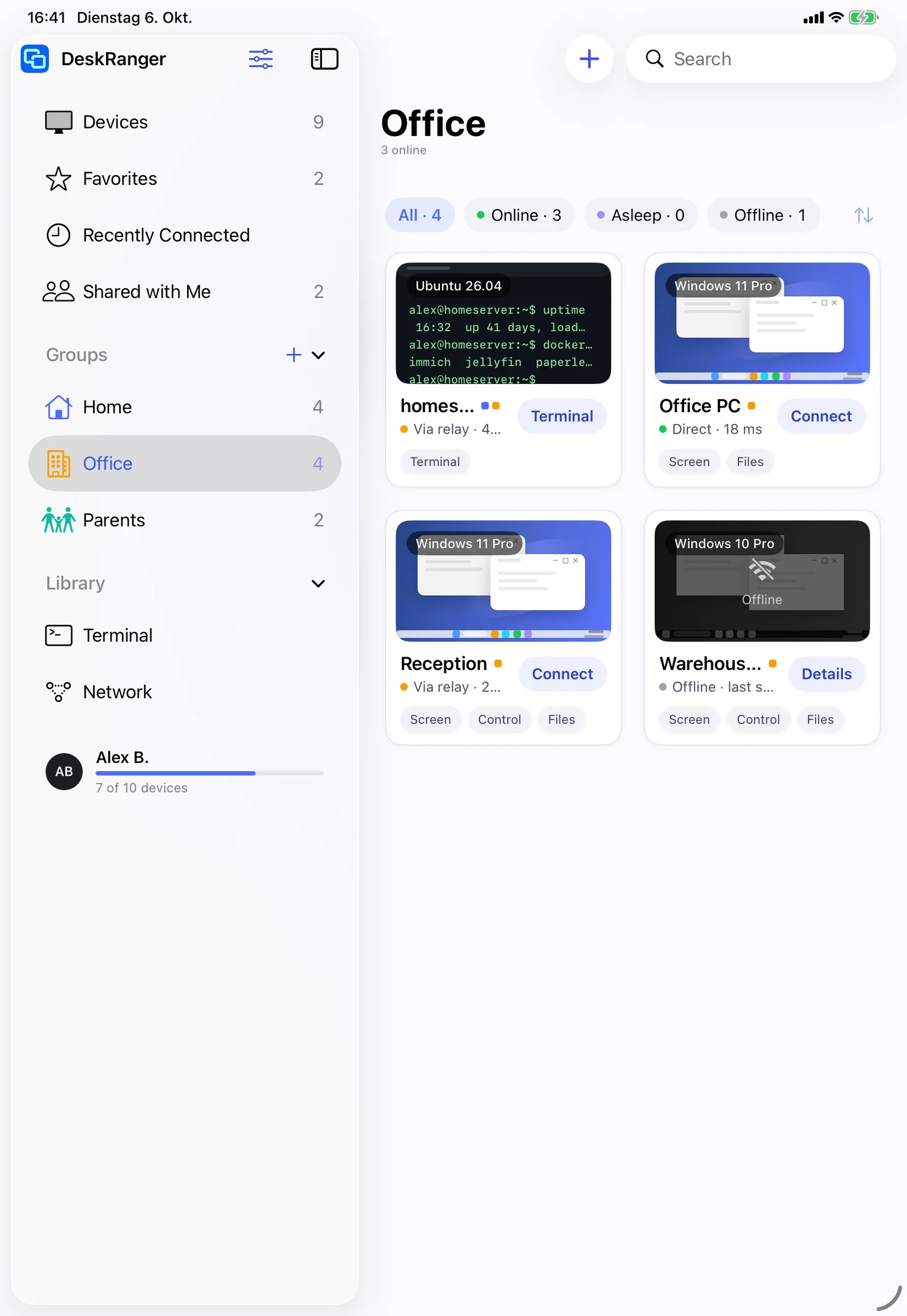
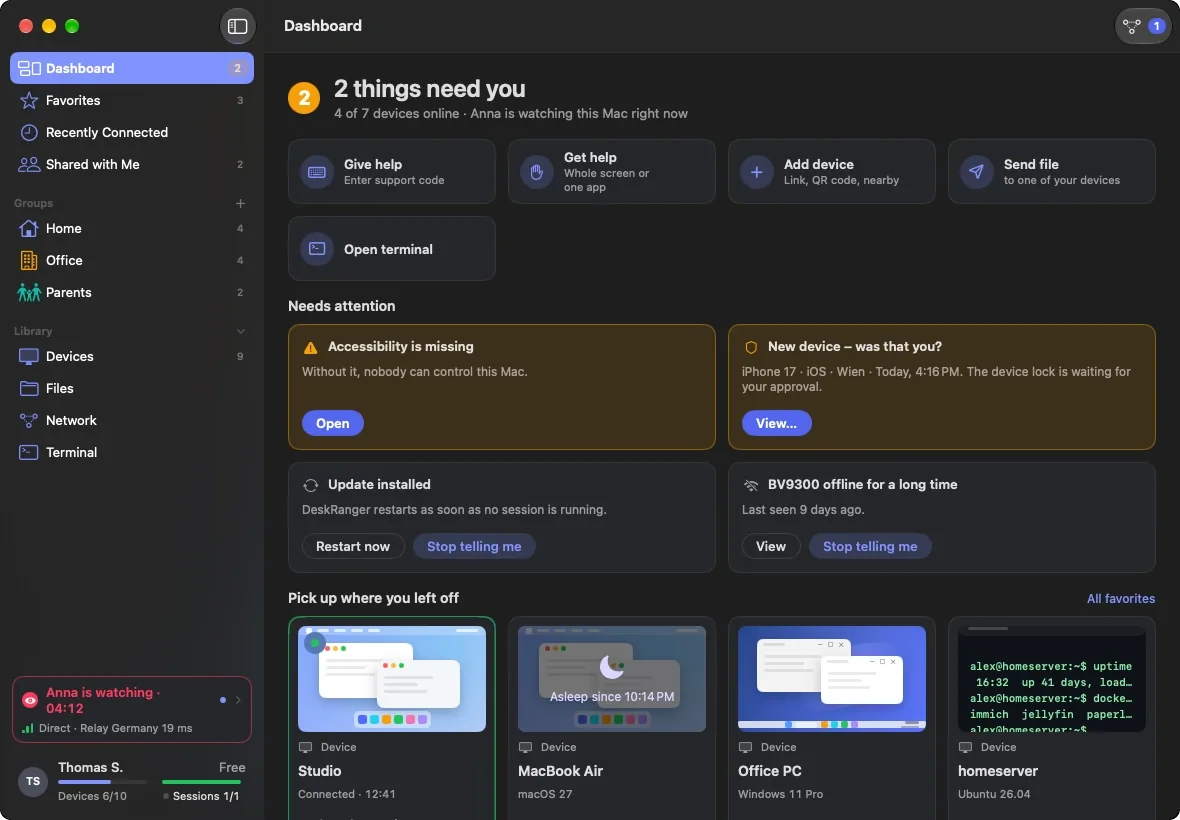
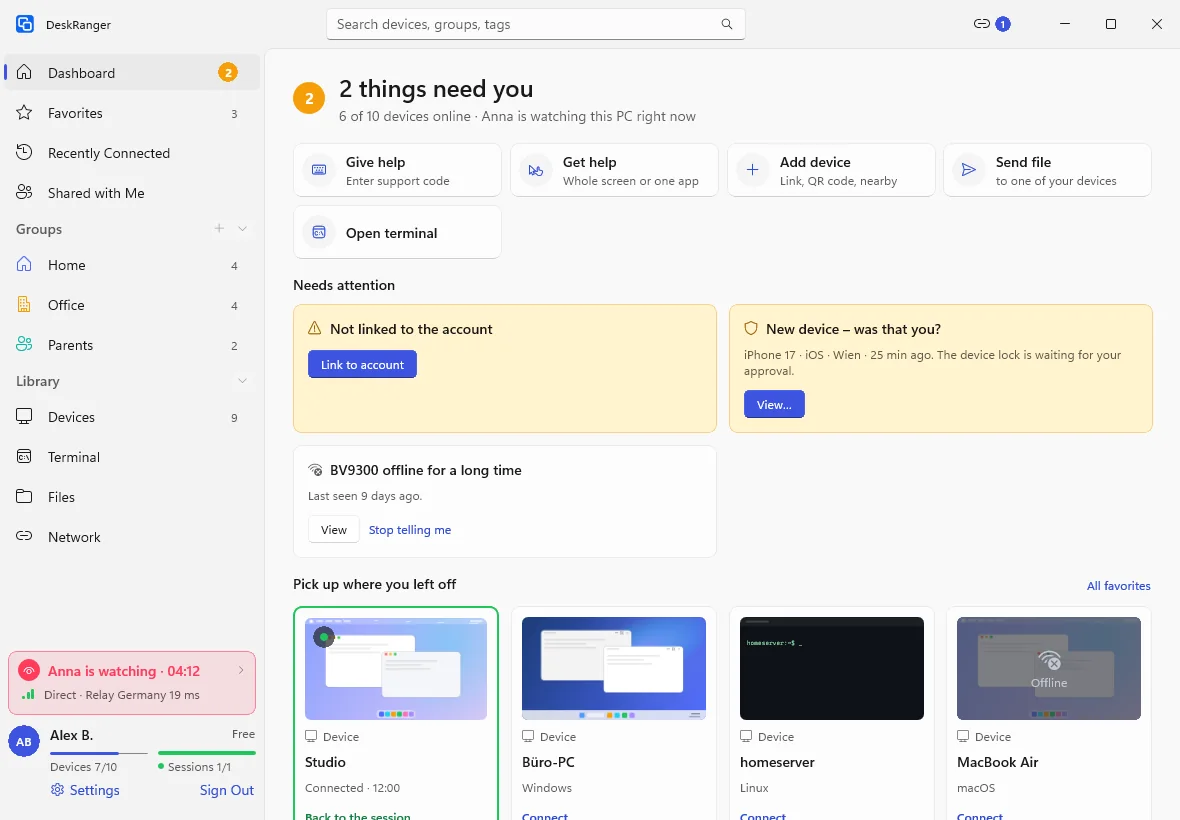
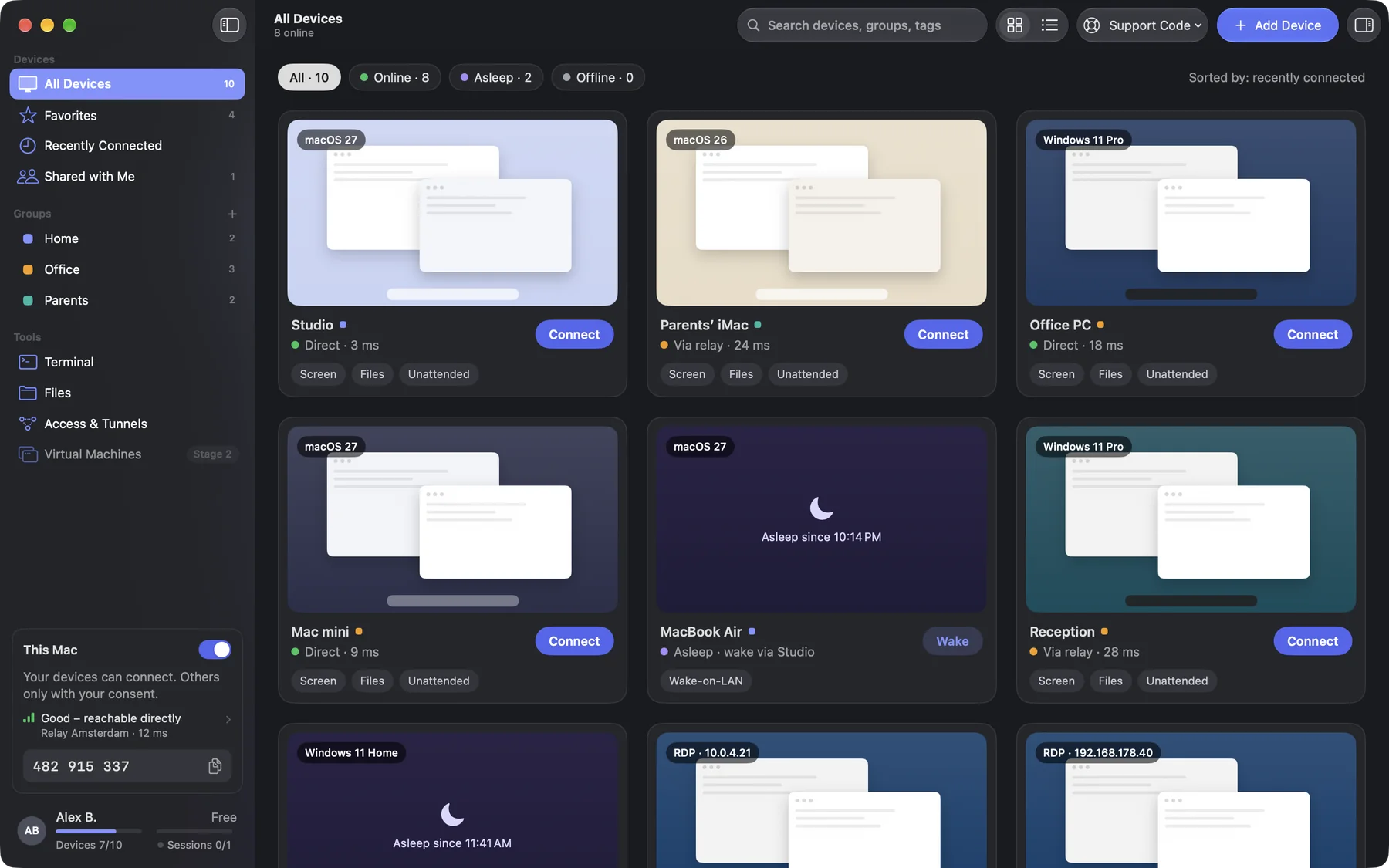
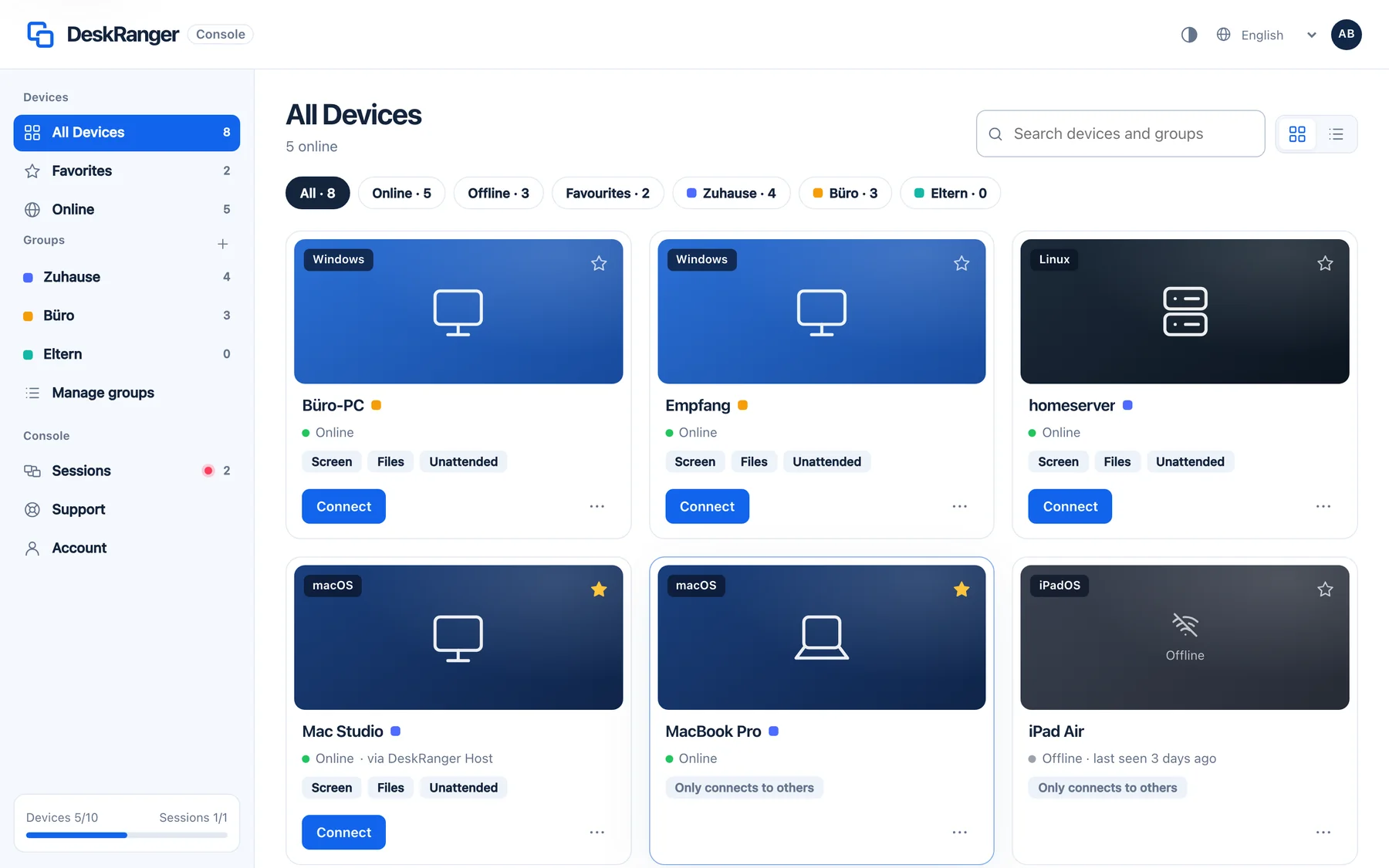
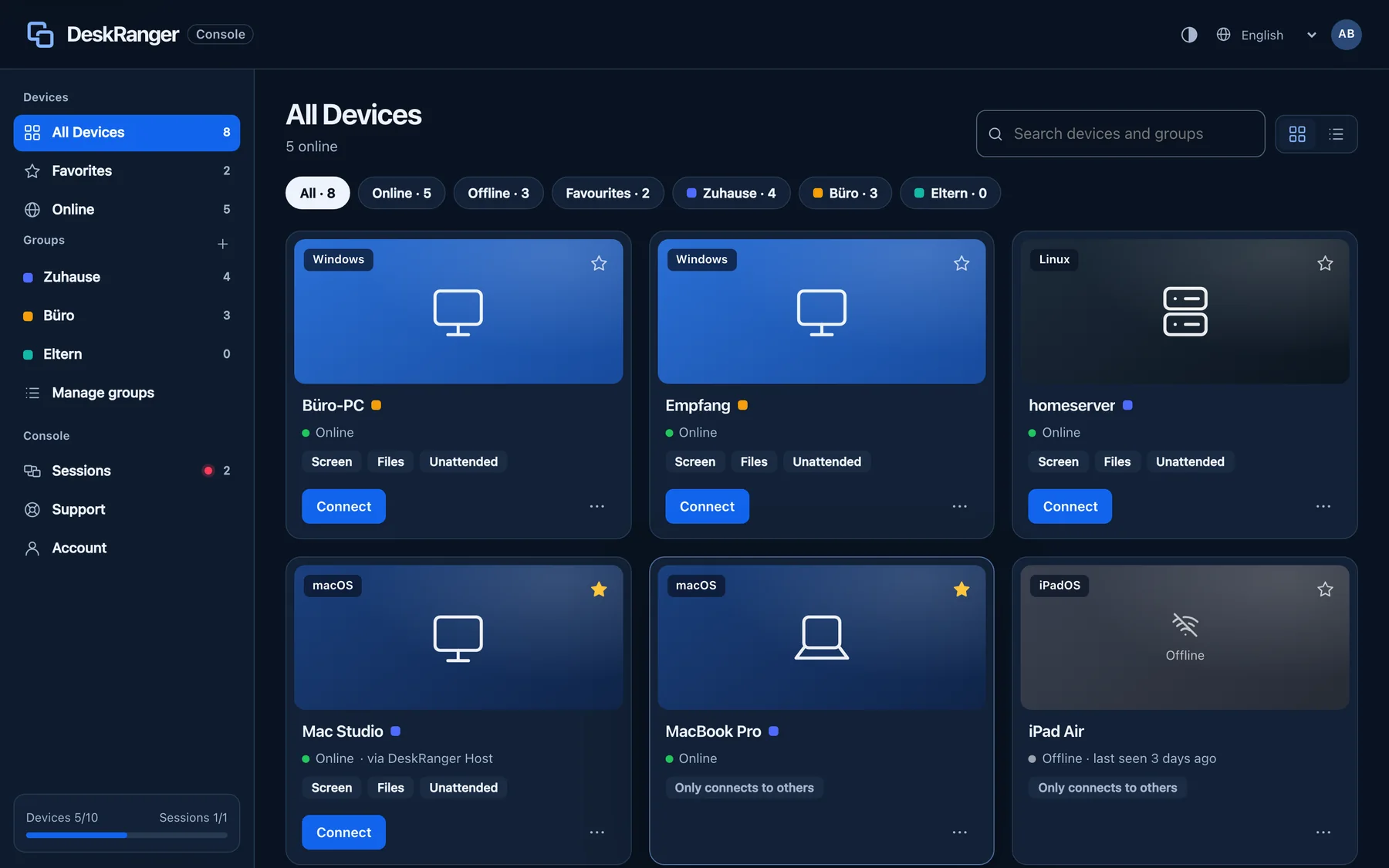
All your devices at a glance: groups, favourites, search and live status. DeskRanger finds devices on the same network by itself.

FreemacOS · Windows · Linux · Android · iOS / iPadOS · Web
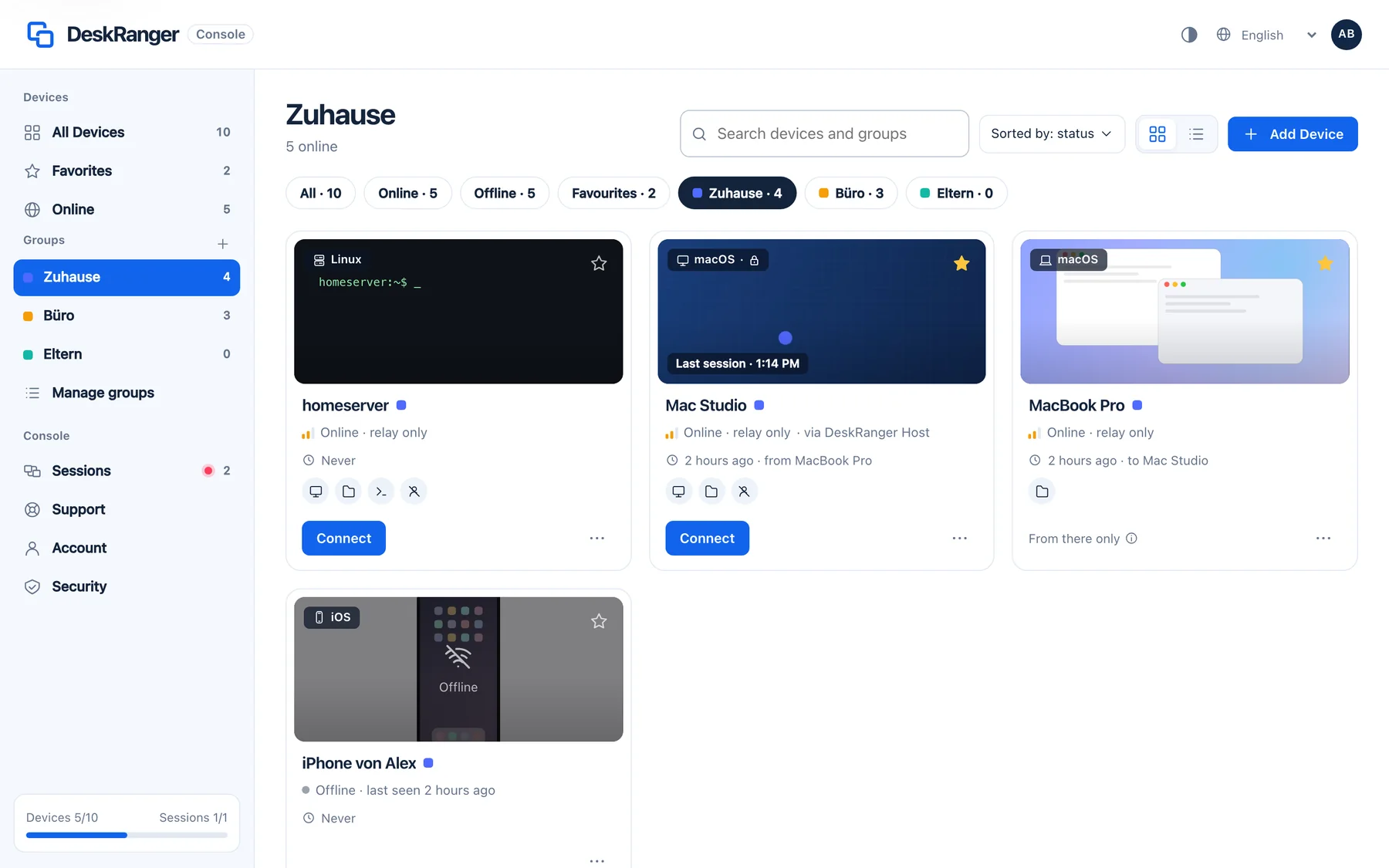
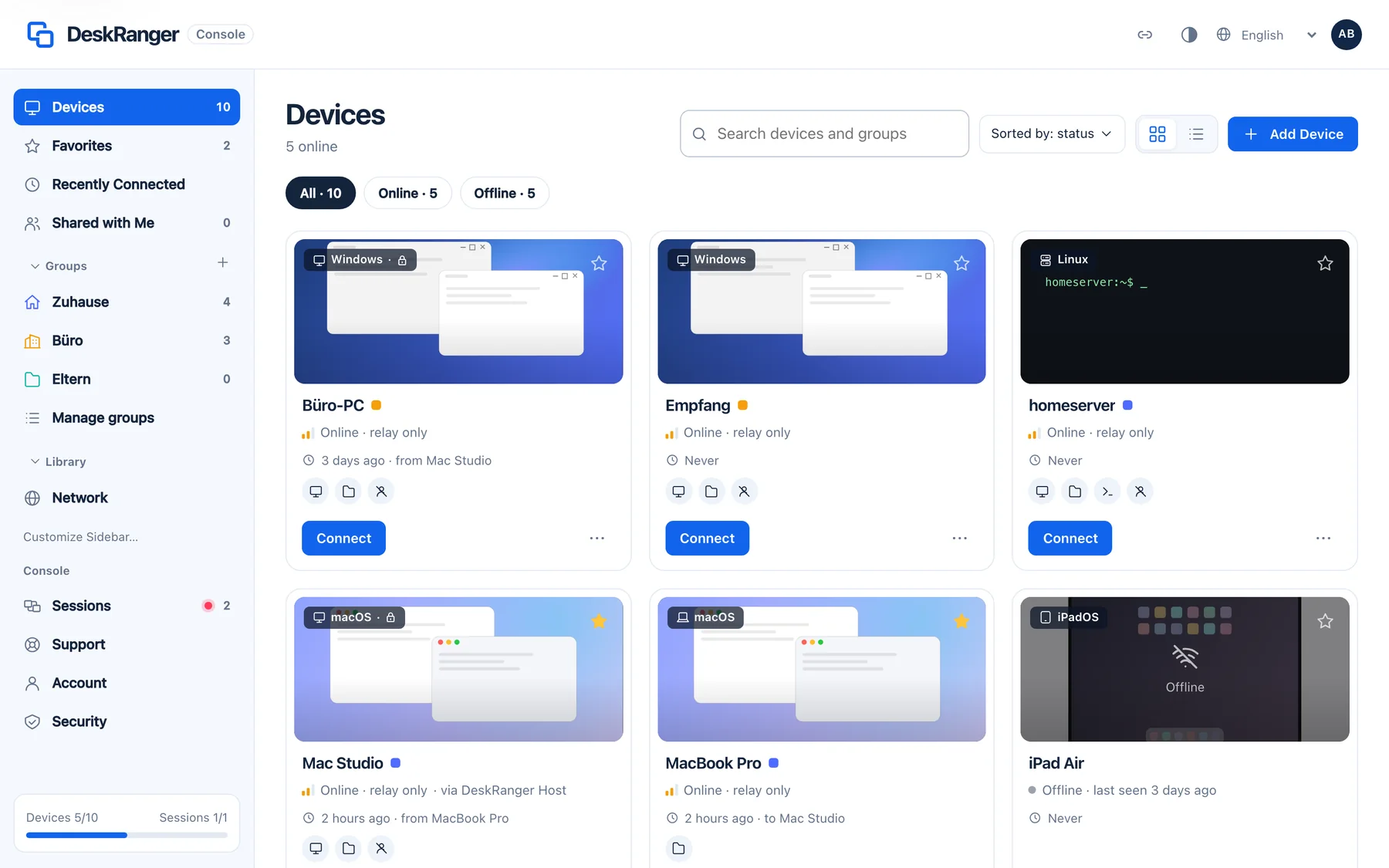
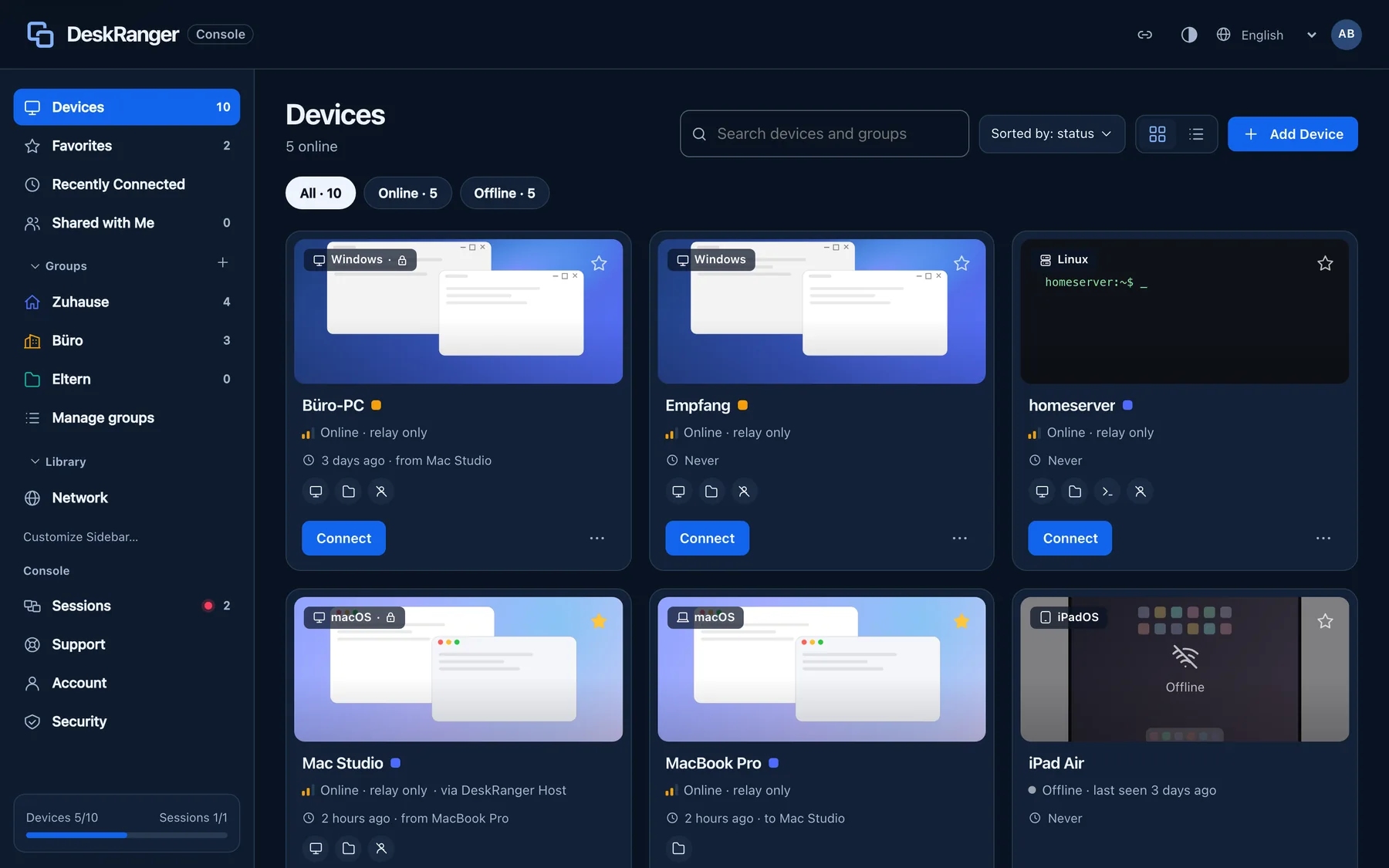
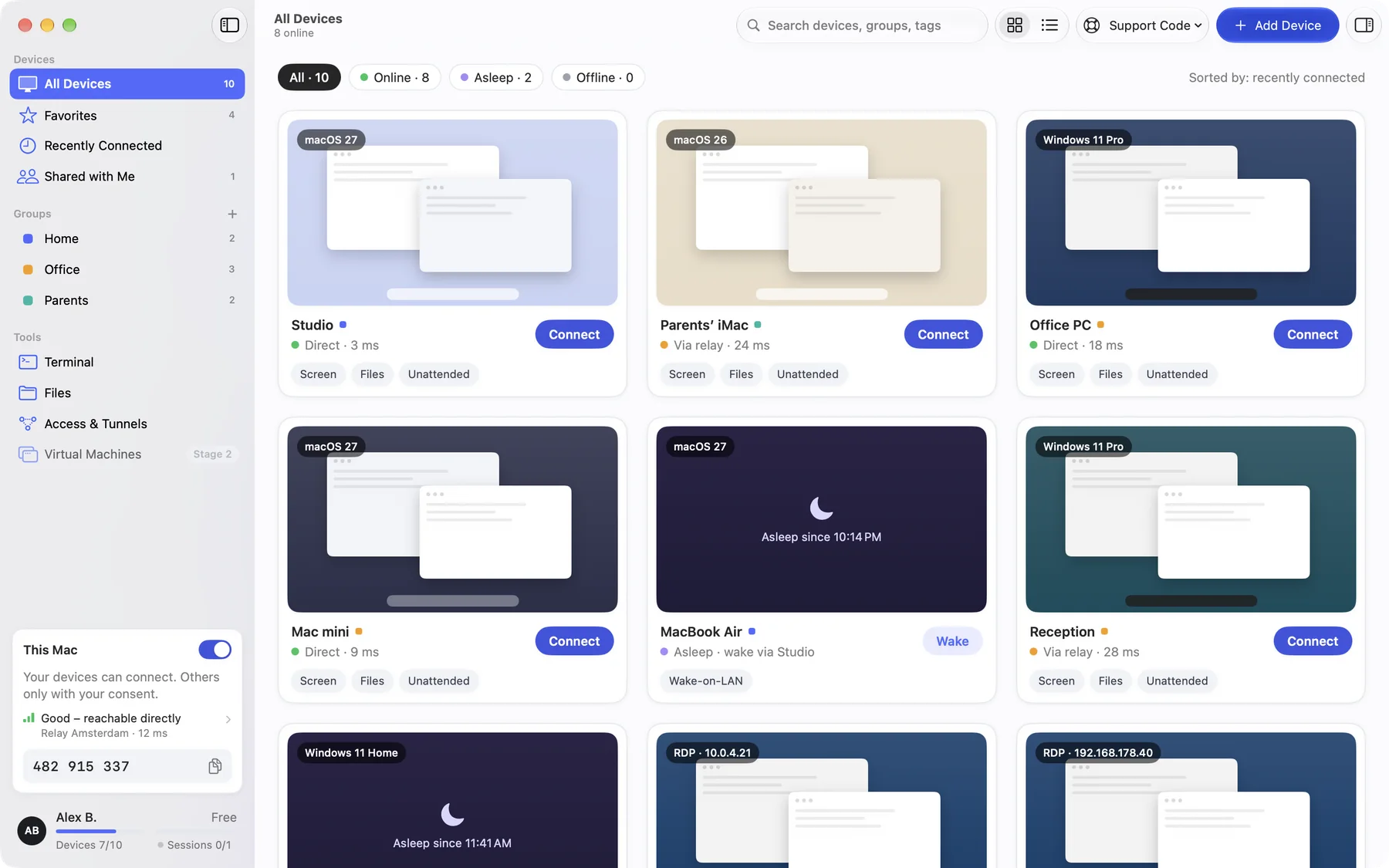
The device list with the Connect buttonThe device list with the Connect button

Shown: Mac

What you do with it

See it on

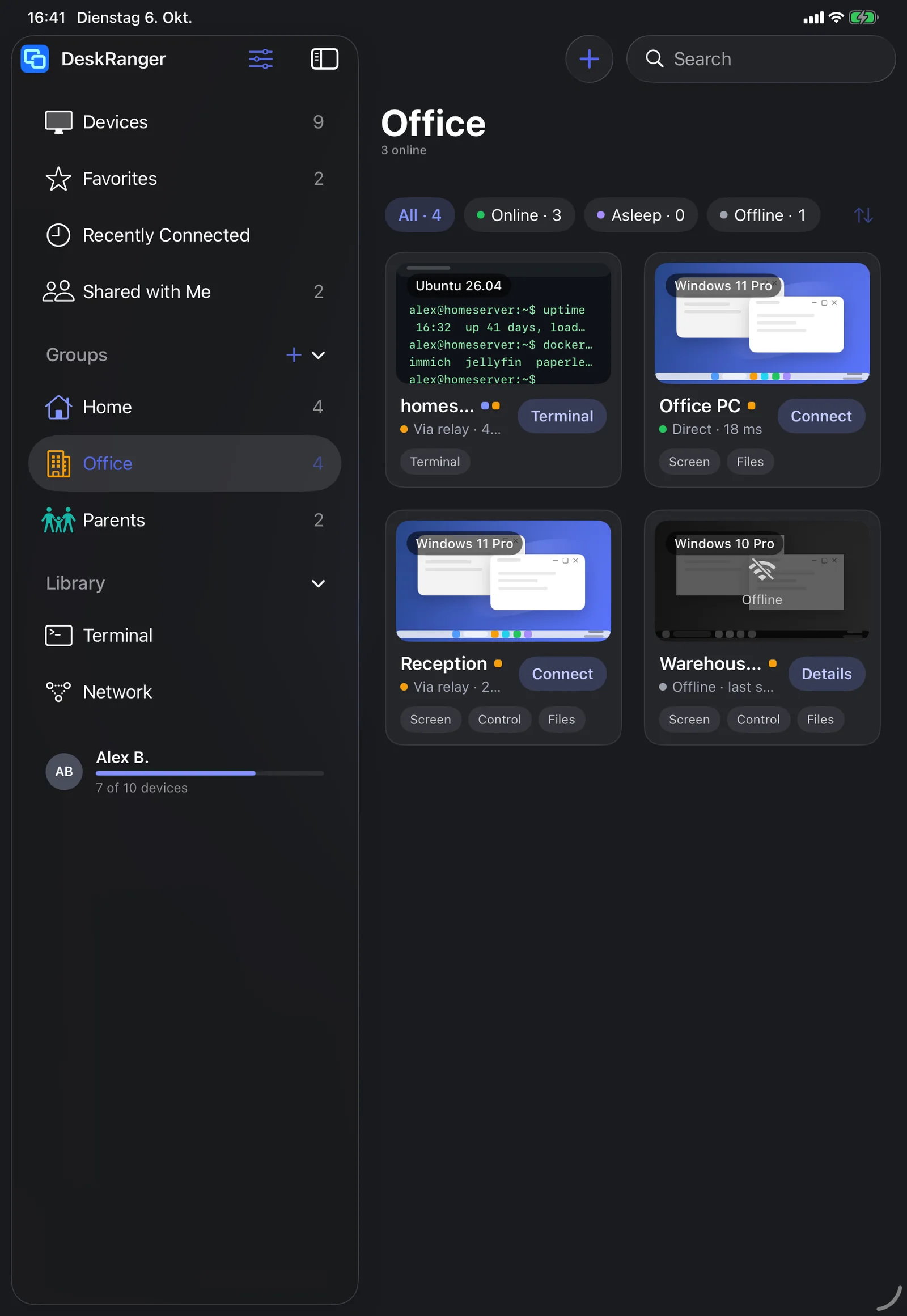
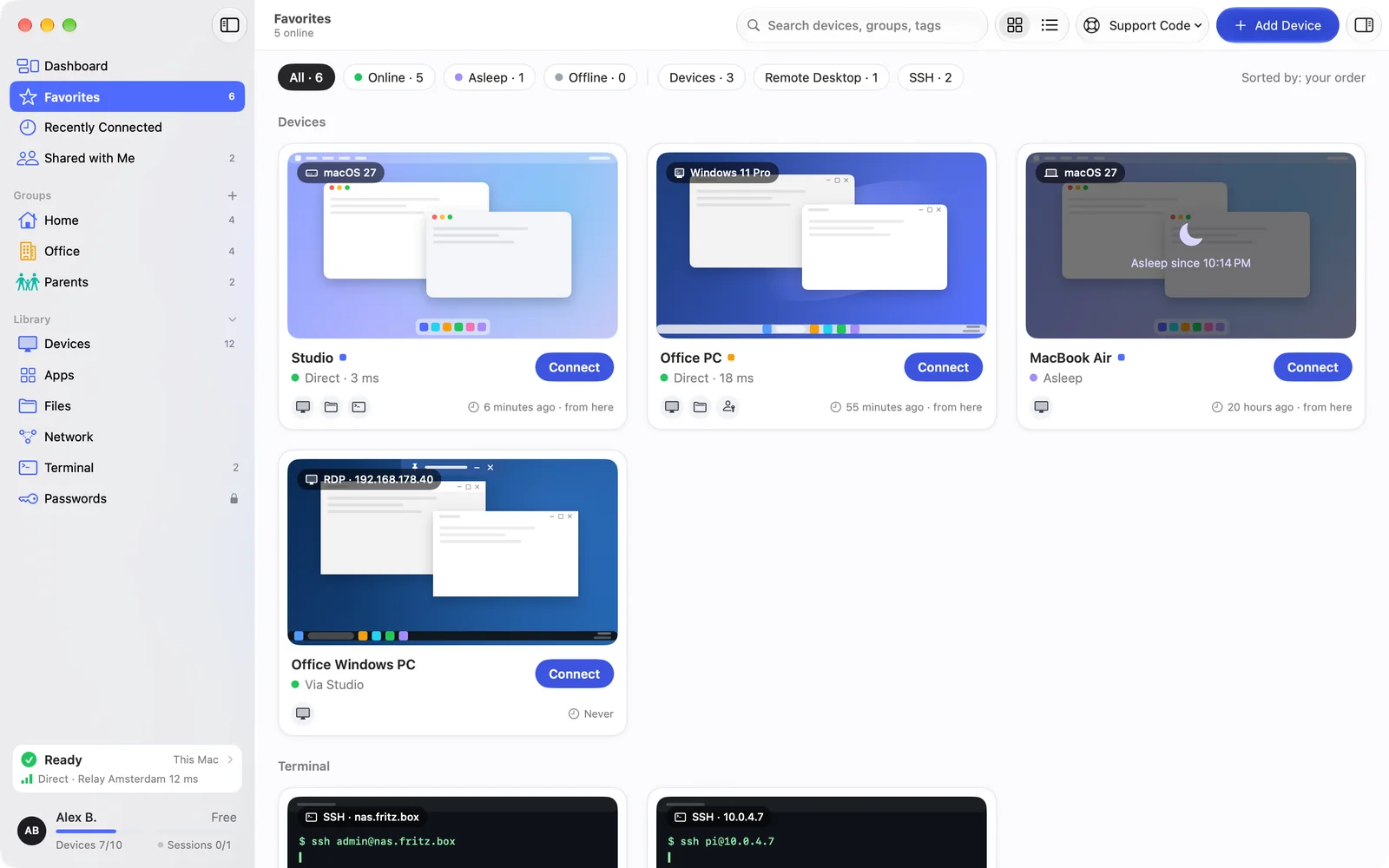
Every card says what works

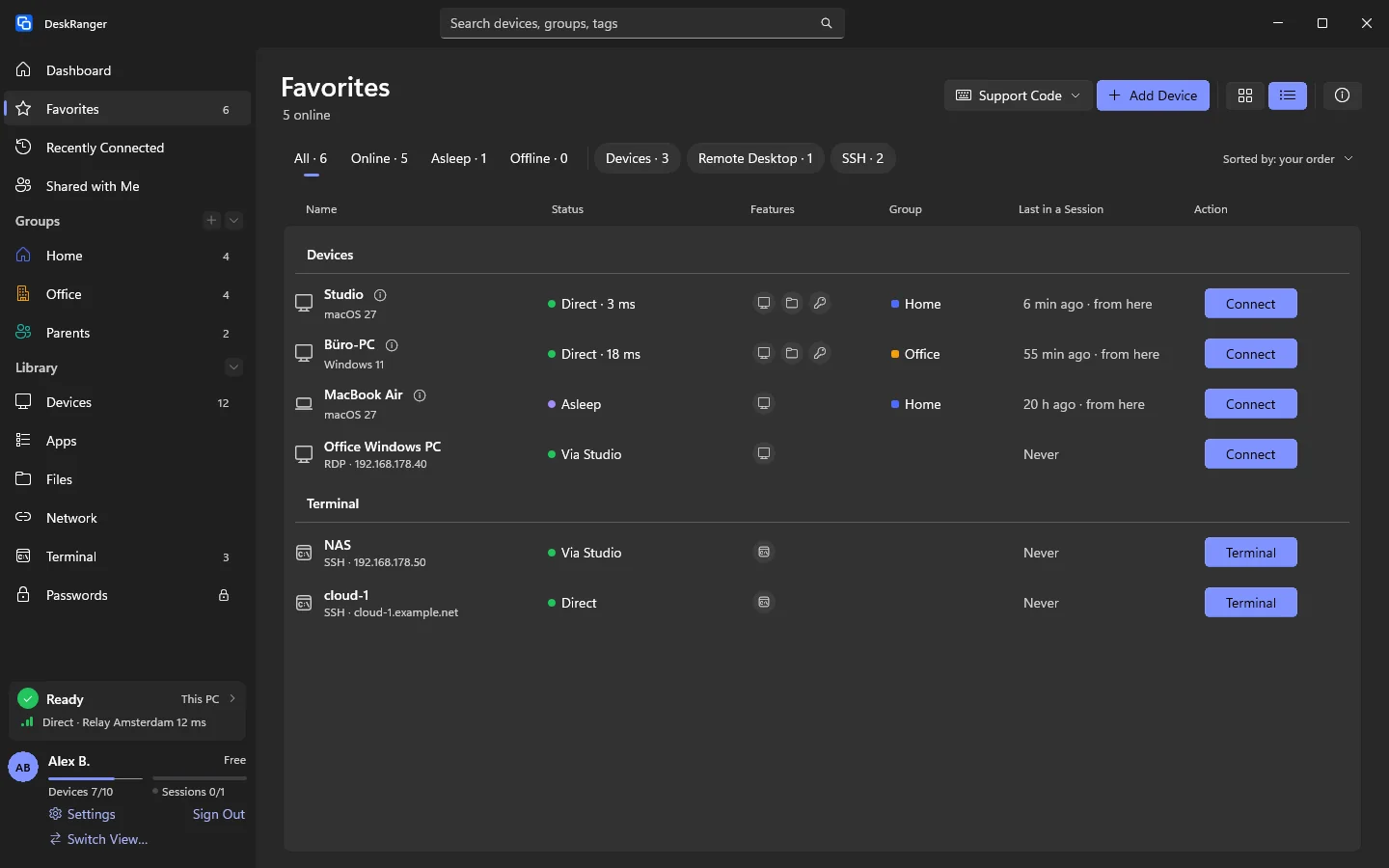
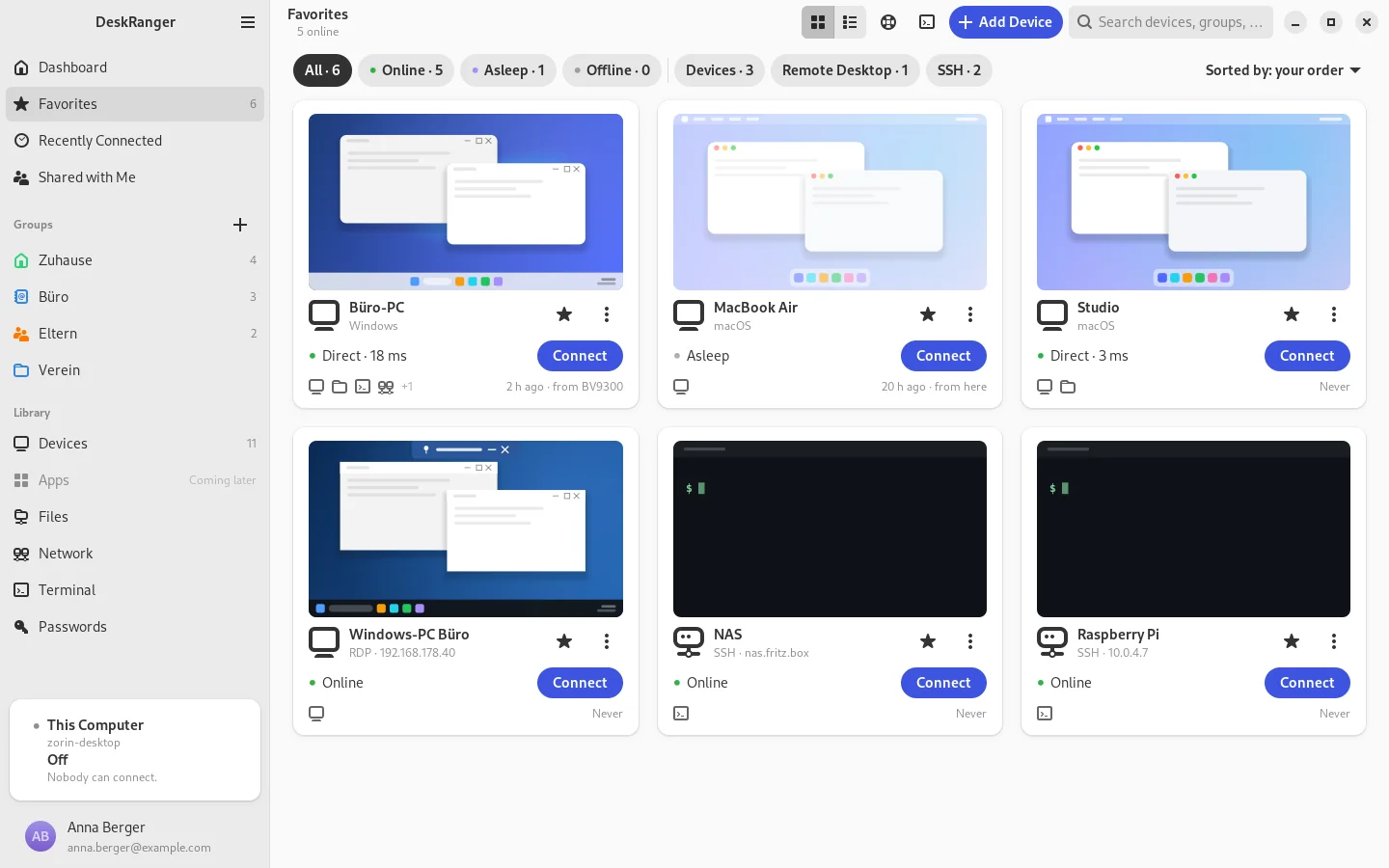
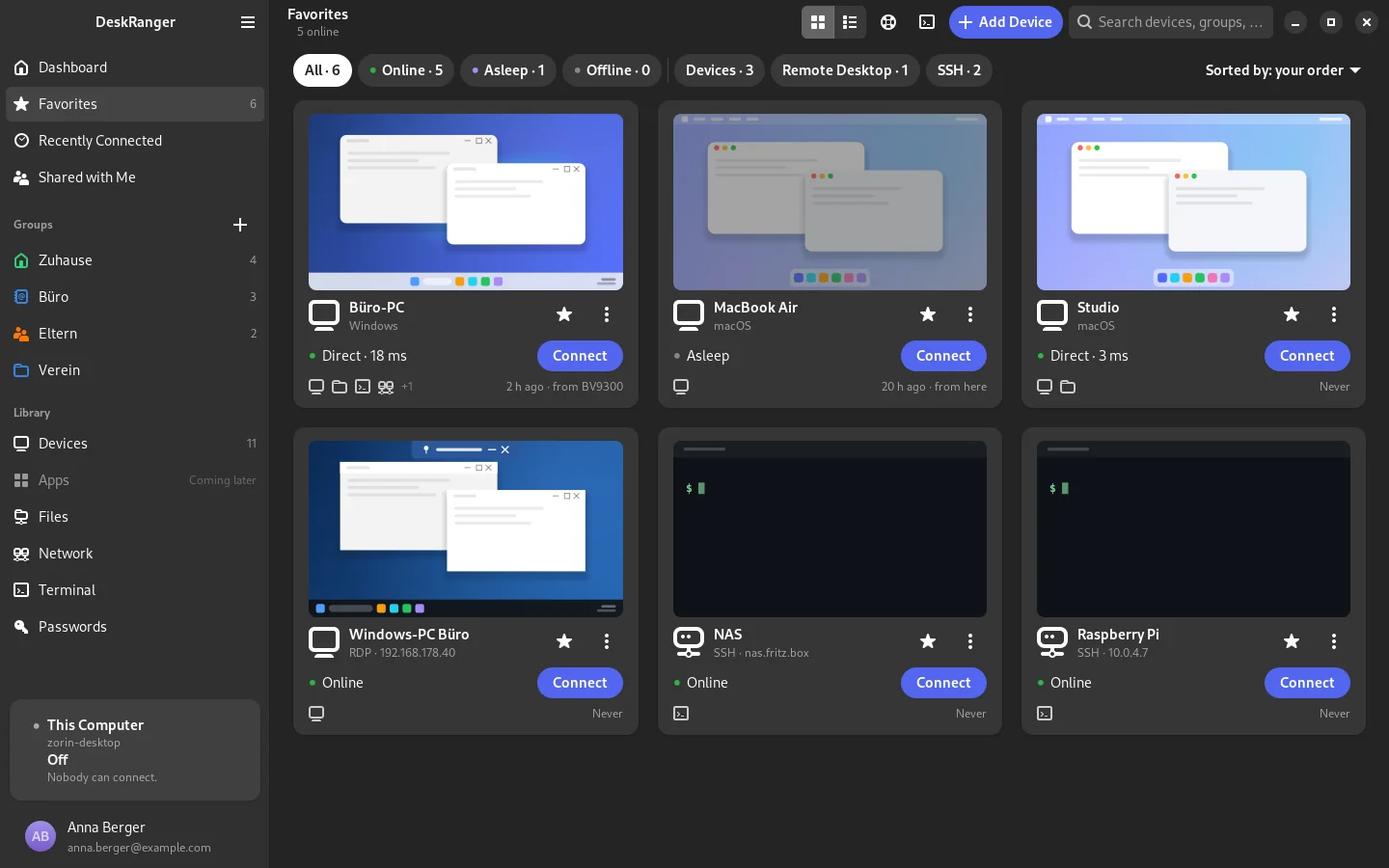
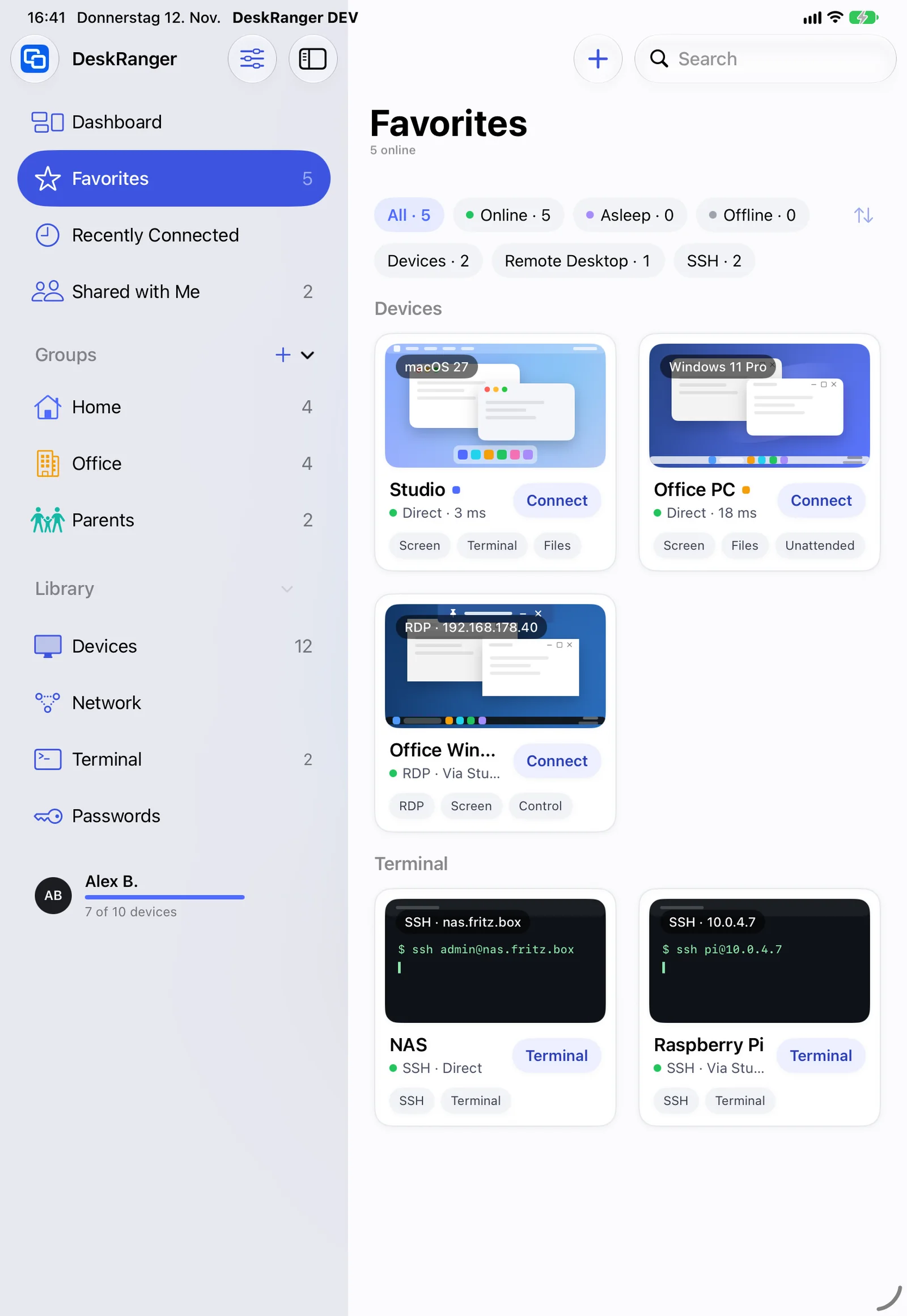
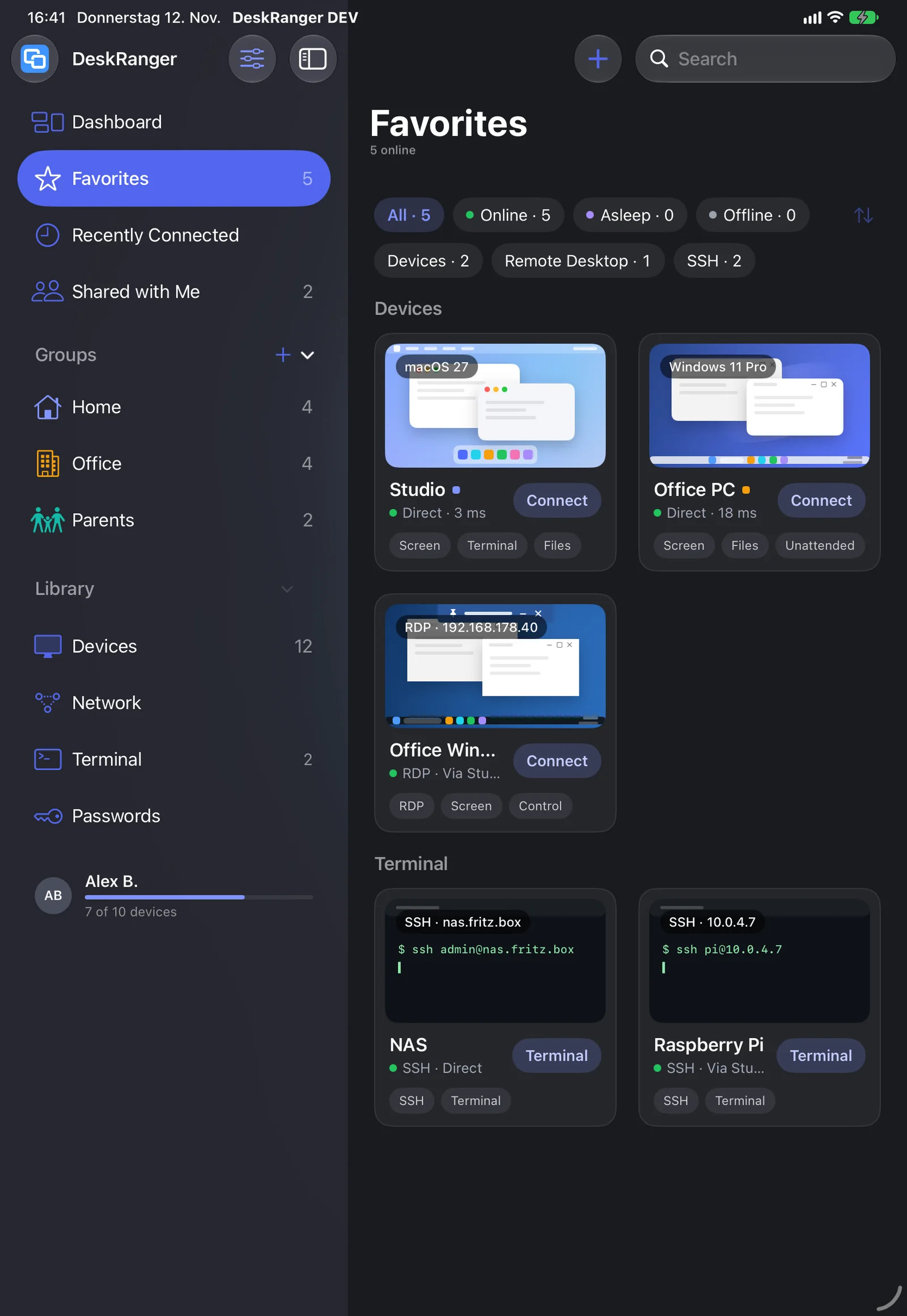
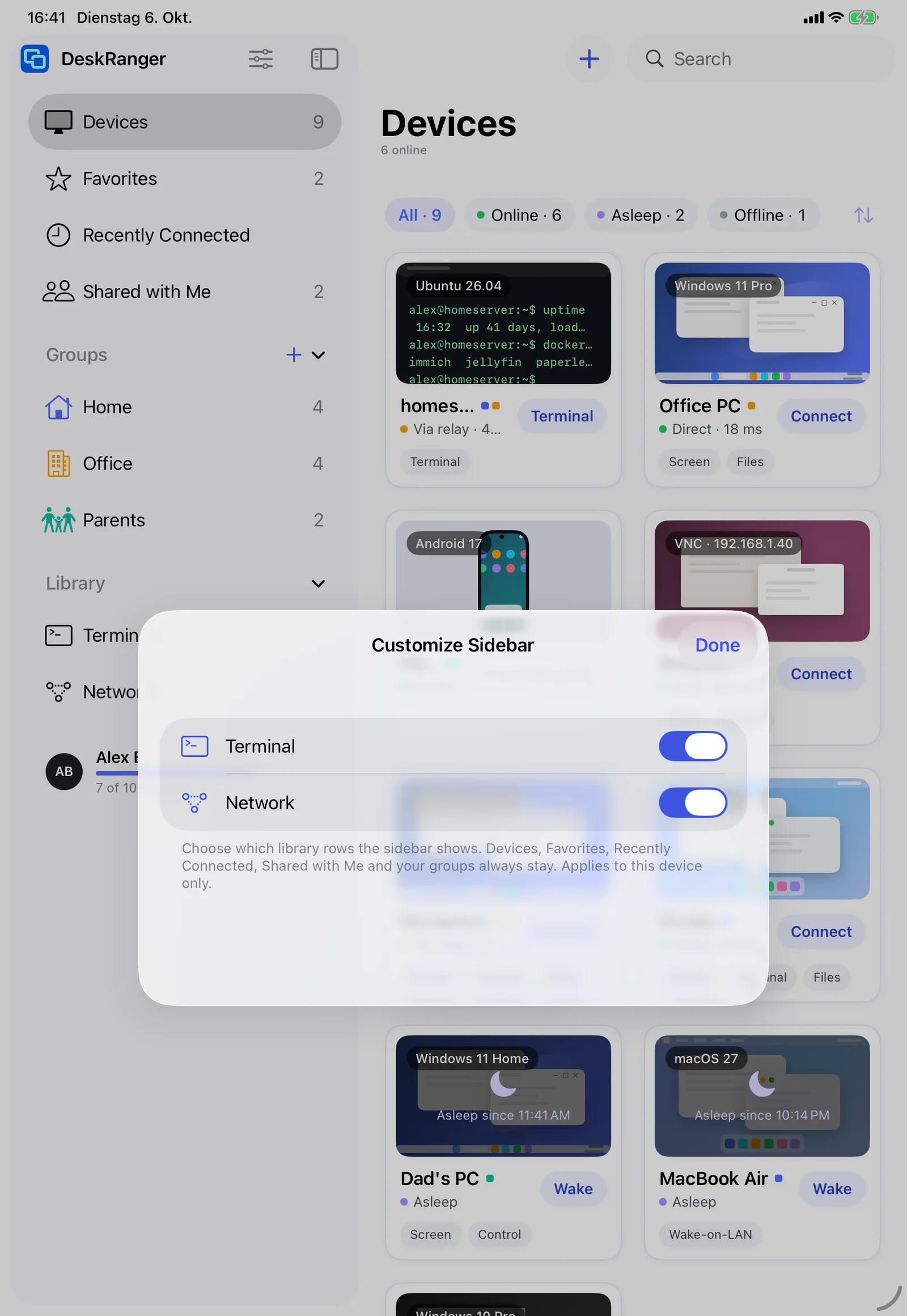
On every card you see what the device can do: the icon shows the kind, the picture the state of your last session, small icons the options such as „Bildschirm und Steuern“, „Nur ansehen“, „Dateien senden“ and „Terminal“. The status names the route and response time.

  • The last picture stays on your device and is never uploaded
  • If the device kind is wrong you choose it in the card's menu
  • A lock shows the device waits for input after a restart
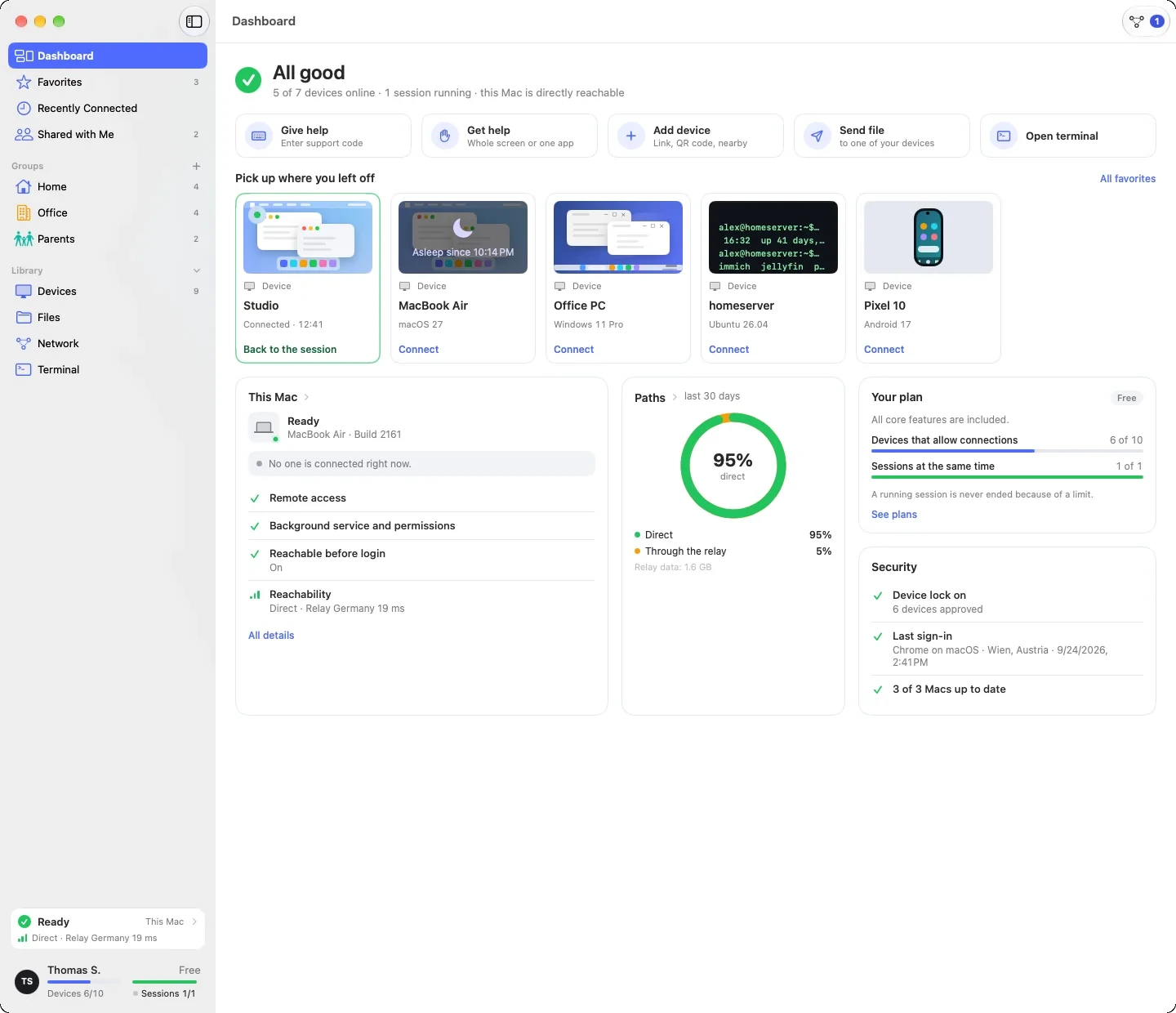
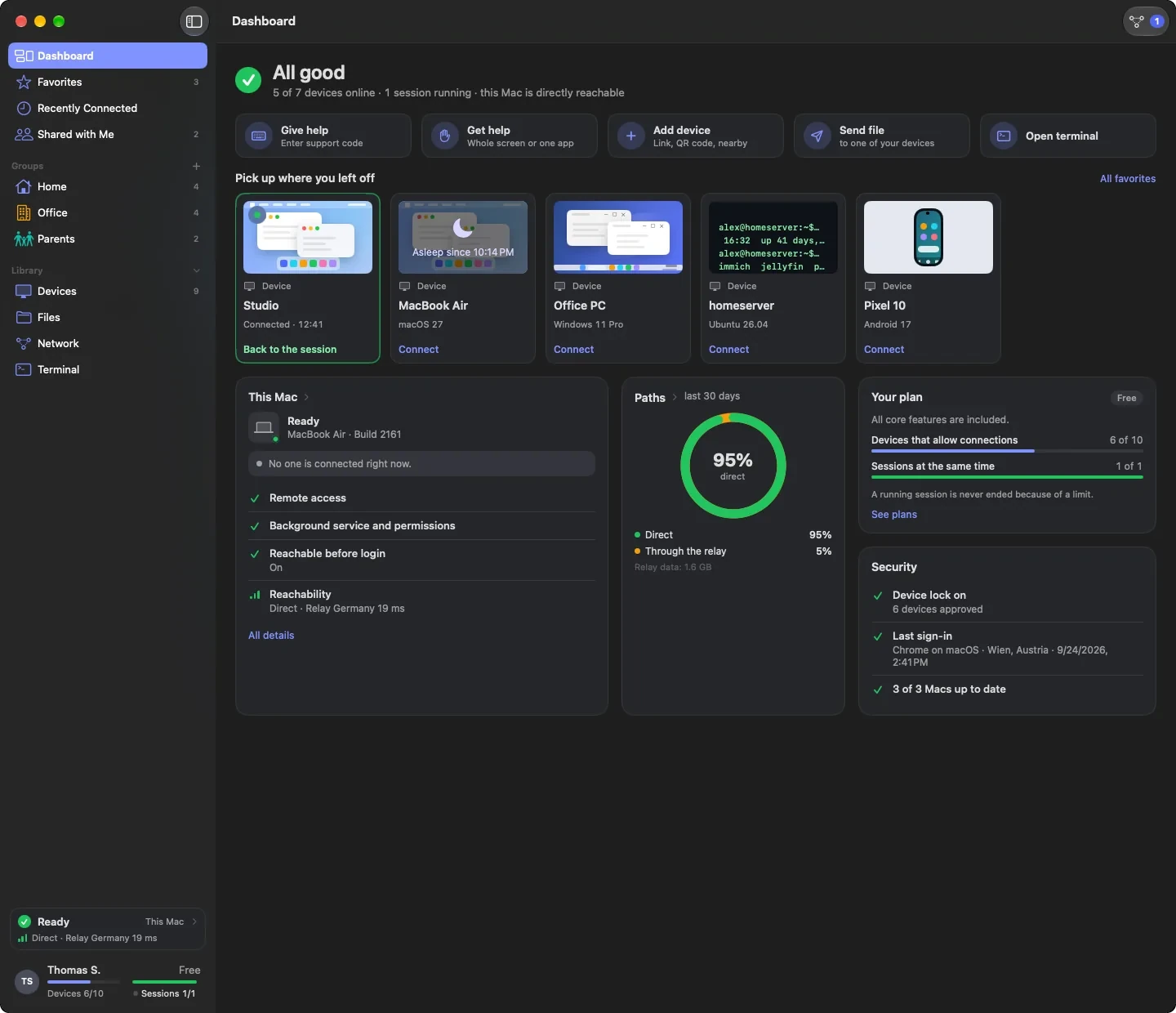
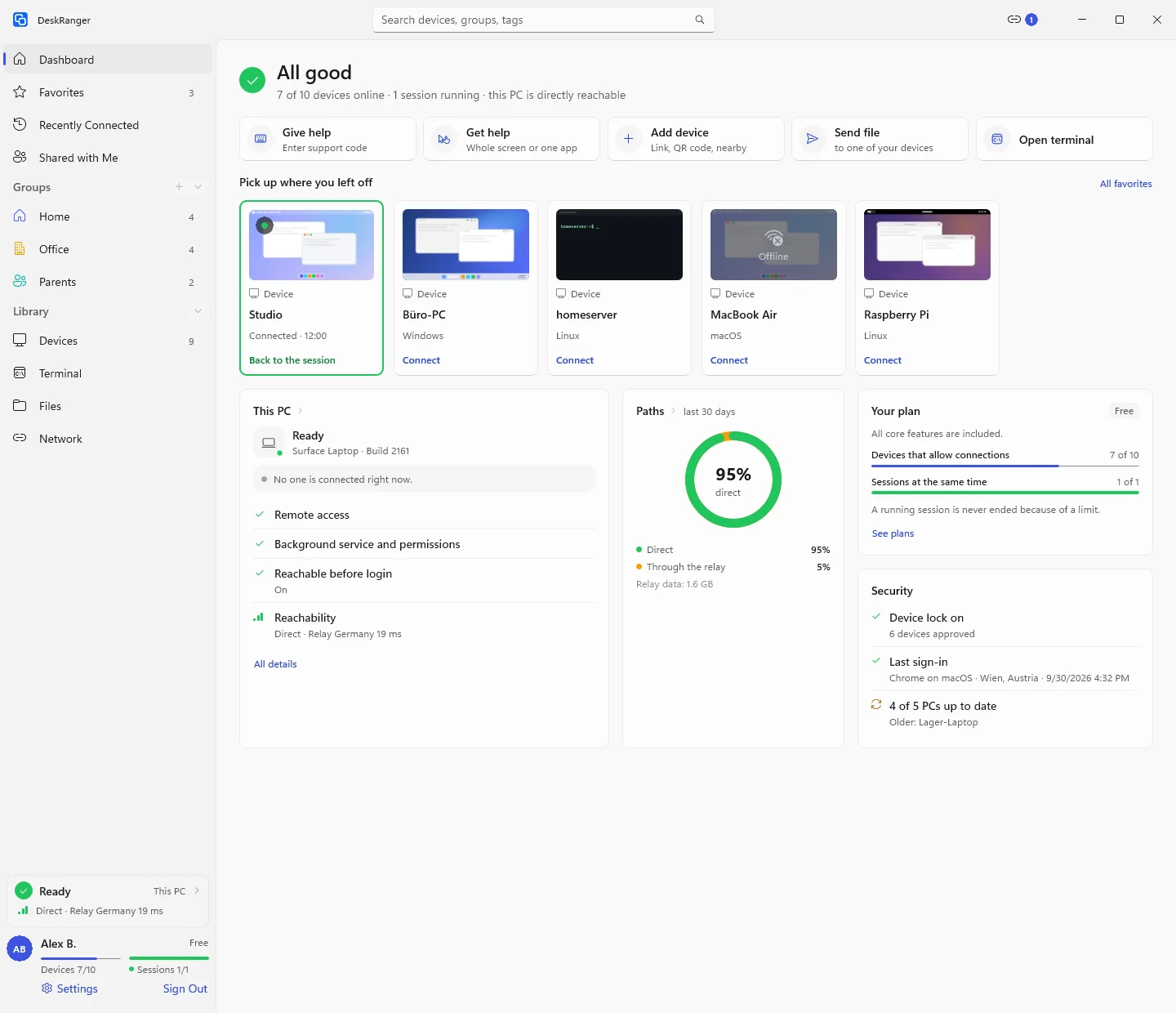
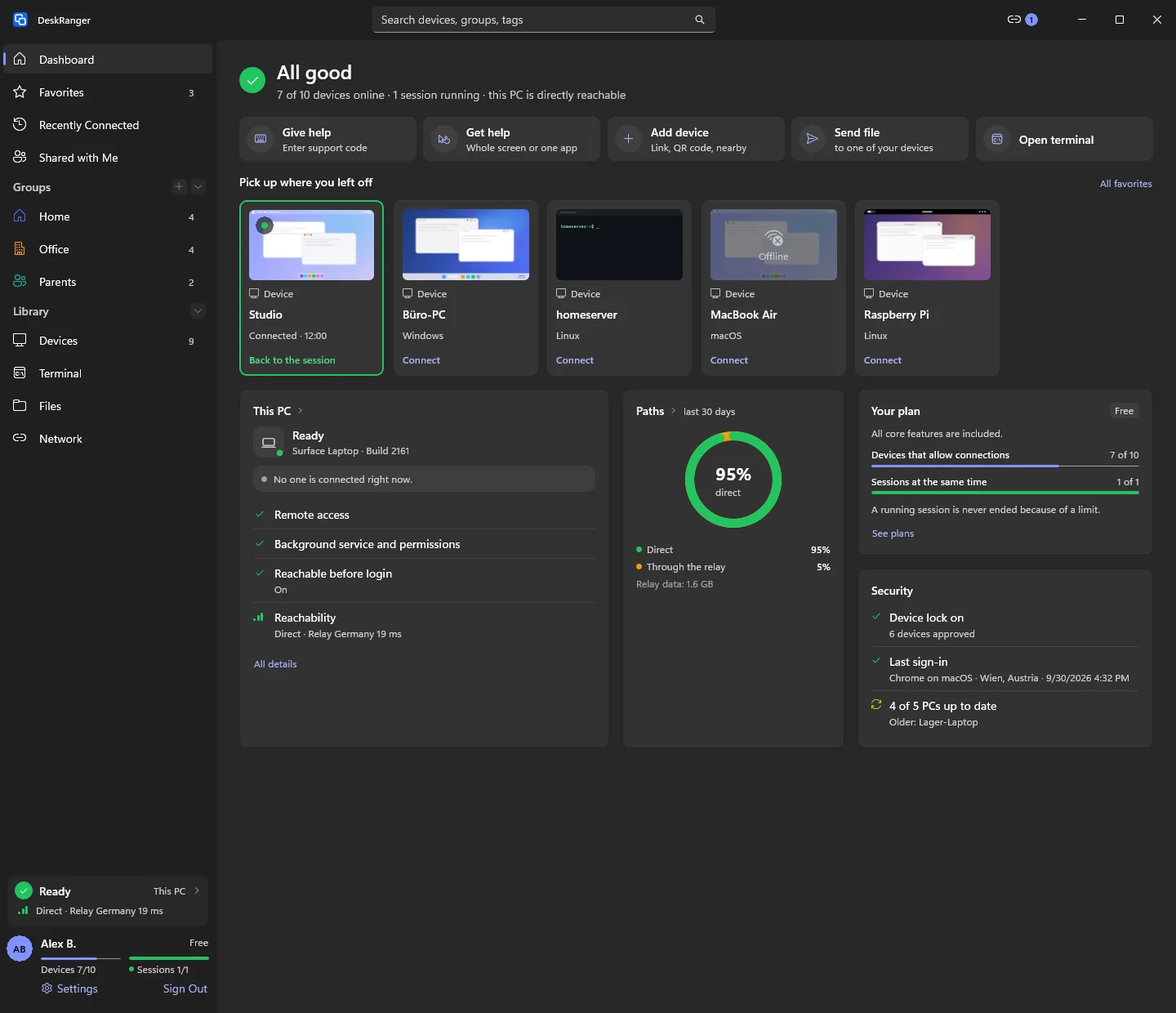
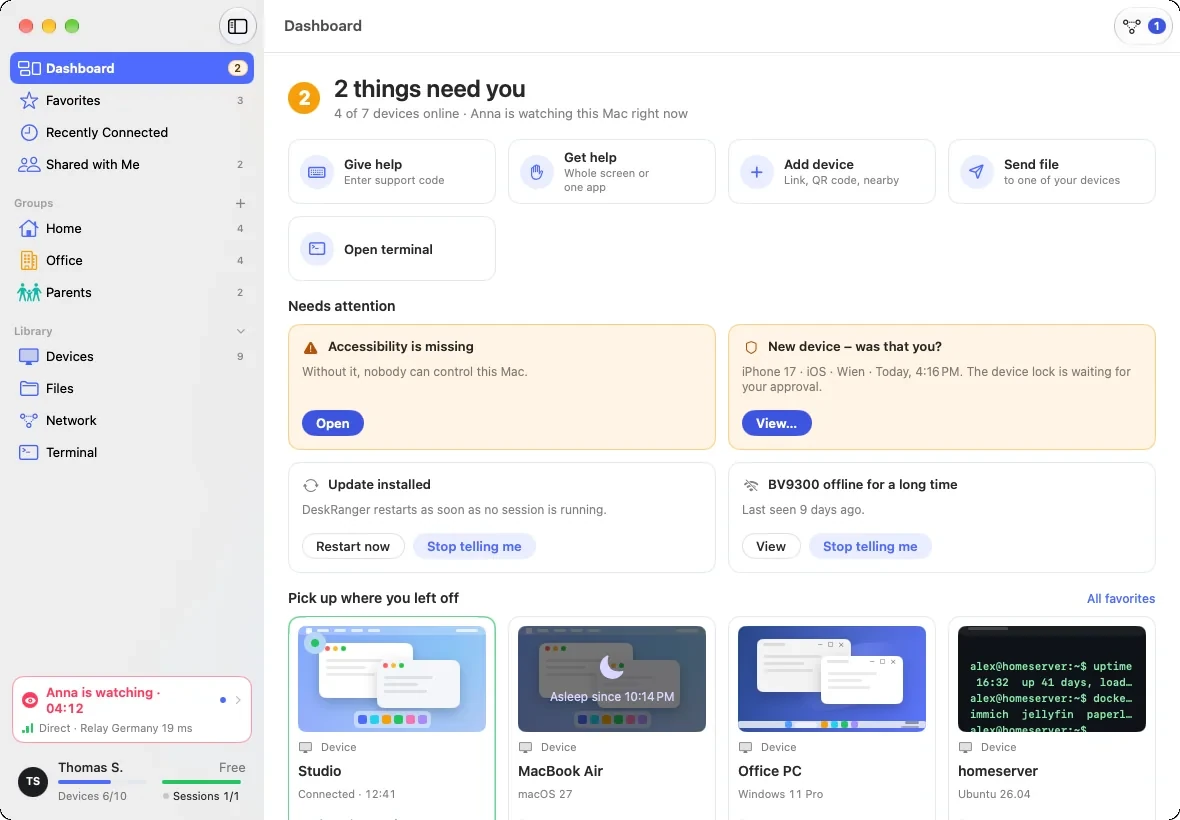
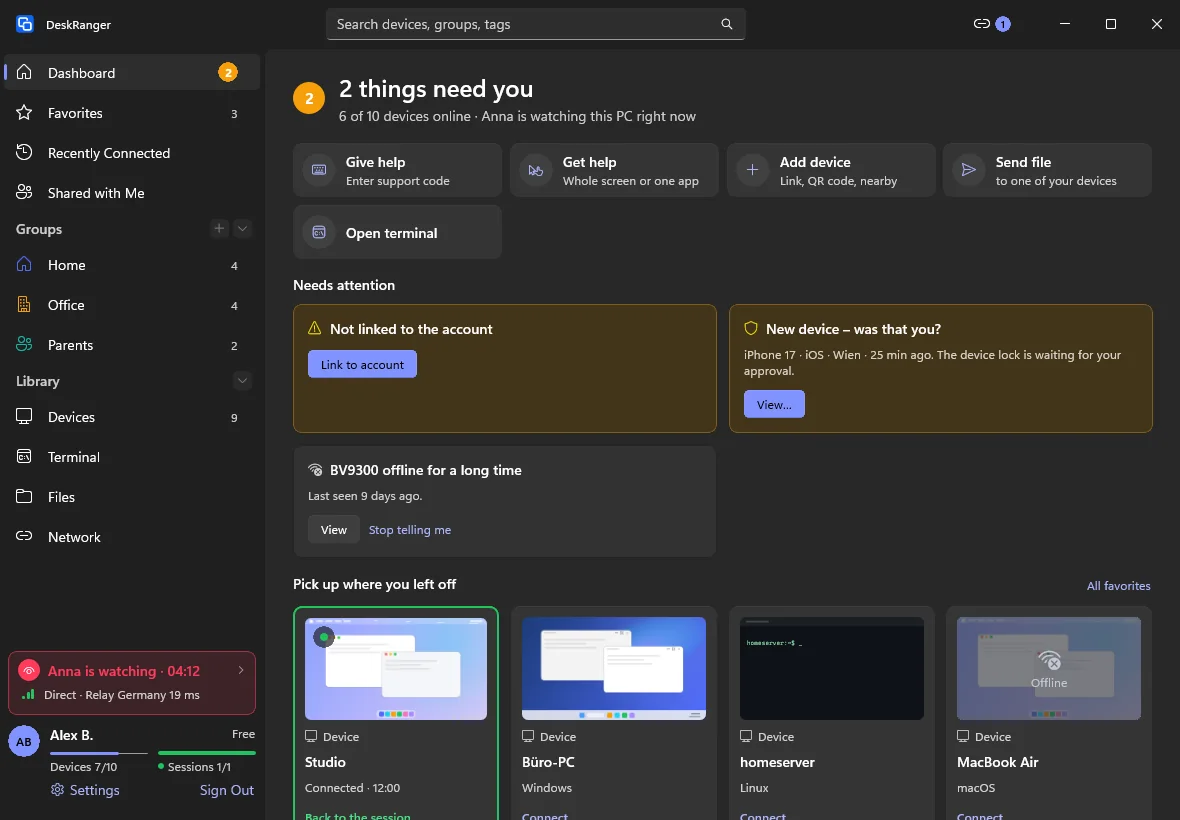
The Dashboard: the sentence “All good” with the numbers, the quick actions, “Pick up where you left off”, “This Mac”, “Paths”, the plan and securityThe Dashboard: the sentence “All good” with the numbers, the quick actions, “Pick up where you left off”, “This Mac”, “Paths”, the plan and security

Shown: Mac

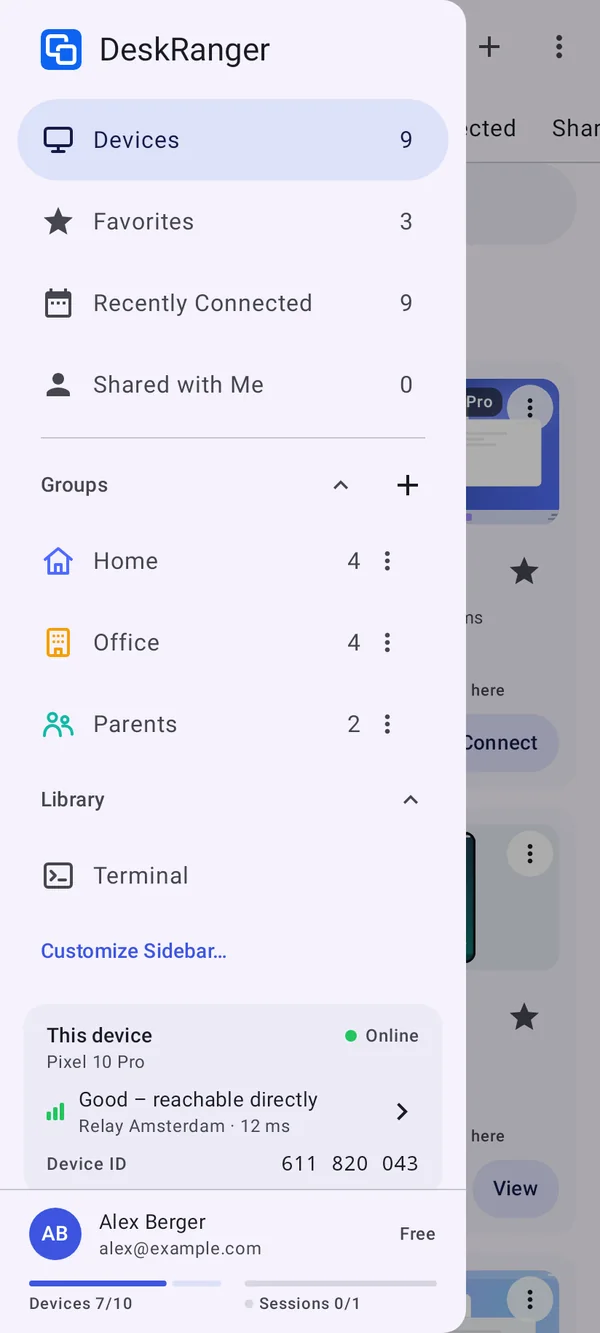
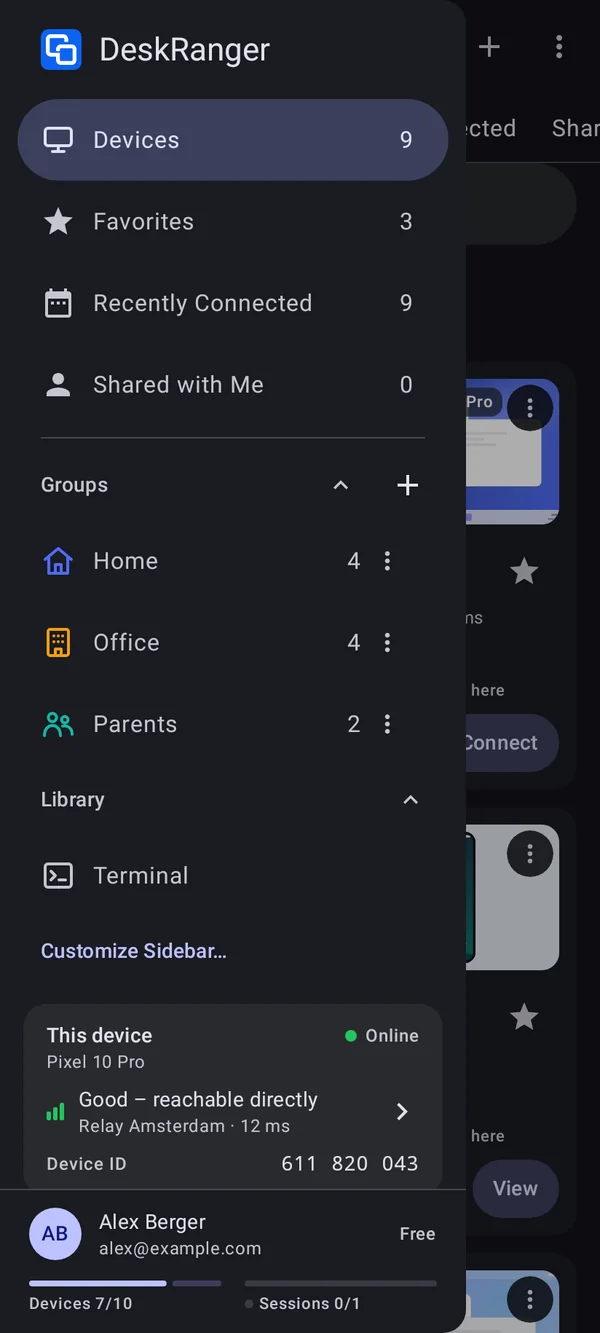
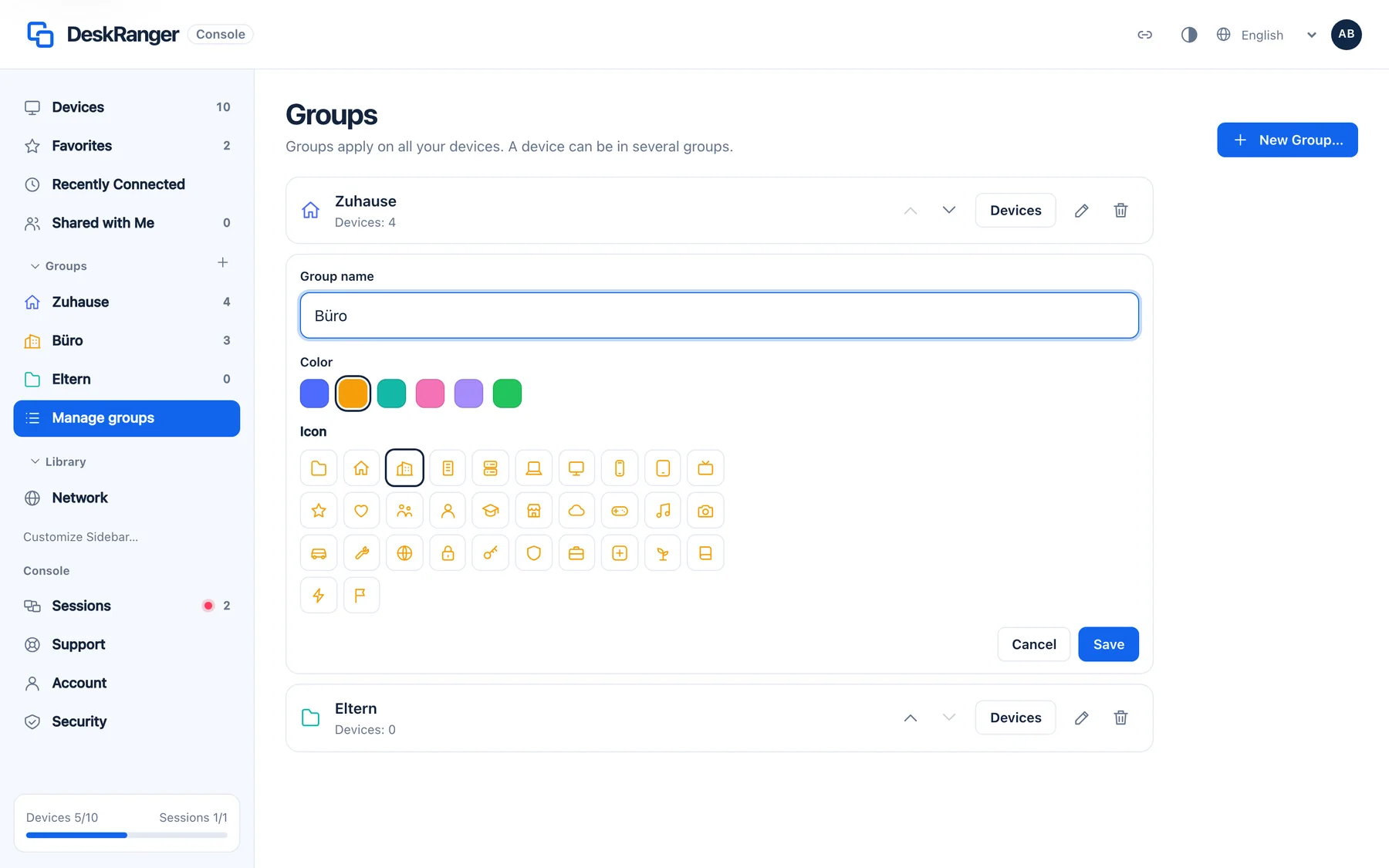
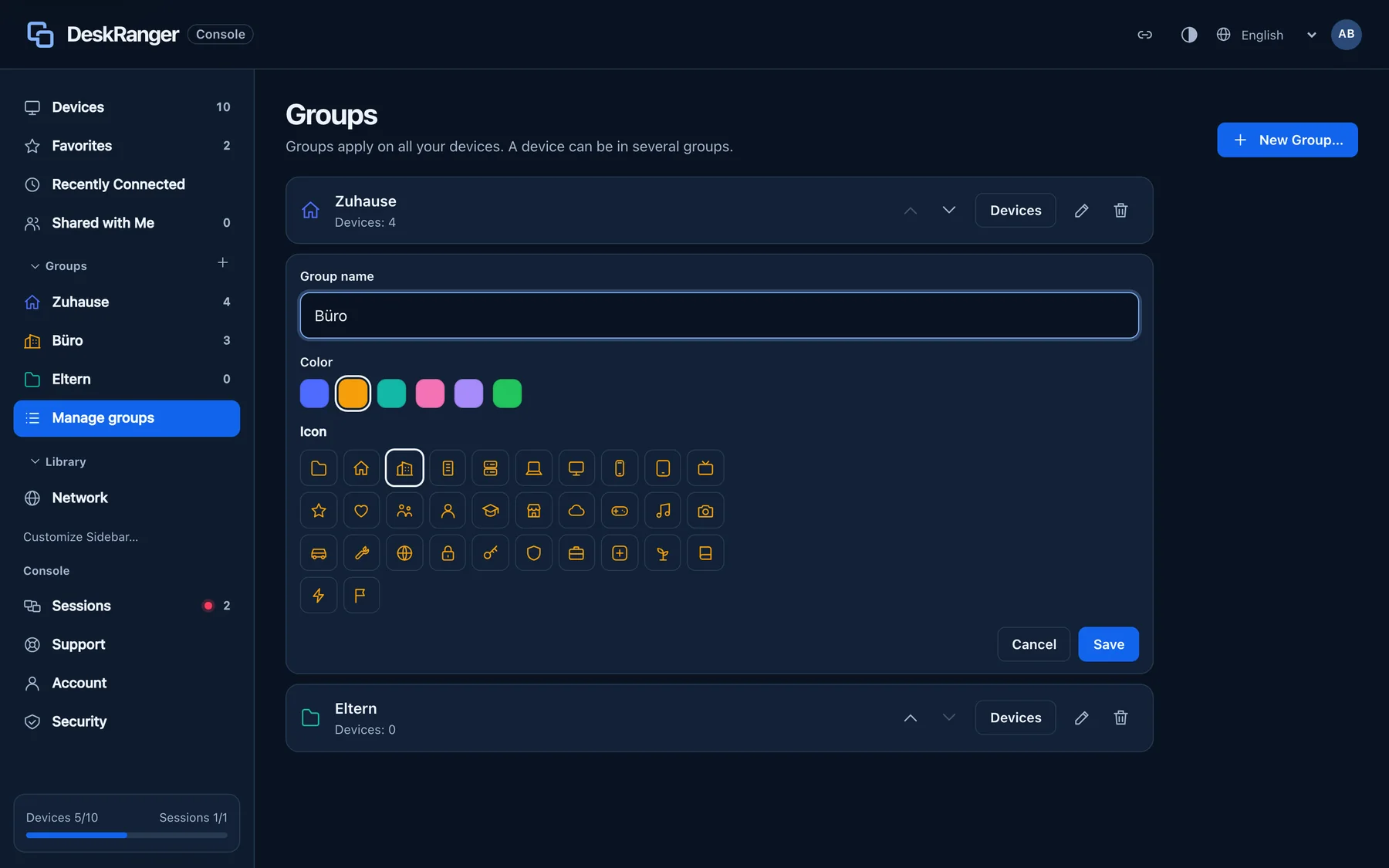
Groups with icon and colour

Create groups such as „Zuhause“ and „Büro“. Each wears one of 32 icons in its colour. A device can be in several groups. Icon and colour apply to all your devices.

  • Groups on Mac, Windows, Linux, iPhone, iPad, Android and in the browser
  • A group holds devices, remote desktops and SSH hosts
The sidebar with the groups “Home”, “Office” and “Parents”: each wears its icon in its colorThe sidebar with the groups “Home”, “Office” and “Parents”: each wears its icon in its color

Shown: Mac

Favourites and recently connected

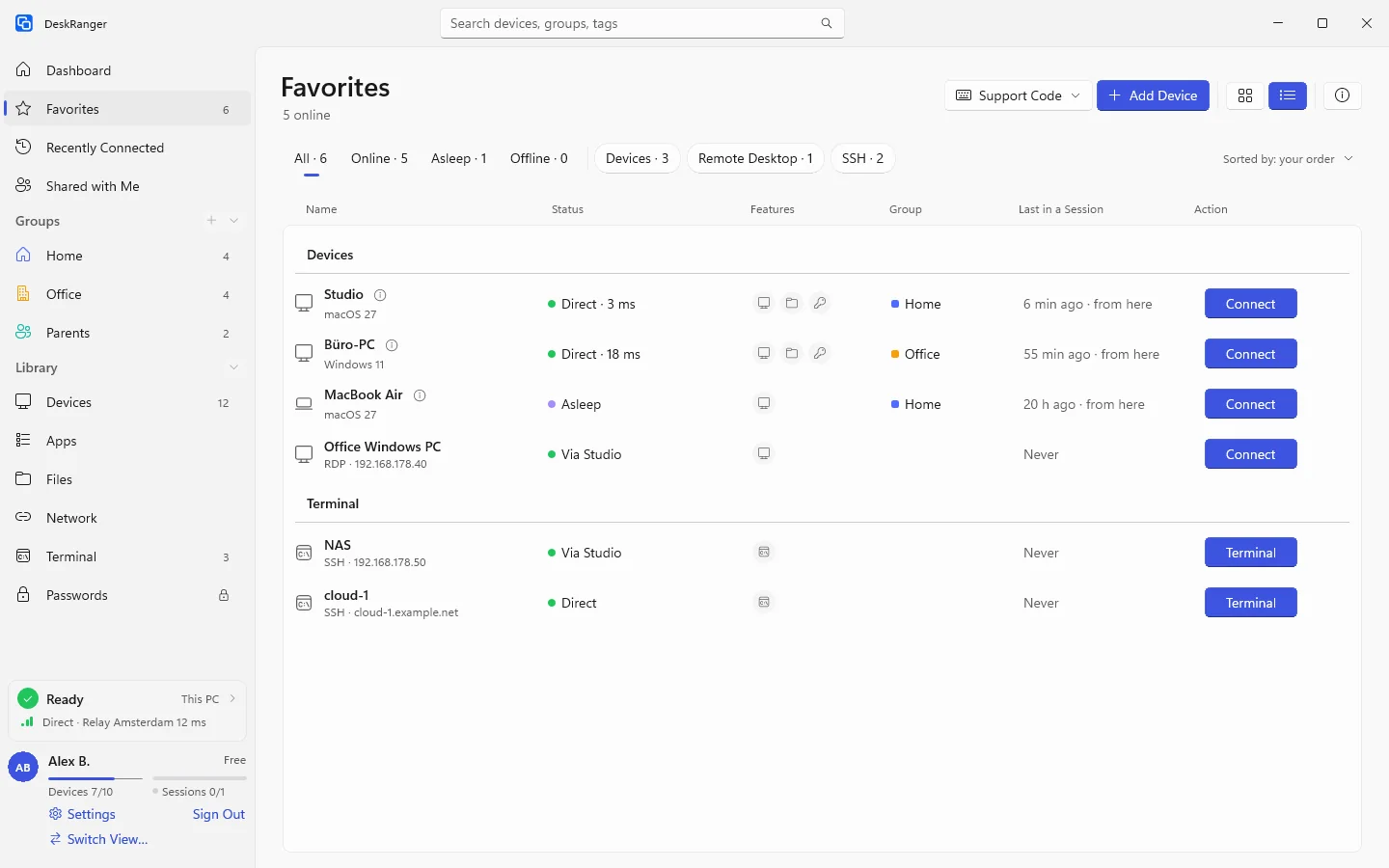
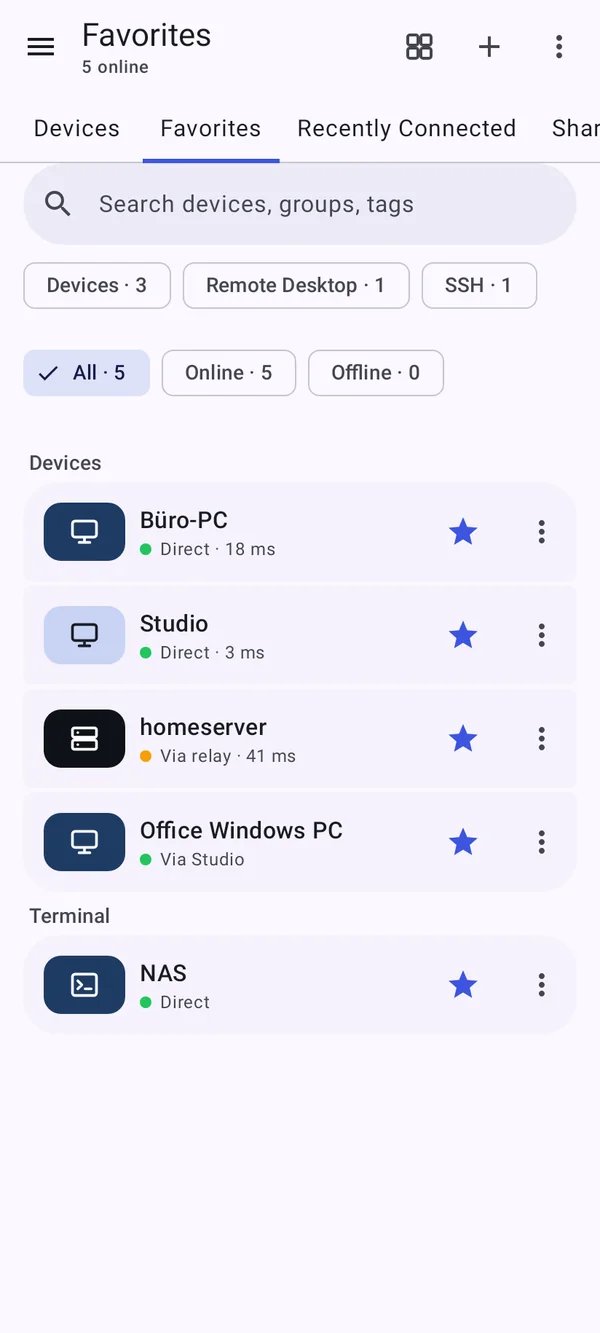
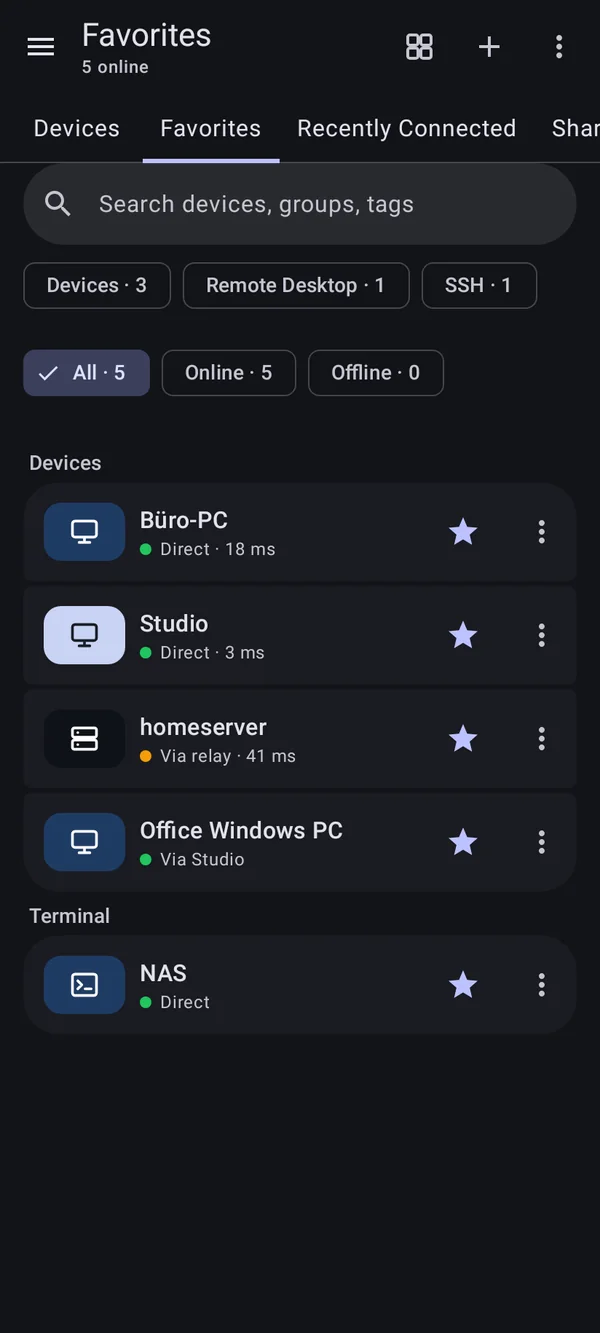
You find what you use quickly: „Favoriten“, „Zuletzt verbunden“ and „Mit mir geteilt“ collect everything, of any kind. Filters above the list separate by kind. You decide the order of favourites yourself.

  • Status „Online“, „Schläft“, „Offline“; sort by status, name or recent
  • Grid or list, DeskRanger remembers your choice
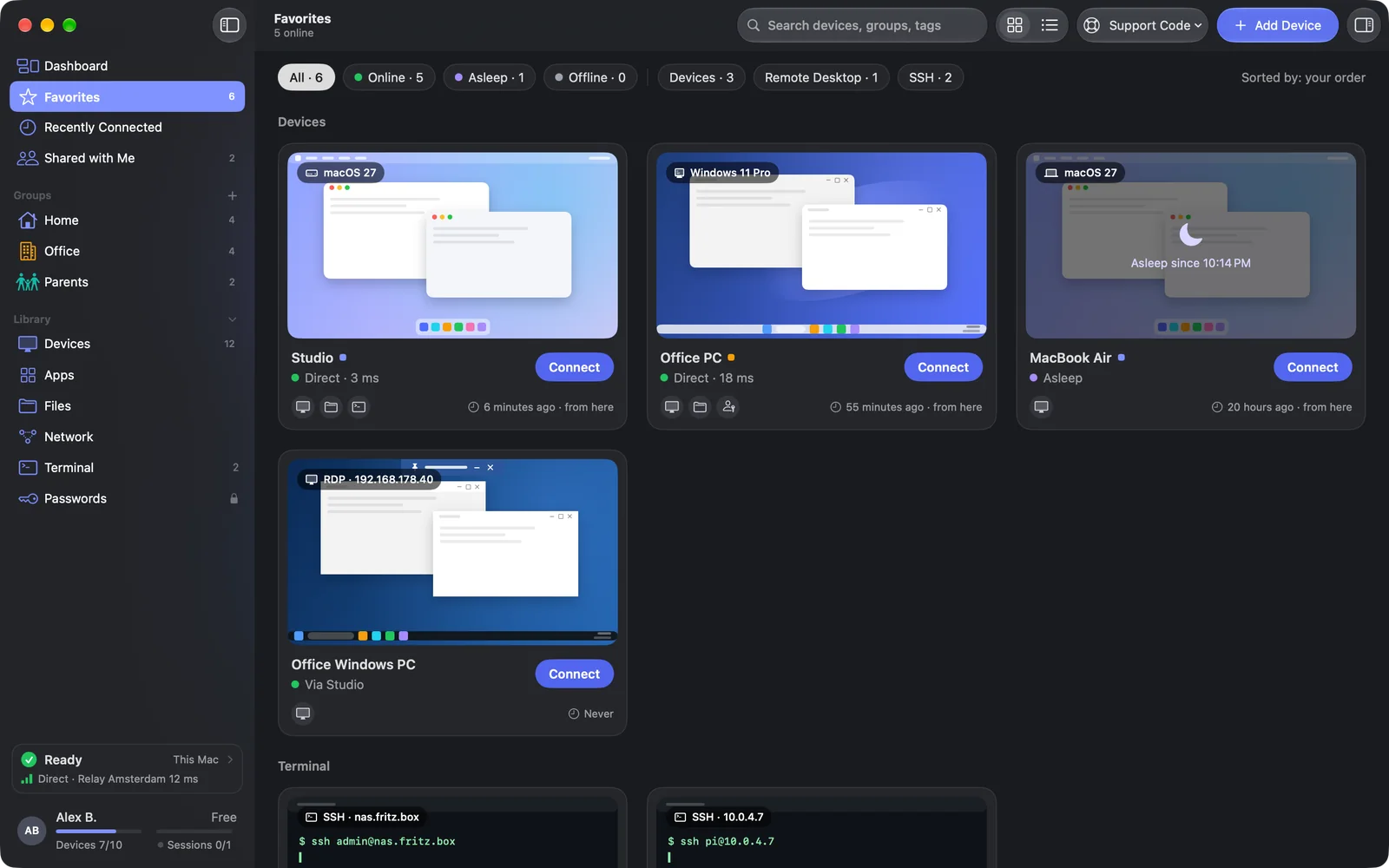
“Favorites” with devices, a remote desktop and SSH hosts, chips by kind and a section per place“Favorites” with devices, a remote desktop and SSH hosts, chips by kind and a section per place

Shown: Mac

The sidebar the way you like it

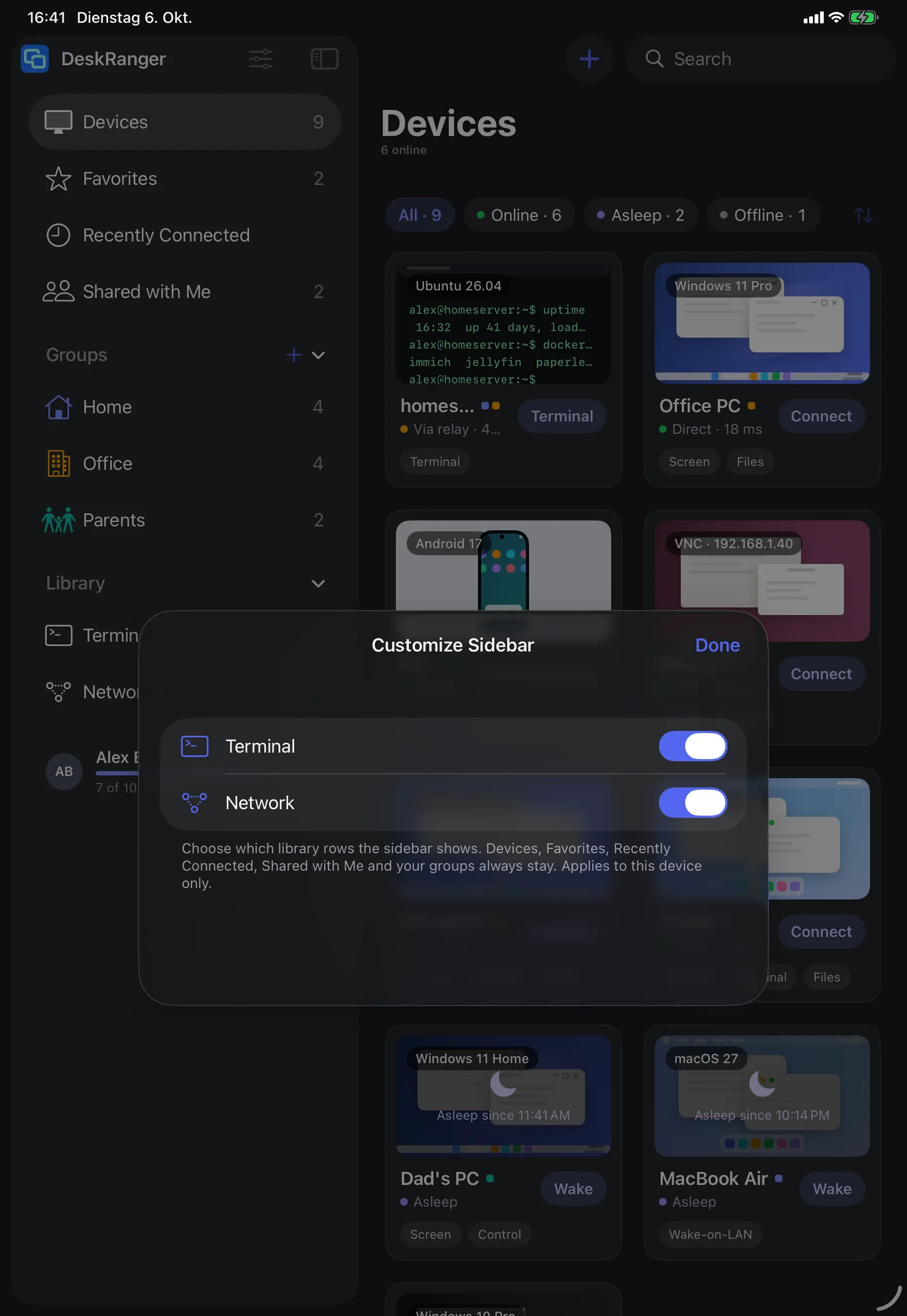
You hide what you do not need: with „Seitenleiste anpassen“ library rows disappear. The „Dashboard“ stands on top, „Geräte“ is the first row. iPhone and Android phone show tabs instead of a sidebar.

  • The choice applies to this device only, not the account
The sidebar with “Dashboard” at the top and its yellow number, “Devices” as the first row of the LibraryThe sidebar with “Dashboard” at the top and its yellow number, “Devices” as the first row of the Library

Shown: Mac

Found without searching

Devices on the same network appear by themselves. A device that wakes up or changes network is back within seconds.

Everything step by step, for every platform:

Connect to one of your devicesThe Dashboard: the start page

Perguntas frequentes

Quantos dispositivos posso gerenciar?

Até 10 no Free, 50 no Pro e ilimitados no Team. Dispositivos dos quais você só se conecta não contam.

Outras pessoas veem meus grupos?

Não, grupos e favoritos pertencem à sua conta. Grupos compartilhados para equipes chegam com Equipes e funções.