Control

Add devices nearby

A new device on the same network shows up by itself. Confirm a short code on both sides and it joins your devices, without anyone signing in on it.

FreemacOS · Windows · Linux · Android · iOS / iPadOS
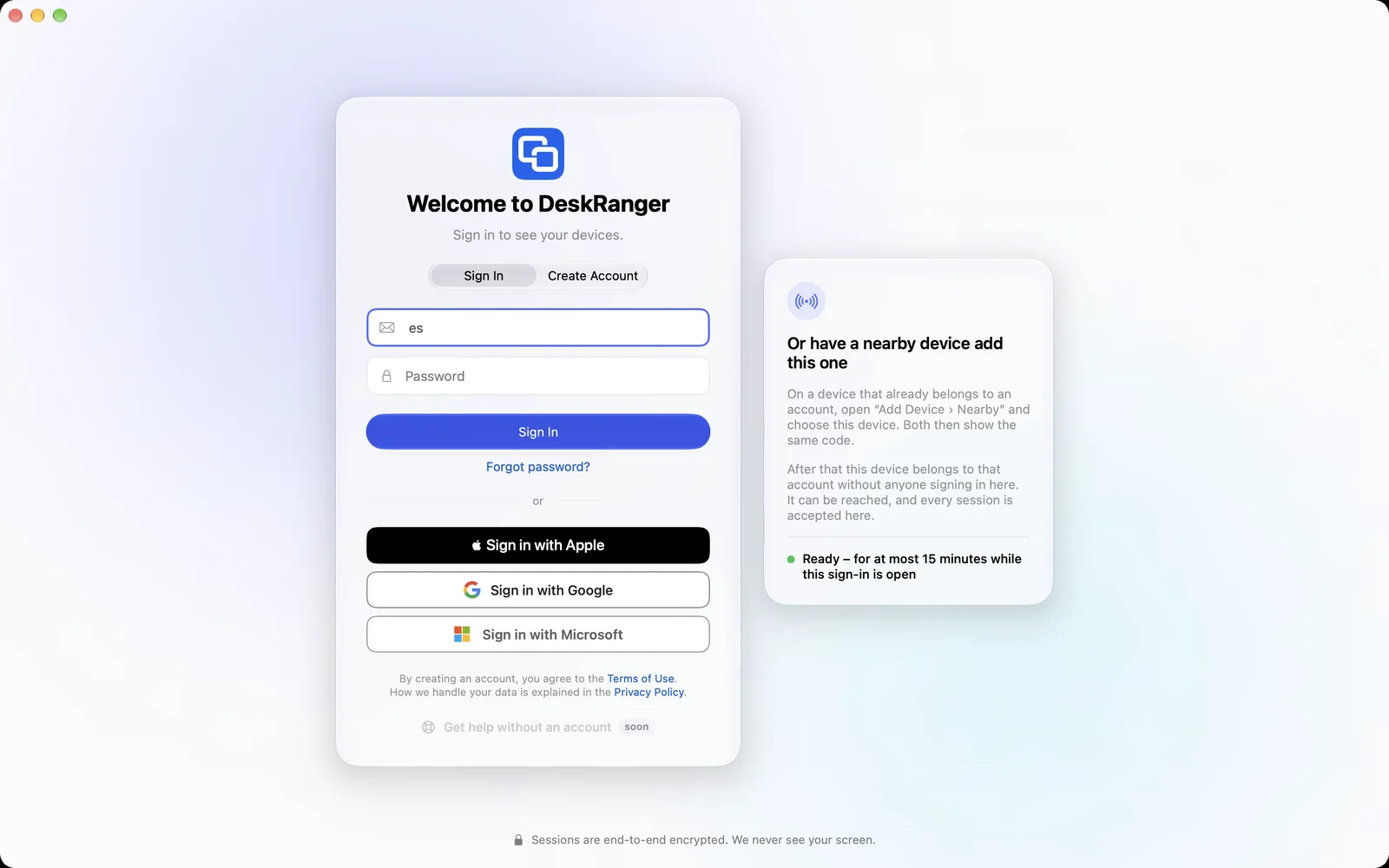
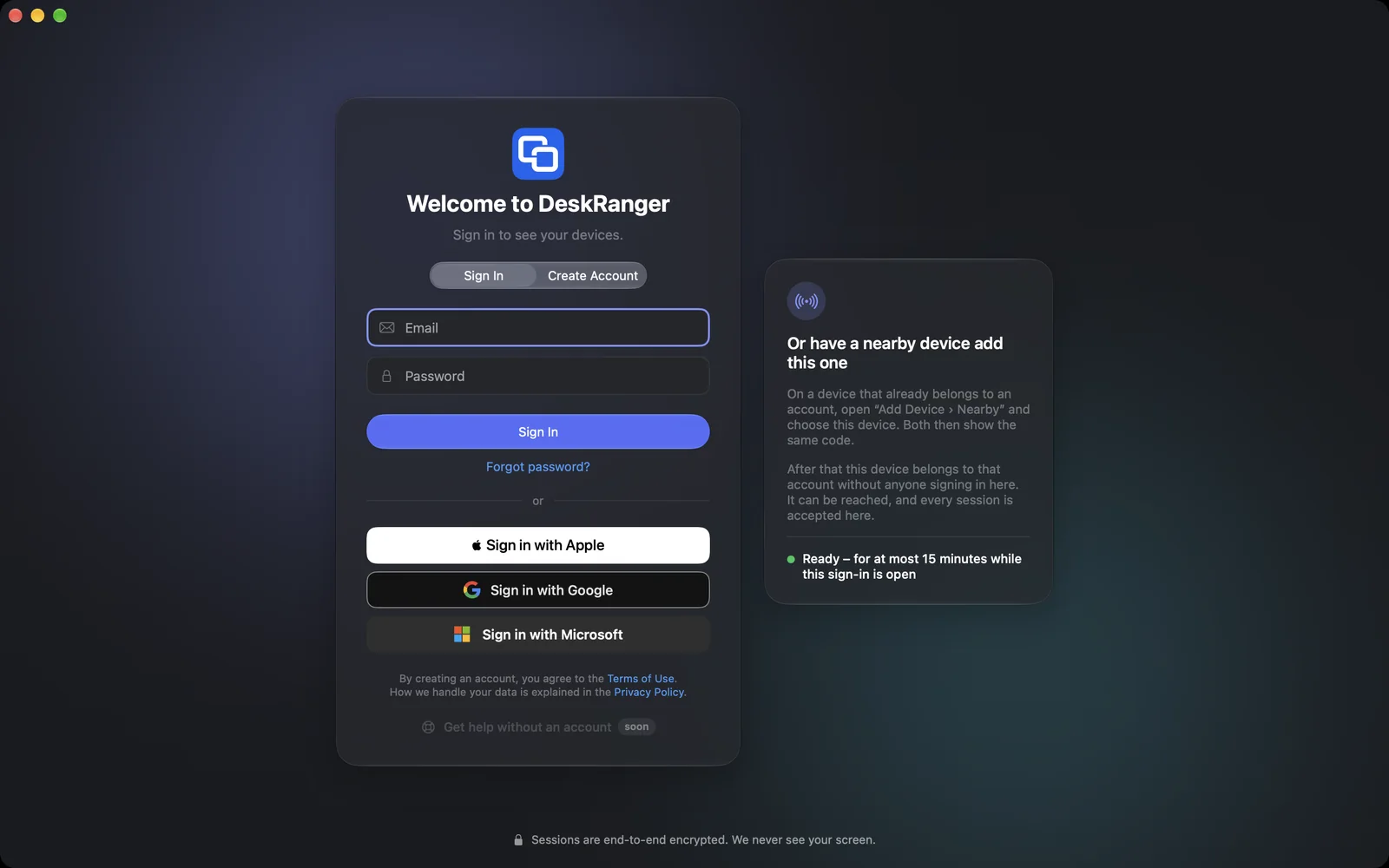
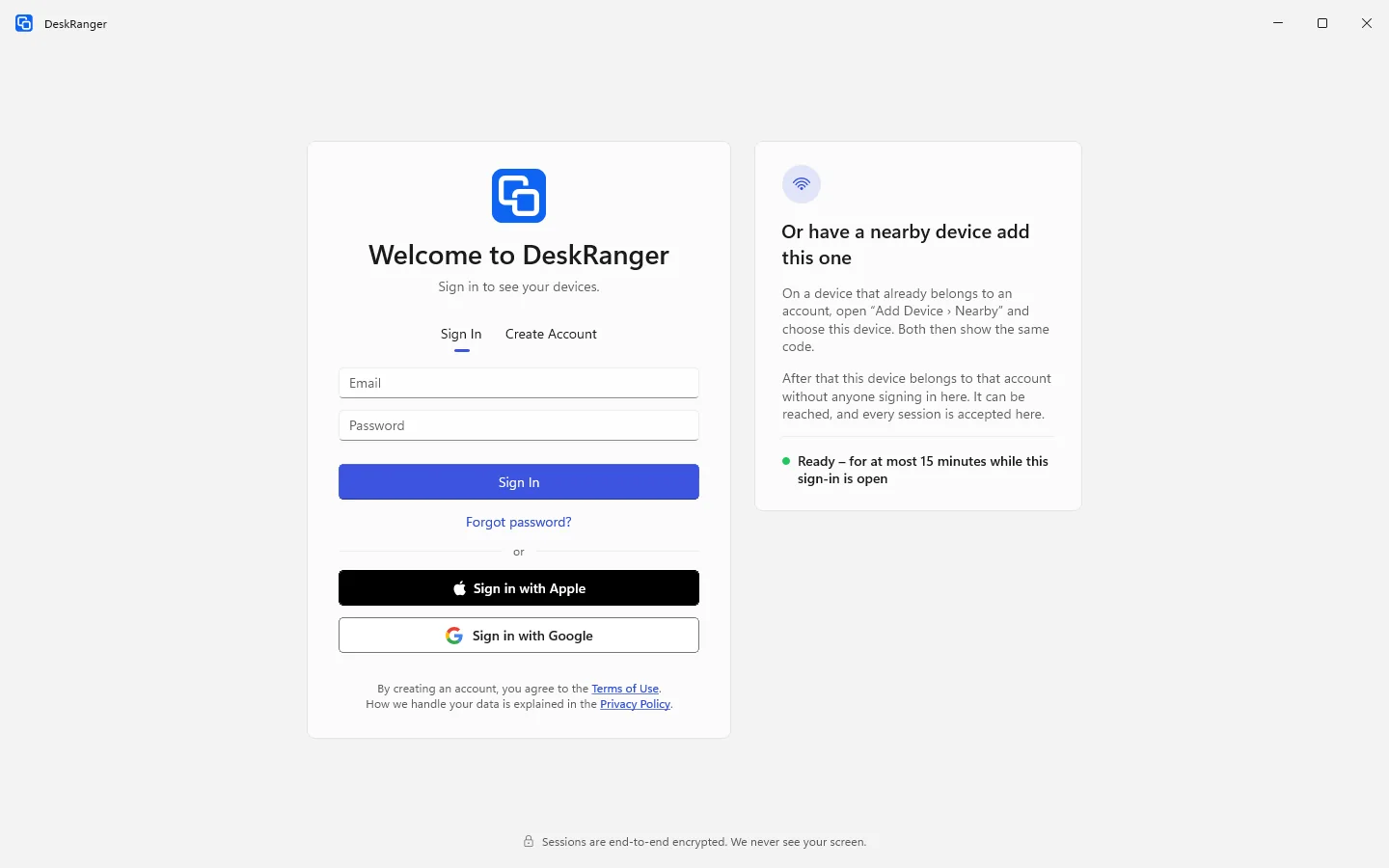
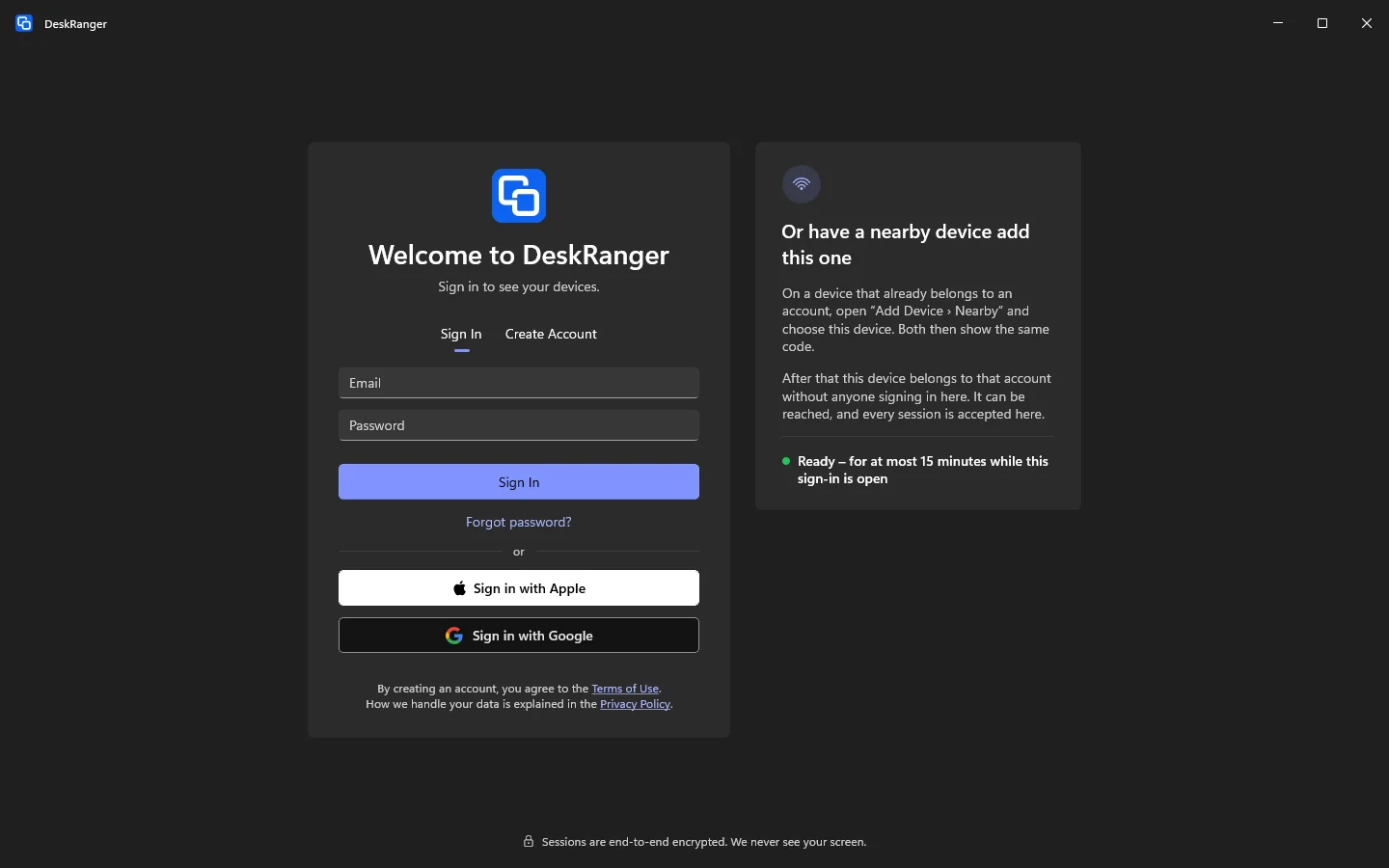
Sign-in screen with the card “Or have a nearby device add this one” and the note that the device is readySign-in screen with the card “Or have a nearby device add this one” and the note that the device is ready

Shown: Mac

What you do with it

See it on

Browser

The device gets ready

You add a device without signing in there: leave the sign-in screen open on the new device. It says „Oder von einem Gerät in der Nähe hinzufügen lassen“; the device is then ready for a few minutes.

  • It works with Mac, Windows, Linux and Android devices
  • An iPhone or iPad adds devices but cannot be added this way
The same code on both sides

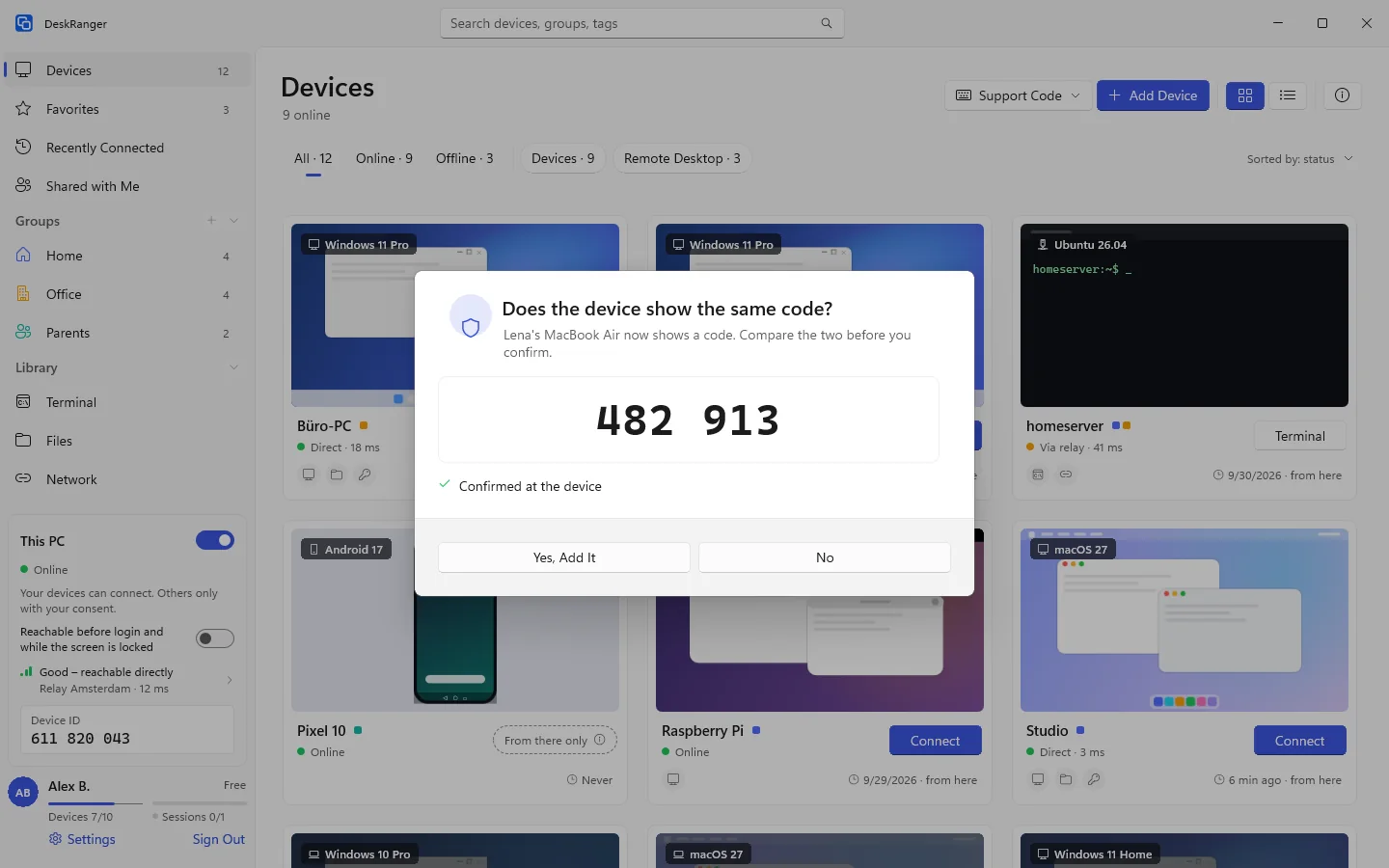
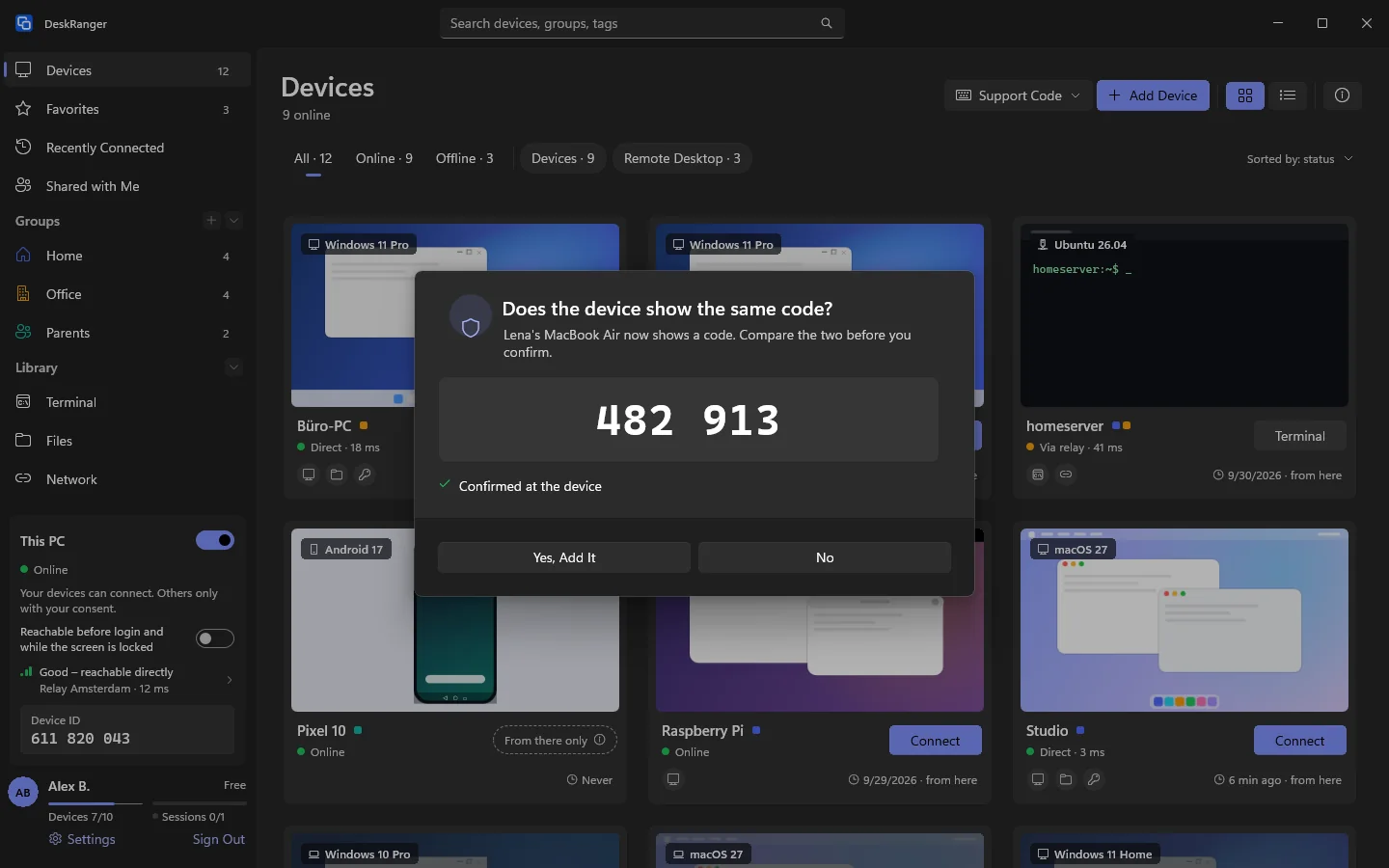
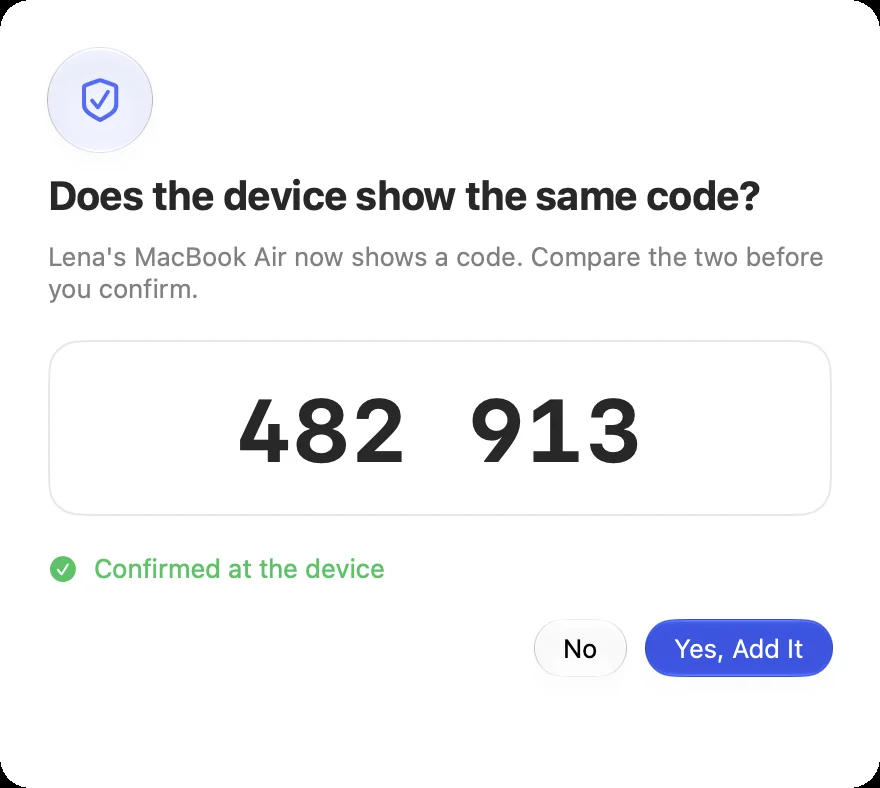
On your device you choose „Gerät hinzufügen“ and „In der Nähe“ and then the other device. Both show six digits. If they match, you both confirm.

  • Only on site with both screens; we cannot add a device this way
  • With DeskRanger Secure your confirmation is also the approval
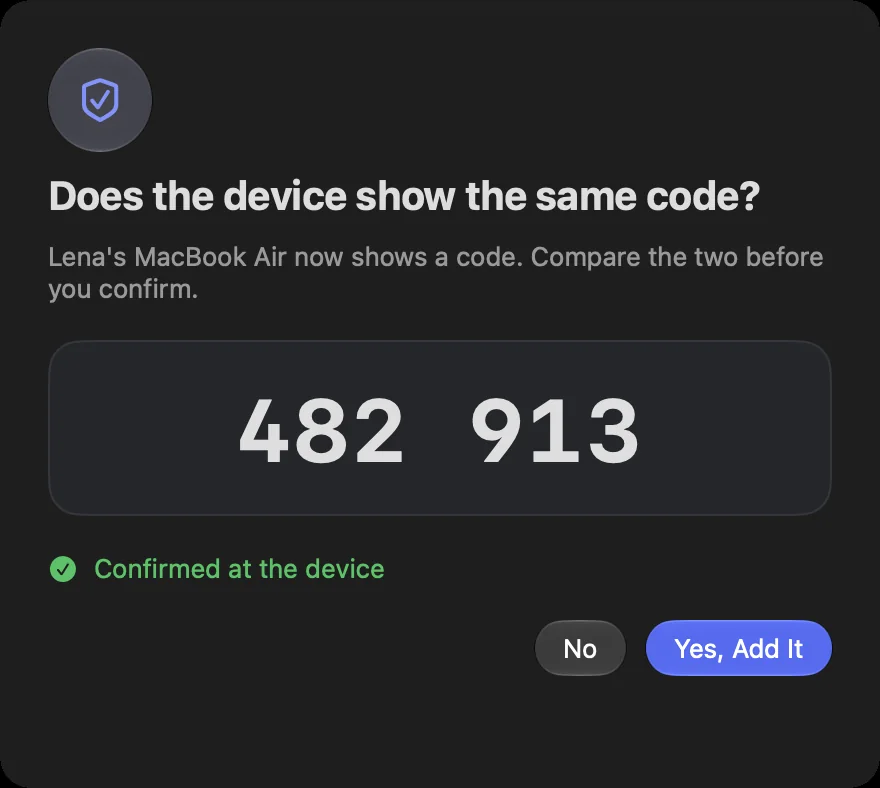
“Does the device show the same code?” with the six-digit code and “Yes, Add It”“Does the device show the same code?” with the six-digit code and “Yes, Add It”

Shown: Mac

No sign-in there

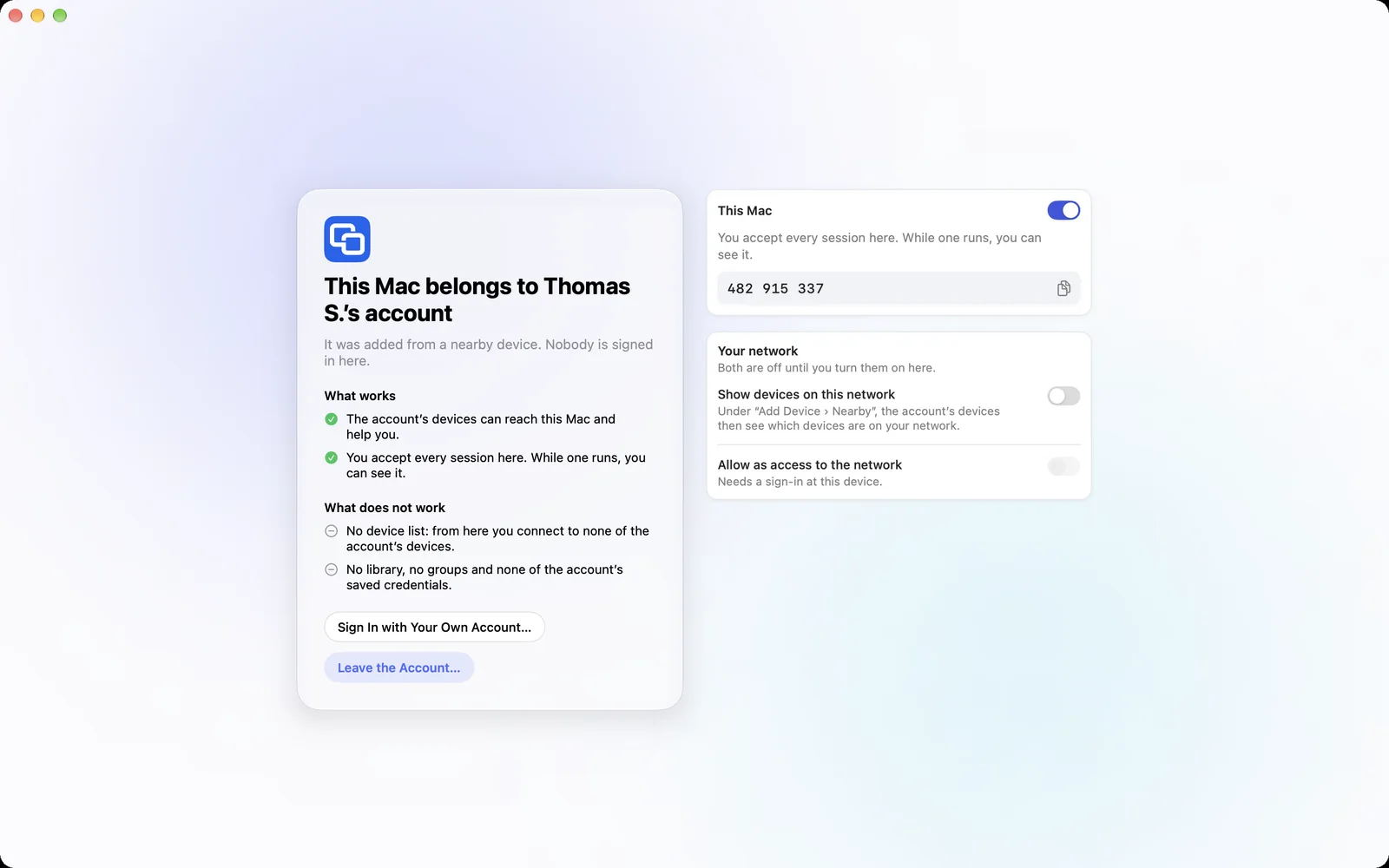
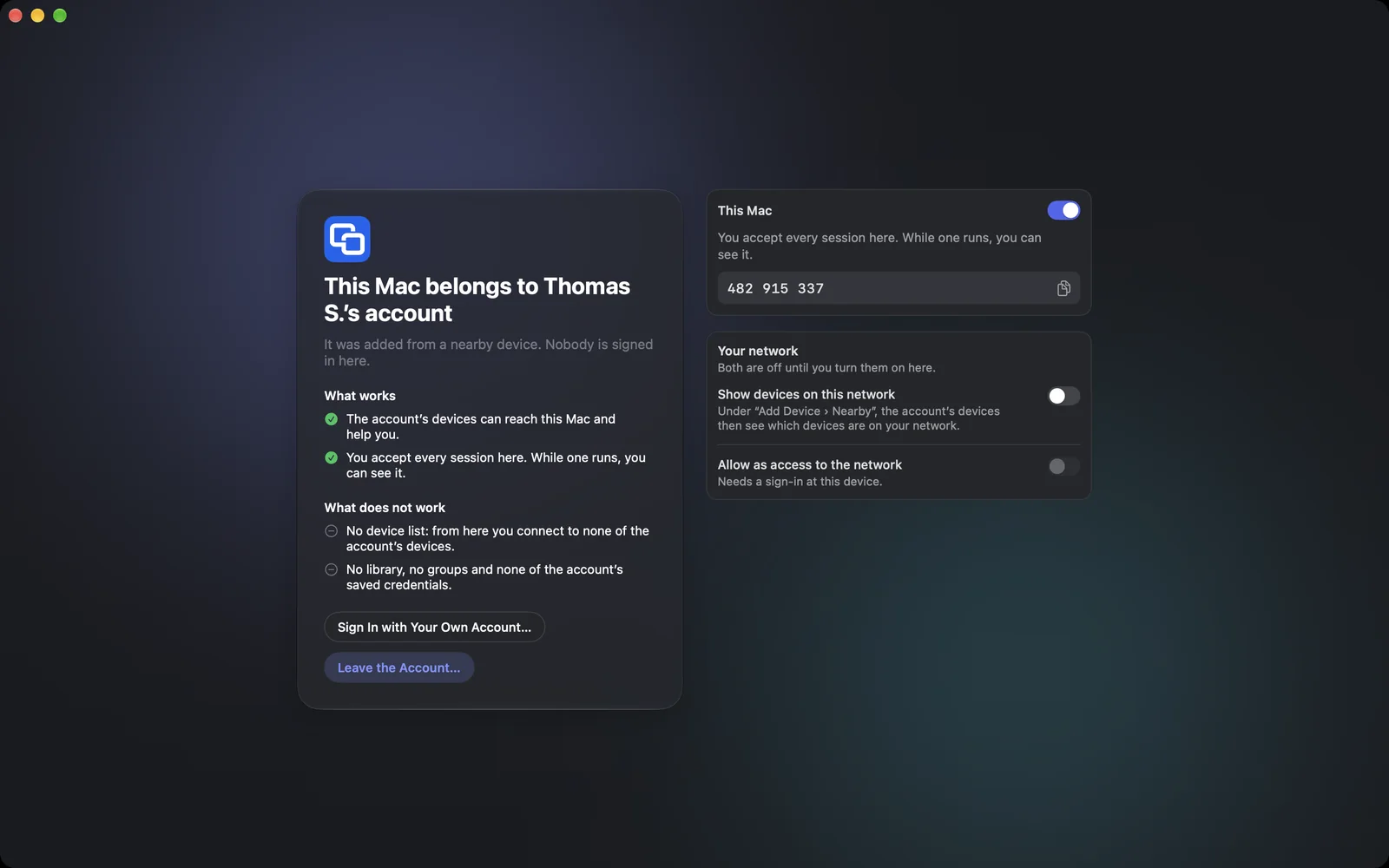
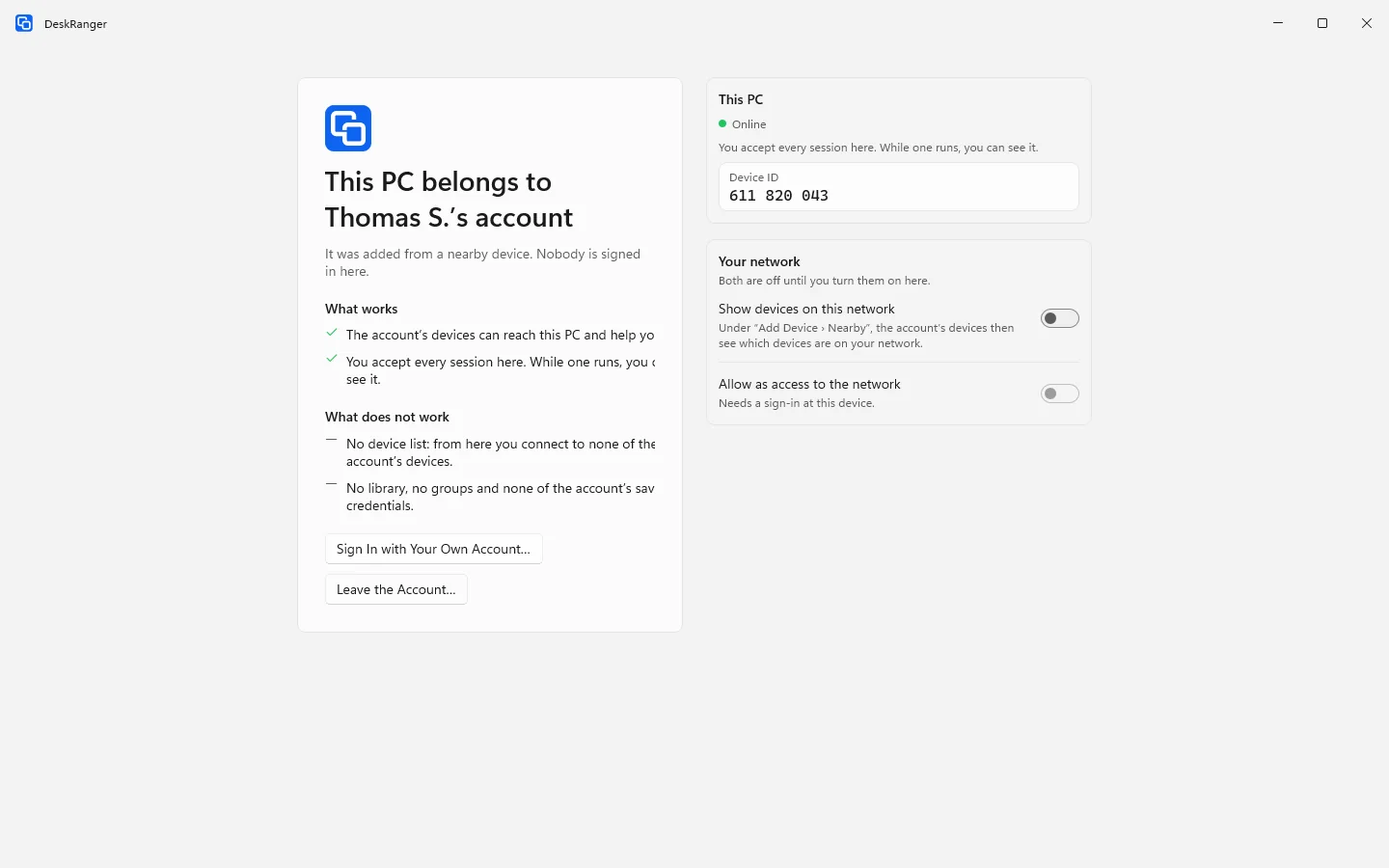
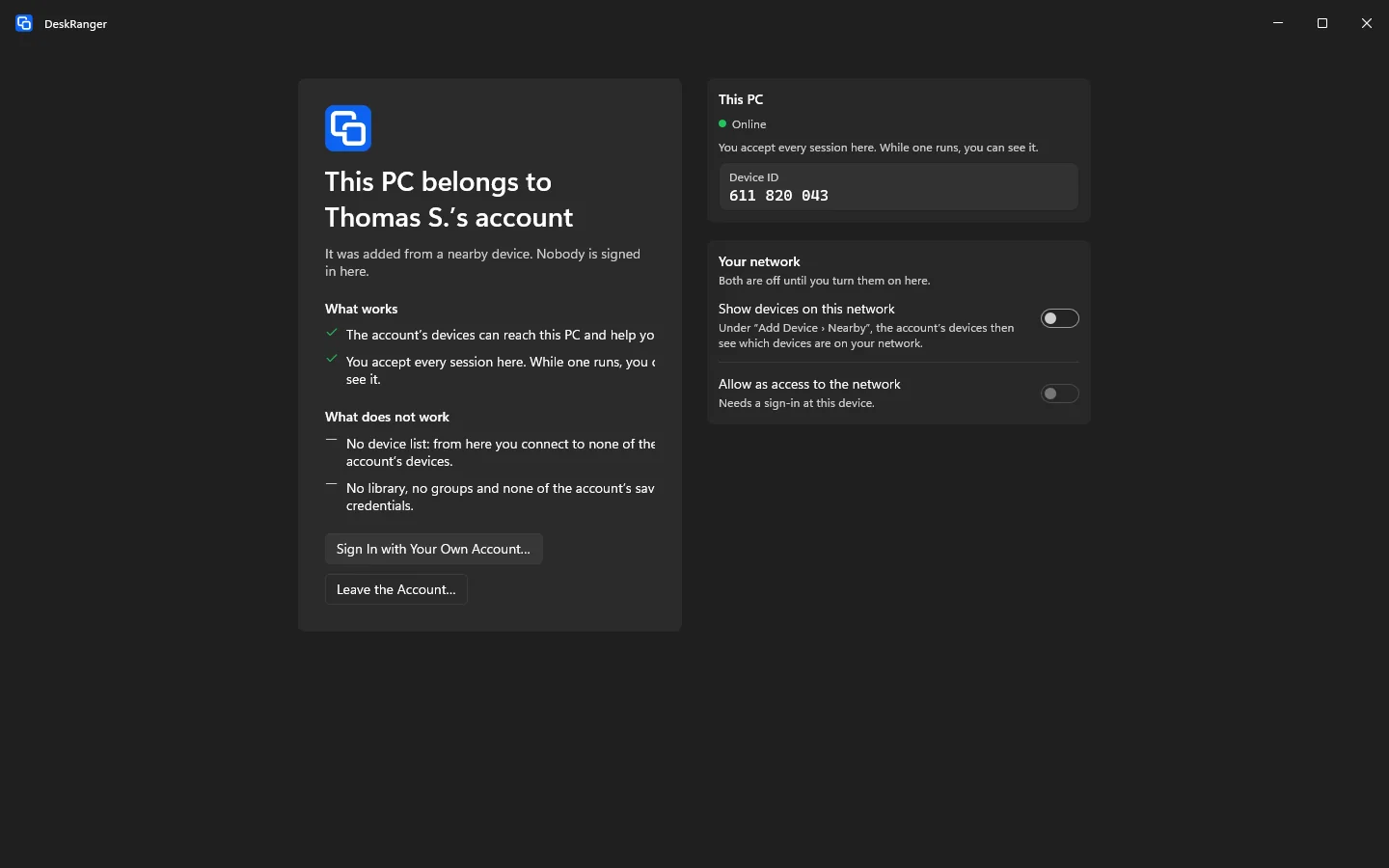
On the added device nobody is signed in. It belongs to your account but sees nothing of it: no device list, no library, no saved credentials. You can reach it and help.

  • The person at the device confirms every session
  • Its network stays closed until the person there opens it
An added device: whose account it belongs to, what works and what does not, the switches for its network, and “Leave the Account…”An added device: whose account it belongs to, what works and what does not, the switches for its network, and “Leave the Account…”

Shown: Mac

The person stays in control

On the device there are two ways out, at any time and without asking you: „Vom Konto trennen“ and signing in with their own account.

  • While someone is helping there, the device is not pulled into an account
An added device: whose account it belongs to, what works and what does not, the switches for its network, and “Leave the Account…”An added device: whose account it belongs to, what works and what does not, the switches for its network, and “Leave the Account…”

Shown: Mac

Everything step by step, for every platform:

Add a nearby device

Perguntas frequentes

Does it work from the browser?

No. You find nearby devices only in the apps.