Security

Visible consent

Nobody connects unnoticed: sessions from others need your “Allow”, and as long as someone is connected, your device shows it clearly.

FreemacOS · Windows · Linux · Android · iOS / iPadOS
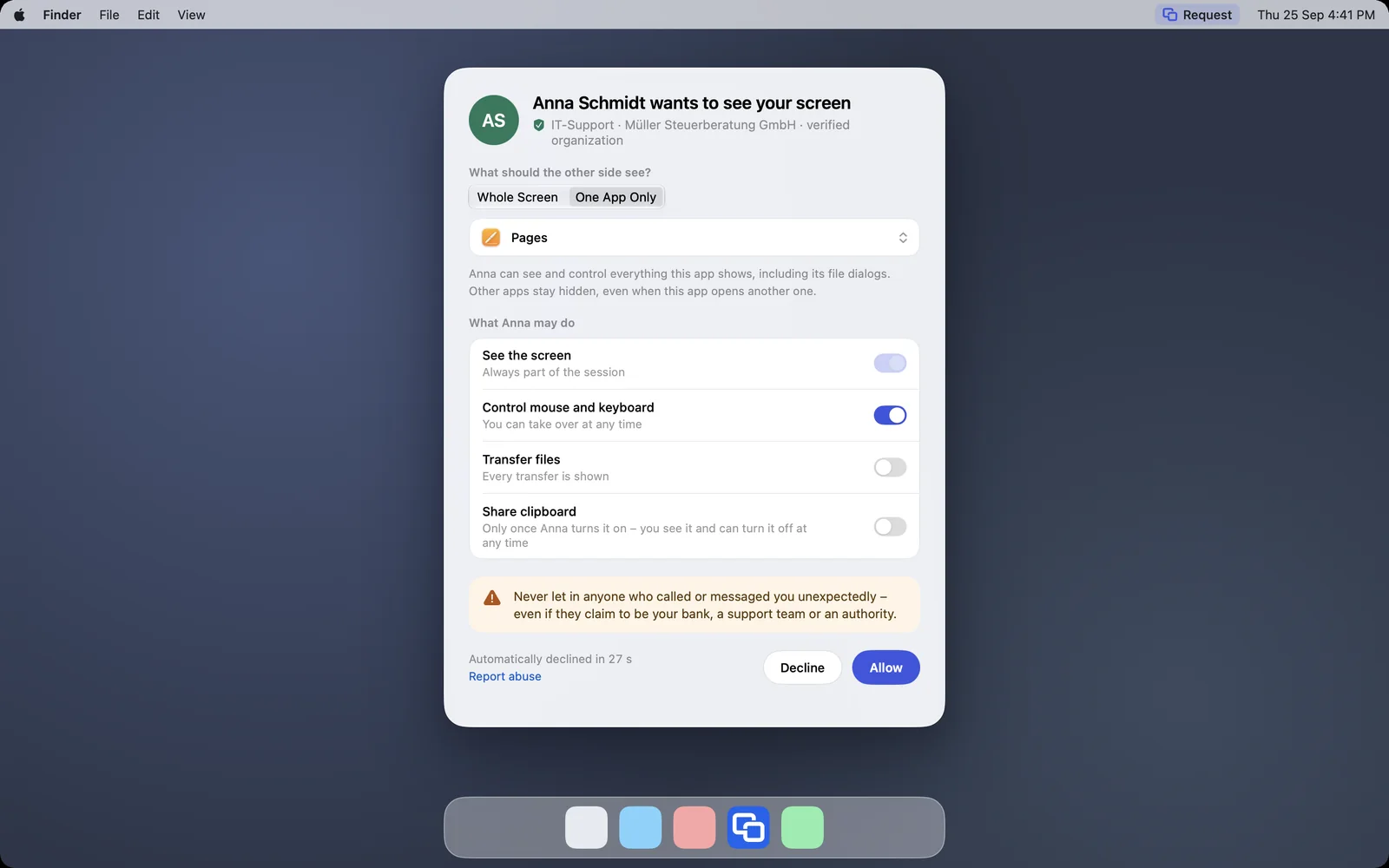
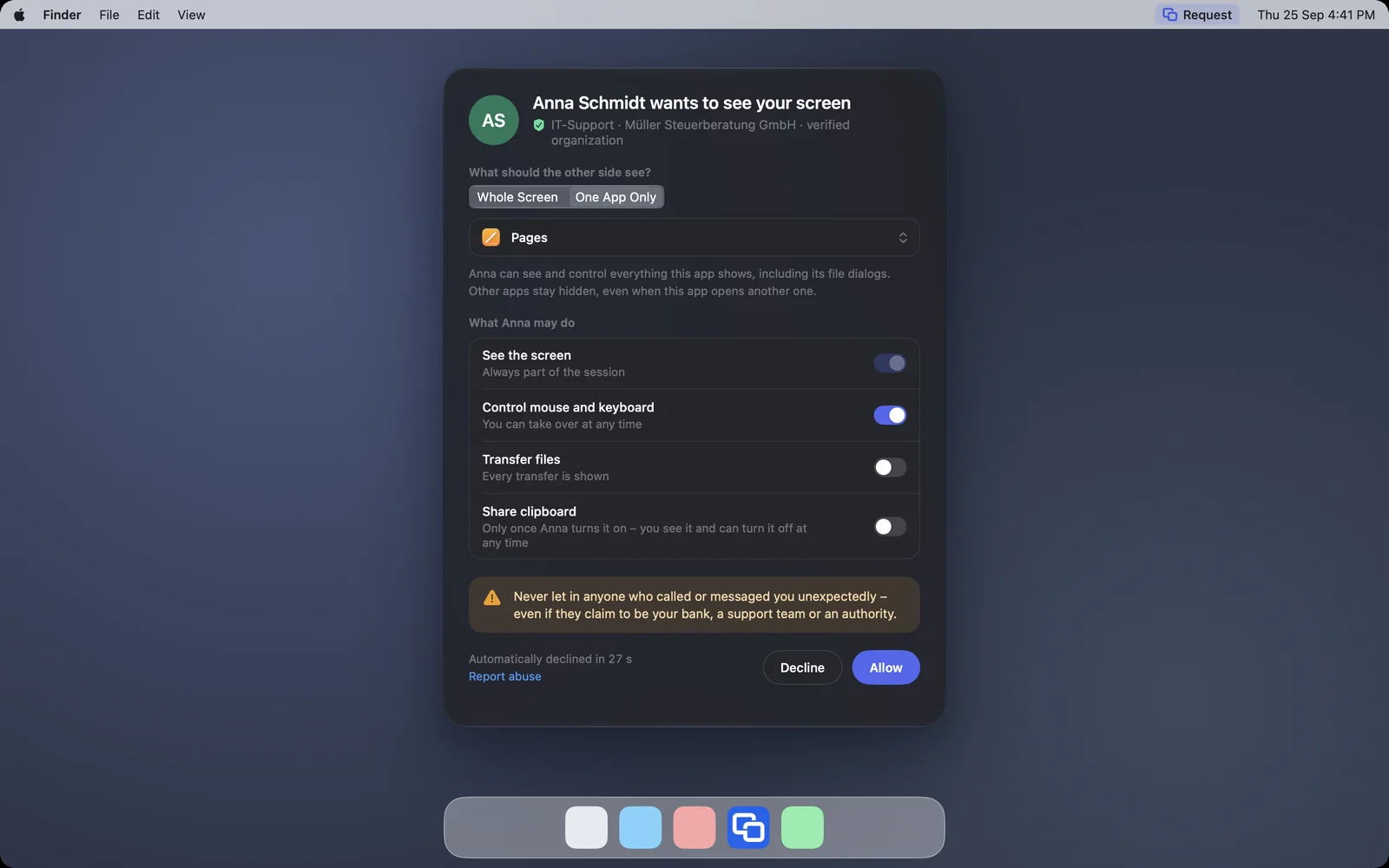
The request with “One App Only” and the chosen app PagesThe request with “One App Only” and the chosen app Pages

Shown: Mac

What you do with it

See it on

You decide what is allowed

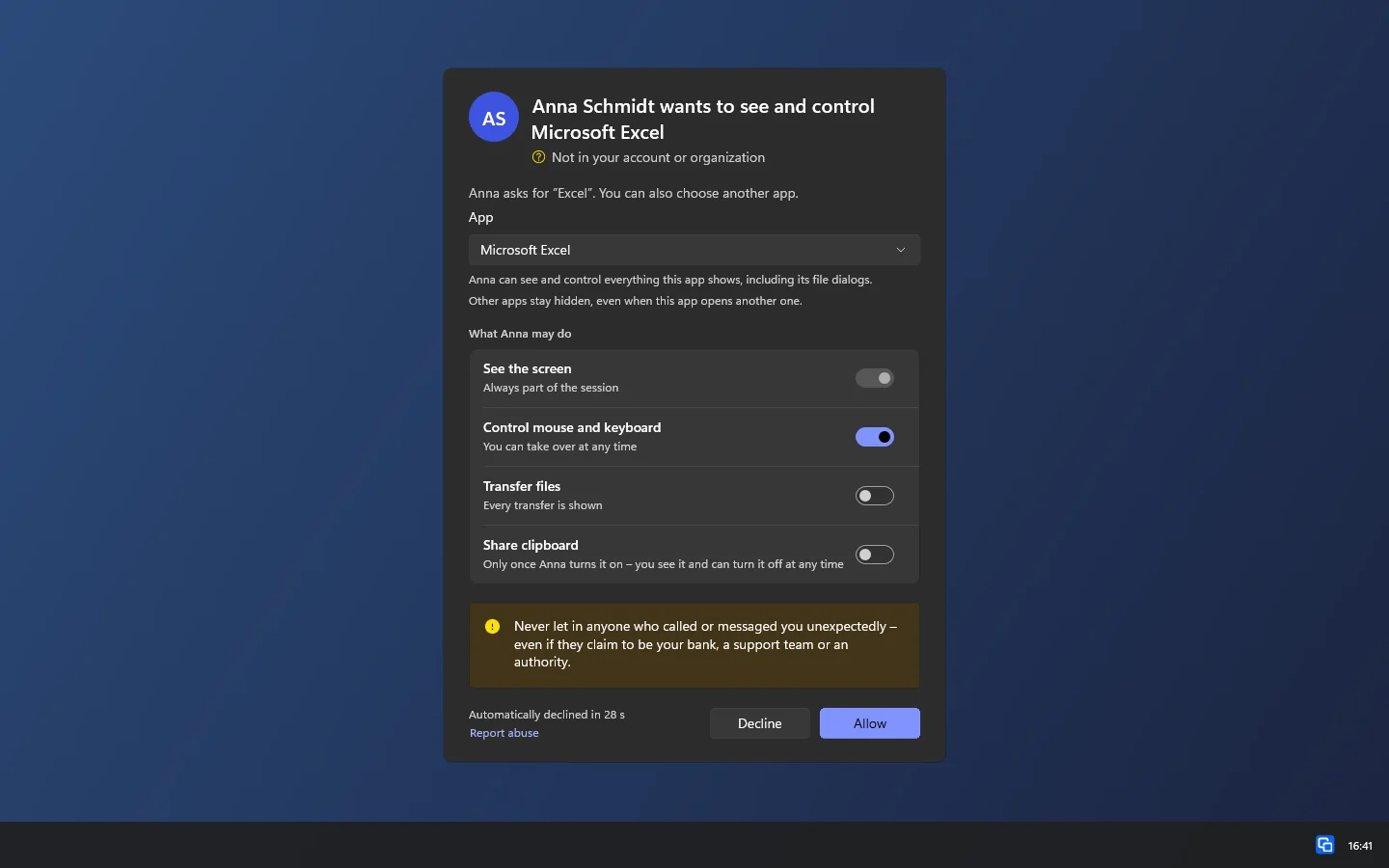
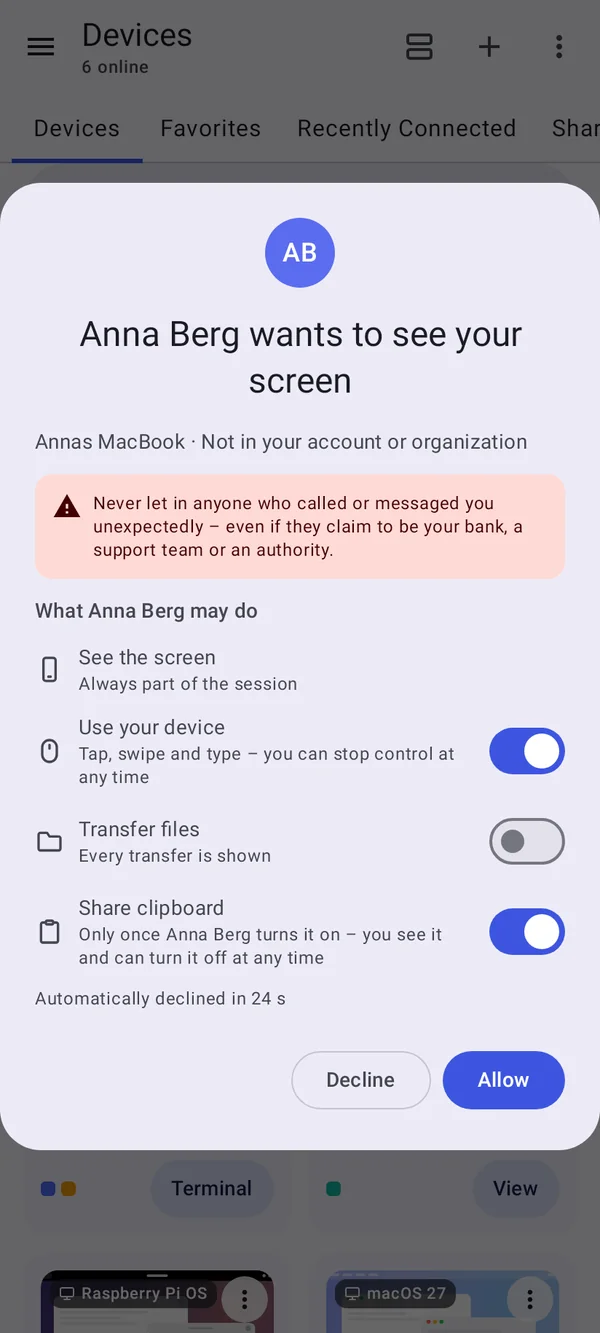
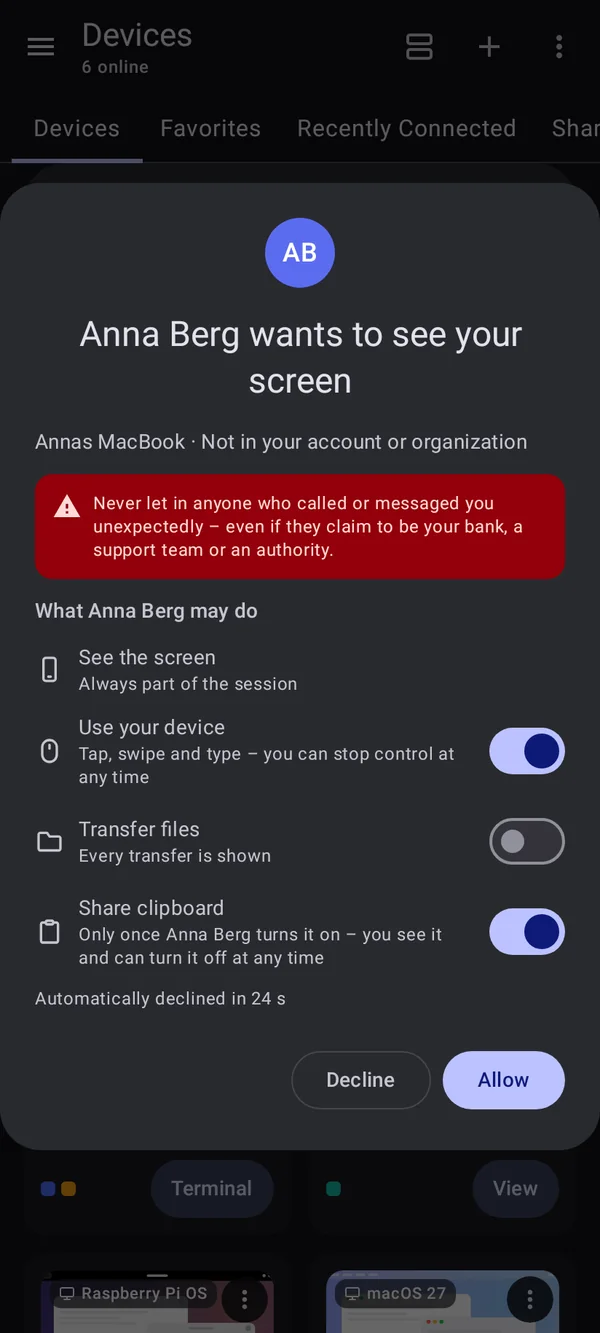
The device shows a request with the person’s name. If their account is new, it says since when. You decide what they may do: seeing the screen is always included, control, files and clipboard you switch on one by one.

  • Files are off at first
  • Without an answer DeskRanger declines after 30 seconds
  • Requests from outside: a scam warning, and Enter does not confirm
  • On Android the system additionally asks about screen recording
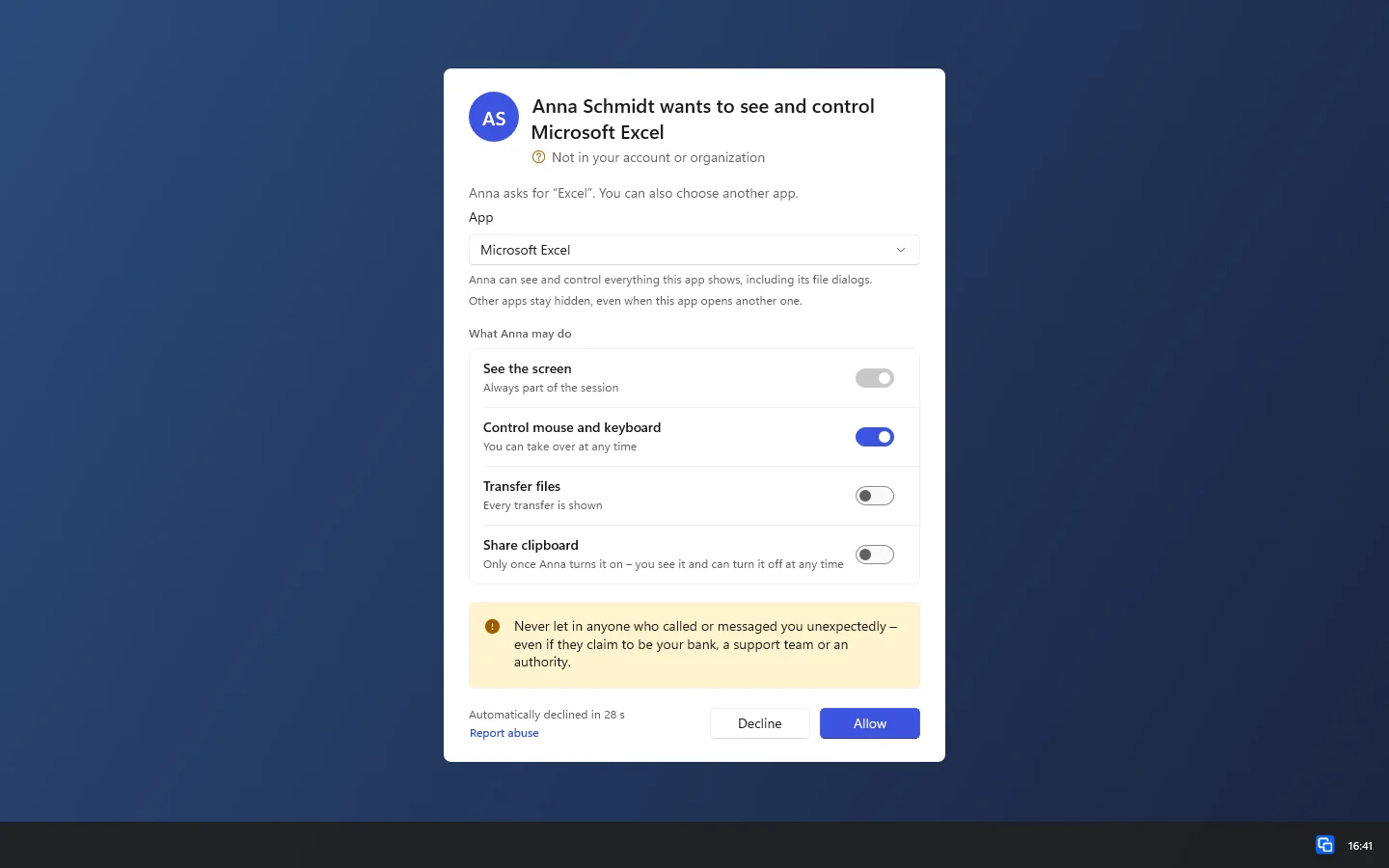
The request with the app picker: Anna asks for Excel, Microsoft Excel is already chosenThe request with the app picker: Anna asks for Excel, Microsoft Excel is already chosen

Shown: Windows

Sound only with your tick

Sound plays only if you want it: on the other device it is off until you tick “Transmit sound” in the question or switch it on later in the live indicator. Between your own devices sound runs from the start.

  • You can switch it off any time; nobody can switch it on against your will
  • Sound never comes from a microphone
  • It pauses while a password or a confirmation with a code is shown

You see that someone is there

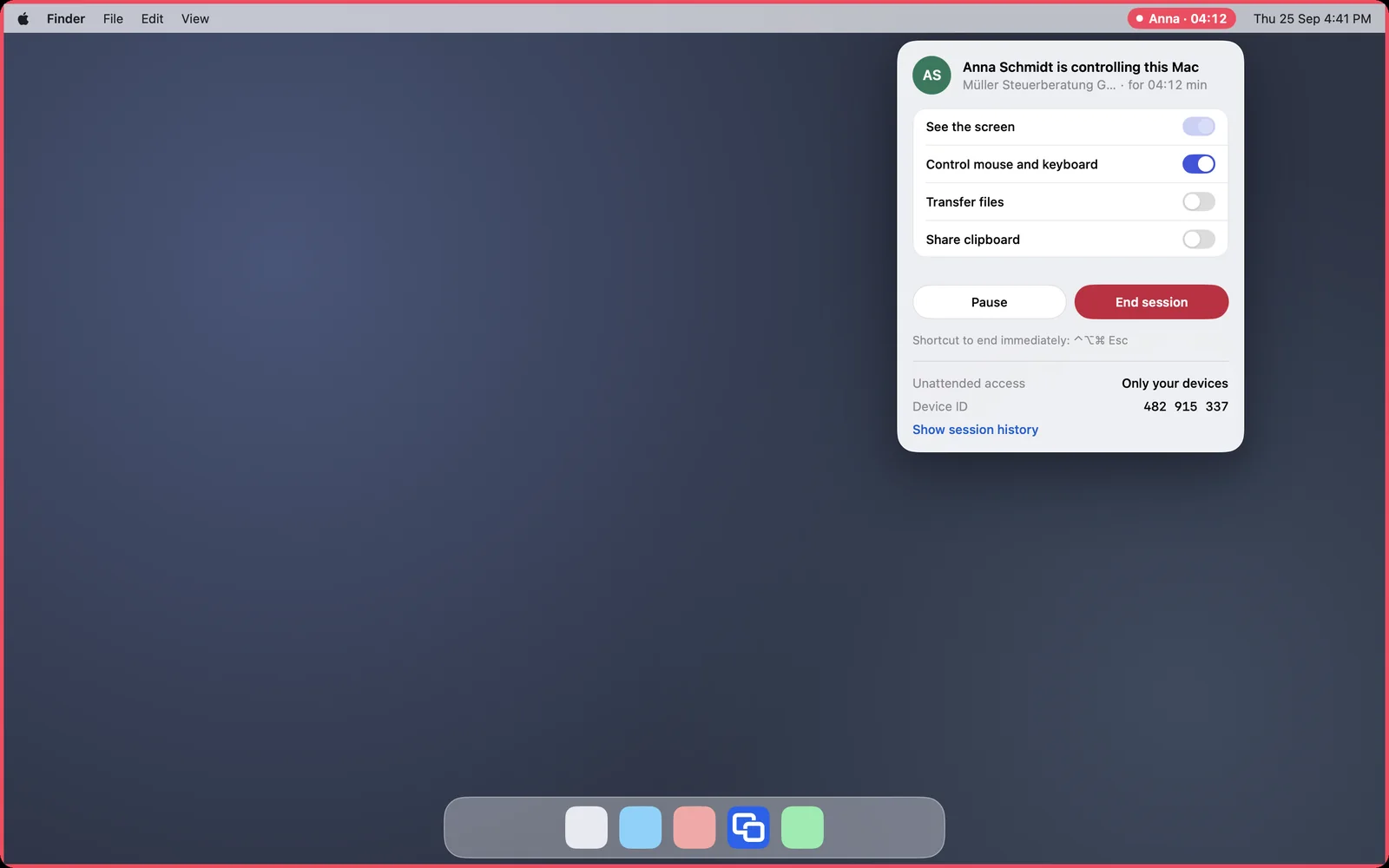
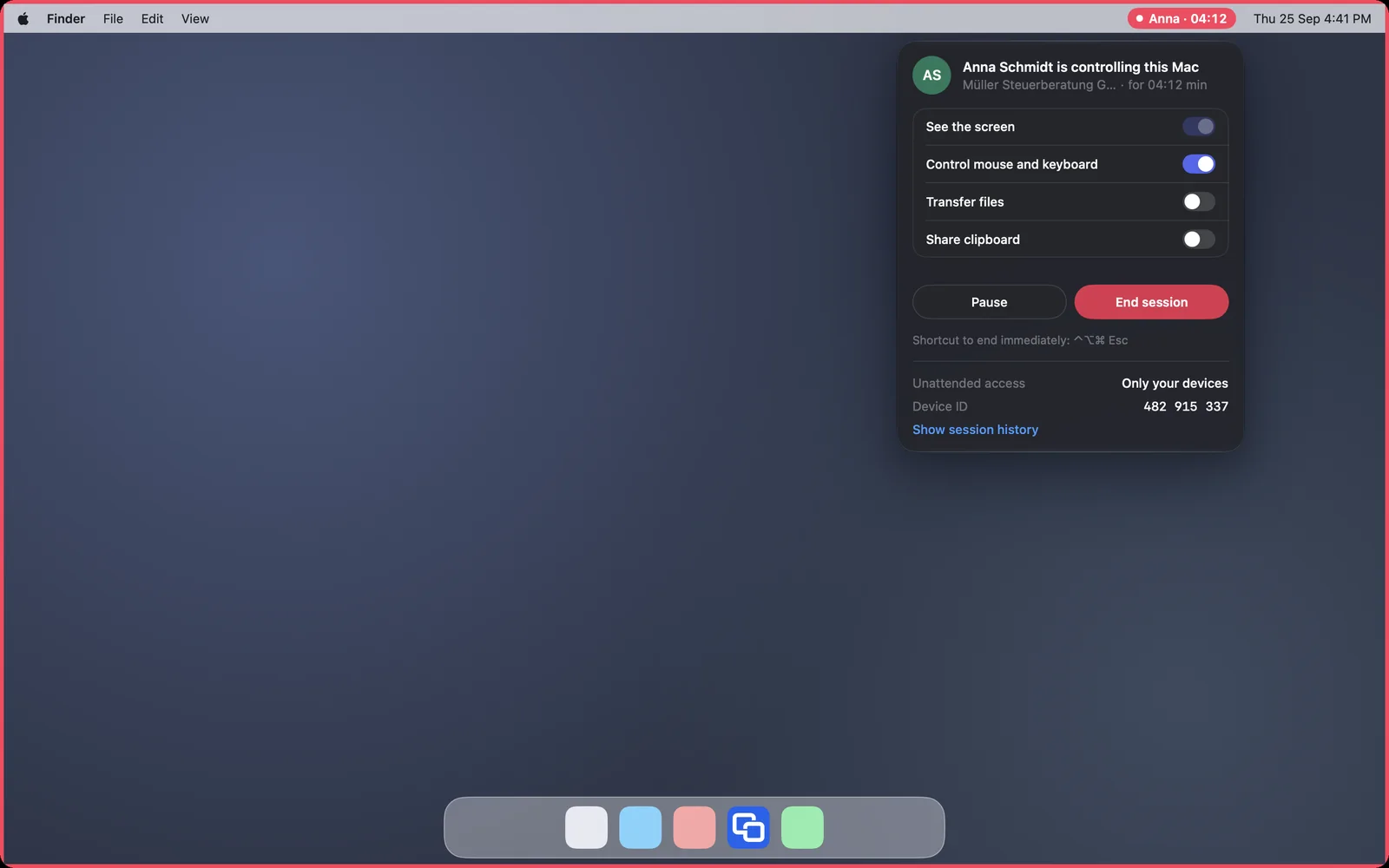
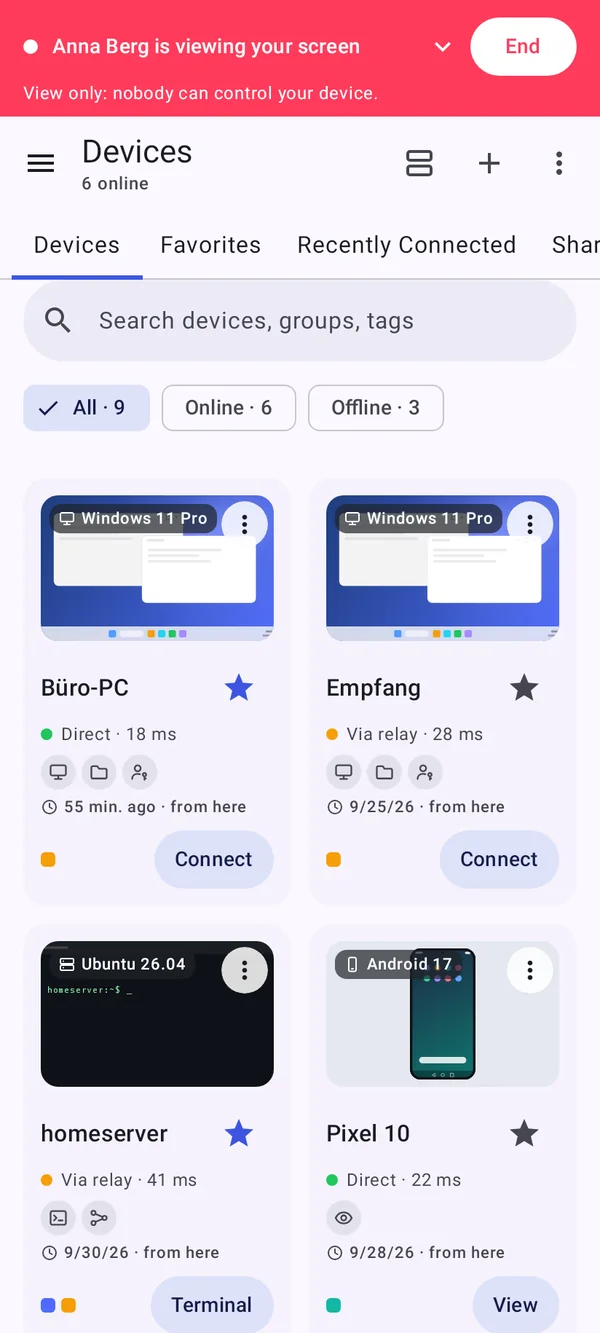
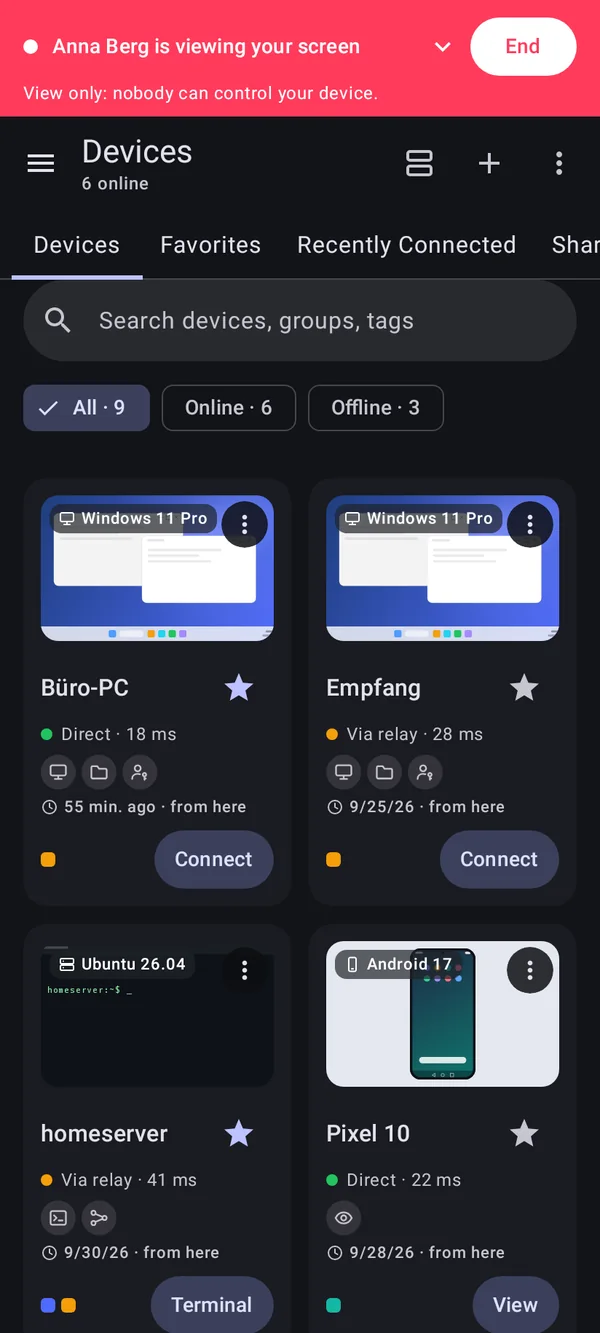
As long as someone is connected, your device shows it in red: on the Mac with a frame and the name in the menu bar, on the Windows PC with an icon in the notification area, on the Android device with a bar and a frame while the person controls. There you switch rights off, pause or end the session.

  • End immediately on the Mac with ⌃⌥⌘ Esc, on Android with “End control”
  • More rights are only possible directly at your device, never from the session
The Mac during a session: red menu bar indicator and red frameThe Mac during a session: red menu bar indicator and red frame

Shown: Mac

Locked stays locked

If your screen locks or Windows asks for confirmation through User Account Control, the other person can only look at it. Only you can click, type, unlock and confirm.

  • Your own devices connecting without asking may operate them, as an exception
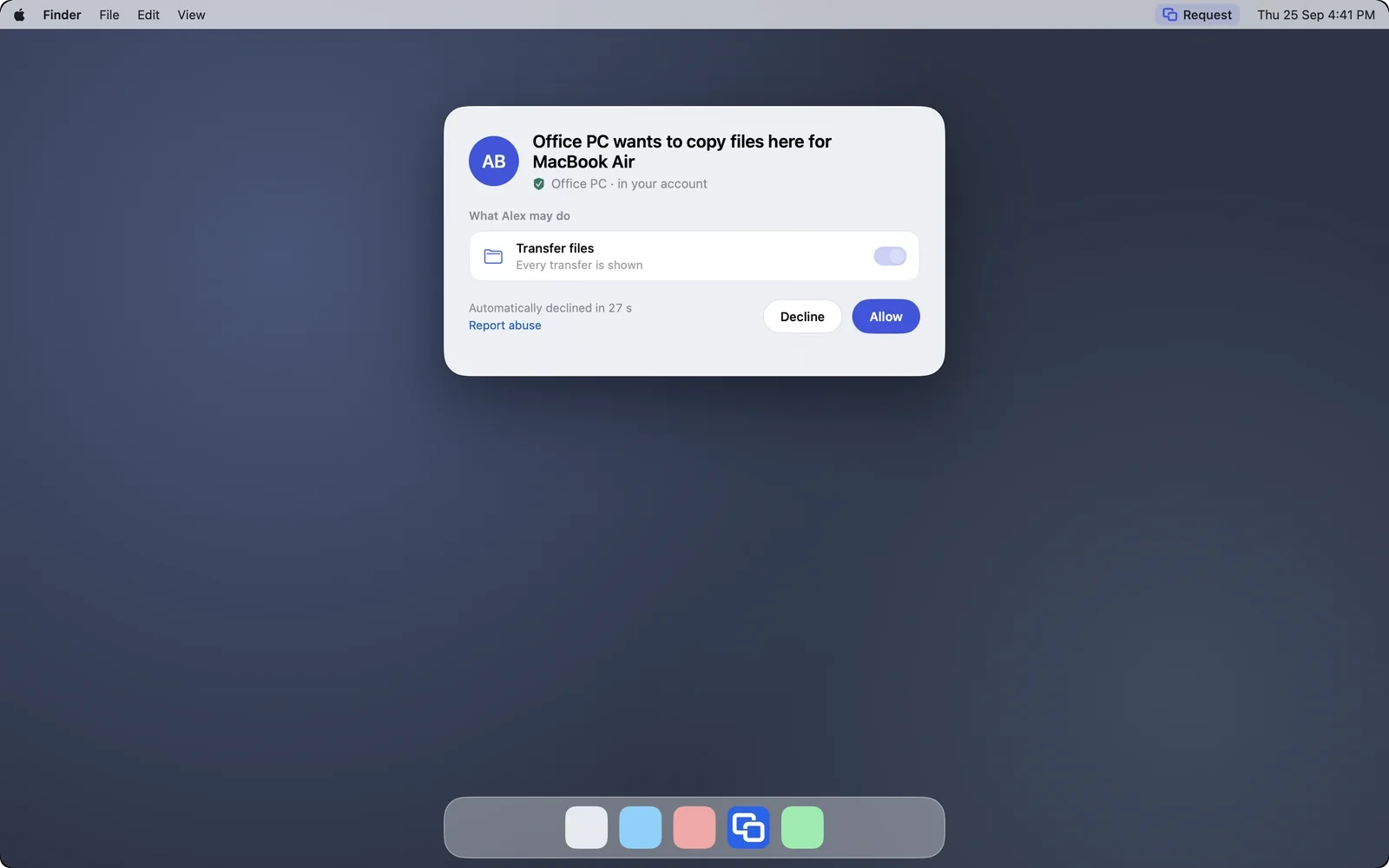
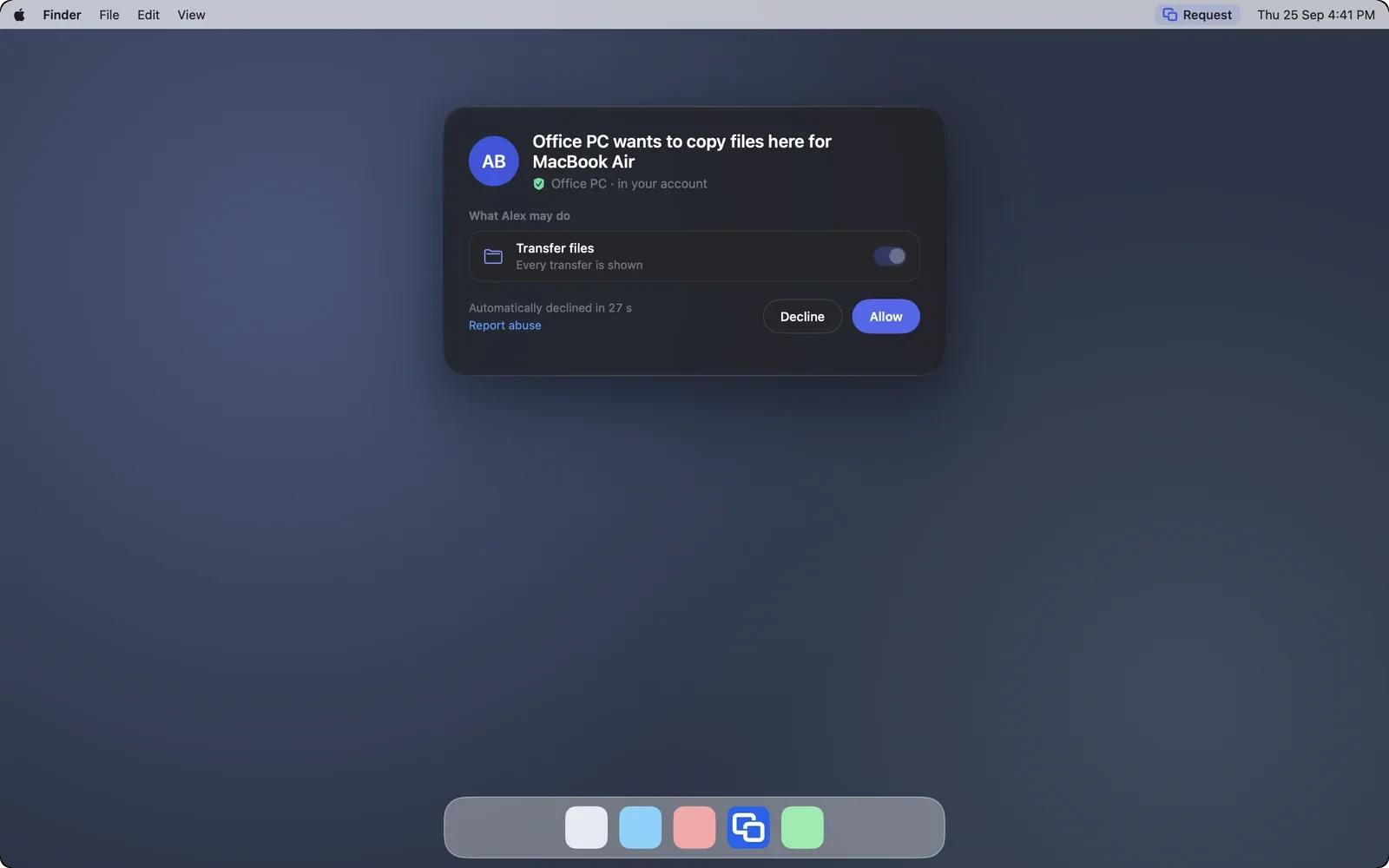
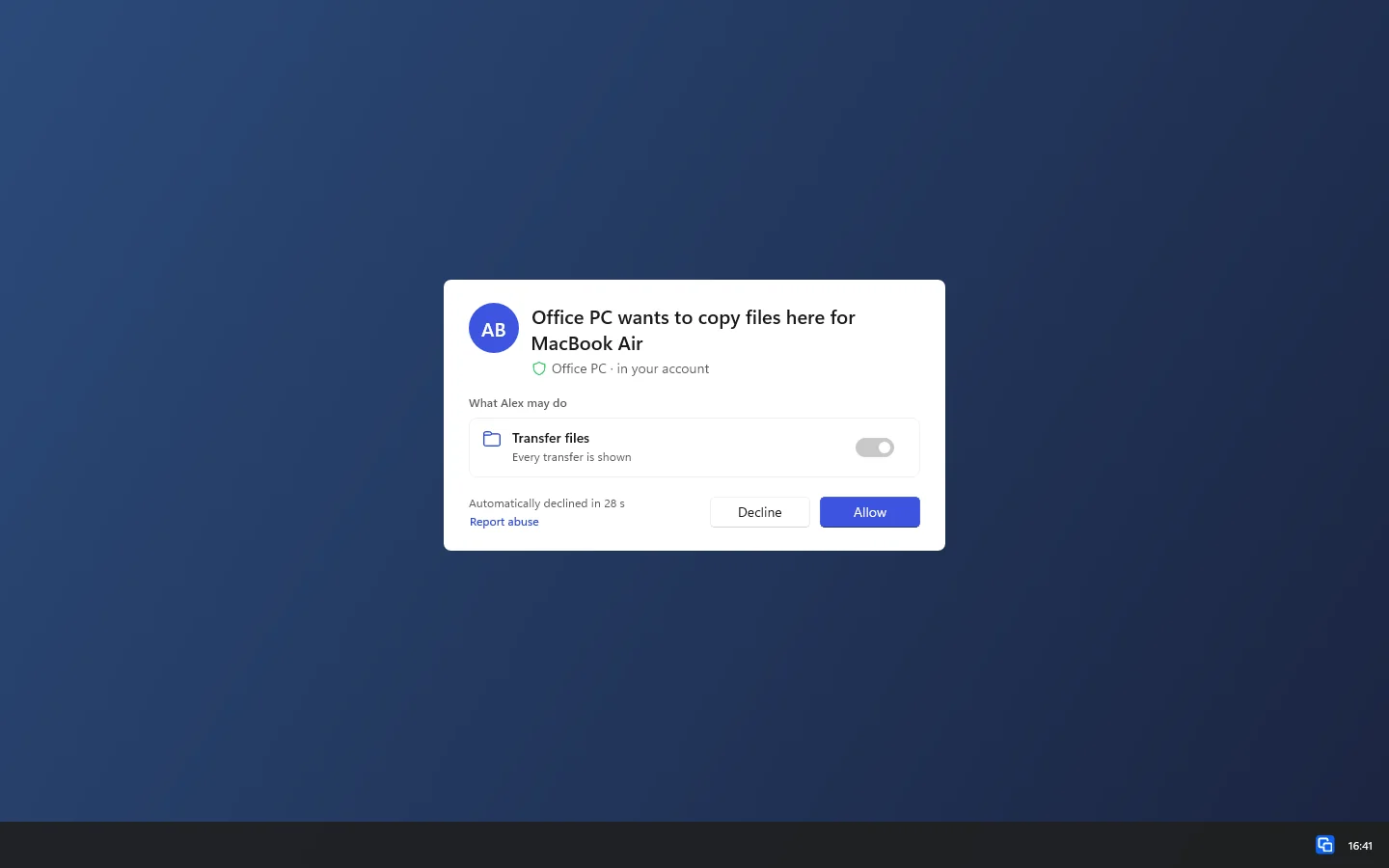
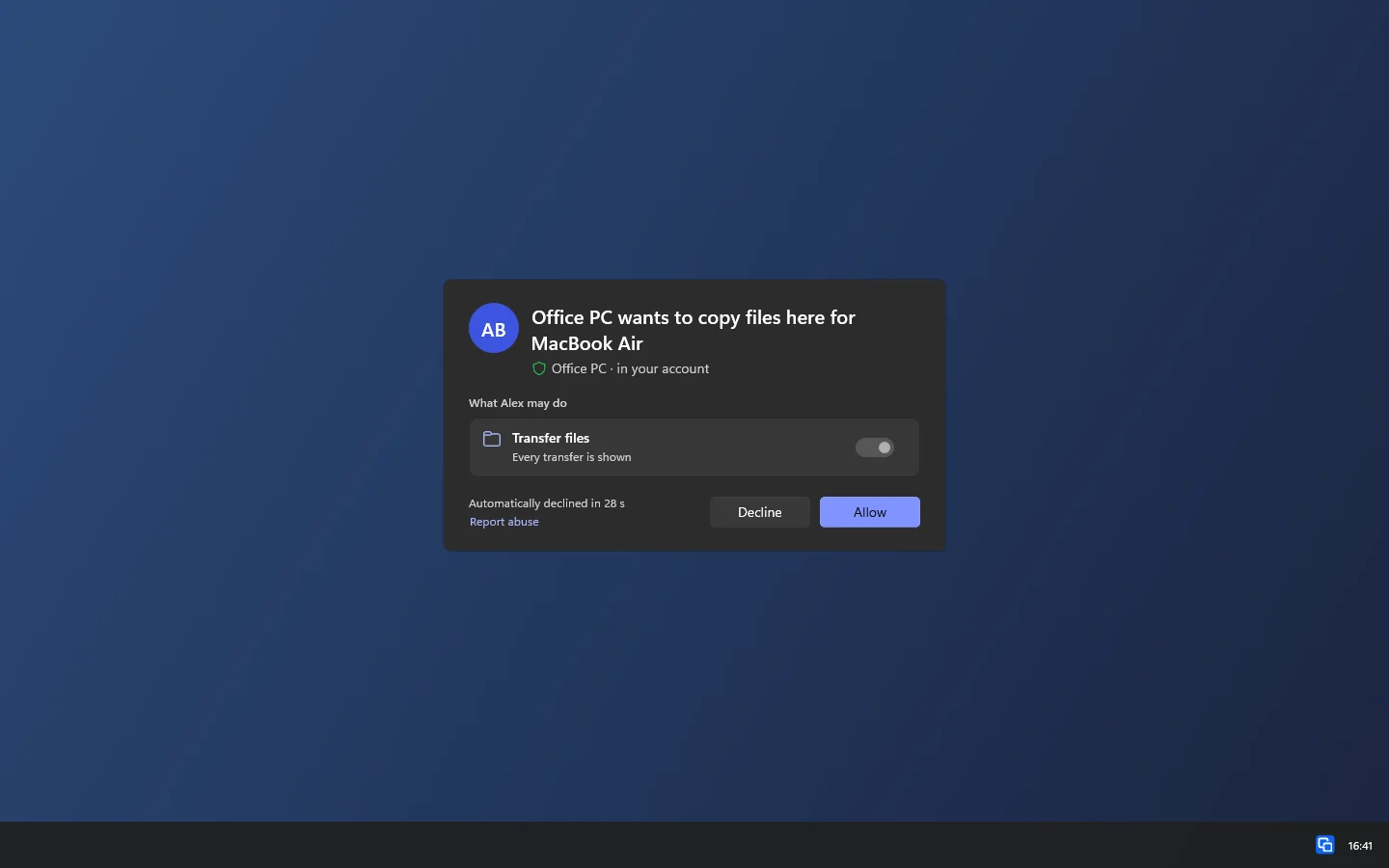
  • Copying files between devices asks for your permission on the target device
  • For single apps there is the choice “Only one app”
The question on the target device: Office PC wants to copy files here for MacBook AirThe question on the target device: Office PC wants to copy files here for MacBook Air

Shown: Mac

Everything step by step, for every platform:

Help someone with a support code

Perguntas frequentes

May I read the number out to someone on the phone?

For the support code yes. DeskRanger does not decline a request just because a call is running. Allow only if you know the person and they asked you for help.

Is there invisible access?

No. Every running session is visible on the device, and there is no mode that switches that off.