Help › Functions
Device information
See the load, storage and state of your devices, even without a session.
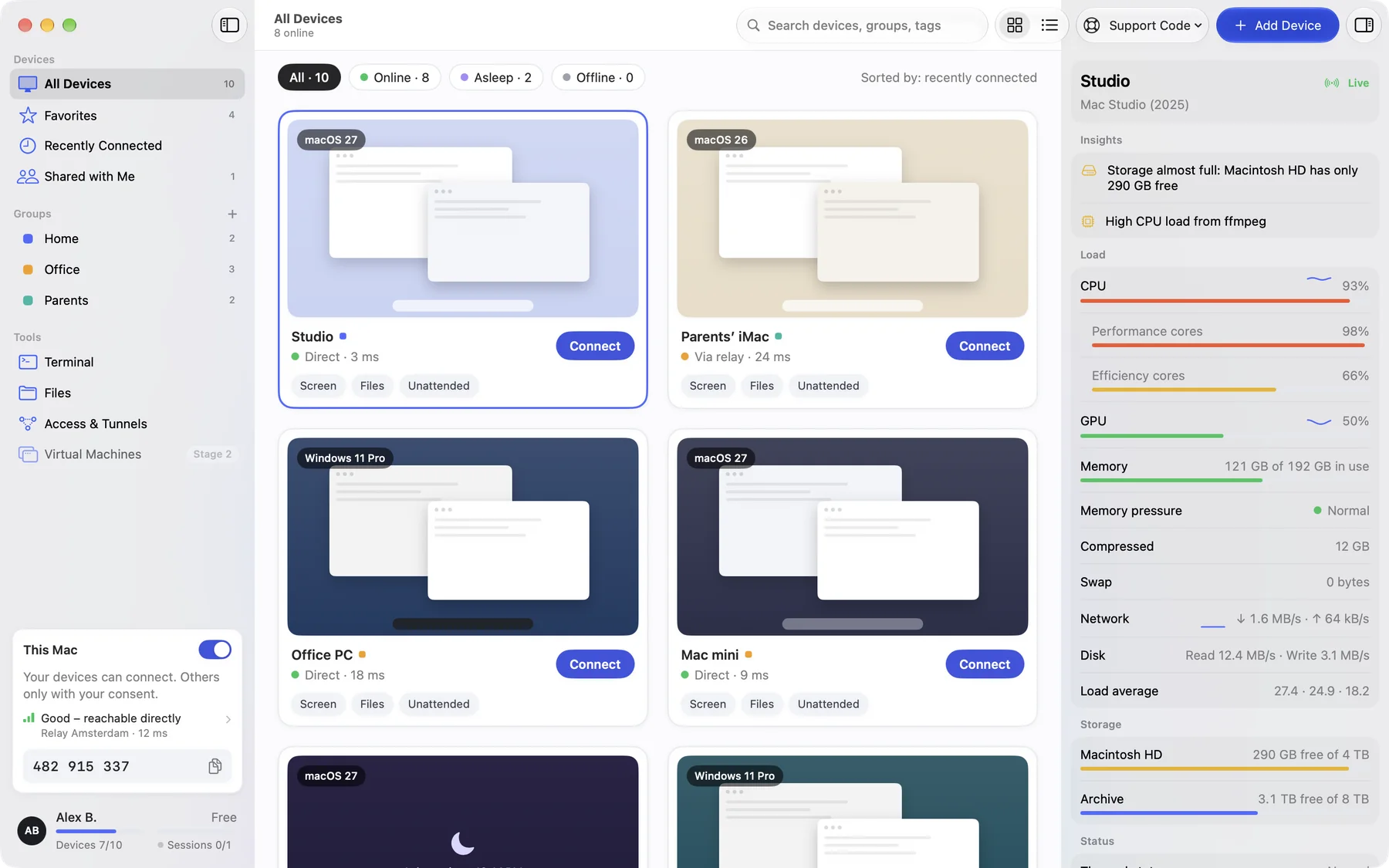
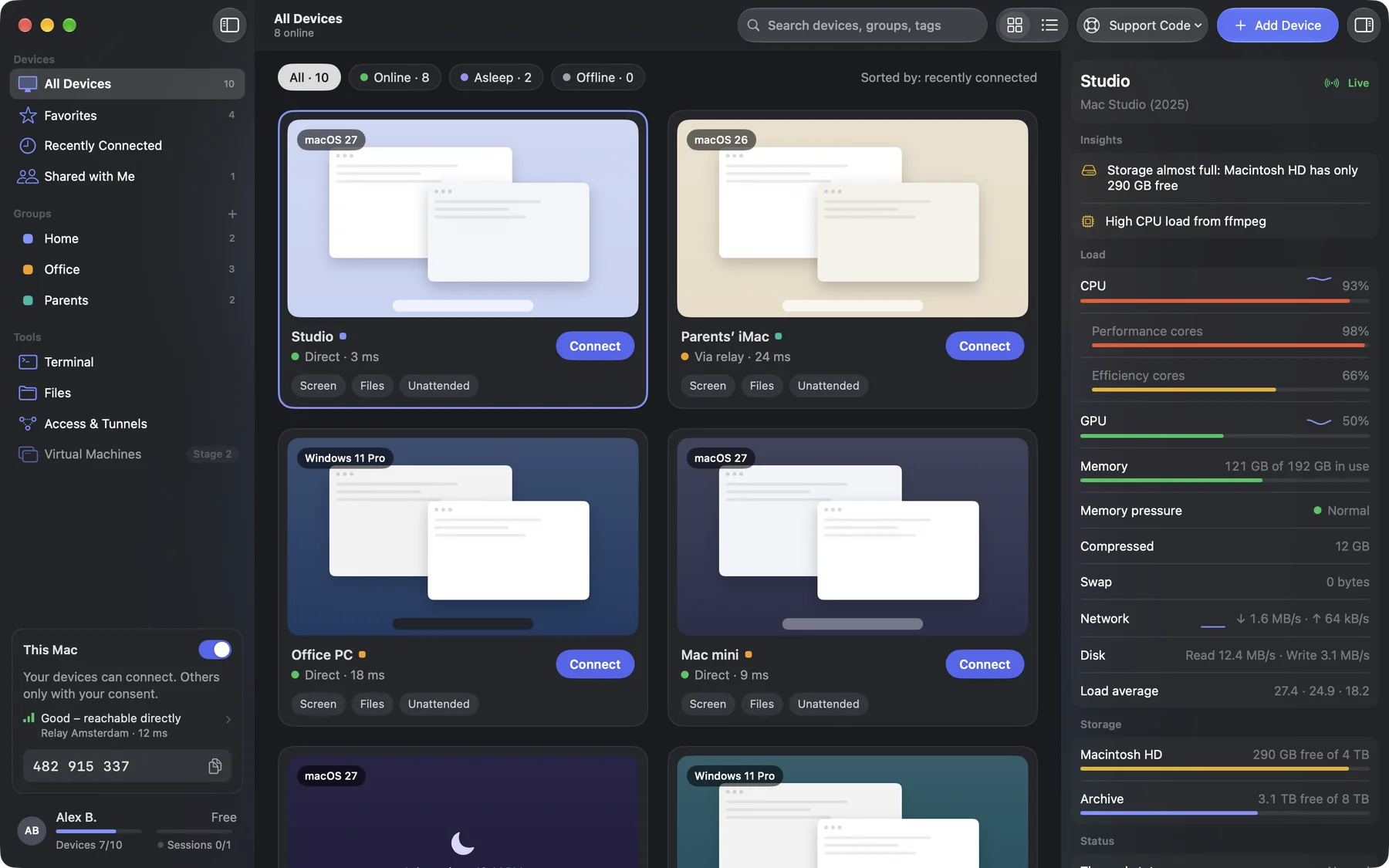
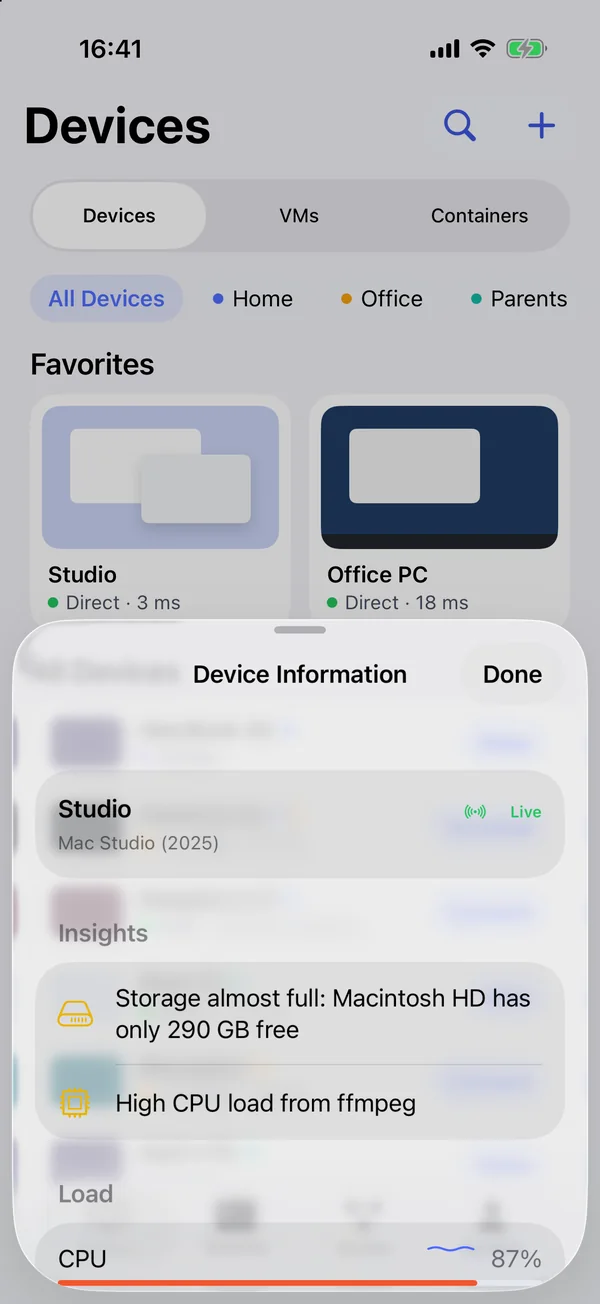
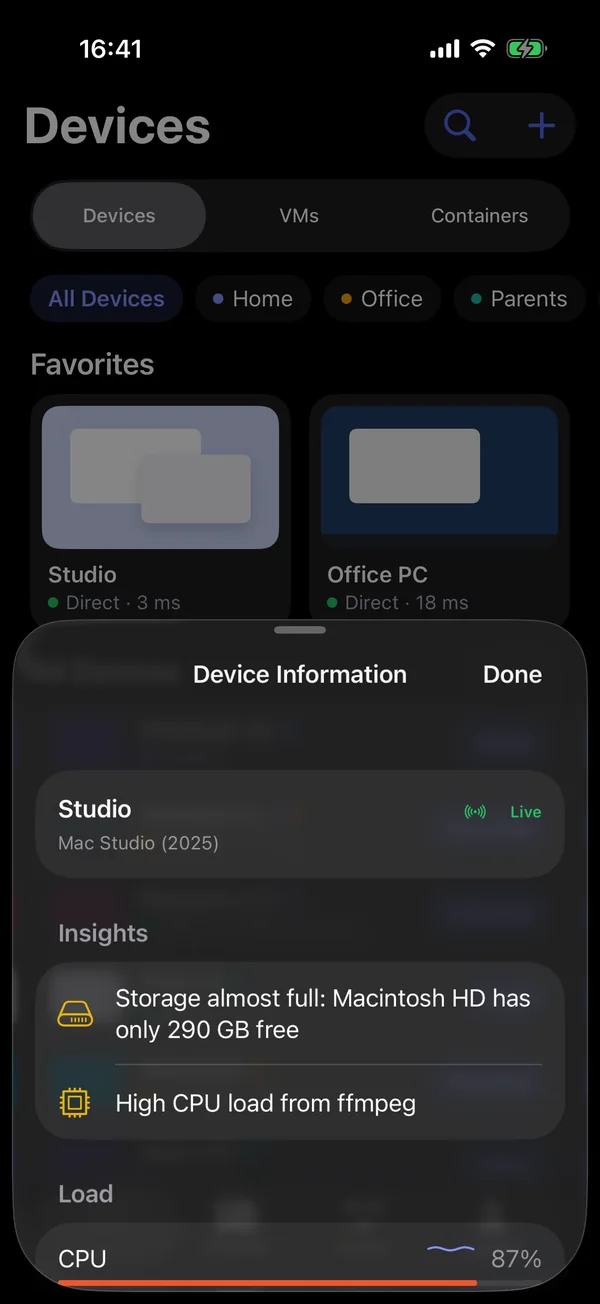
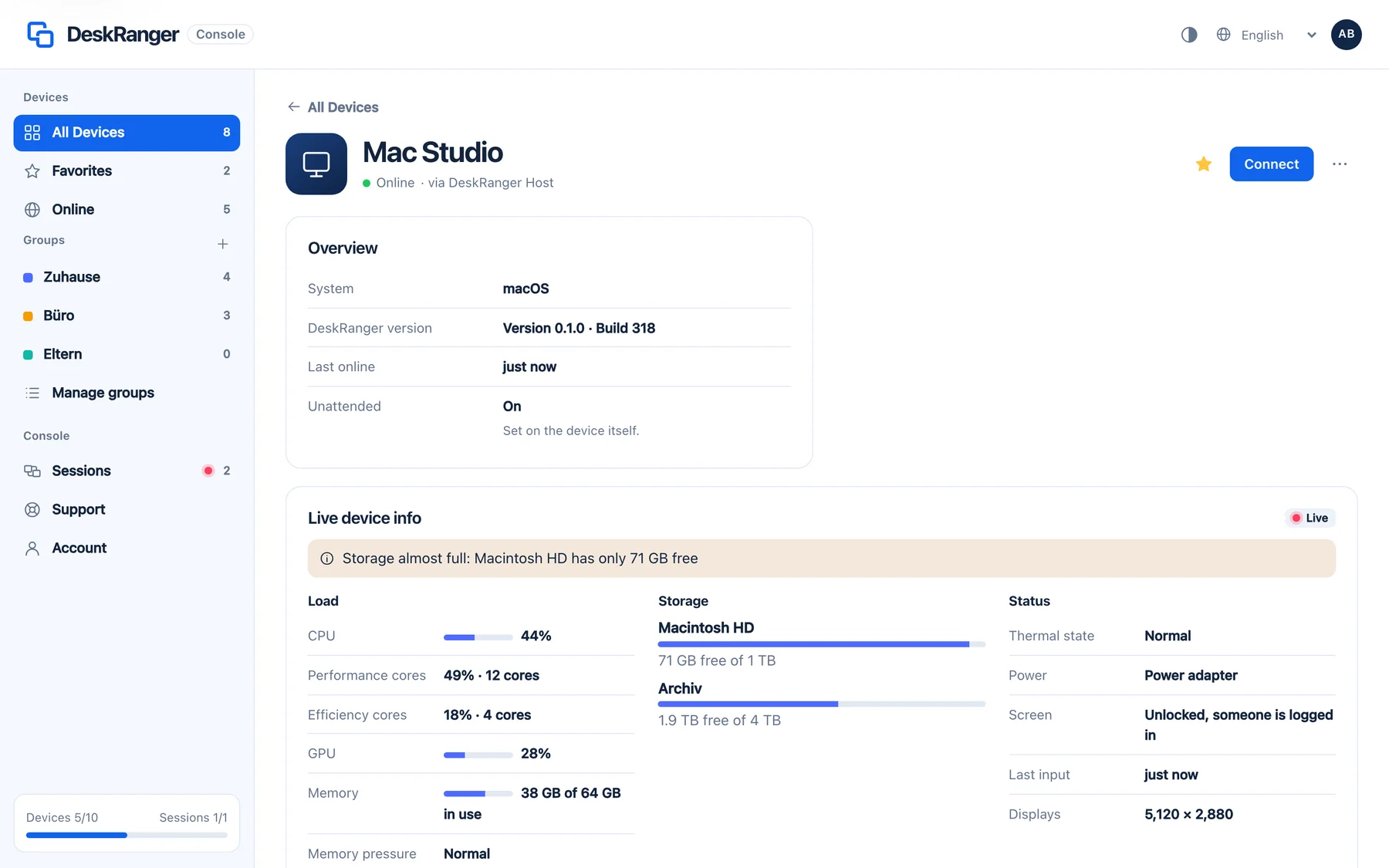
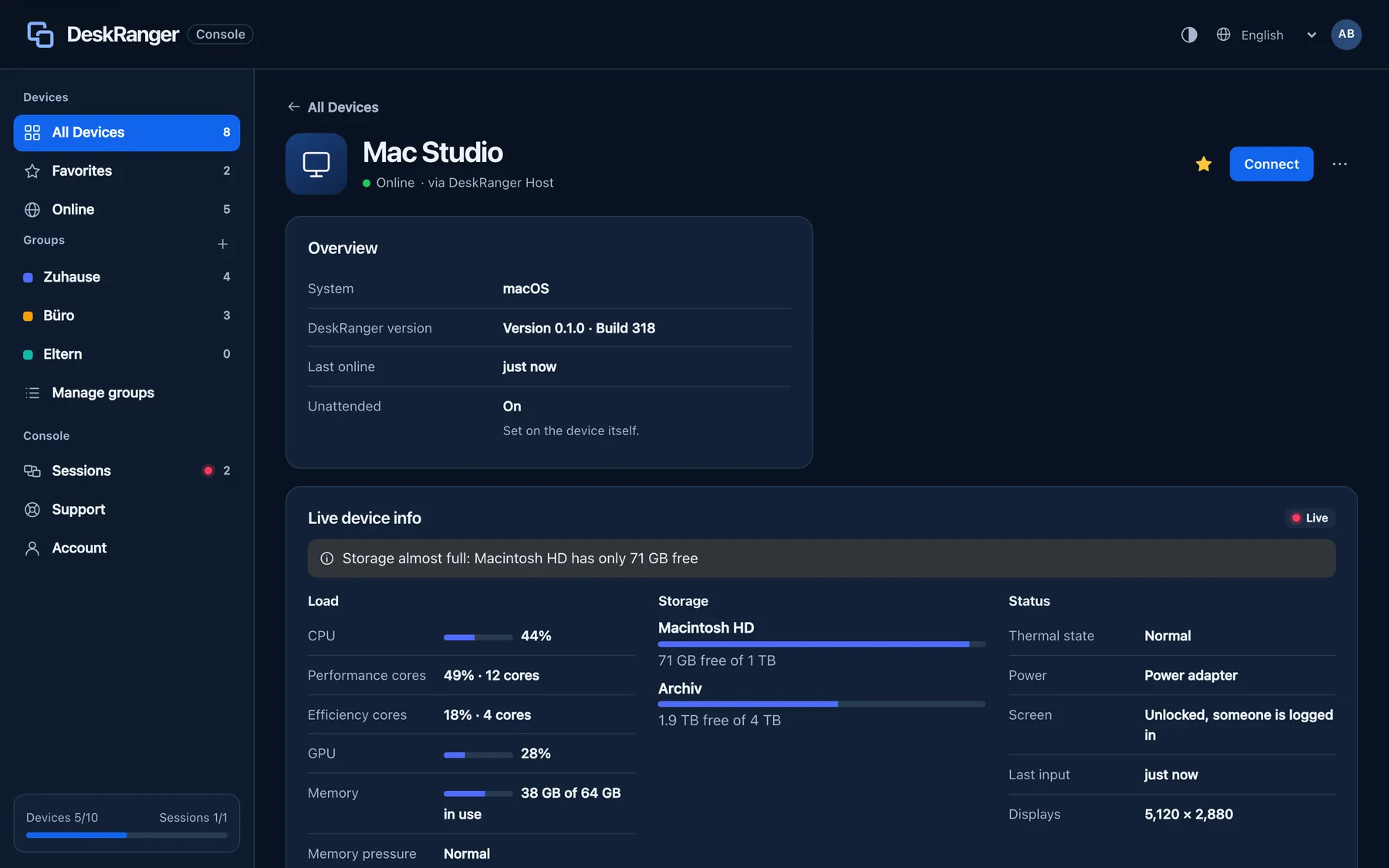
Device information shows live how a device is doing: Insights, Load, Storage, Status and System. For your own devices you don’t need a session; the device shows no red frame for it.
macOS
Choose Get Info on the device (⌘I). In a session, Device Info opens the same view (⌃⌥⌘I).
Windows
This function is coming soon to Windows.
iPhone & iPad
Press and hold the device in the list and choose Get Info.
Web
On the device’s page in the section Live device info.
What is shared
The values travel end-to-end encrypted straight from device to device; our servers don’t see them. On the Mac you decide in Settings under This Mac who sees them:
- Device info for my devices: on from the start.
- Also in sessions with other people: off at first.
- Include processes: off at first. Only program names appear, no paths.
Device information is switched off on this device. It can be switched on there in Settings under This Mac.