Account illimitati
Create as many accounts as you need. With 10 workstations, up to 10 people work at the same time.
↑↓ choose · ↵ open · Esc close
Aziende
Per la persona che si occupa dell’IT da voi: aiuta clienti e team con un codice e gestisci da remoto PC d’ufficio e server. Con Pro già oggi.
Oggi con Pro
Un account, fino a 50 dispositivi, cinque alla volta: abbastanza per l’IT di una piccola azienda.
La persona ti comunica un codice e consente la sessione sul proprio dispositivo. Non ha bisogno di un account e può terminarla in qualsiasi momento.
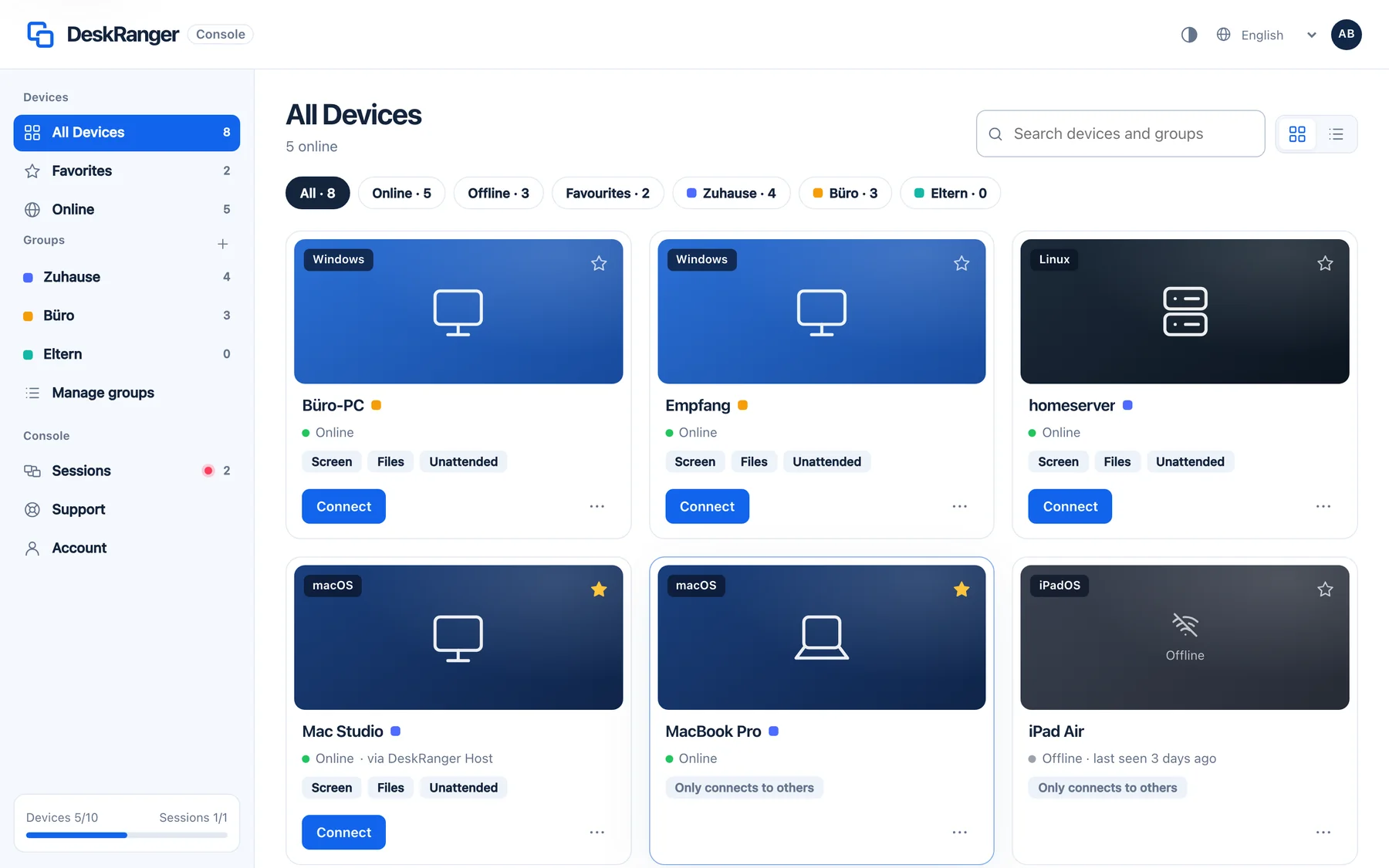
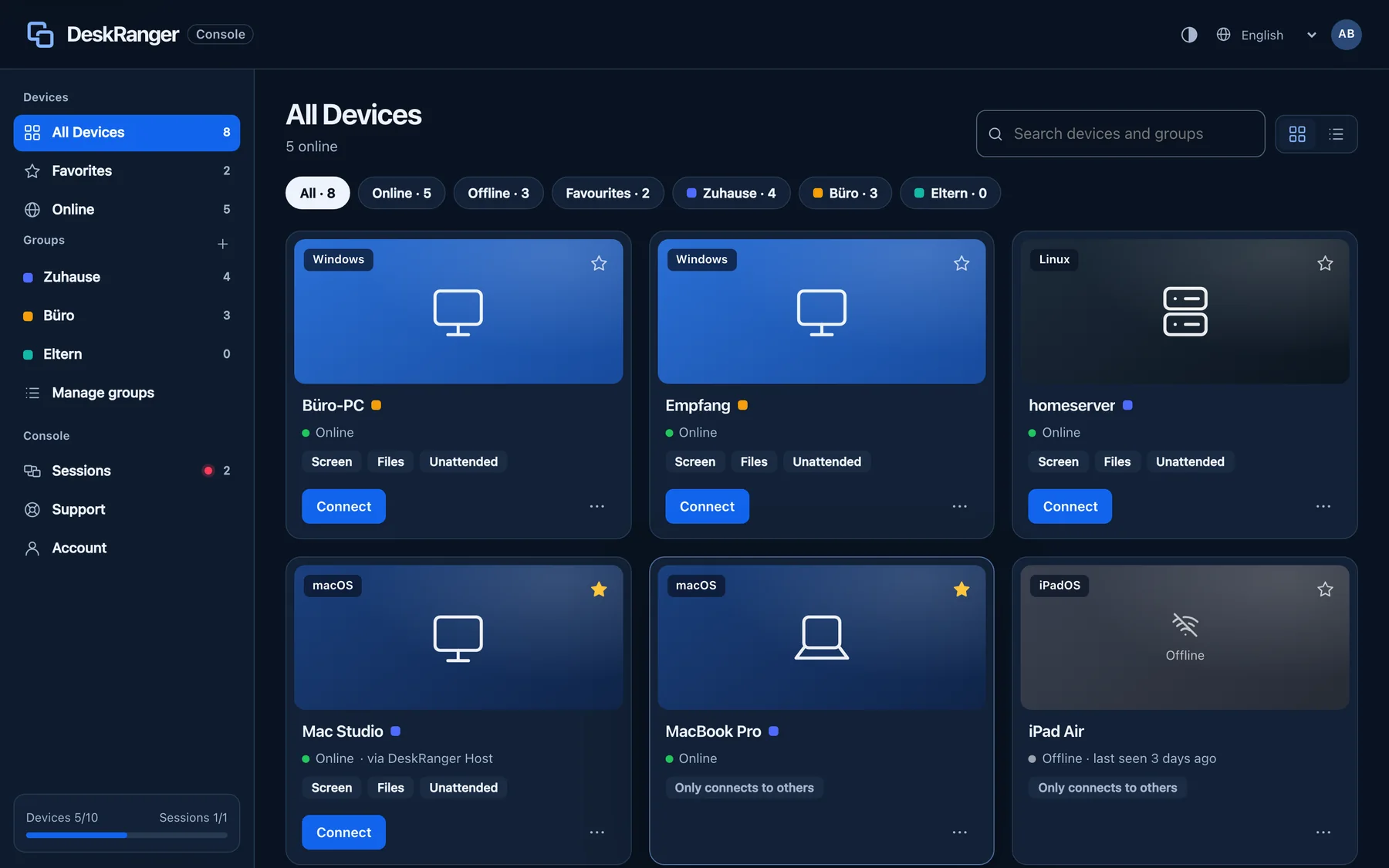
Raggiungi in qualsiasi momento i computer dell’ufficio, i server senza schermo e il NAS, anche dopo un riavvio e senza inoltro di porte.
Sul computer di un cliente o in viaggio apri i tuoi dispositivi nel browser, con la stessa crittografia end-to-end dell’app.
Nessun rilevamento dell’uso commerciale, fatturazione mensile disponibile e disdetta online.
Più persone contemporaneamente? Team, con postazioni condivise, arriva presto.
Il tuo cliente apre DeskRanger e ti comunica il codice di supporto di nove cifre.
Il tuo cliente vede chi chiede l’accesso e cosa è consentito, e conferma sul proprio dispositivo.
Una cornice rossa sul dispositivo indica che qualcuno sta lavorando. Il tuo cliente può terminare la sessione in qualsiasi momento.
Come i team di diversi settori usano DeskRanger: situazioni tipiche, cosa conta e quale piano scegliere.
Assistere i clienti, condividere le postazioni
Aiuto per l’IT dello studio
Ciò che è riservato resta riservato
Il Mac dello studio, ovunque
Aiuto IT senza spostamenti
Assistenza a bordo macchina
La workstation CAD, ovunque
Dalla Germania, relay UE
Casse e PC di filiale sotto controllo
Consulenza in studio e in viaggio
A workstation is in use as long as a remote session runs from it. On Team you work on up to ten devices at once from there. When the last session ends, it is free again. Just being signed in takes no workstation. Team will be bookable soon.
Create as many accounts as you need. With 10 workstations, up to 10 people work at the same time.
Da una postazione apri fino a 10 dispositivi contemporaneamente, ad esempio per rollout o manutenzione in parallelo. Pro ne consente 5.
If the same person works on a Mac and a Windows PC at the same time, that takes two workstations. As long as some are free, that’s fine.
When every workstation is in use, no further workstation can start a session for now. On workstations that are already active you can connect more devices up to your plan’s limit. DeskRanger never ends a running session because of a limit.
Example: 100 user accounts and 10 workstations. Up to 10 people are active at once, each with up to 10 devices.
Nessun rilevamento dell’uso commerciale. Free è utilizzabile anche per lavoro entro i suoi limiti.
The other person gives you a nine-digit support code and visibly allows the session on their own device. They can end it at any time. The person who needs help does not need an account.
In a remote session DeskRanger types a saved password directly into the other computer, for example at the sign-in window, never through the clipboard.
In arrivoTeam vaults with roles and a log. Technicians use admin passwords without seeing them, and when someone leaves, DeskRanger replaces the credentials.
Open a session right in the browser, with nothing to install and the same end-to-end encryption as in the app. Remote access in the browser belongs to Pro, also in Early Access.
In arrivoLook after devices together and set responsibilities: shared groups, tiered roles and workstations for the whole team.
In arrivoStabilisci chi può raggiungere quali dispositivi, con regole per file, appunti e accesso non presidiato.
I contenuti restano tra i tuoi dispositivi. I nostri server non possono leggerli in chiaro.
Aiuto con codice di supporto e consenso. Le sessioni in corso sono sempre visibili sul dispositivo.
Stai pianificando DeskRanger per una grande organizzazione? Adattiamo Enterprise alle vostre esigenze: postazioni e utenti, accesso e policy, gestione e contratto.