Work

File

Invia file in entrambe le direzioni. Segui avanzamento e trasferimenti in arrivo.

FreemacOS · Windows · Linux · Android · iOS / iPadOS · Web
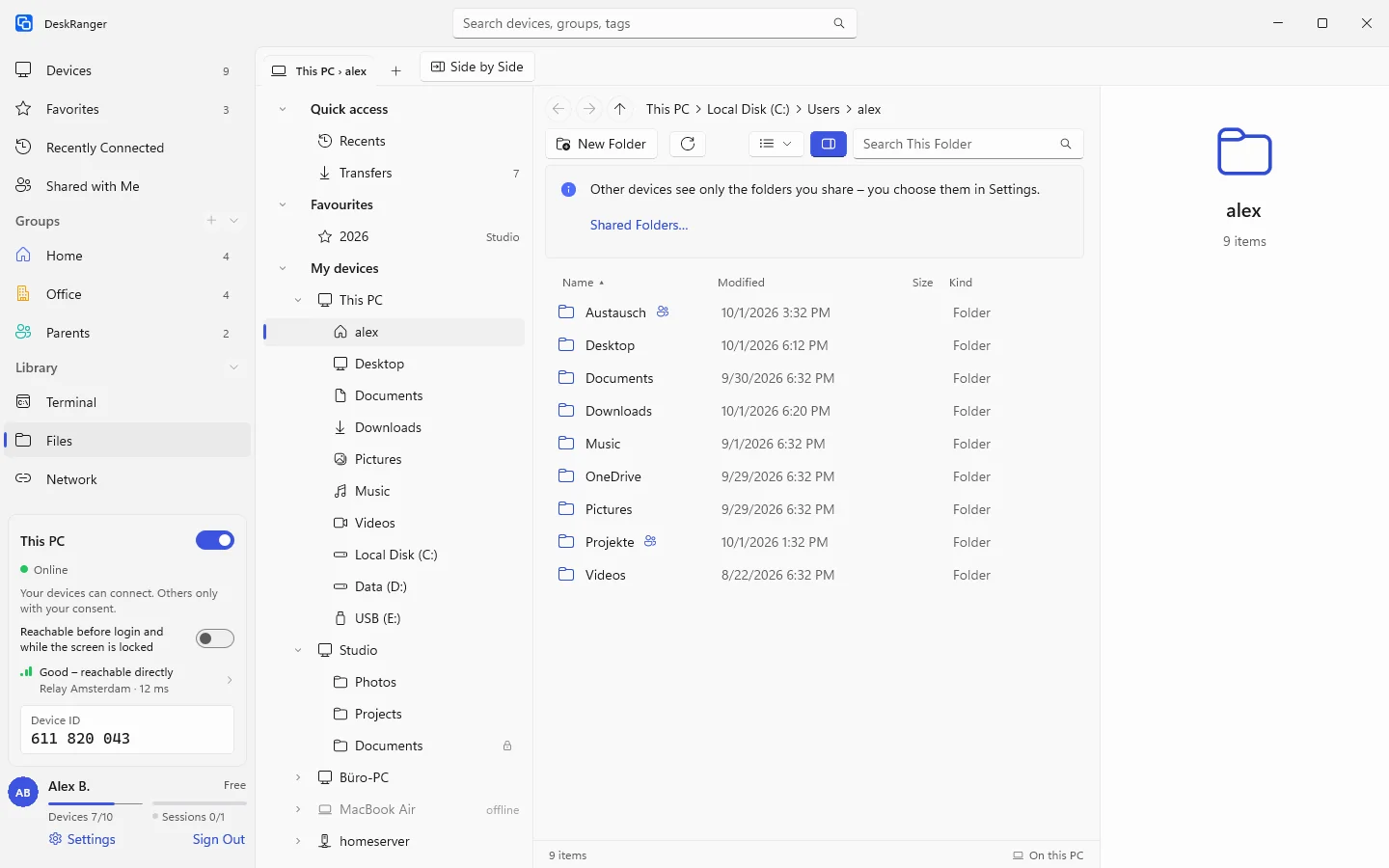
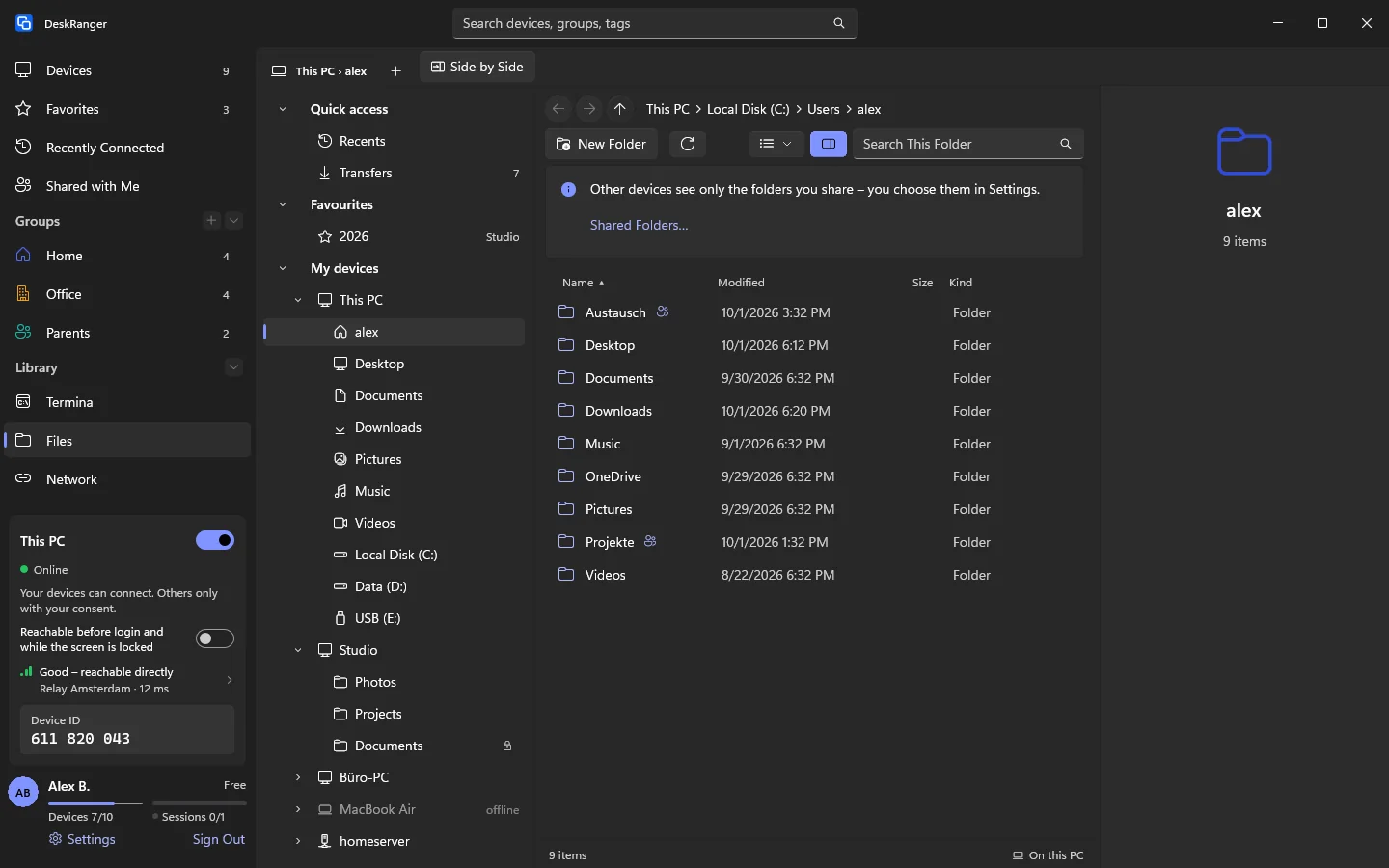
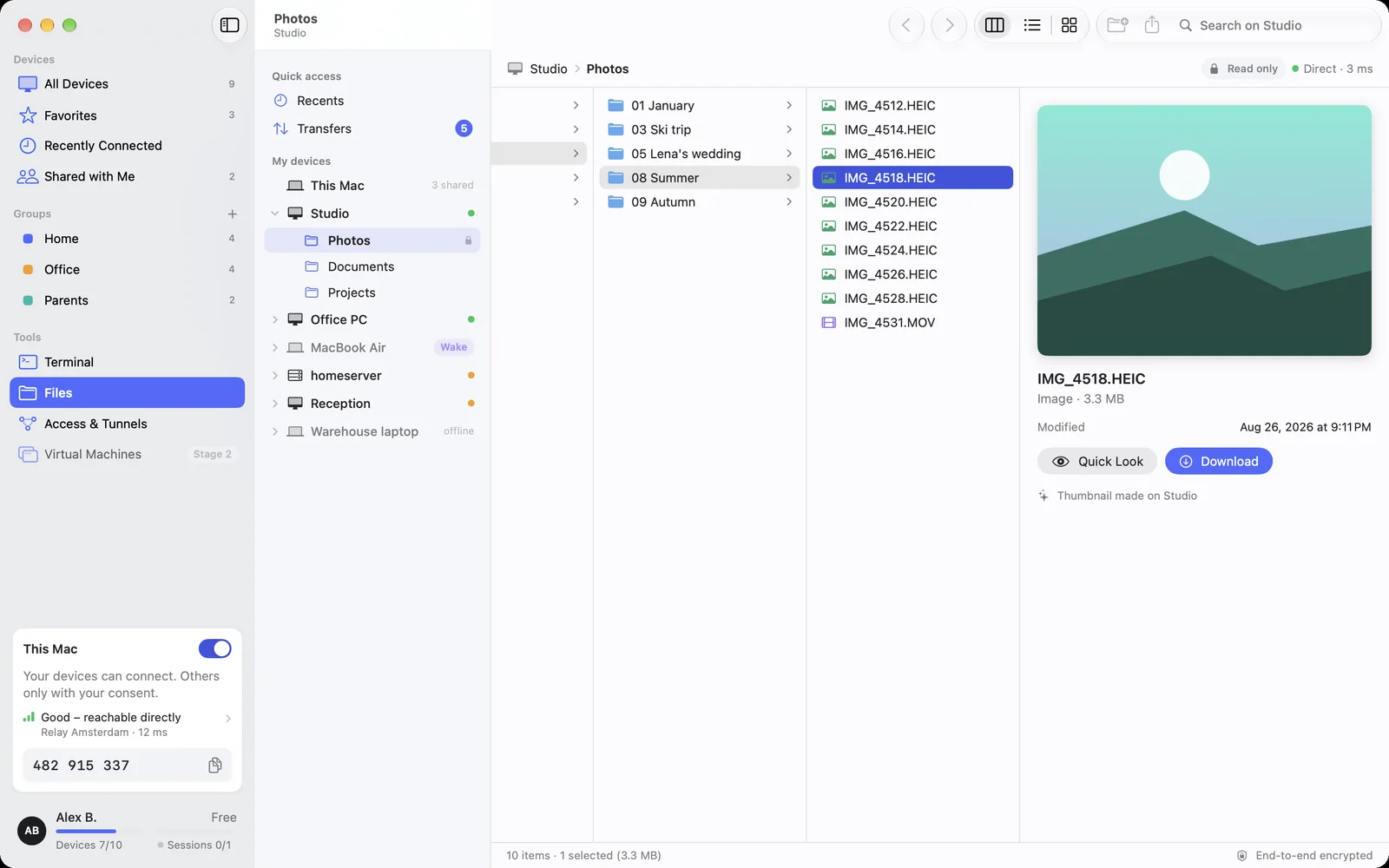
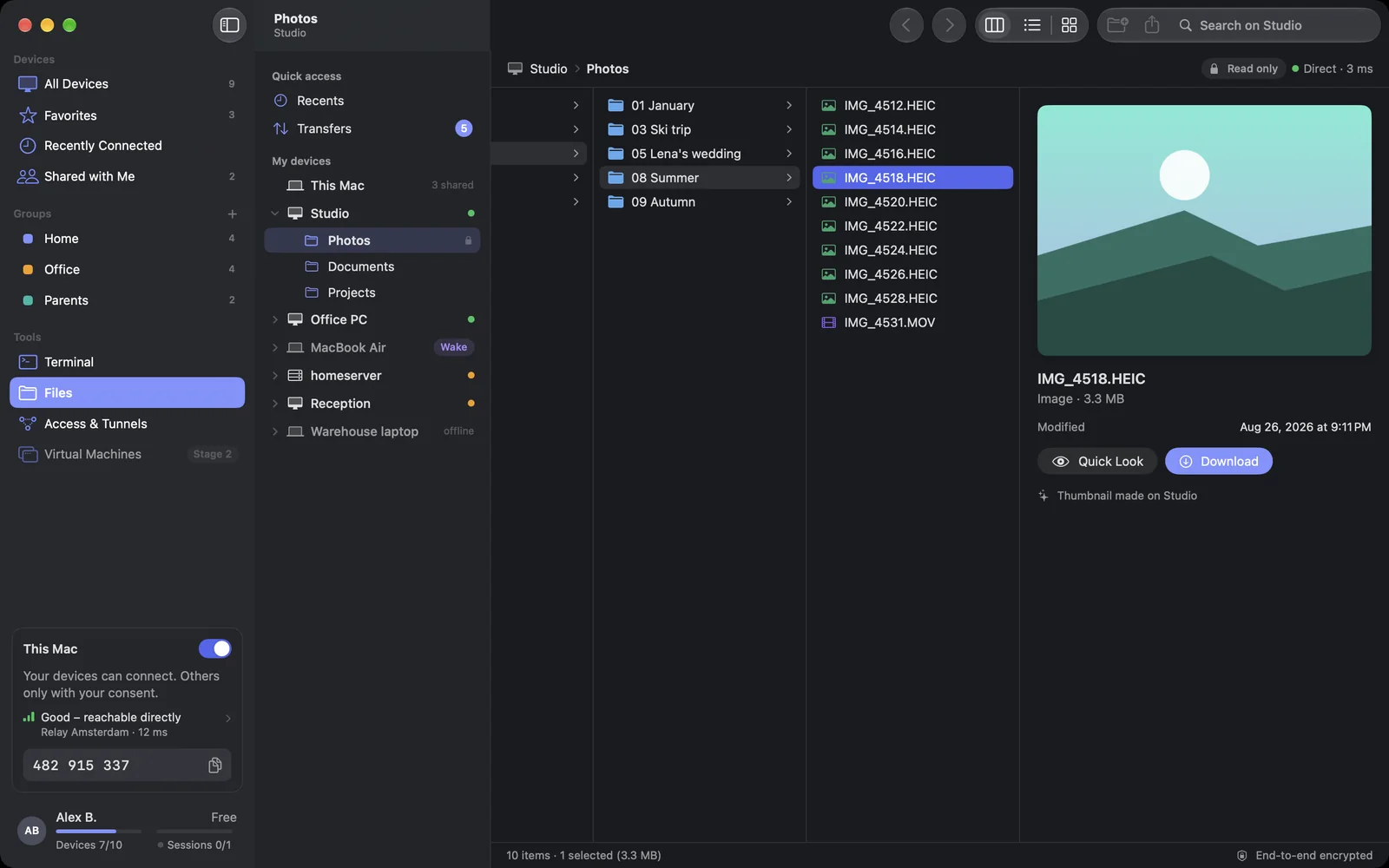
The Files page: devices with shared folders, column view and previewThe Files page: devices with shared folders, column view and preview

Shown: Mac

What you do with it

See it on

Your devices’ folders, no session needed

Share the folders you need on the go on each device and open them from your other devices, with preview, search and column, list or icon view. Every folder starts out read-only. You decide whether your other devices may also add, rename and delete there.
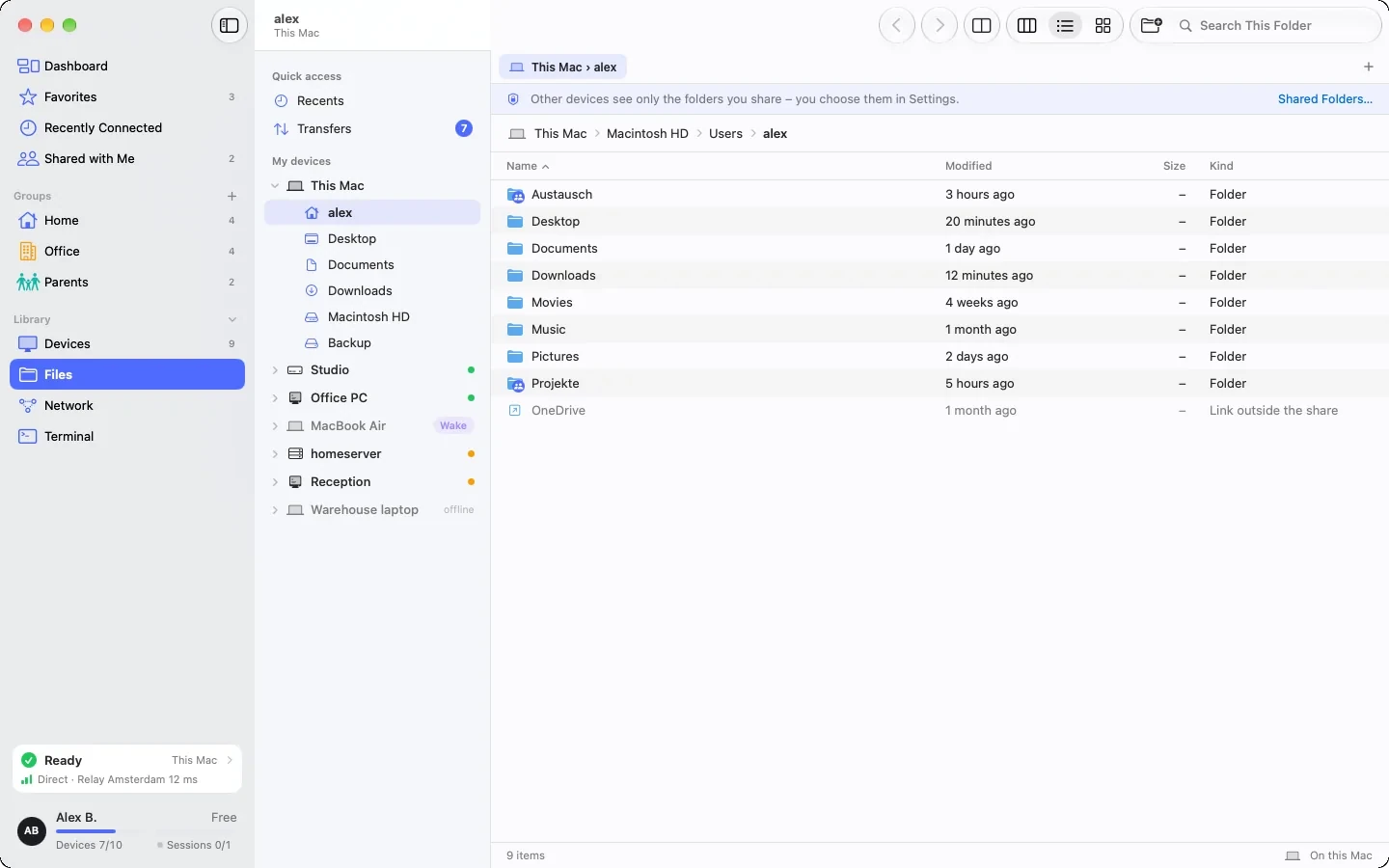
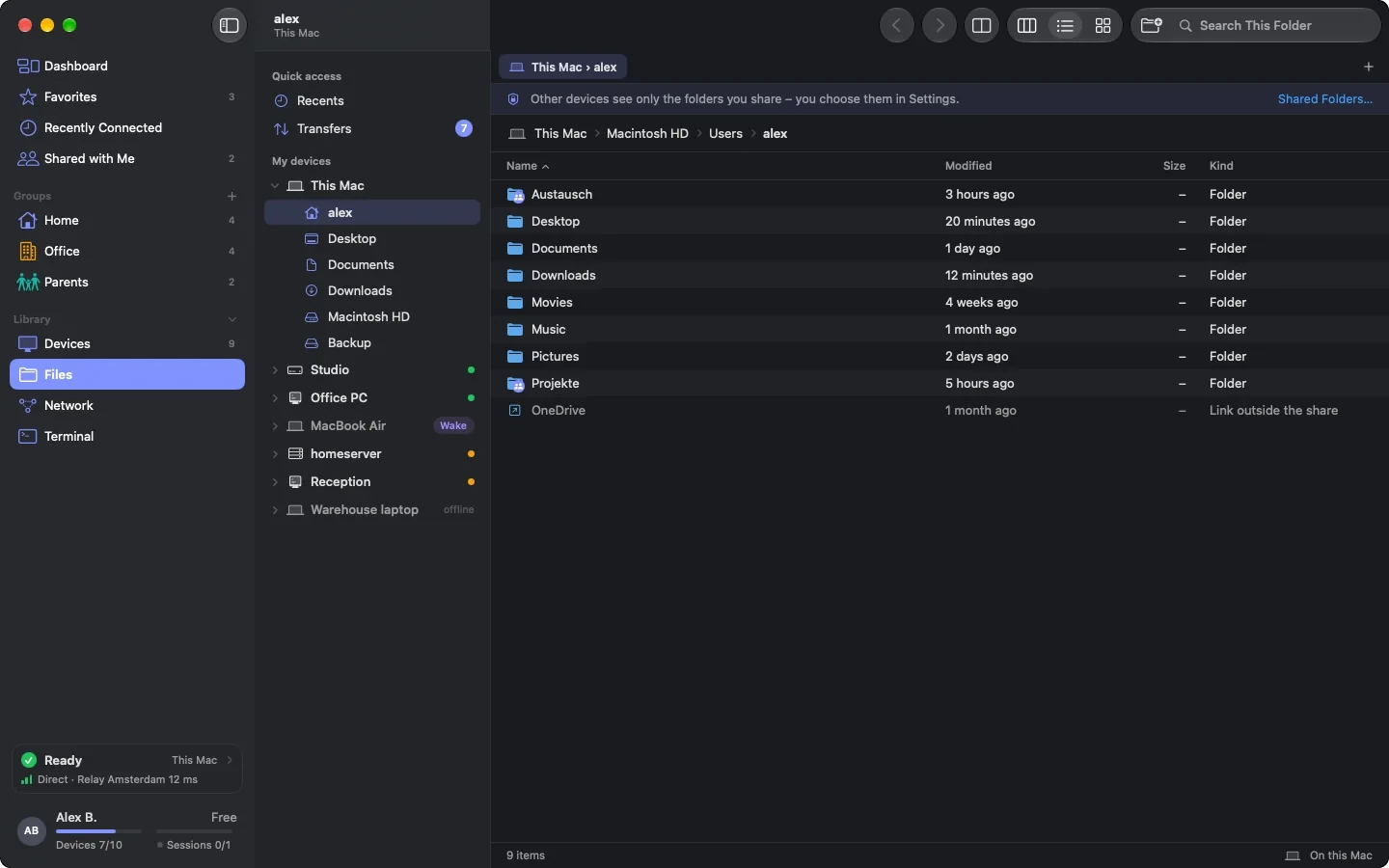
“This Mac” on the Files page: the home folder with the note that other devices see only shared folders; two shared folders with a mark“This Mac” on the Files page: the home folder with the note that other devices see only shared folders; two shared folders with a mark

Shown: Mac

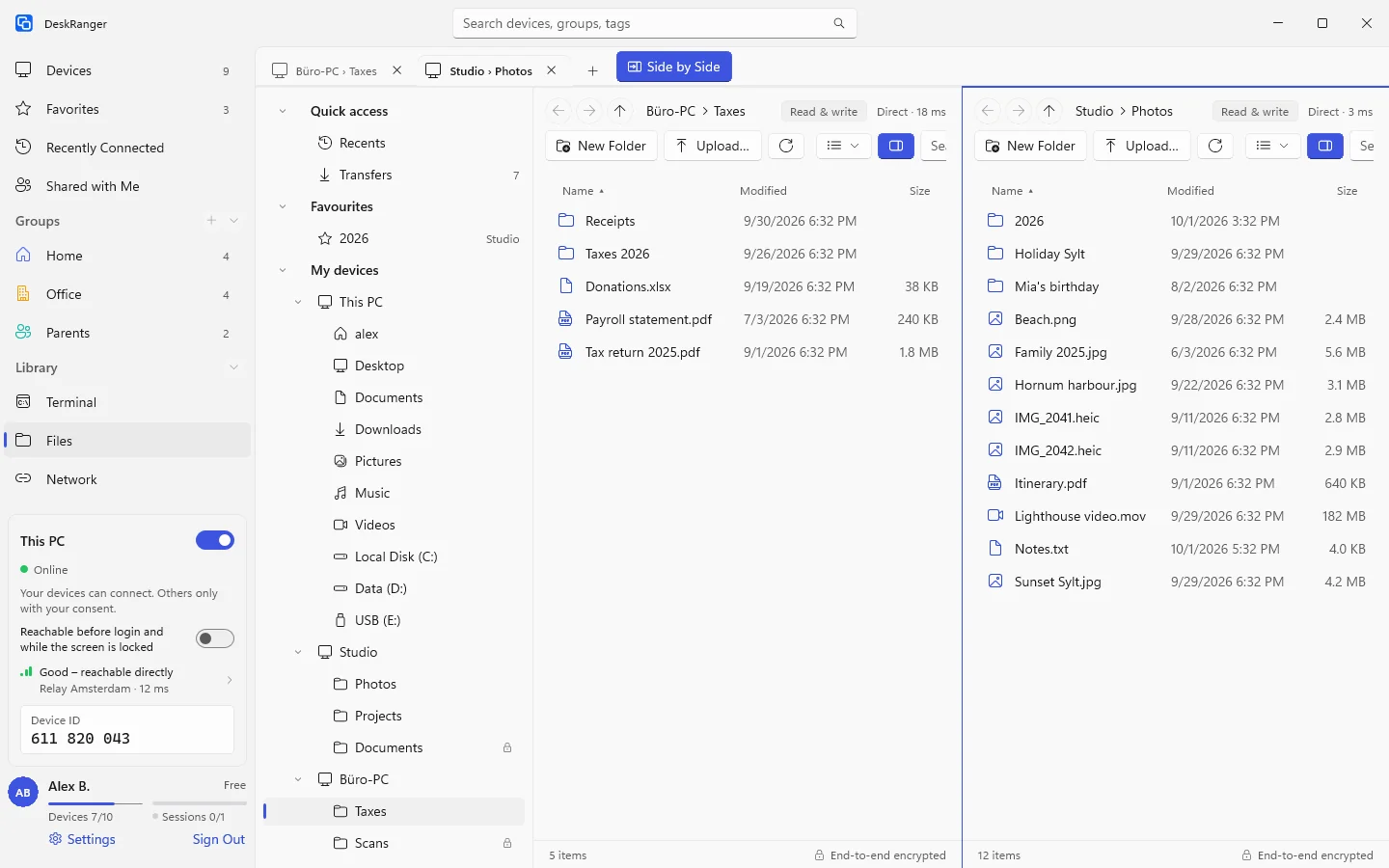
Side by side and in tabs

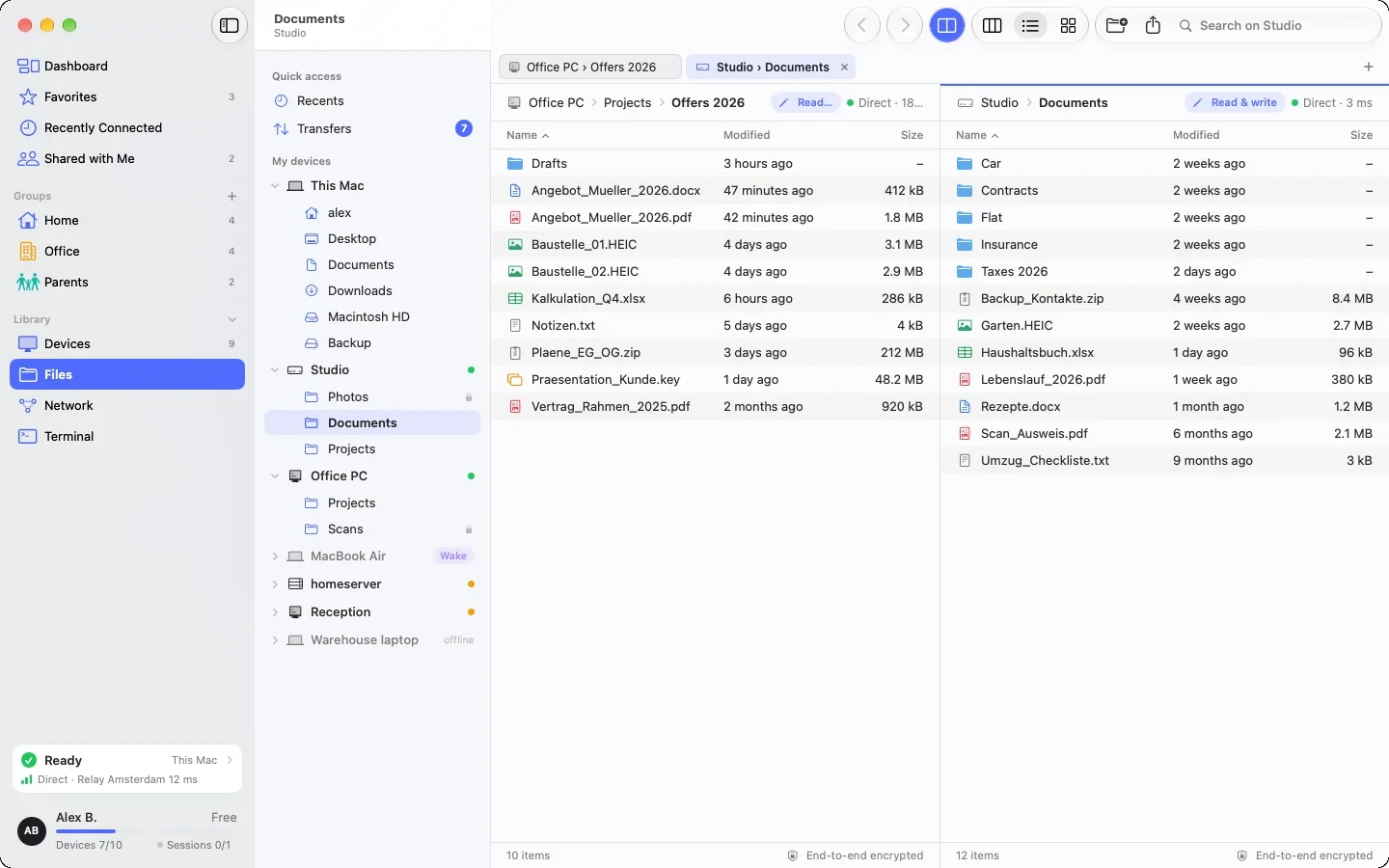
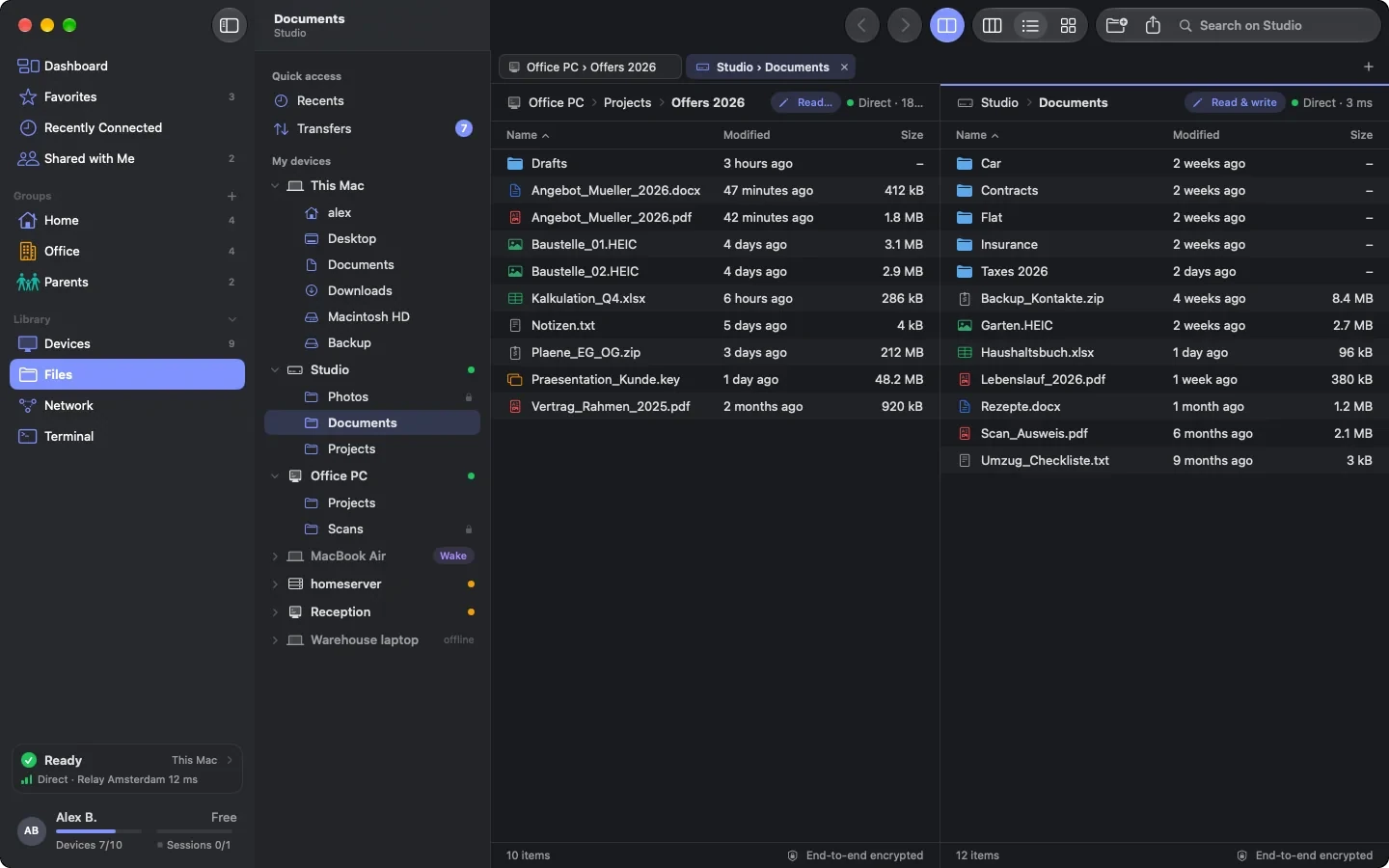
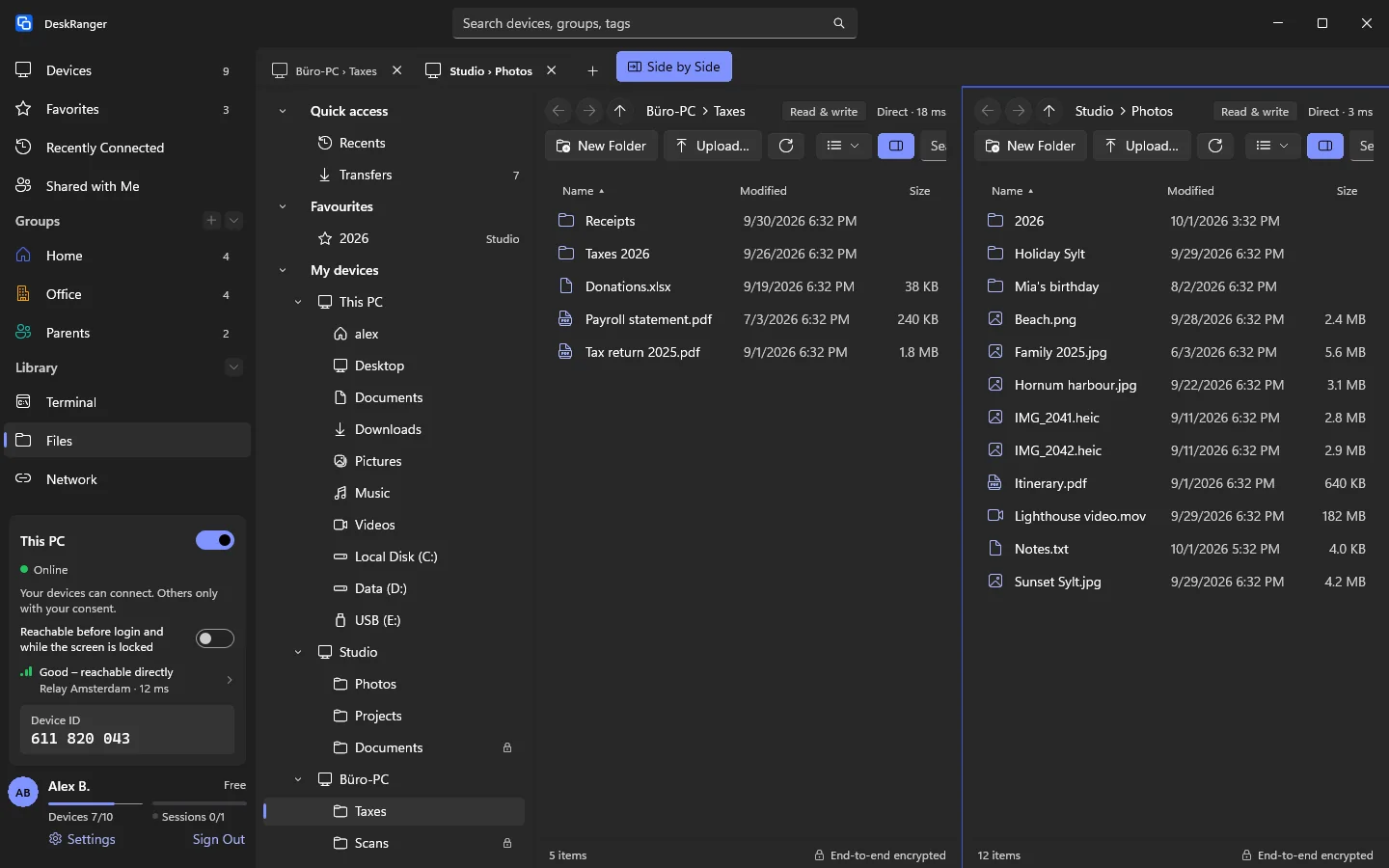
Open up to ten devices, servers and folders as tabs, put two side by side and simply drag files from one to the other, to your desktop or from it. DeskRanger reopens your tabs the next time it starts.

Side by side: a folder on the office PC next to a folder on the StudioSide by side: a folder on the office PC next to a folder on the Studio

Shown: Mac

Device to device, no detour

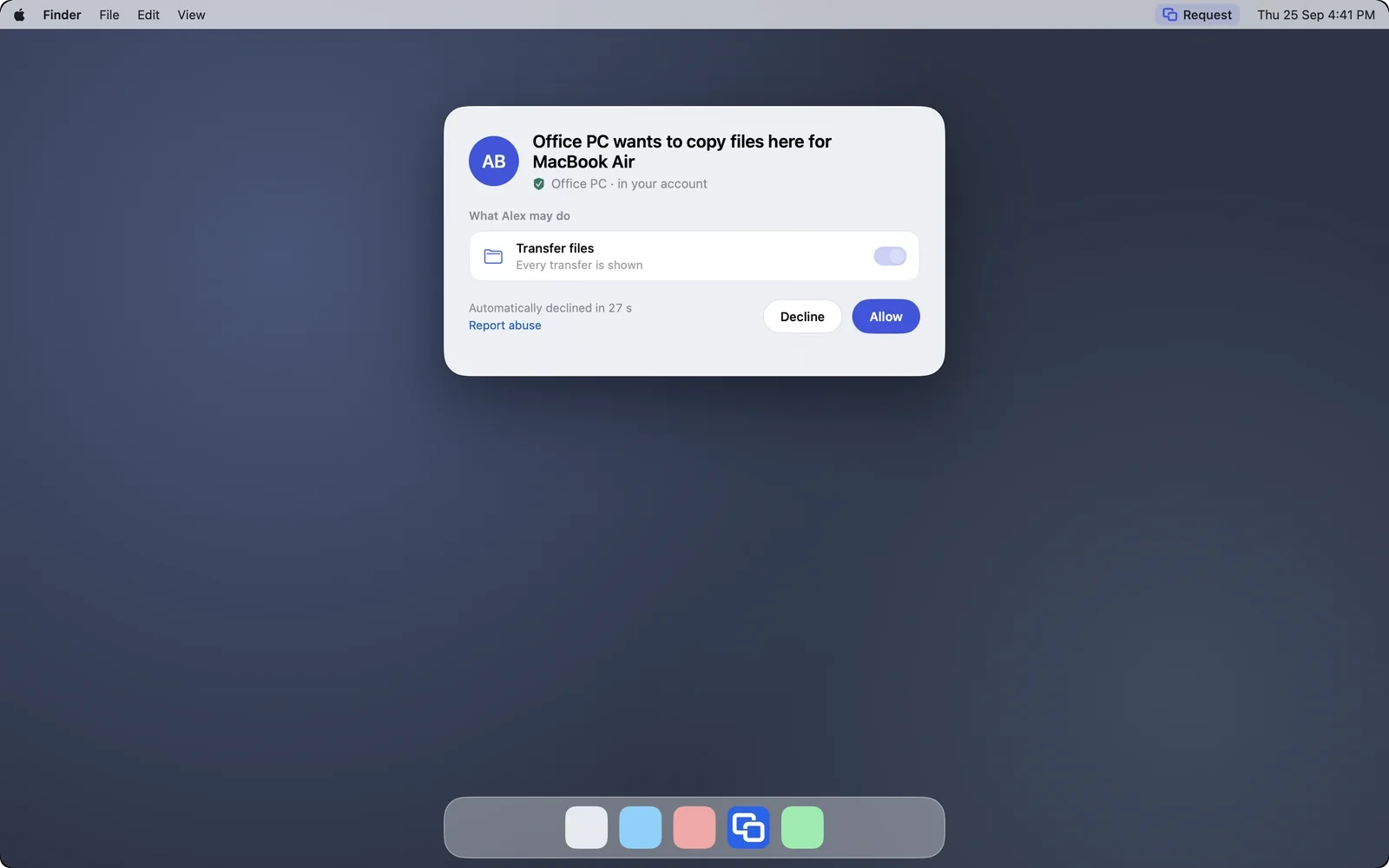
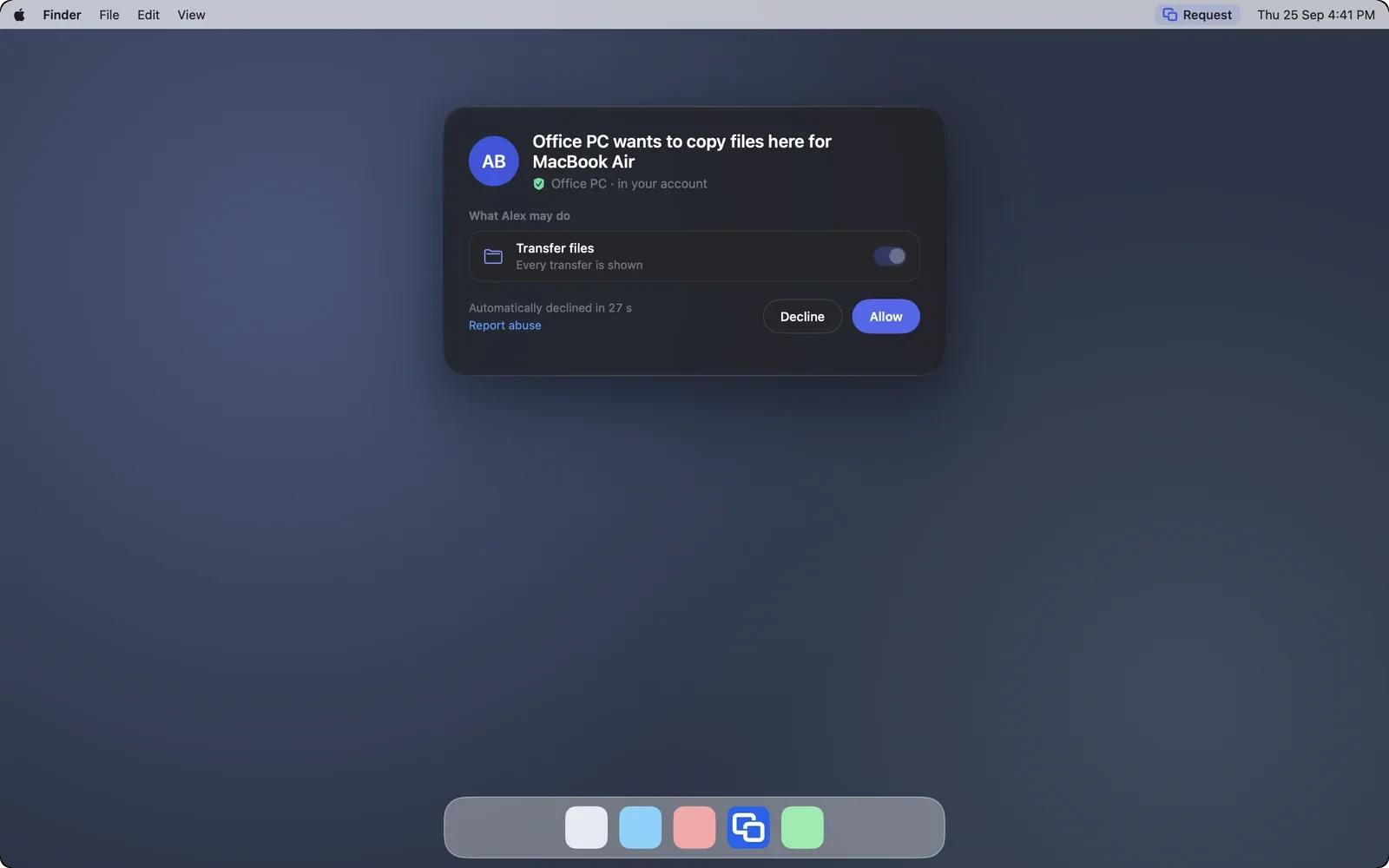
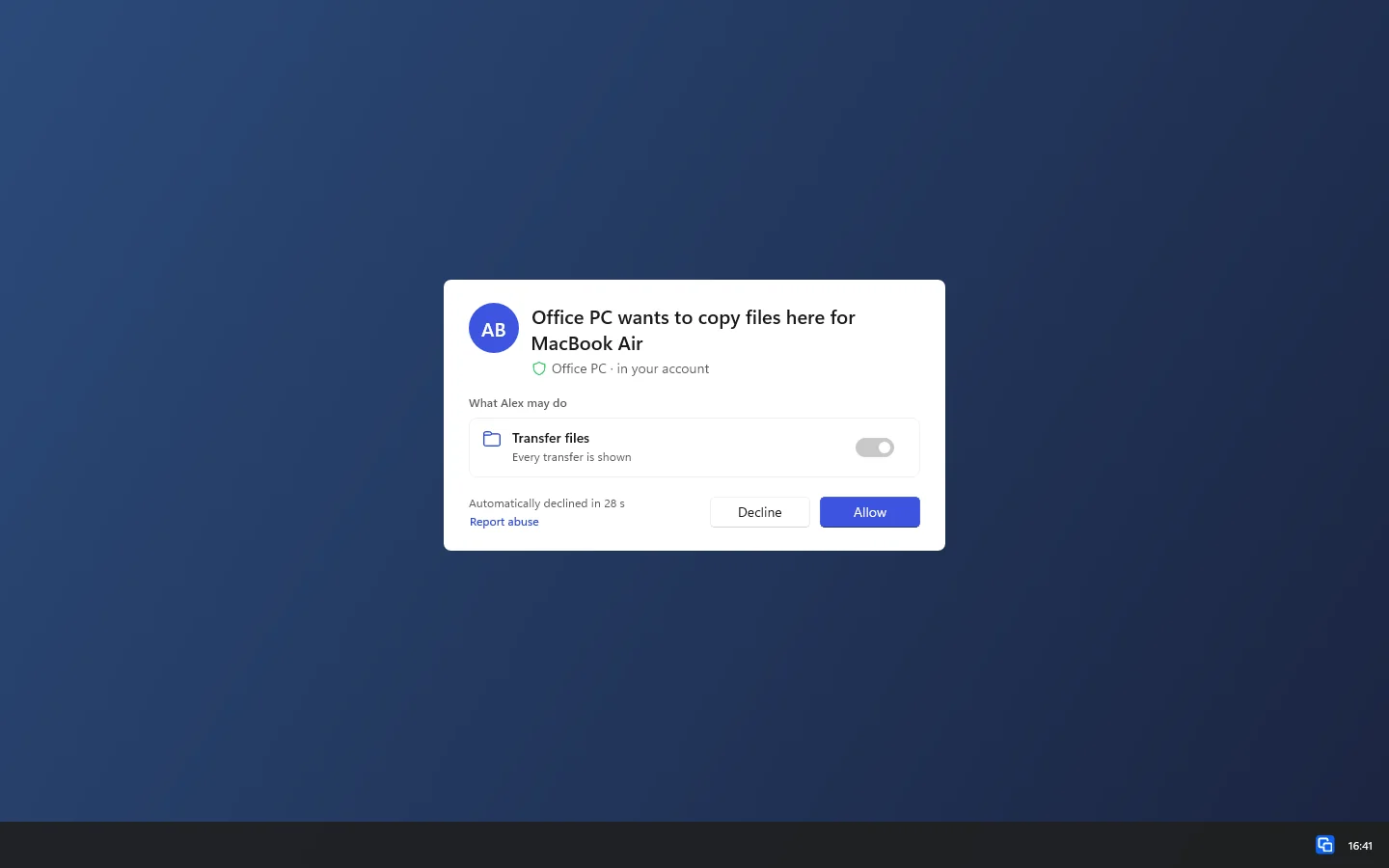
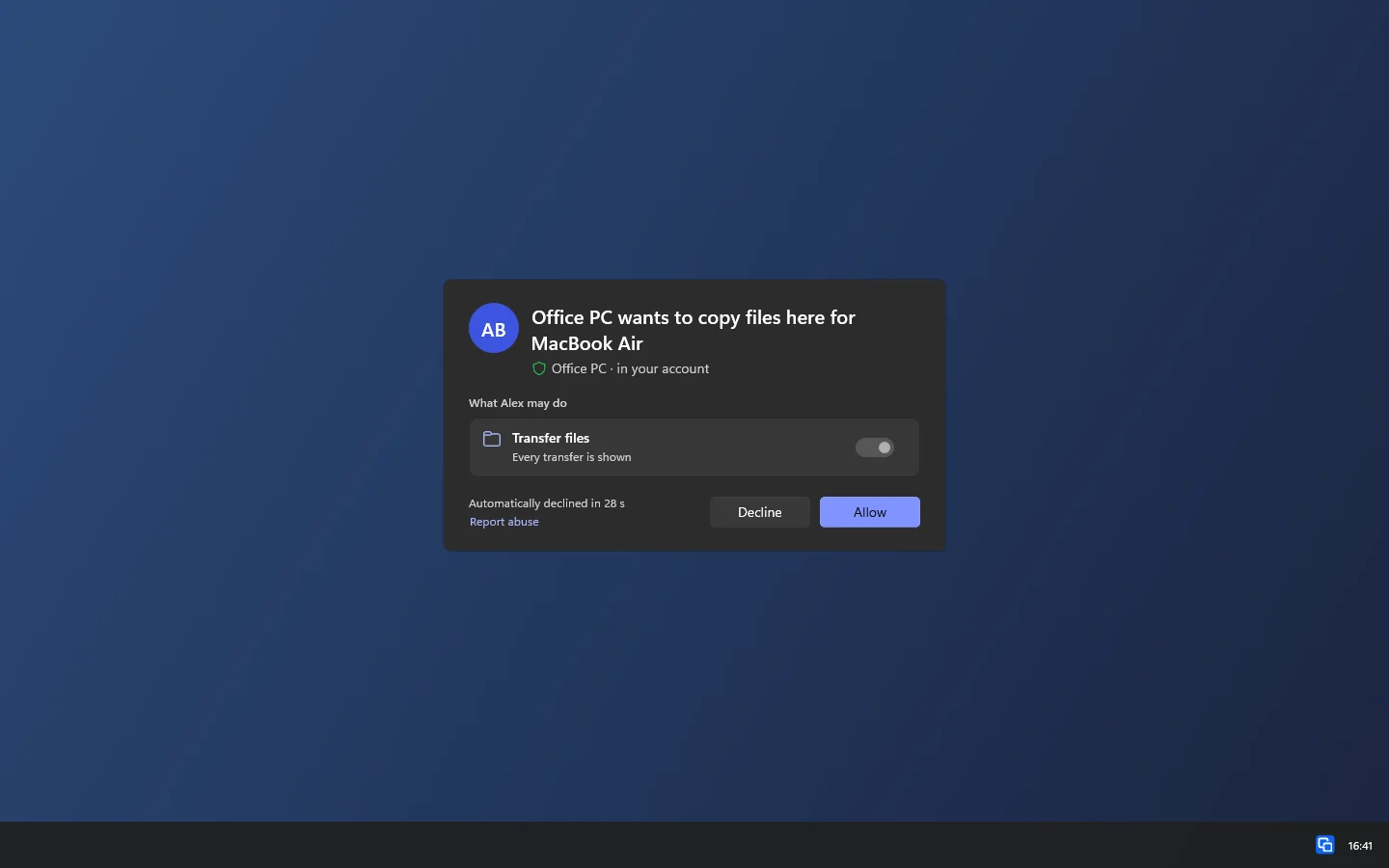
Copy from the office PC to the computer at home and the data goes straight from one to the other. Your laptop only gives the order and shows the progress. Both devices check for themselves that you may read and write there.

The question on the target device: Office PC wants to copy files here for MacBook AirThe question on the target device: Office PC wants to copy files here for MacBook Air

Shown: Mac

Every transfer in view

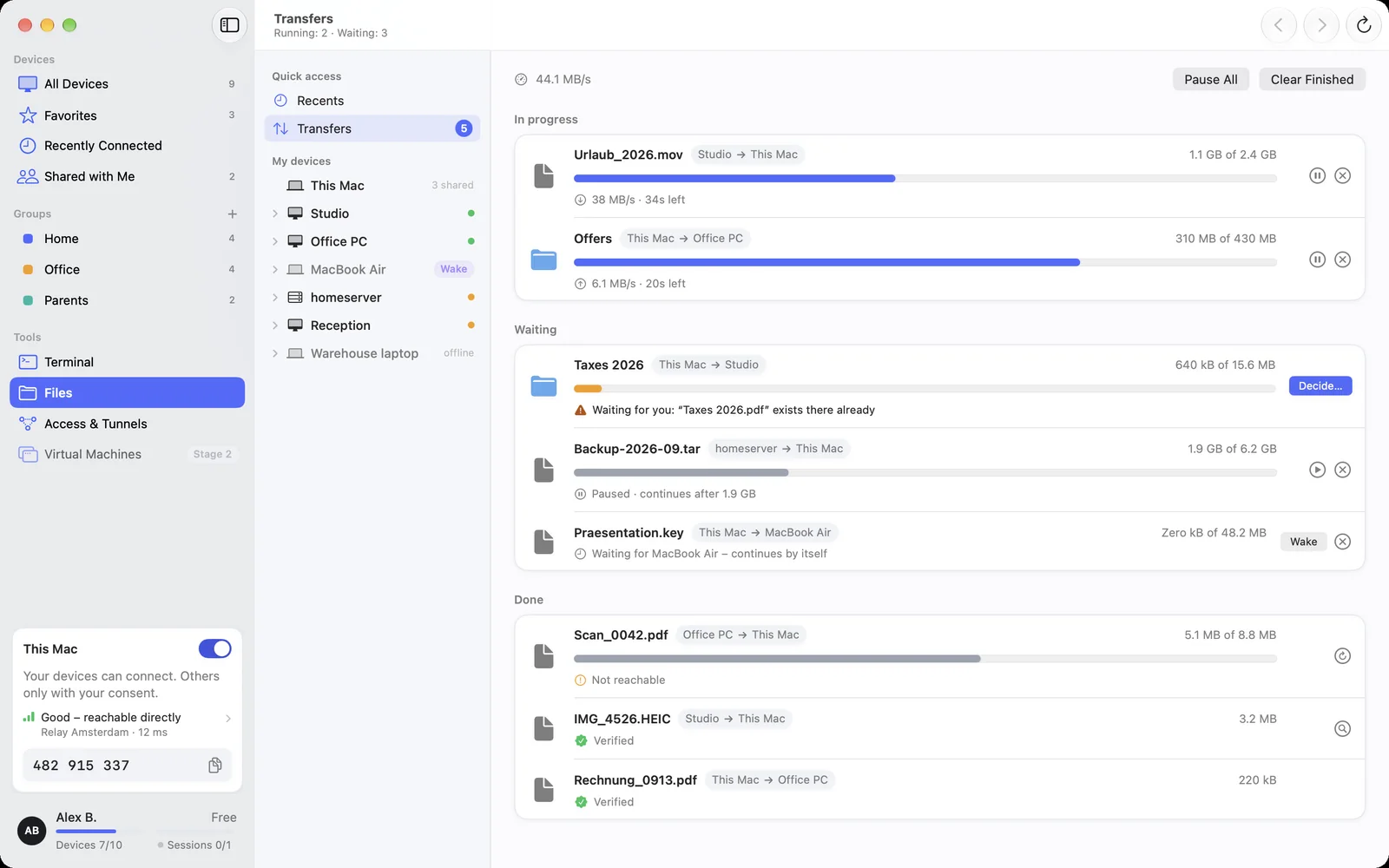
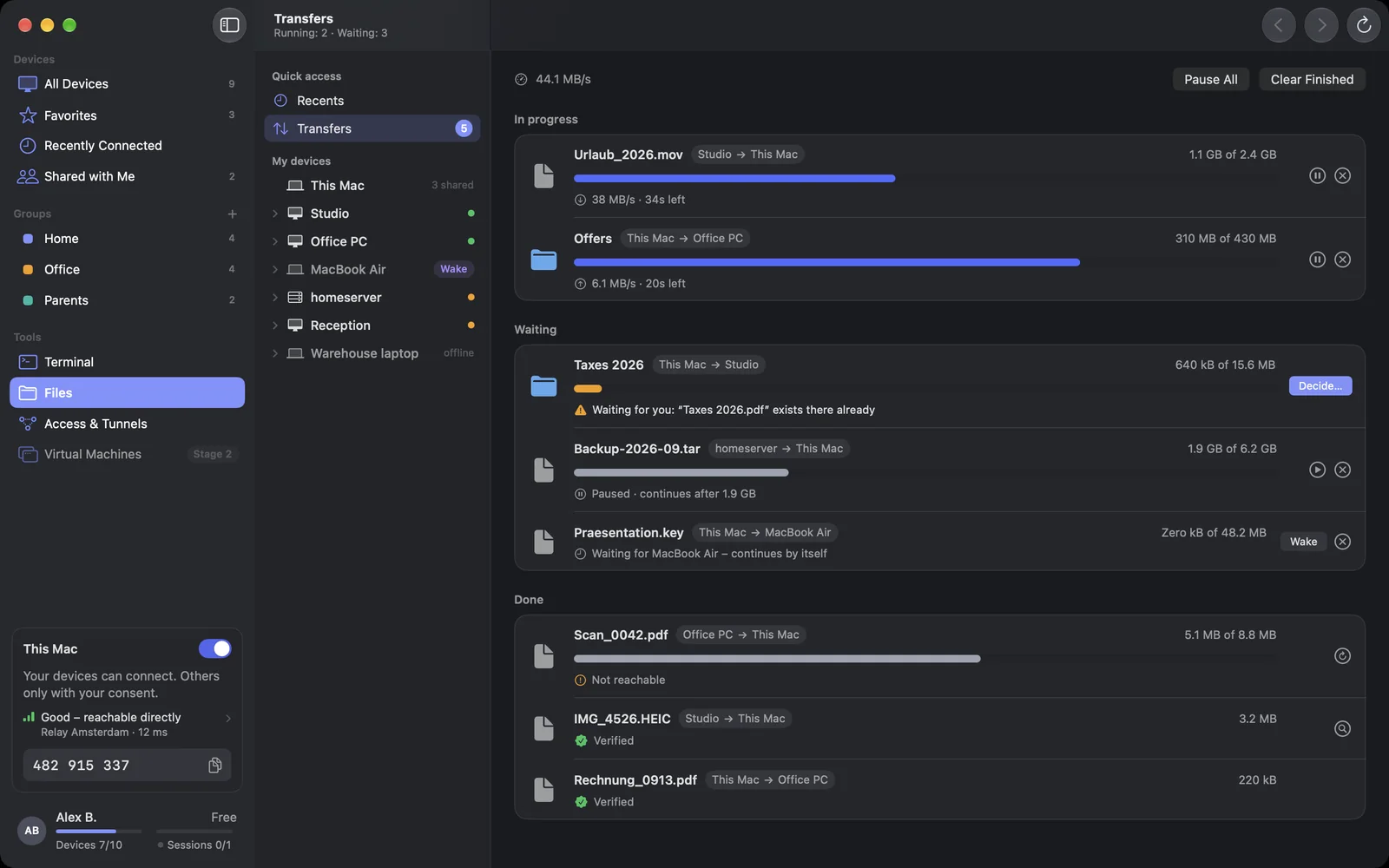
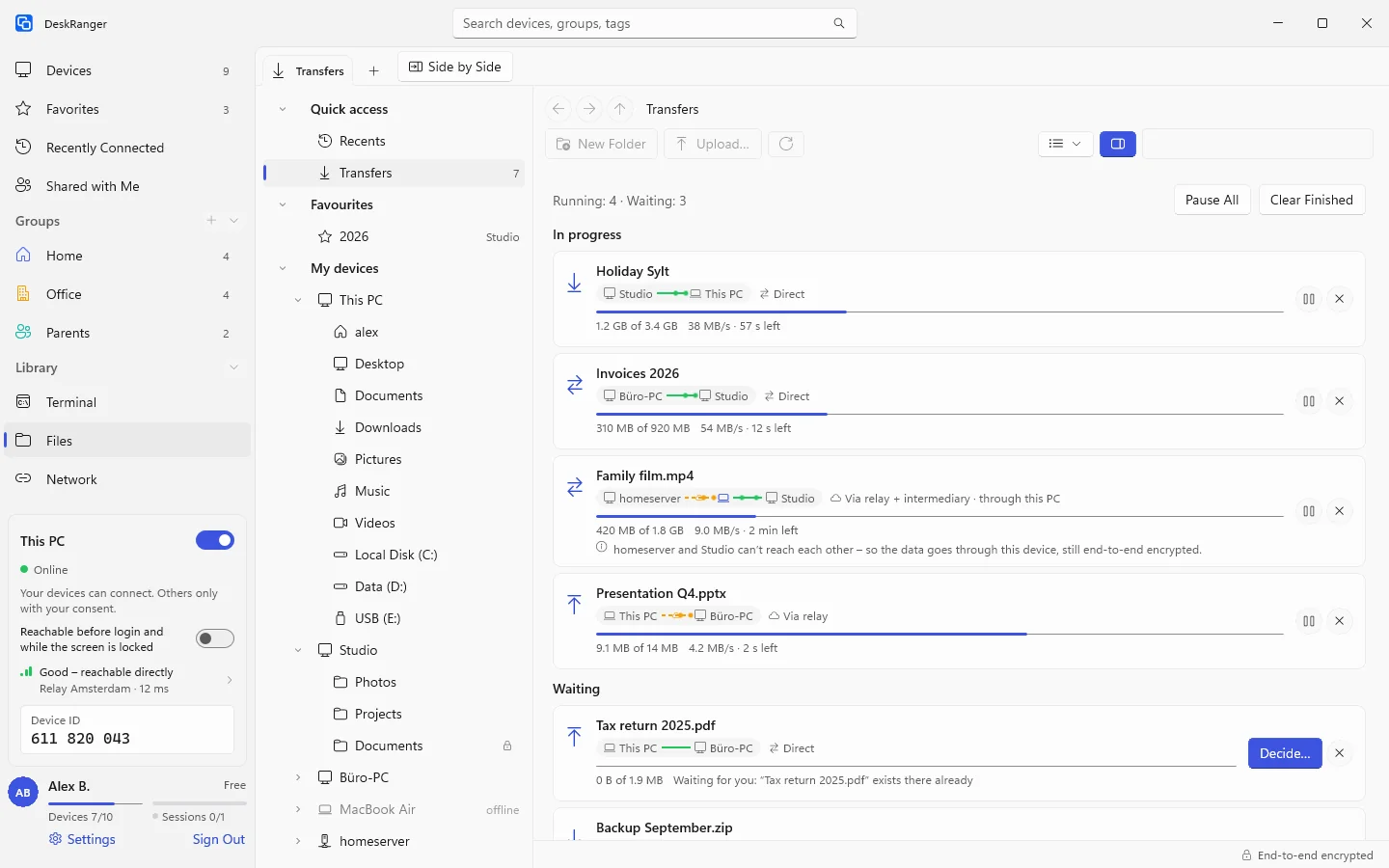
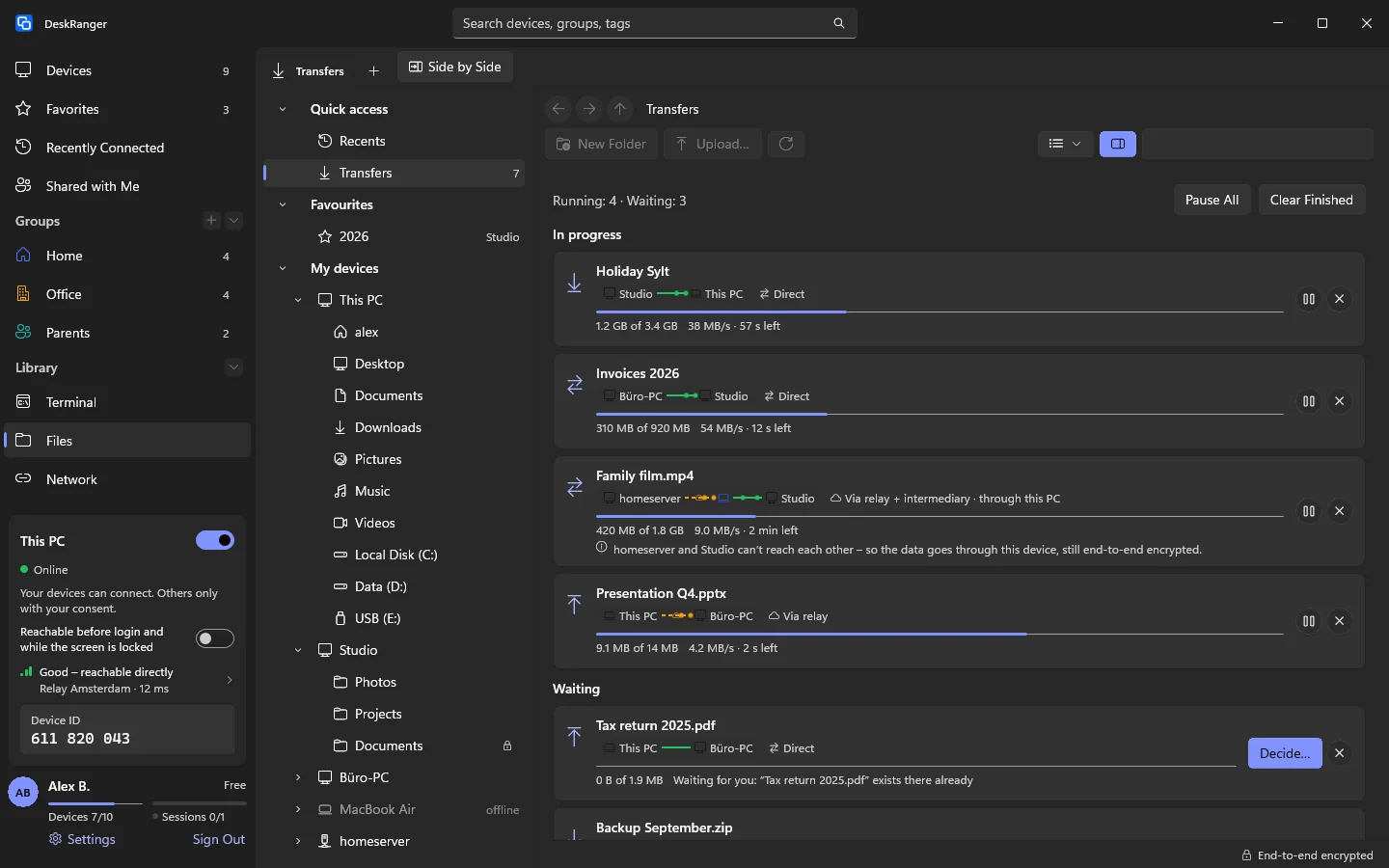
See what is running, waiting or done, and which way the data takes: direct or encrypted through a relay. Pause and resume. If the connection drops, the transfer carries on where it left off. DeskRanger never overwrites without asking.

Transfers: running, waiting and done, each with its path – direct, via relay or via an intermediaryTransfers: running, waiting and done, each with its path – direct, via relay or via an intermediary

Shown: Mac

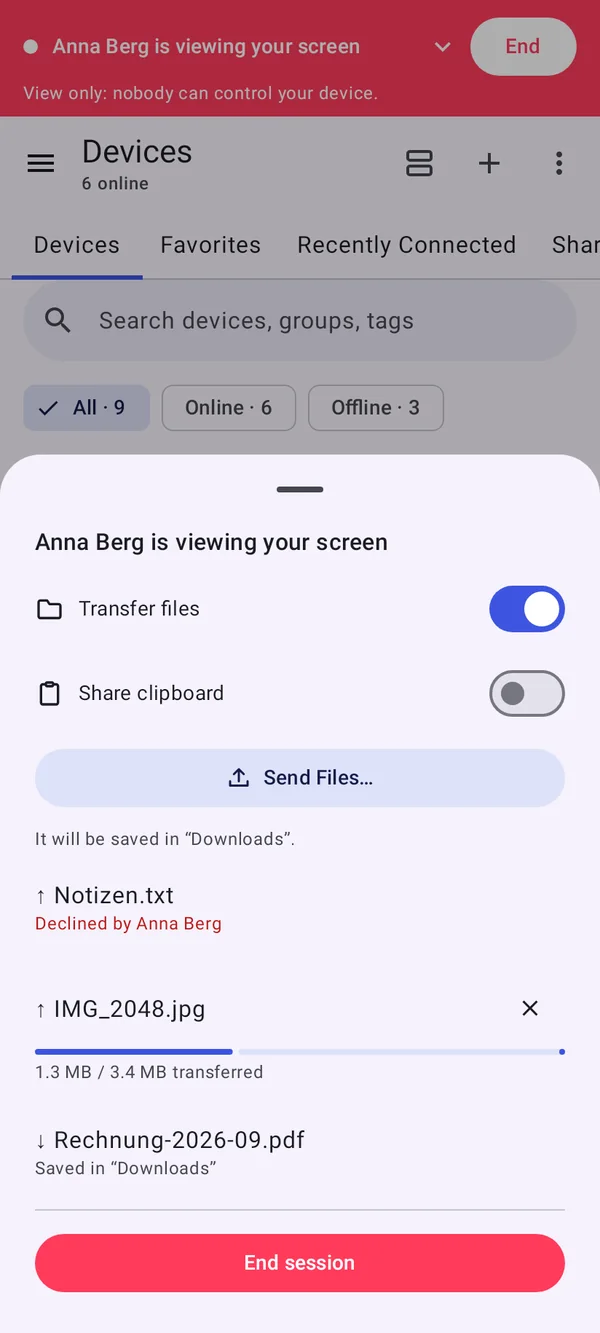
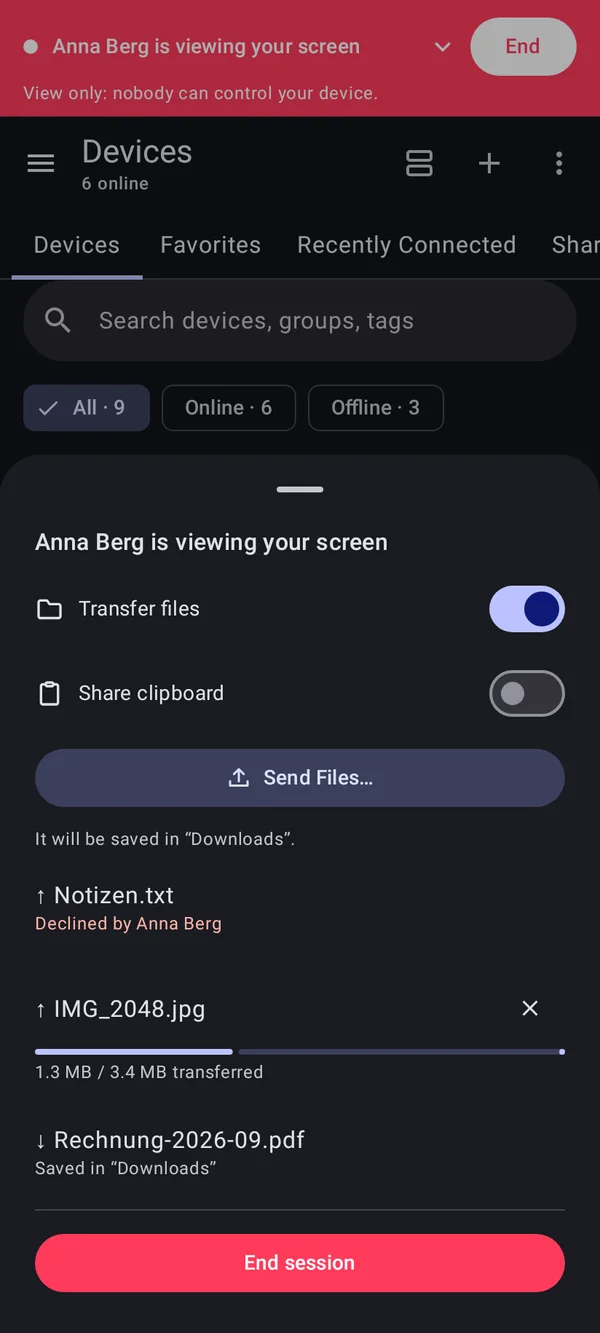
Back and forth in a remote session

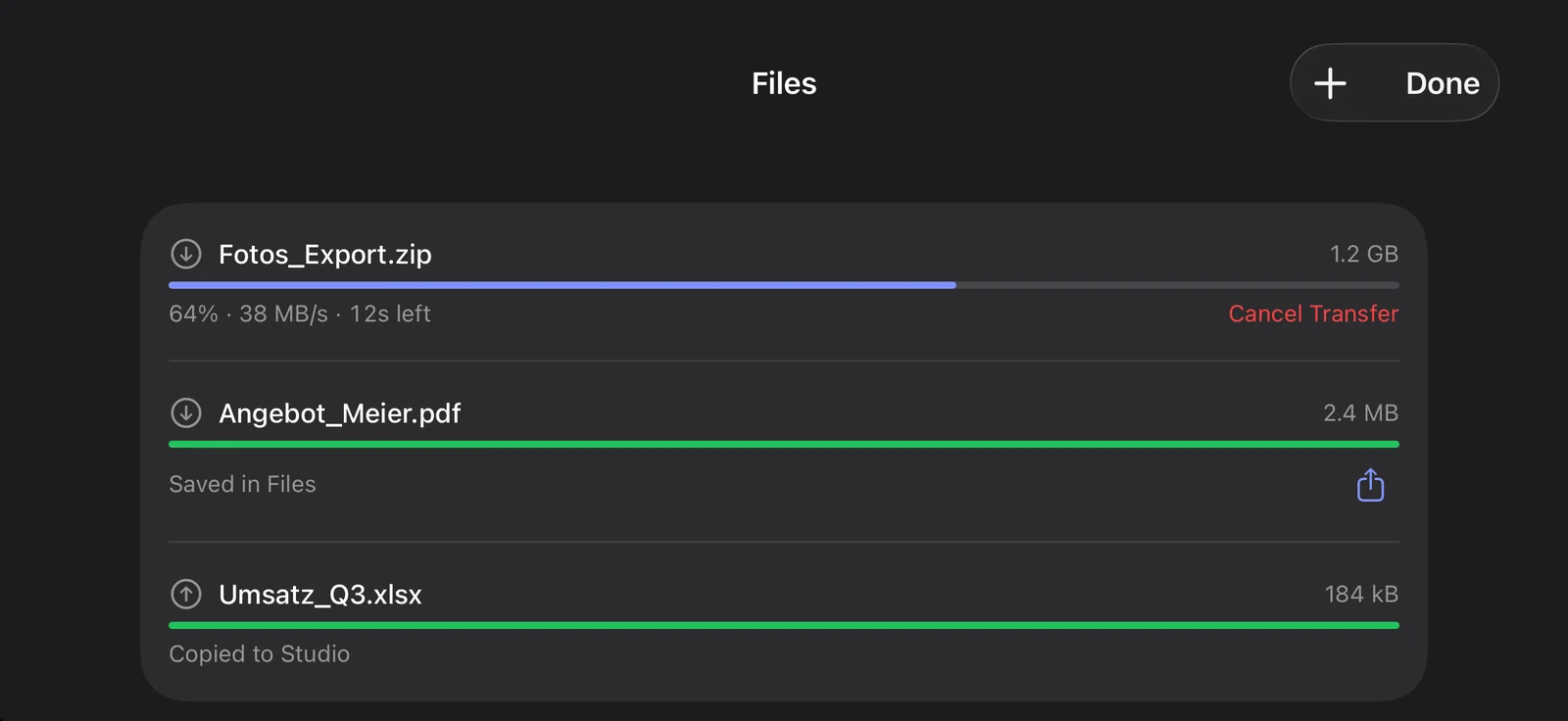
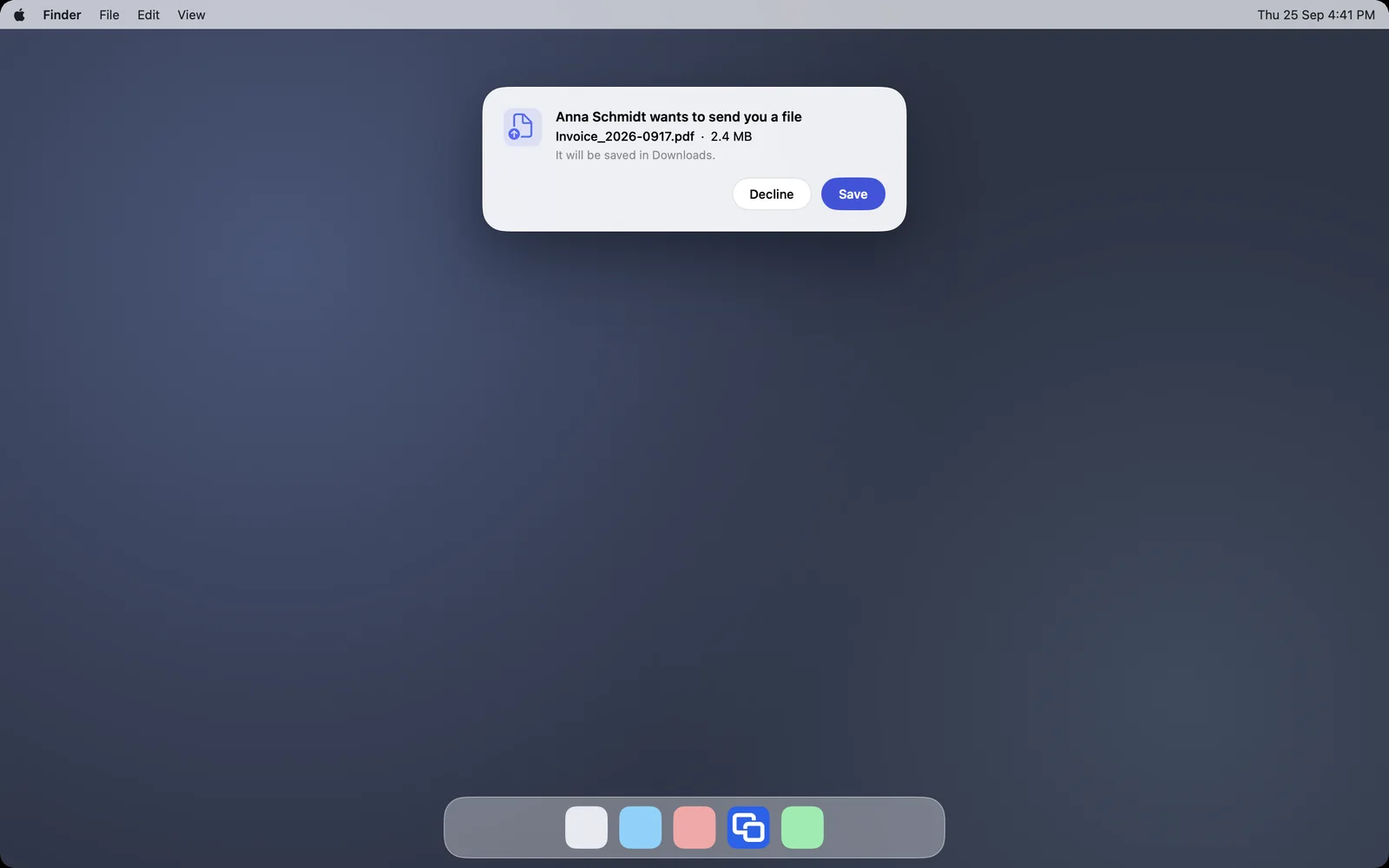
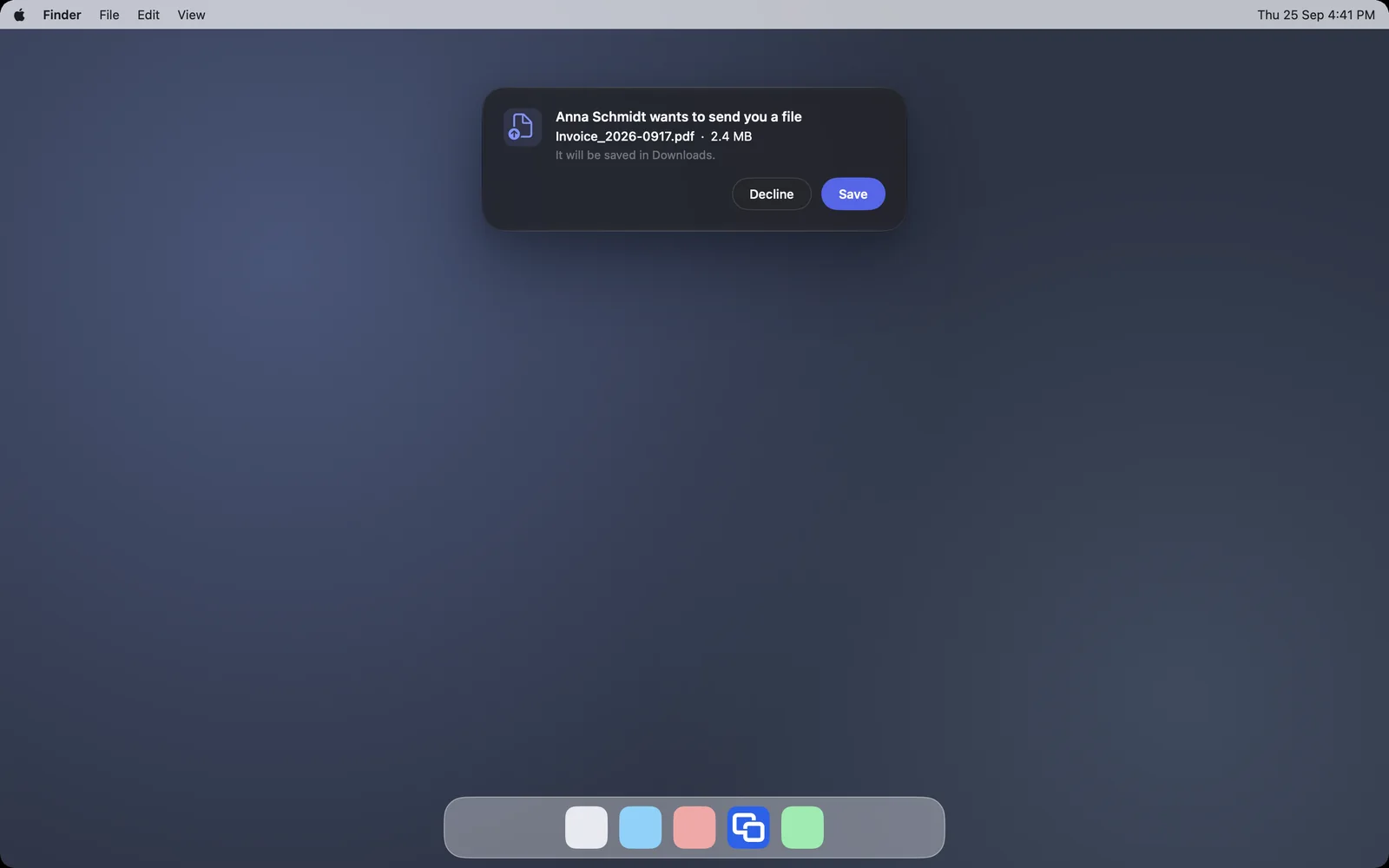
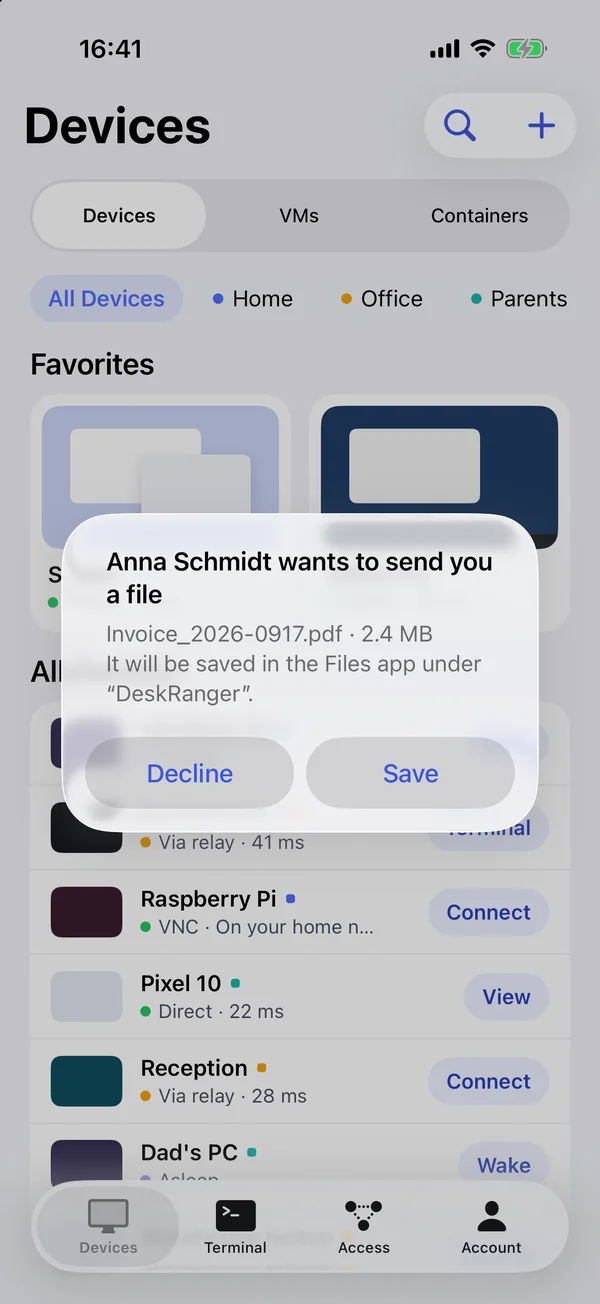
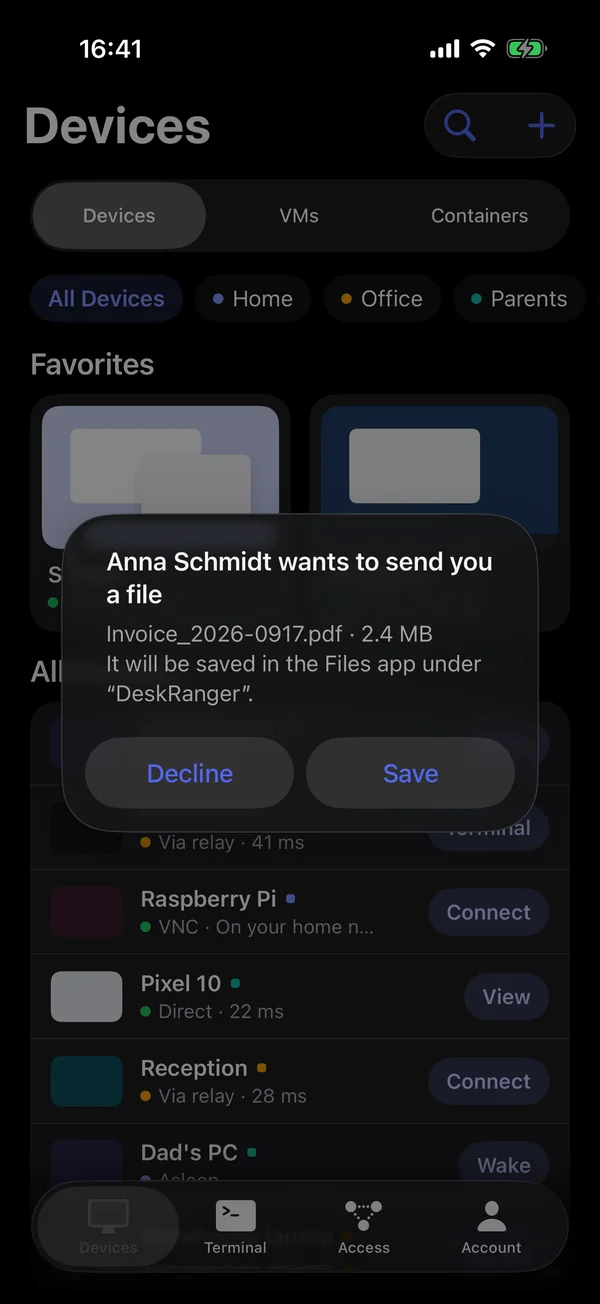
Drag files onto the session picture or fetch them from the other device, also in the browser, on the iPhone and on Android phones. Files from other people only land on your device once you agree. Every file is checked with a checksum, up to 64 GB.

A file is offered: Save or DeclineA file is offered: Save or Decline

Shown: Mac

Right in the Finder and Explorer

Your devices with their shared folders appear as a place of their own in the Finder, the Explorer and the Files app on iPhone, iPad and Android. Open, edit and save without opening the app. Nothing loads until you open it.

Everything step by step, for every platform:

Shared foldersTransfer filesDeskRanger in Finder and Explorer

Domande frequenti

I file sono crittografati?

Sì. Come lo schermo, i file viaggiano crittografati end-to-end tra i dispositivi.

Funziona anche da iPhone o iPad?

Yes, through the Files app and in every session. In the browser you also send and receive files during a session.