Help › Functions
Transfer files
Send files both ways during a session. Files from other people only land once you agree.
Files work only in a running session, and only if Transfer files is allowed there. For people outside your account it starts off; the person at the other device can switch it on in the request or later in the menu bar.
Send files
macOS
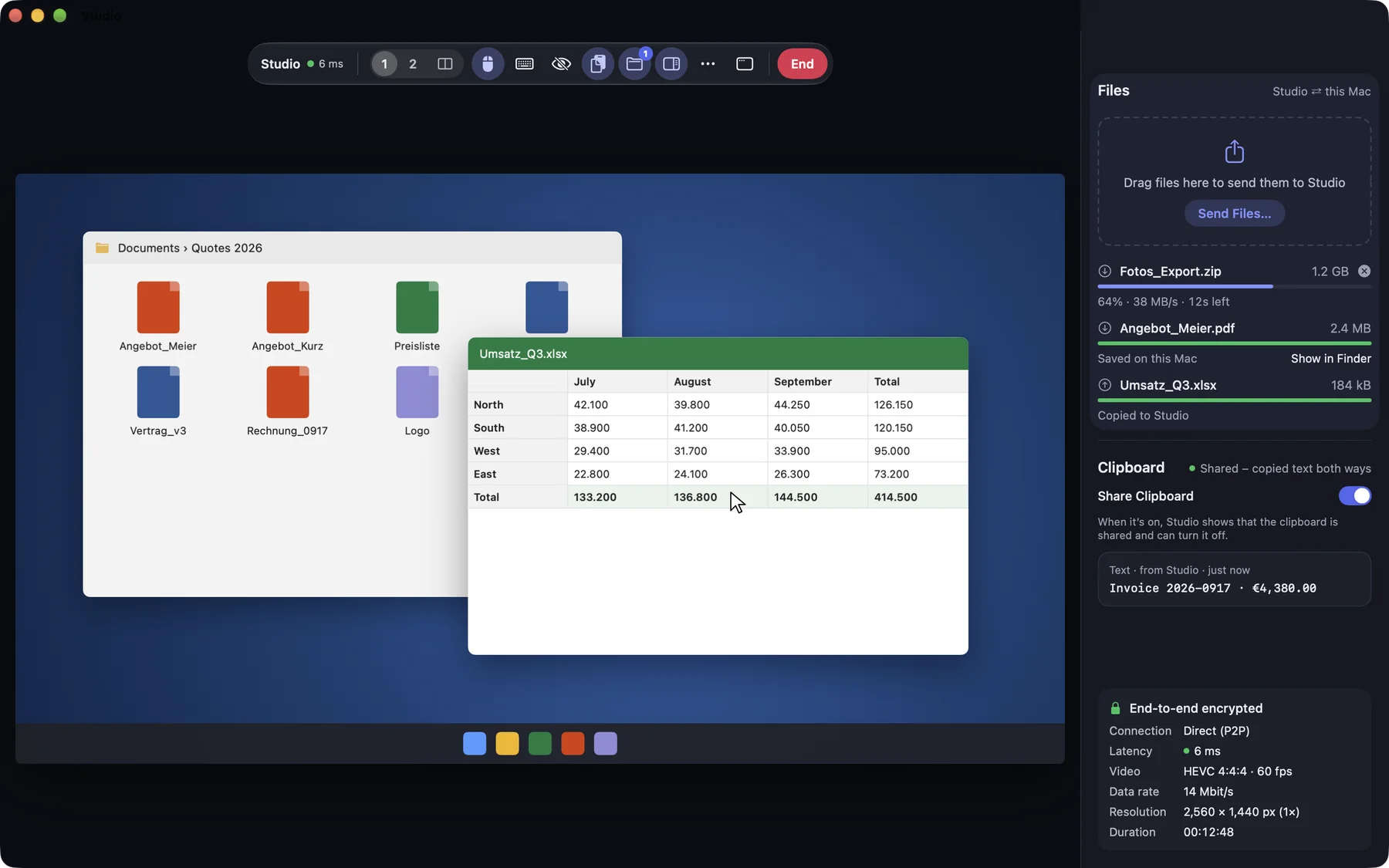
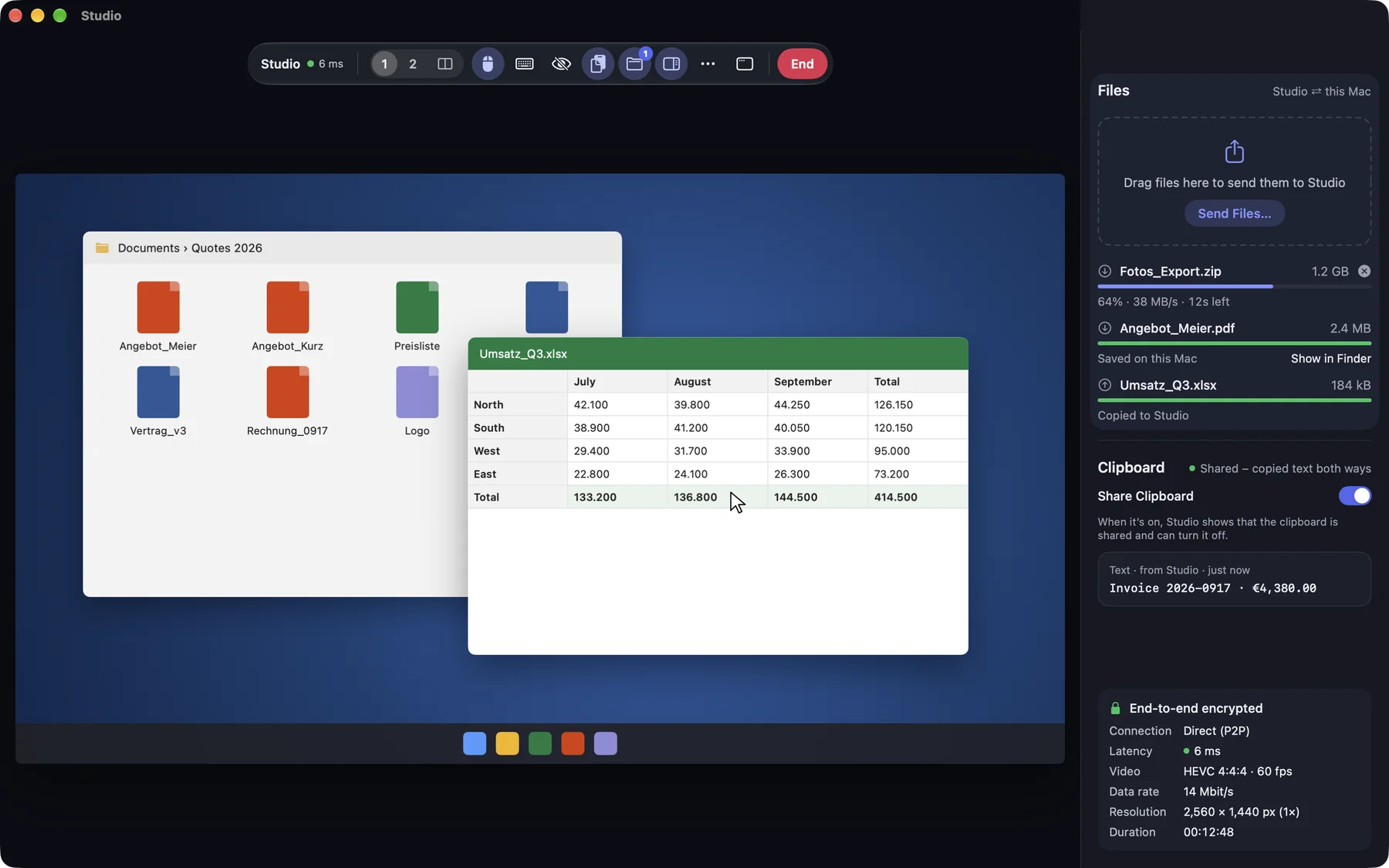
Drag files onto the session picture or into the side panel (⌃⌥⌘S), or choose Send Files… for several files at once. Only files work, not folders.
Windows
This function is coming soon to Windows.
iPhone & iPad
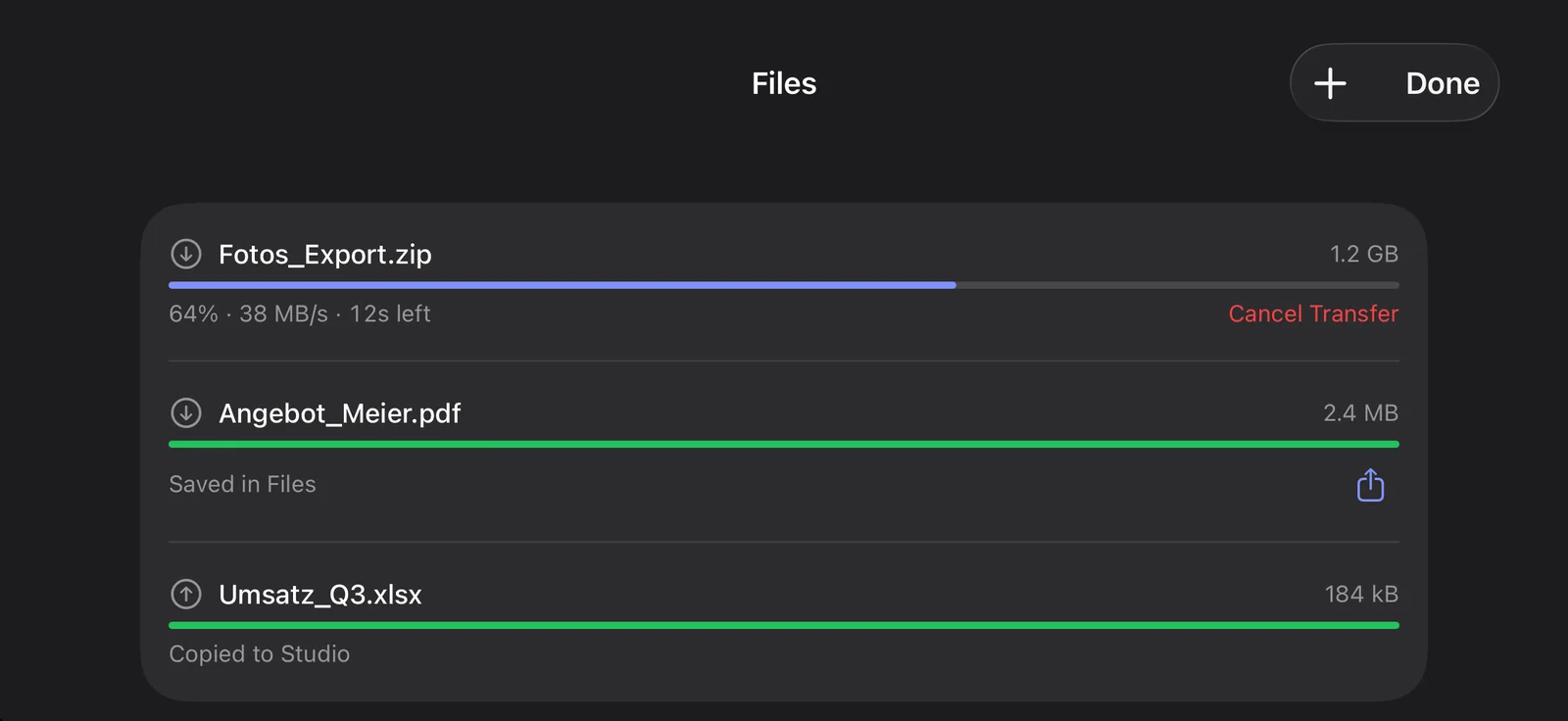
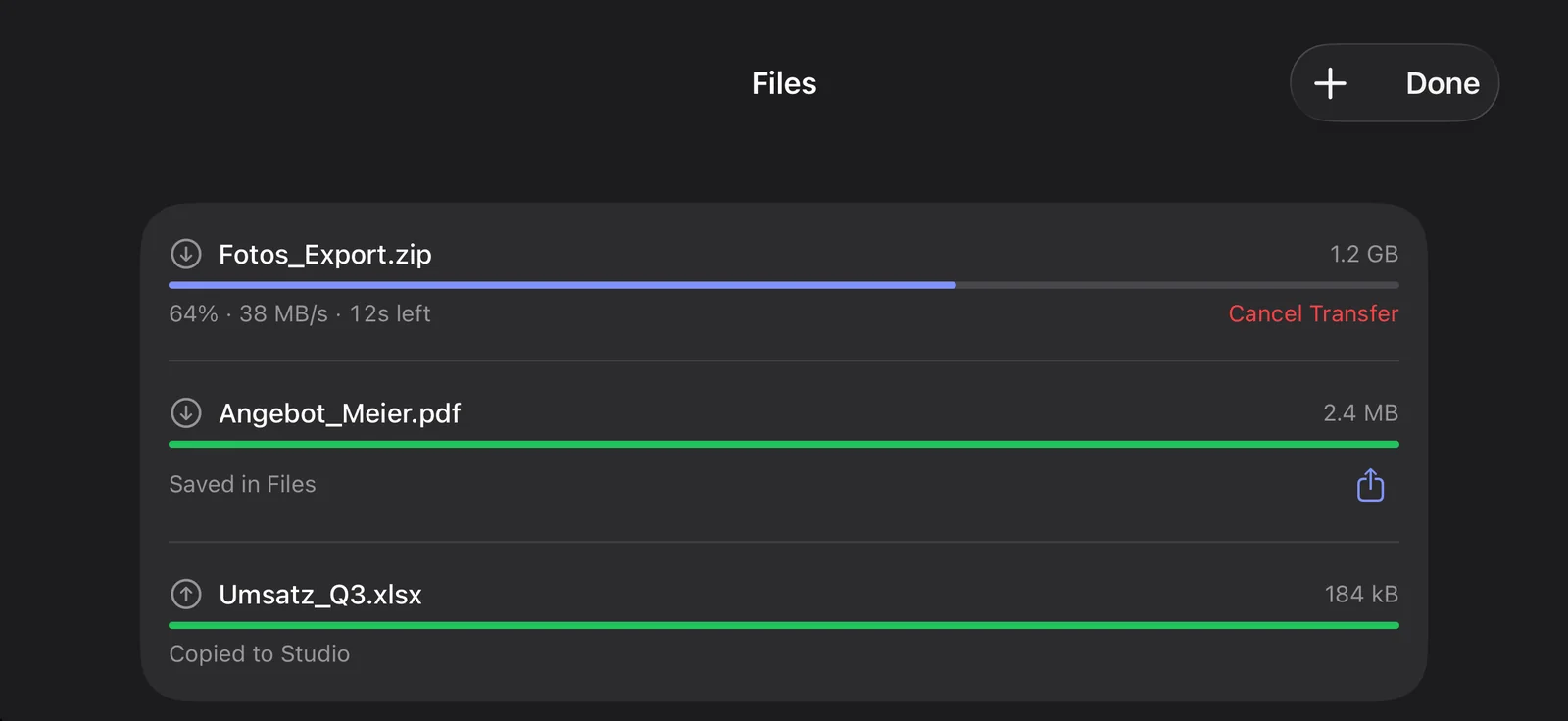
In the session menu: Send Files…. Running and finished transfers are under Transfers (…).
Web
This function is planned for Web.
Receive files
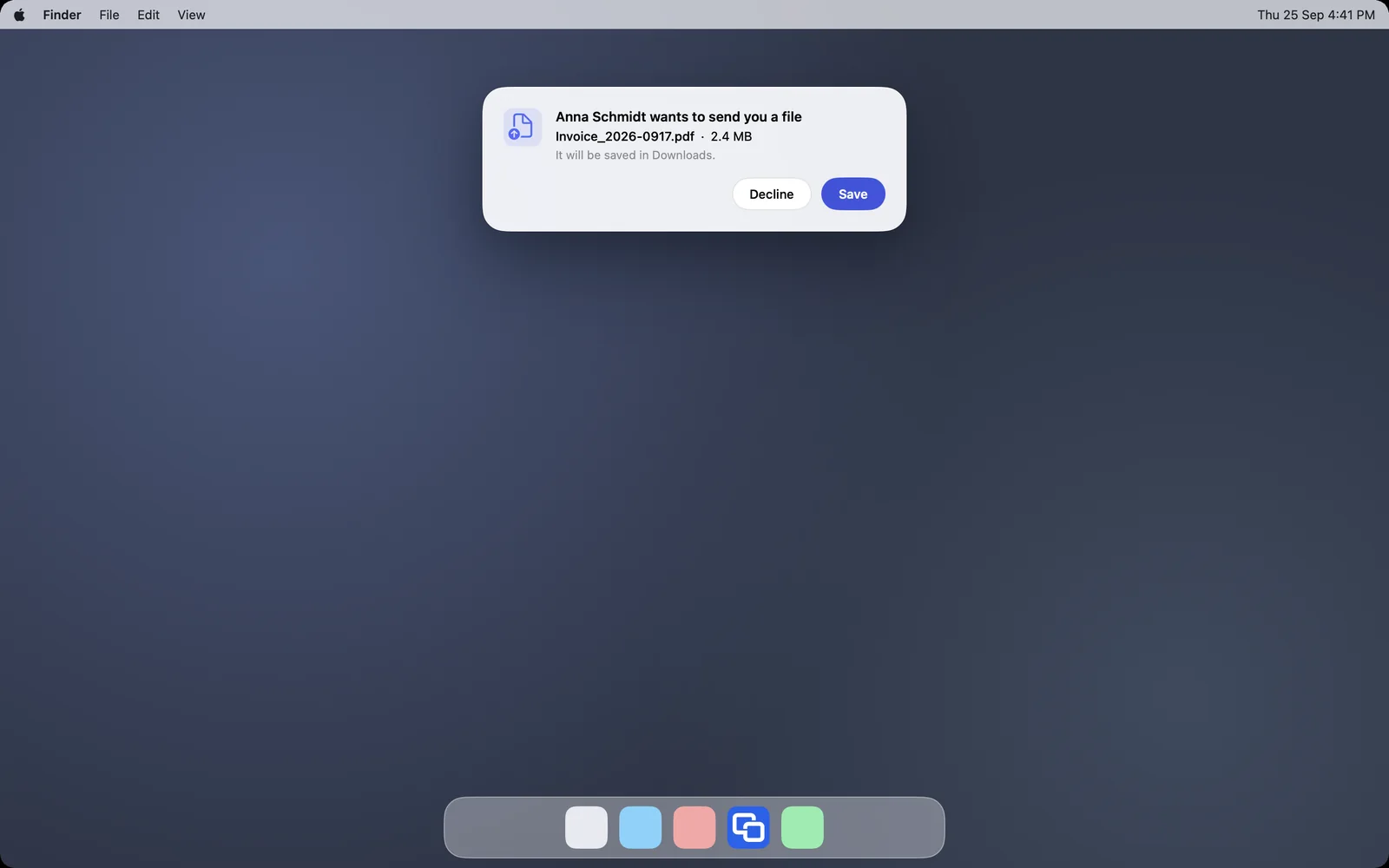
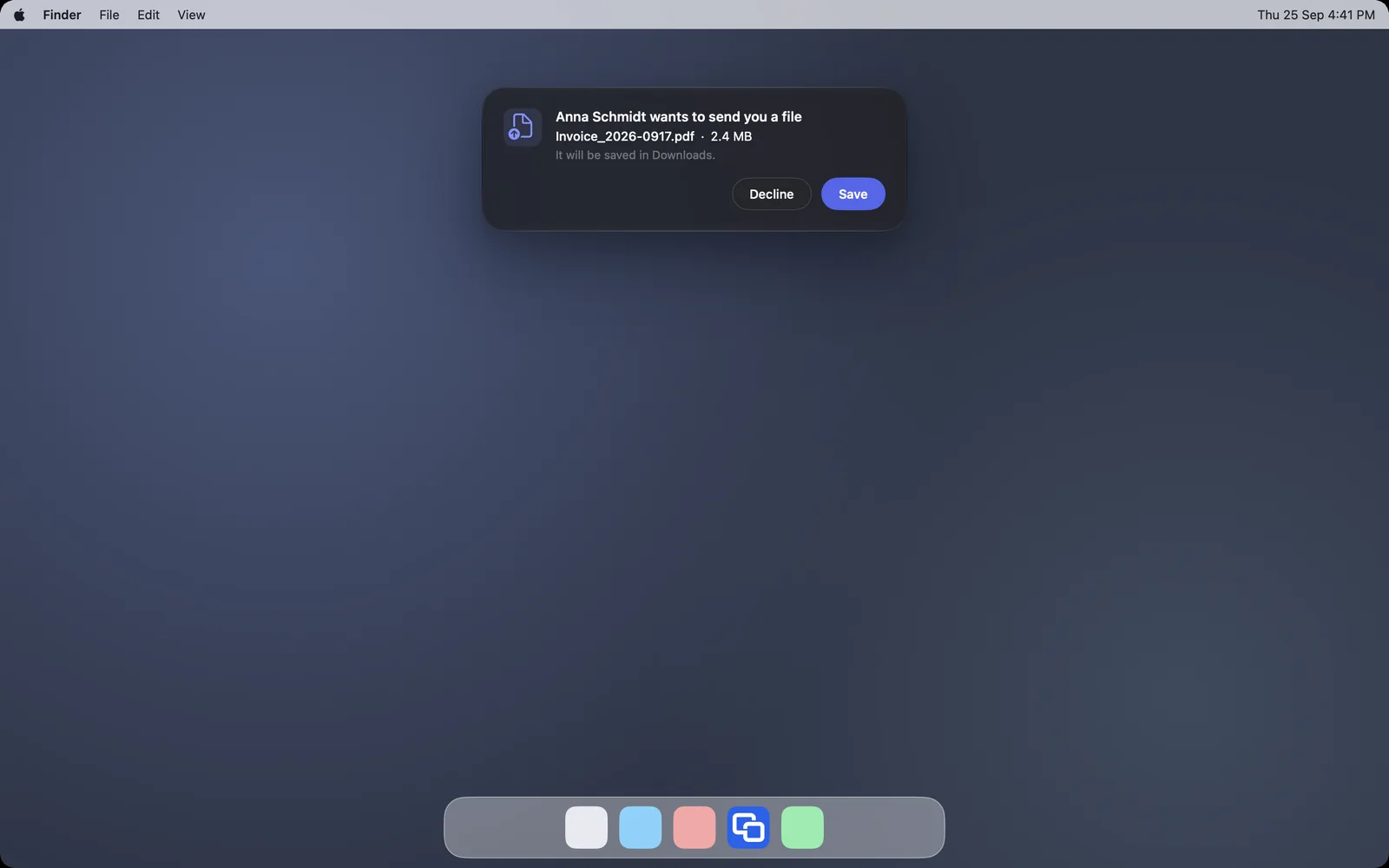
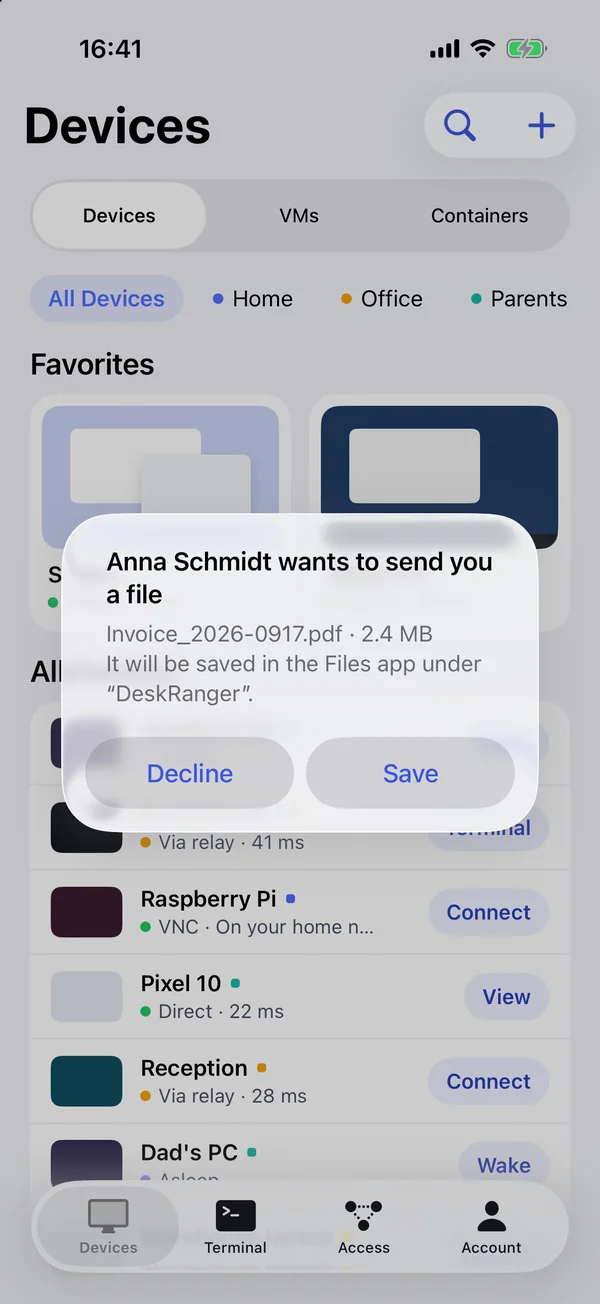
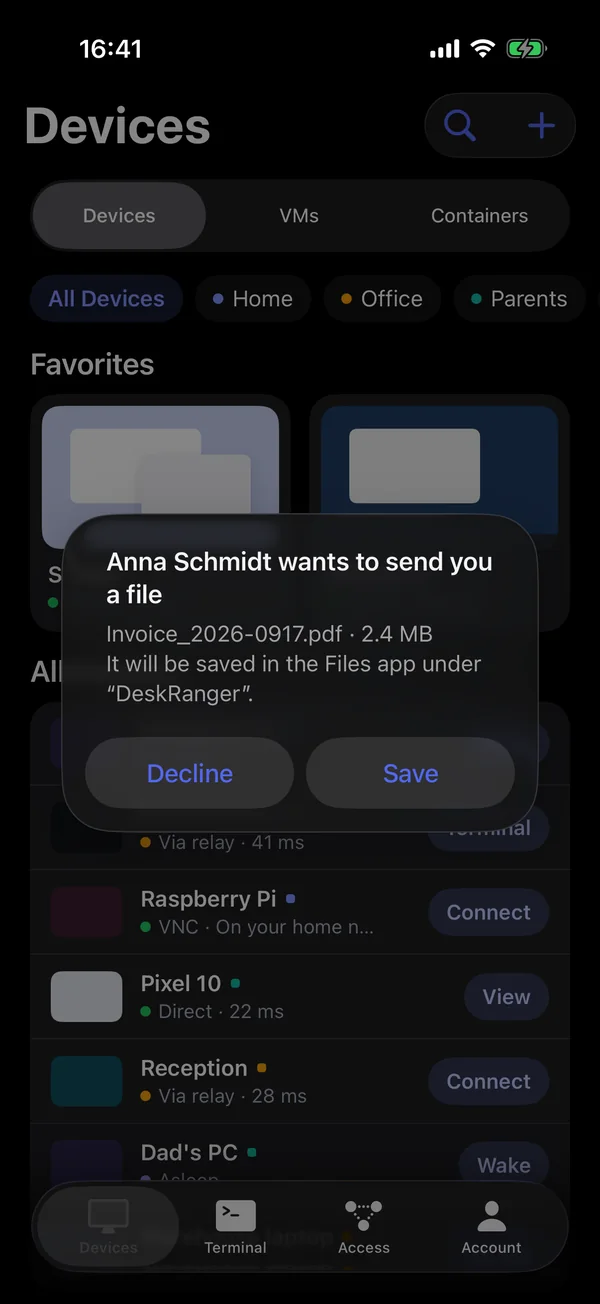
From your own devices DeskRanger saves files at once. From other people it asks first: Save or Decline. If you don’t answer, the offer expires after just under two minutes.
macOS
Files are saved in the Downloads folder. To use another folder, go to Settings (⌘,) › General › Sessions, Save received files in, and choose Change…; Reset goes back to Downloads. If the chosen folder is gone or DeskRanger can’t save there, files go to Downloads meanwhile, and the settings say why; DeskRanger does not recreate the folder.
If the name exists already, DeskRanger adds a number, such as “Report (1).pdf”; nothing is overwritten.
Windows
This function is coming soon to Windows.
iPhone & iPad
Files are saved in the Files app under “DeskRanger”.
Web
This function is planned for Web.
Arrived safely
DeskRanger checks every piece and the whole file with a checksum. If the connection drops, the transfer continues where it was. A damaged file is not saved. A file may be up to 64 GB, and up to 8 transfers run at once in each direction.
If it doesn’t work
The person at the other device has not allowed files for this session. They can switch it on in their Mac’s menu bar.
8 transfers are already running in this direction. Wait until one is finished.
The file arrived damaged, and DeskRanger did not save it. Send it again.