REMOTE ACCESS · REMOTE SUPPORT · END-TO-END ENCRYPTED
All your computers.From anywhere.
See and control your Mac from a Mac, iPhone, iPad or right in the browser. End-to-end encrypted and free for your own devices.
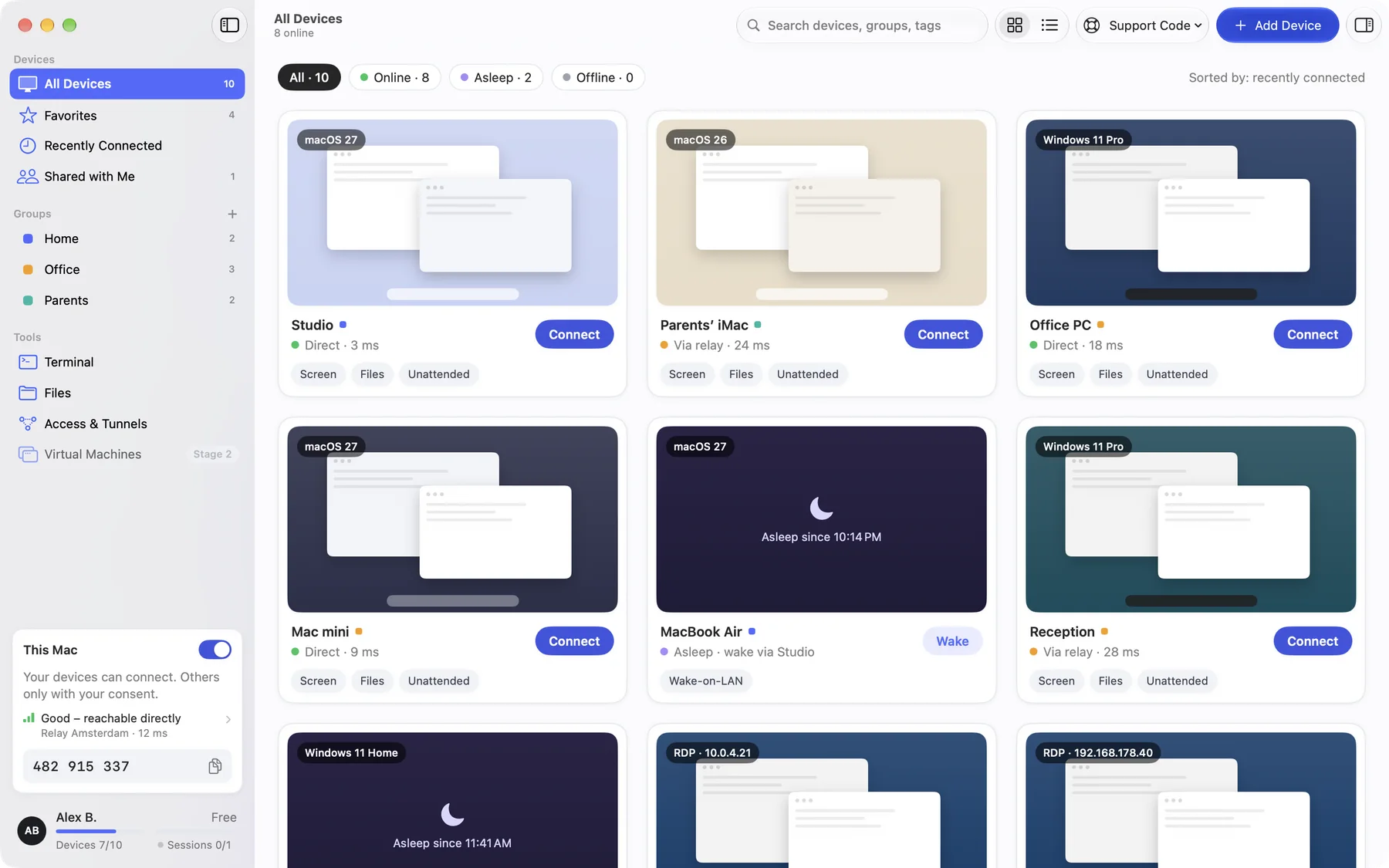
Four ways to use DeskRanger.
From your own Mac to your parents’ PC: one app for everything you want to reach remotely.
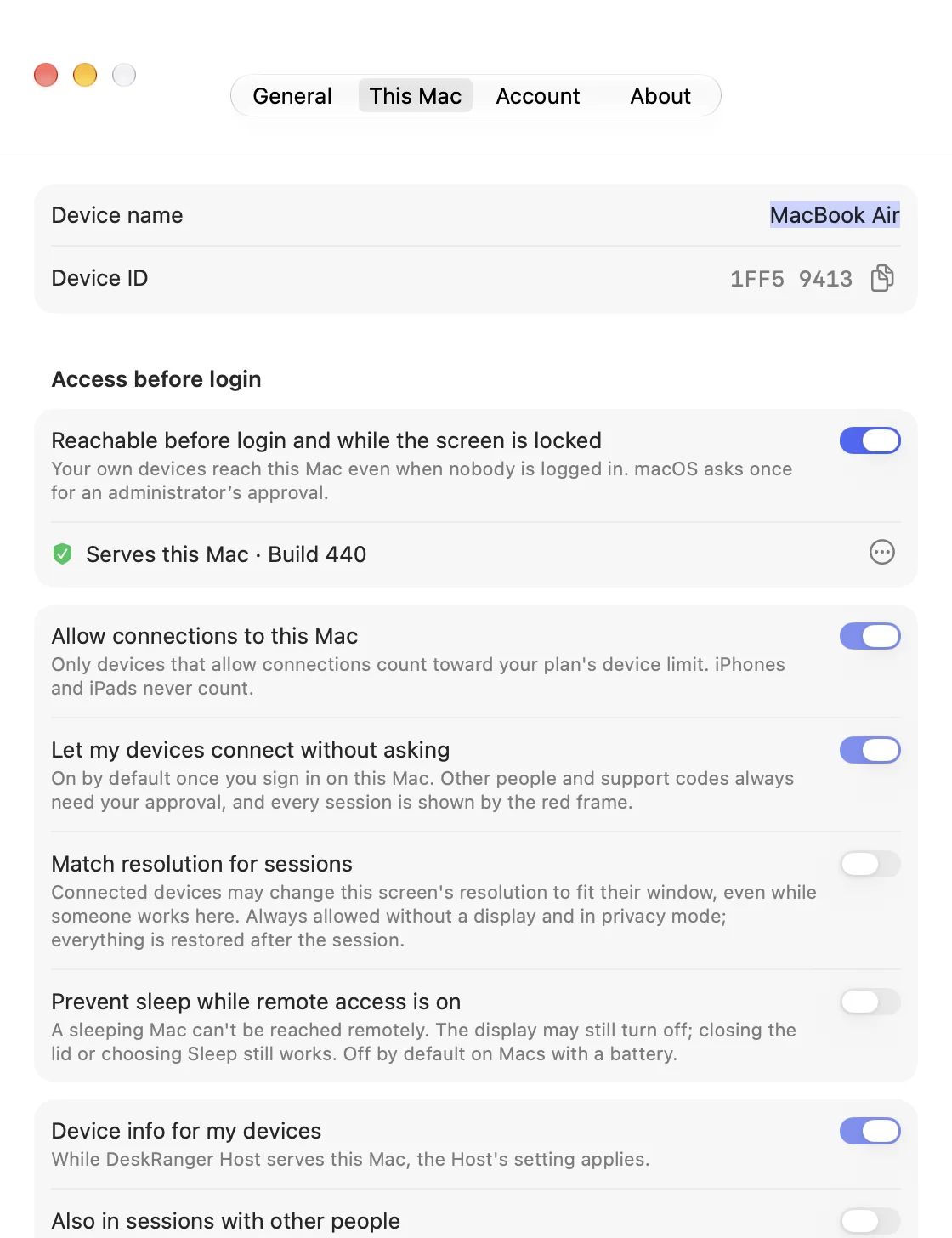
Your own devices
Your Mac at home or in the office stays reachable, even after a restart and at the login window.
Learn more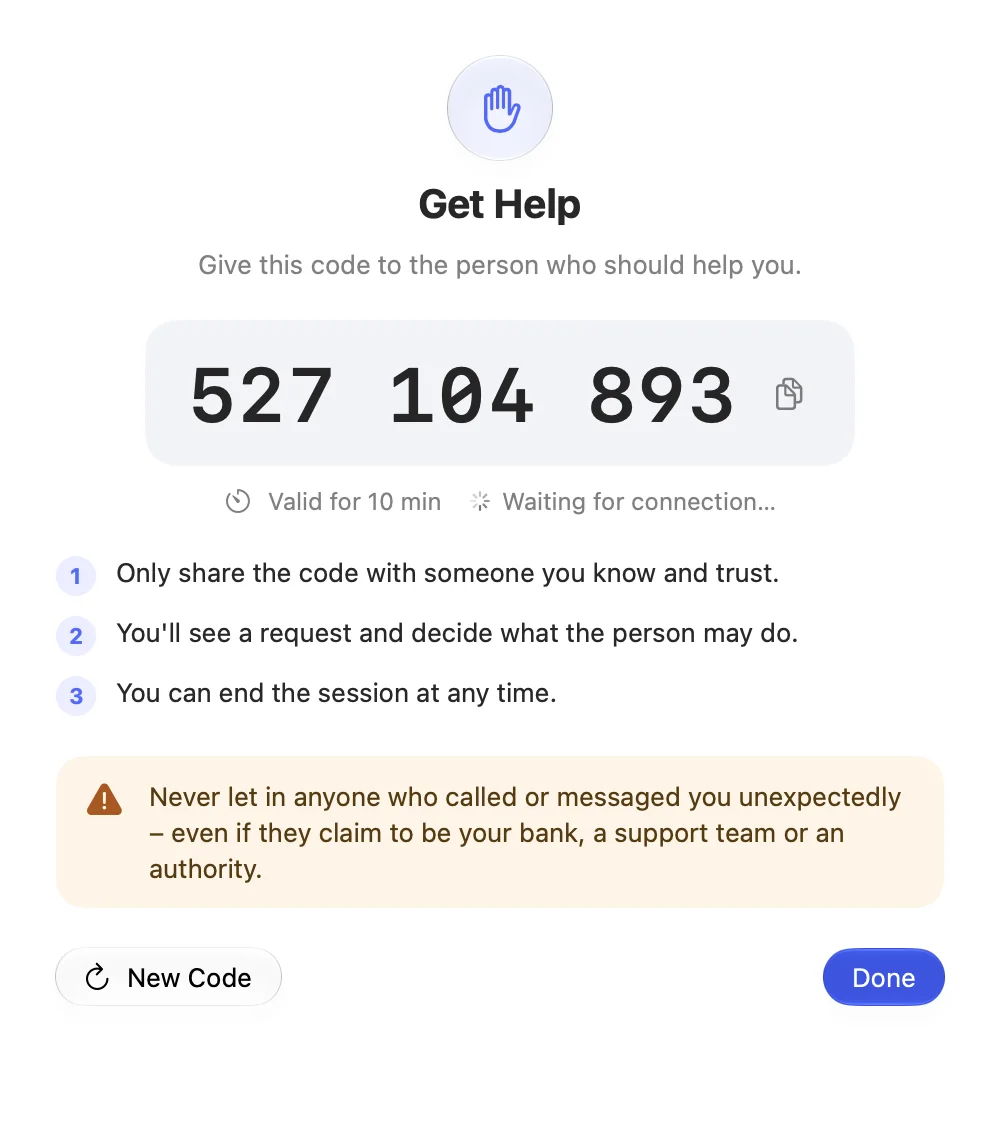
Help others
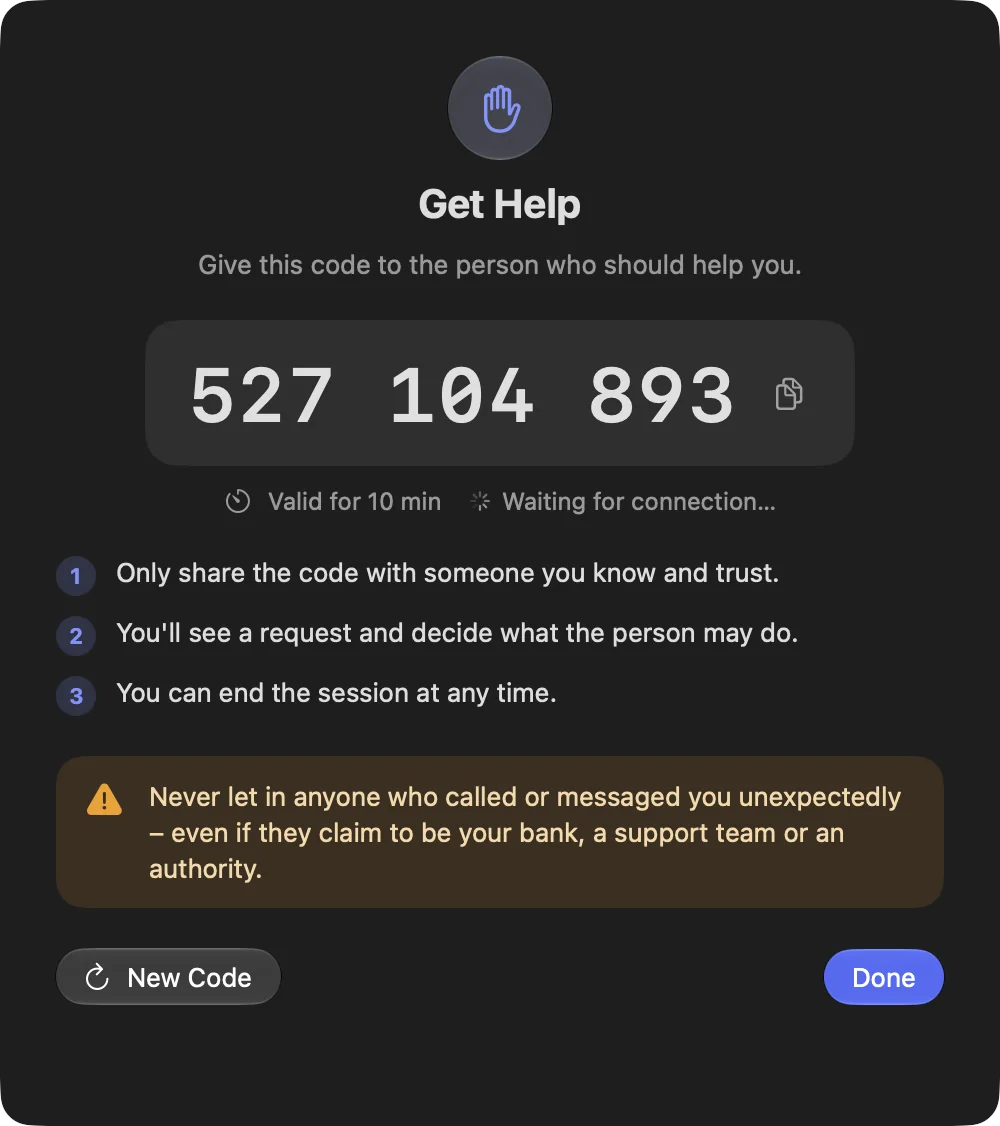
Support family or customers with a support code, with visible consent on their device.
Learn more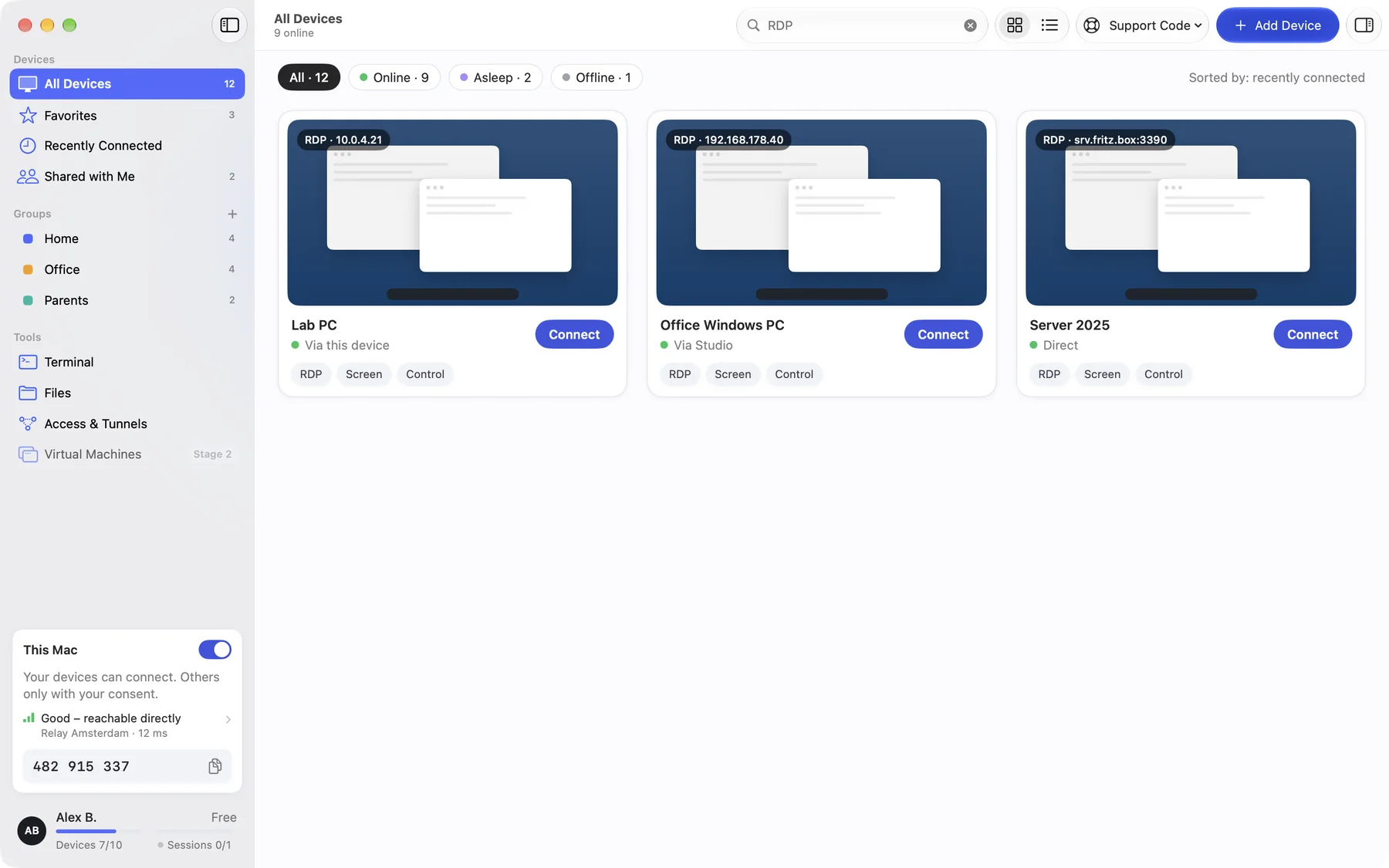
Existing Windows PCs
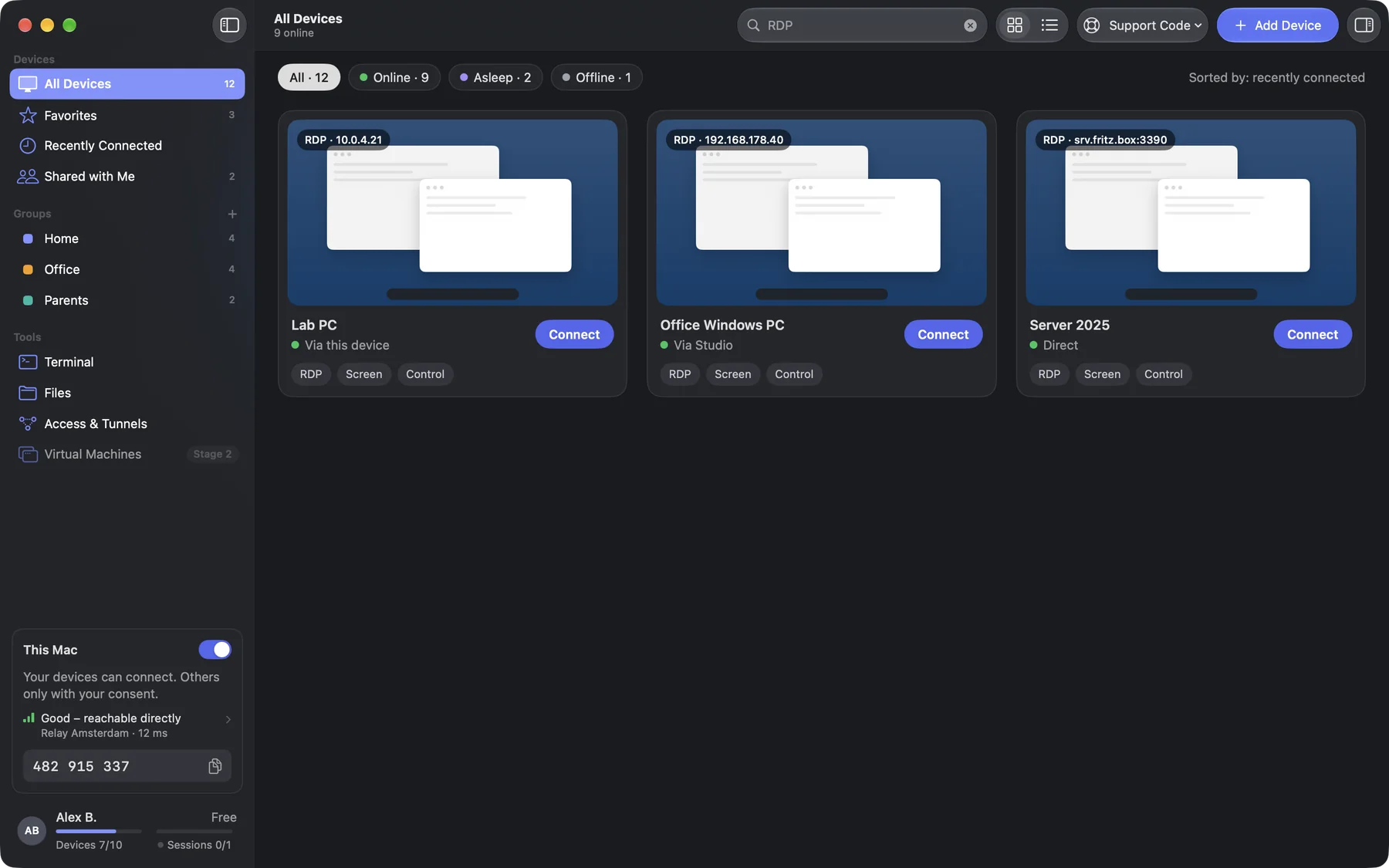
Open them via RDP in the same app, directly or through one of your devices, with no port forwarding.
Learn more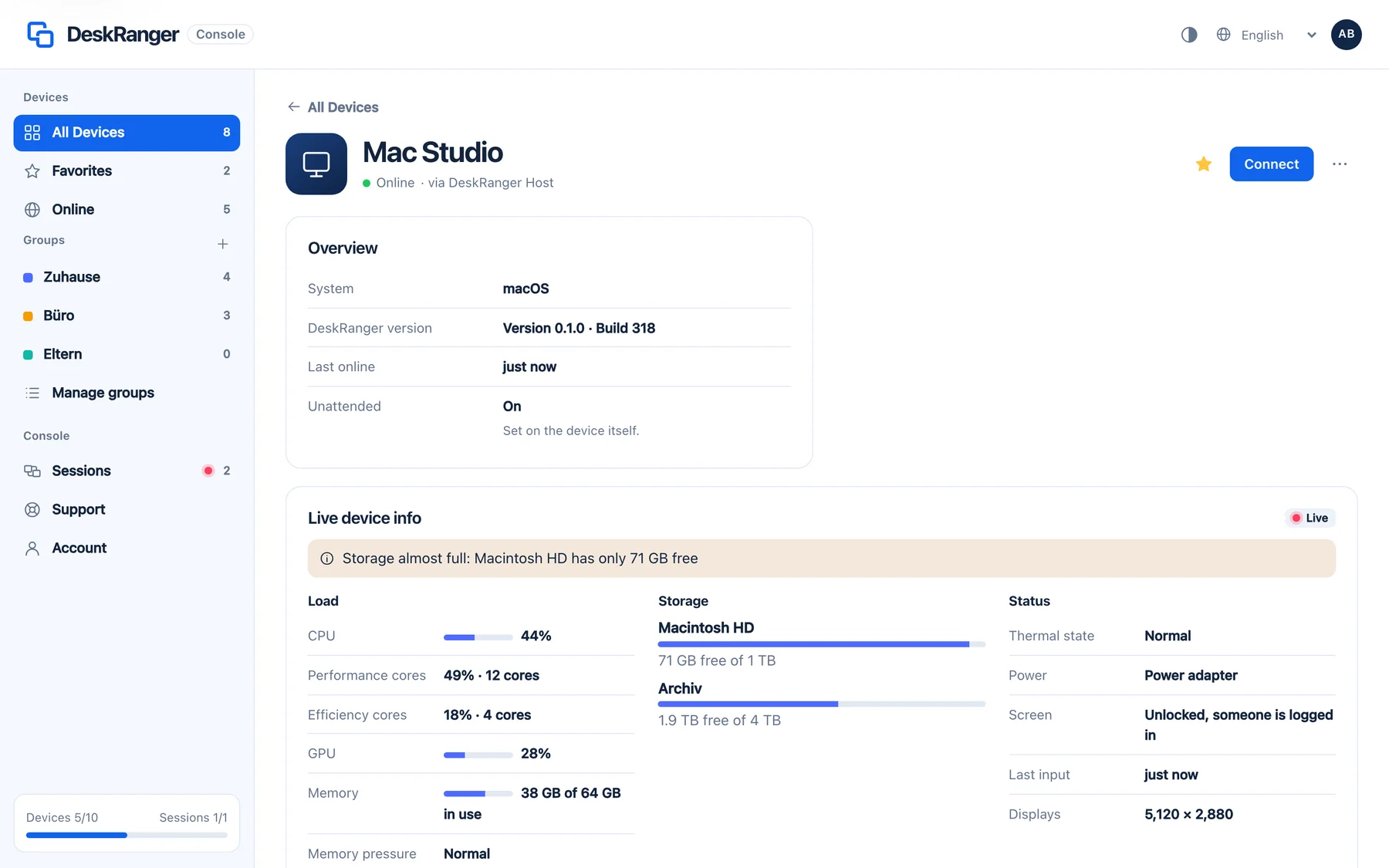
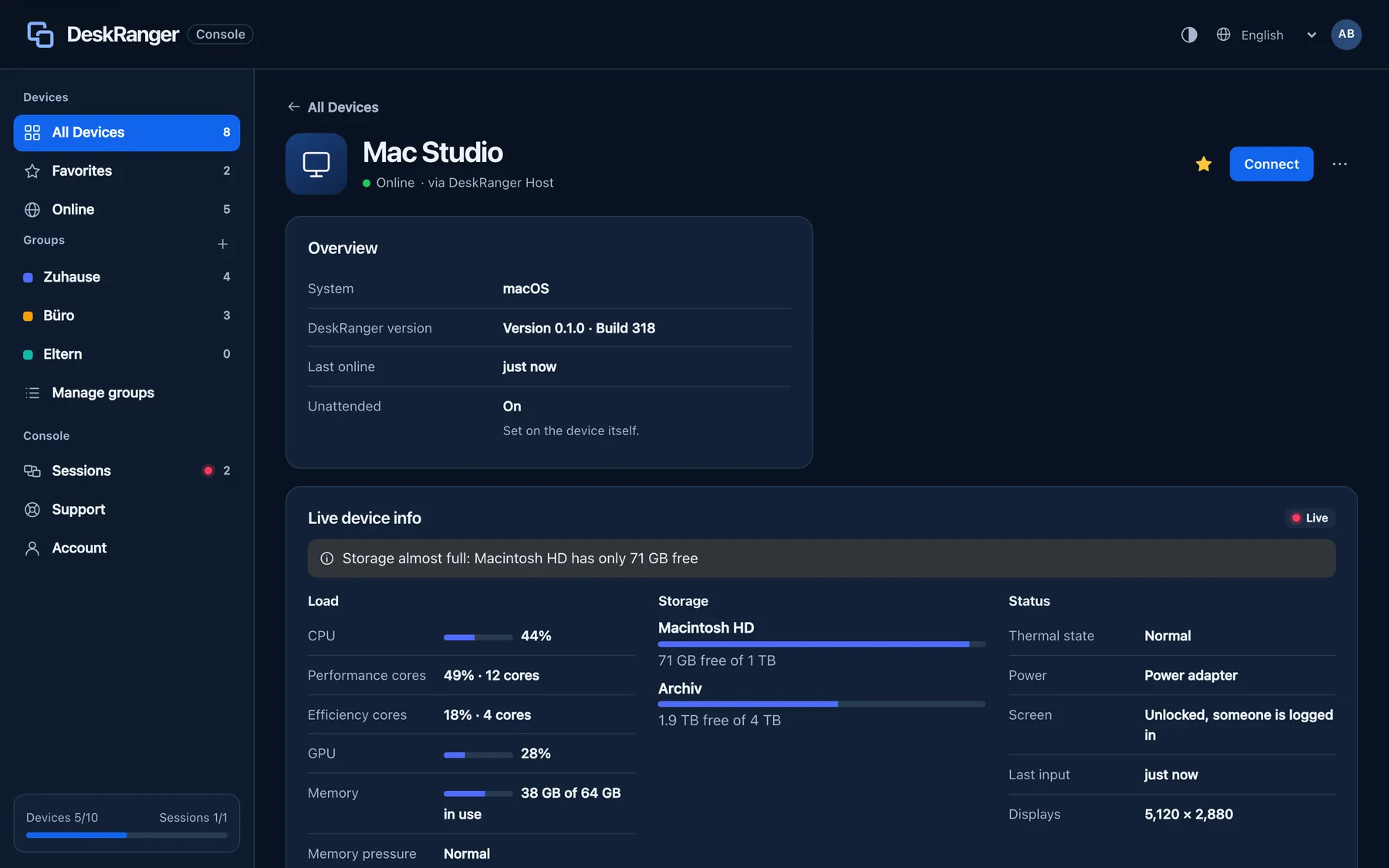
Right in the browser
Connect with nothing to install and the same end-to-end encryption as in the app.
Learn moreConnected in three steps.
Get the app
Install DeskRanger on your Mac, iPhone or iPad. Free.
Sign in
With Apple, Google or email. Your devices show up in the list by themselves.
Connect
Click a device and go. When you help someone else, that person confirms the session.
BUILT ON TRUST
Your connection. Your control.
End-to-end encrypted
Session content stays between your devices. Our servers cannot read it in cleartext.
You decide who gets access.
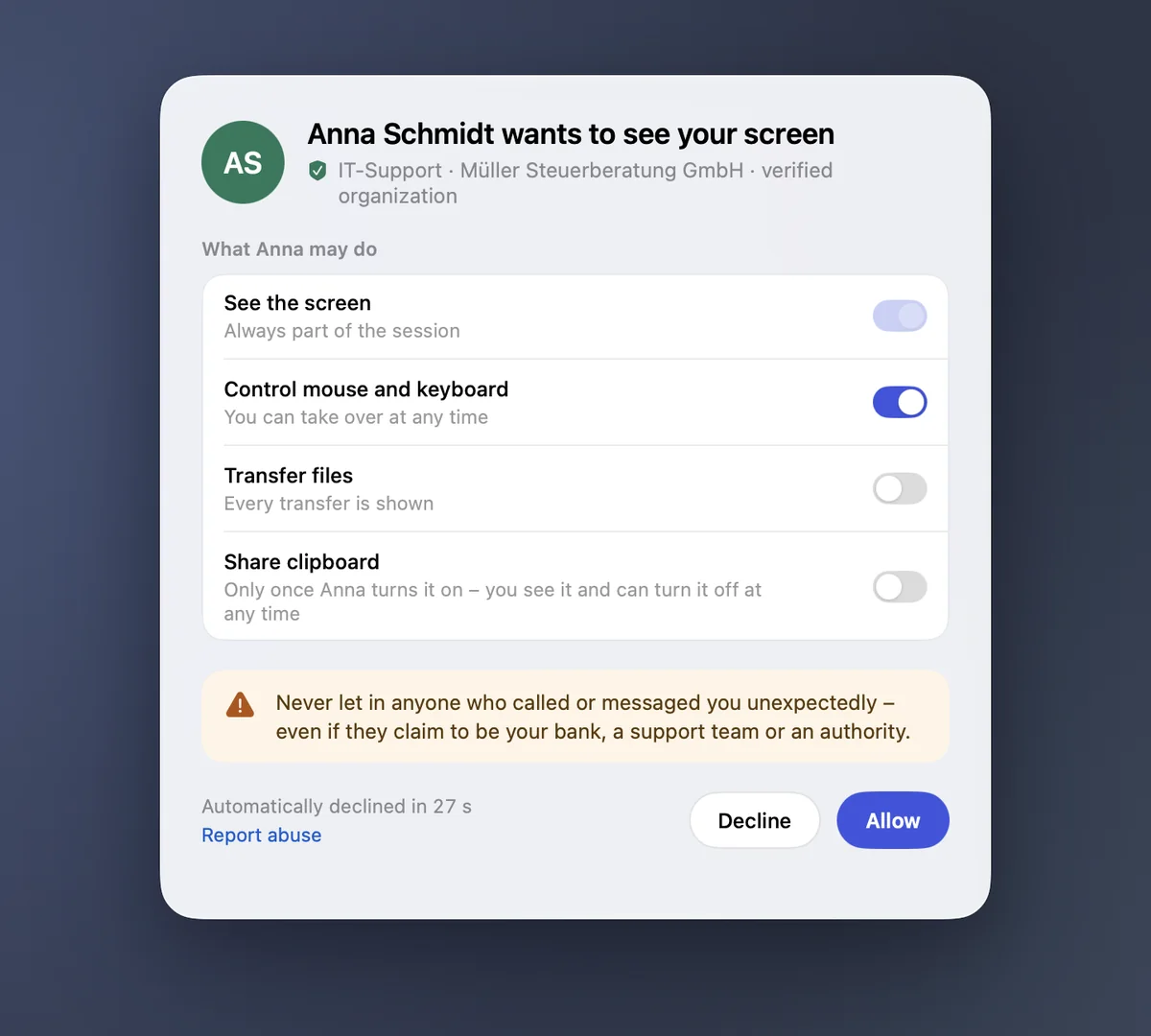
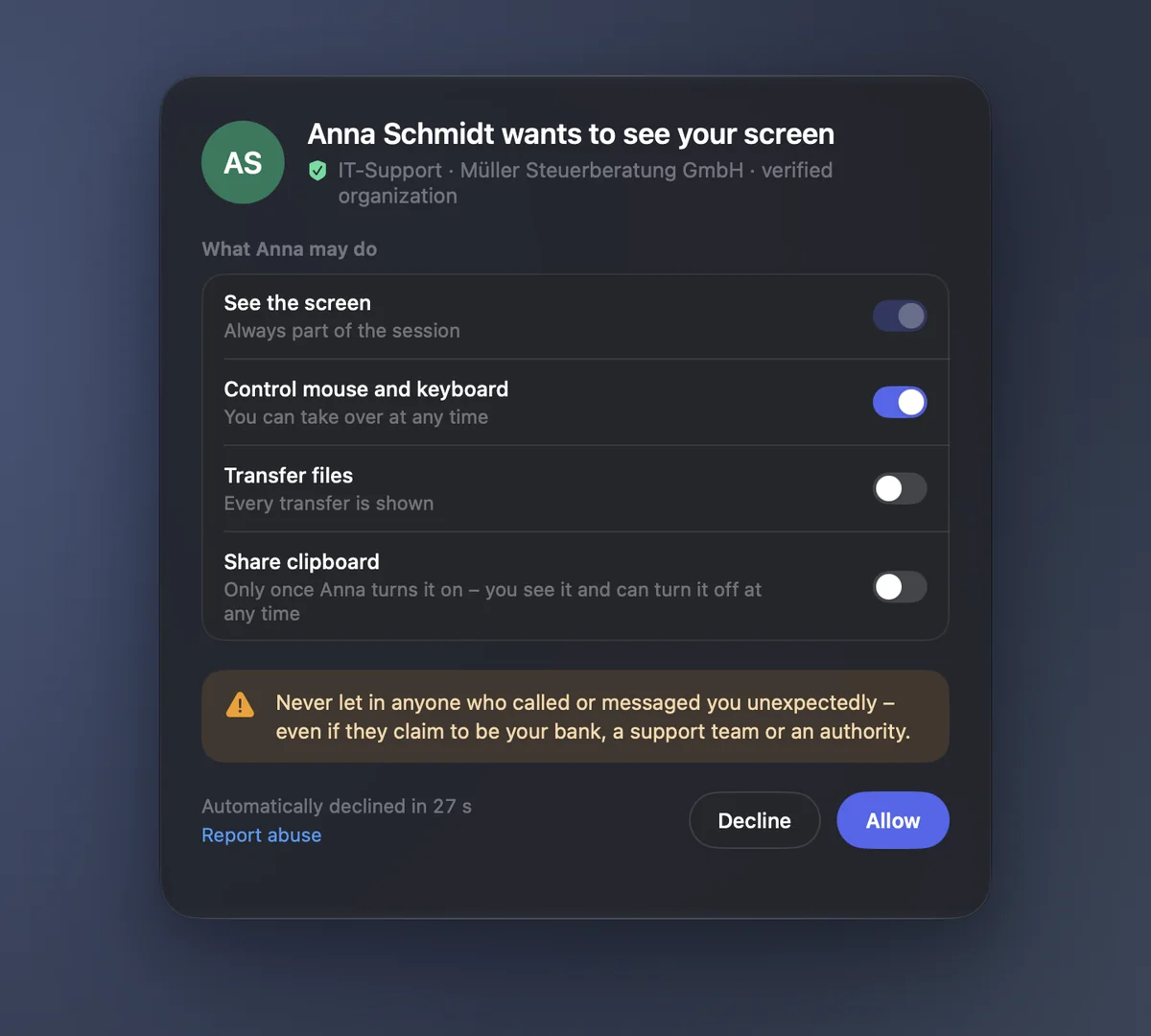
Help by support code and consent. Running sessions are always visible on the device.
Protection against scams
Every request warns you: don’t let anyone onto your device who called you unexpectedly, even if they claim to be your bank or support.
Why DeskRanger?
Start free. Grow fairly.
No commercial-use detection. Free can also be used for work within its limits.
All features
From remote access to shared IT: every feature at a glance.
Access & control
Remote desktop, Access your own devices, Displays & resolution, Browser access
Support & collaboration
Help with a support code, Share your screen, Privacy mode
Files & connections
File transfer, Clipboard, Existing PCs via RDP, Terminal & SSH, Access to services
Devices & teams
Groups & favorites, Device information, Teams & roles
Security & control
End-to-end encryption, Device lock, Access policies
Virtualization & infrastructure
Virtual machines, Containers & workspaces, Snapshots & backups
Starts with access. Grows with you.
Development plans. Scope and availability may change.
Teams & roles
Look after devices together and set responsibilities: shared groups, tiered roles and channels for the whole team.
Coming soonDevice lock
New devices need approval from a device you already trust, so a stolen password alone is not enough to get in.
PlannedVirtual machines
Create, start and open virtual machines on your own hardware. An optional module for your infrastructure.
Frequently asked questions
How much does DeskRanger cost?
Nothing for your own devices: Free covers 10 devices and one connection at a time. Pro costs €19.90 a year, Team €99.90 per channel and year.
Can I use Free for work?
No commercial-use detection. Free can also be used for work within its limits.
How secure is DeskRanger?
Sessions are end-to-end encrypted and run directly between your devices or, still encrypted, through a relay. Our servers cannot read your screen, input or files. Other people always need your visible consent.
Which devices does DeskRanger run on?
macOS, iPhone, iPad and the browser are covered. Windows follows shortly, Android and Linux after that.
What is a channel?
A channel is taken as soon as you start a remote connection from a device. On Team you work on up to ten devices at once through it. When your last connection ends, the channel is free again. Just being signed in takes no channel.
Try it with your own devices.
Free and no credit card. Teams book channels as they need them.