Personal
Home is just a click away.
Your computer, your files, your family. Stay connected wherever you are.
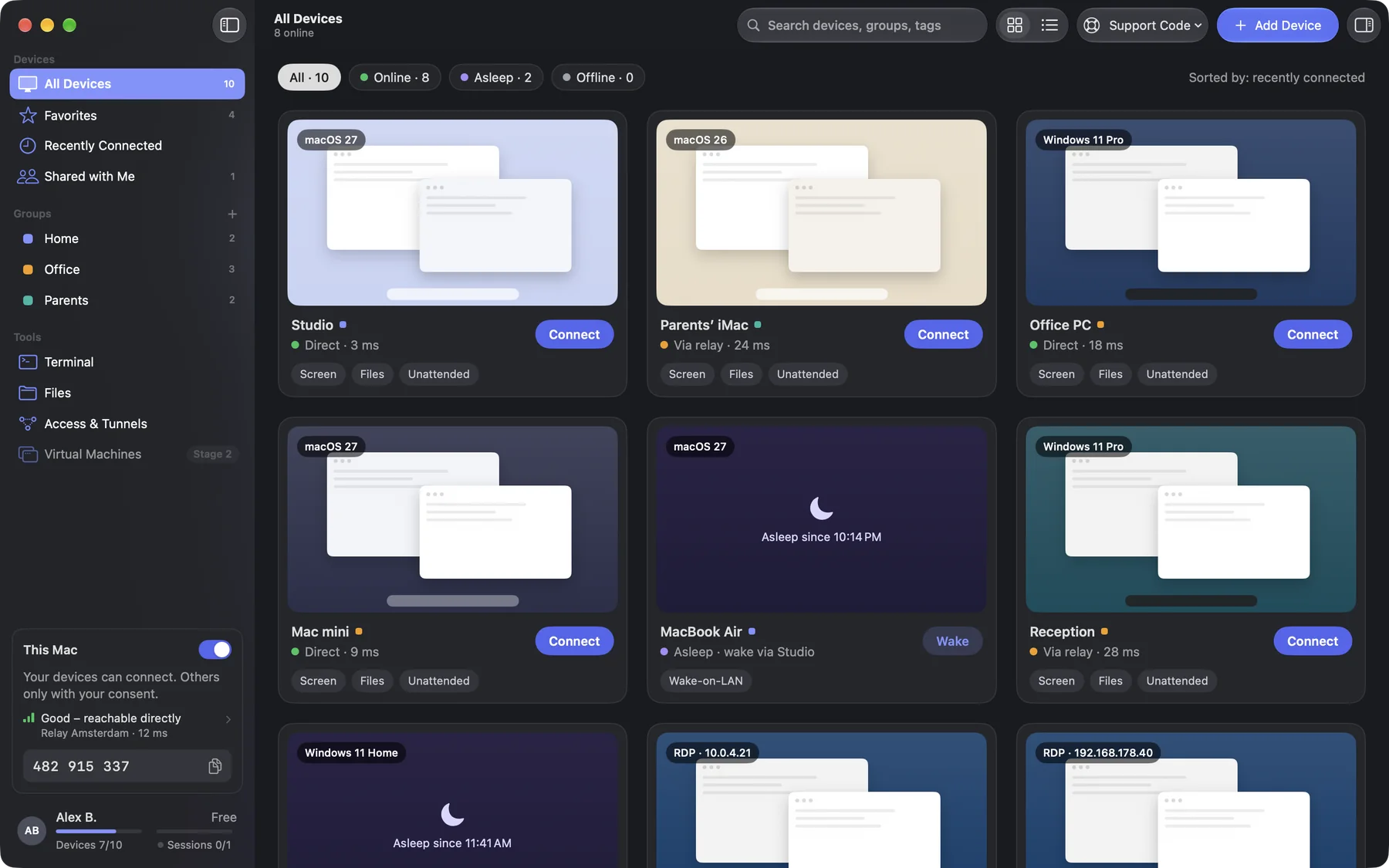
All features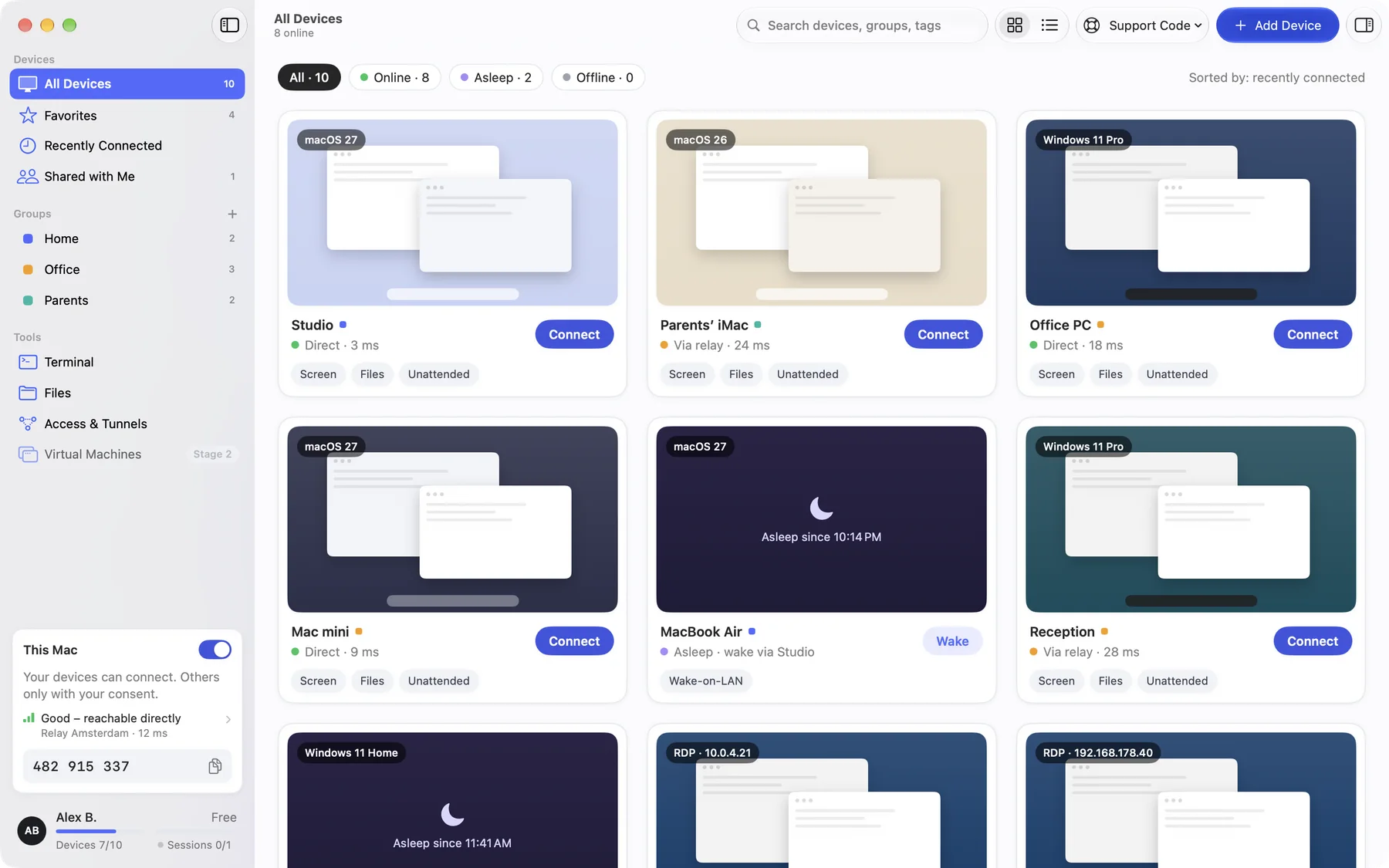
Why DeskRanger?
No commercial-use detection. Free can also be used for work within its limits.
Remote desktop
See and control your Mac from a Mac, iPhone, iPad or right in the browser. With keyboard shortcuts, multiple displays and one-click system actions like Mission Control.
File transfer
Send files both ways during a session. Keep track of progress and incoming transfers.
Help with a support code
The other person reads you a short support code and confirms the session visibly on their own device. They can end it at any time.
Groups & favorites
All your devices at a glance: groups, favourites, search and live status. DeskRanger finds devices on the same network by itself.
Privacy mode
Shield the remote screen from onlookers. The live session remains visible and can be ended on the host.
Device information
See CPU, memory, storage and versions. Query your own devices without starting a screen session.
End-to-end encrypted
Session content stays between your devices. Our servers cannot read it in cleartext.
You decide who gets access.
Help by support code and consent. Running sessions are always visible on the device.
Pricing
Launch prices · Available to book soon. VAT details and final terms follow when sales start.