Availability
Ready and in use with our first users. The public launch follows shortly.
Support & collaboration
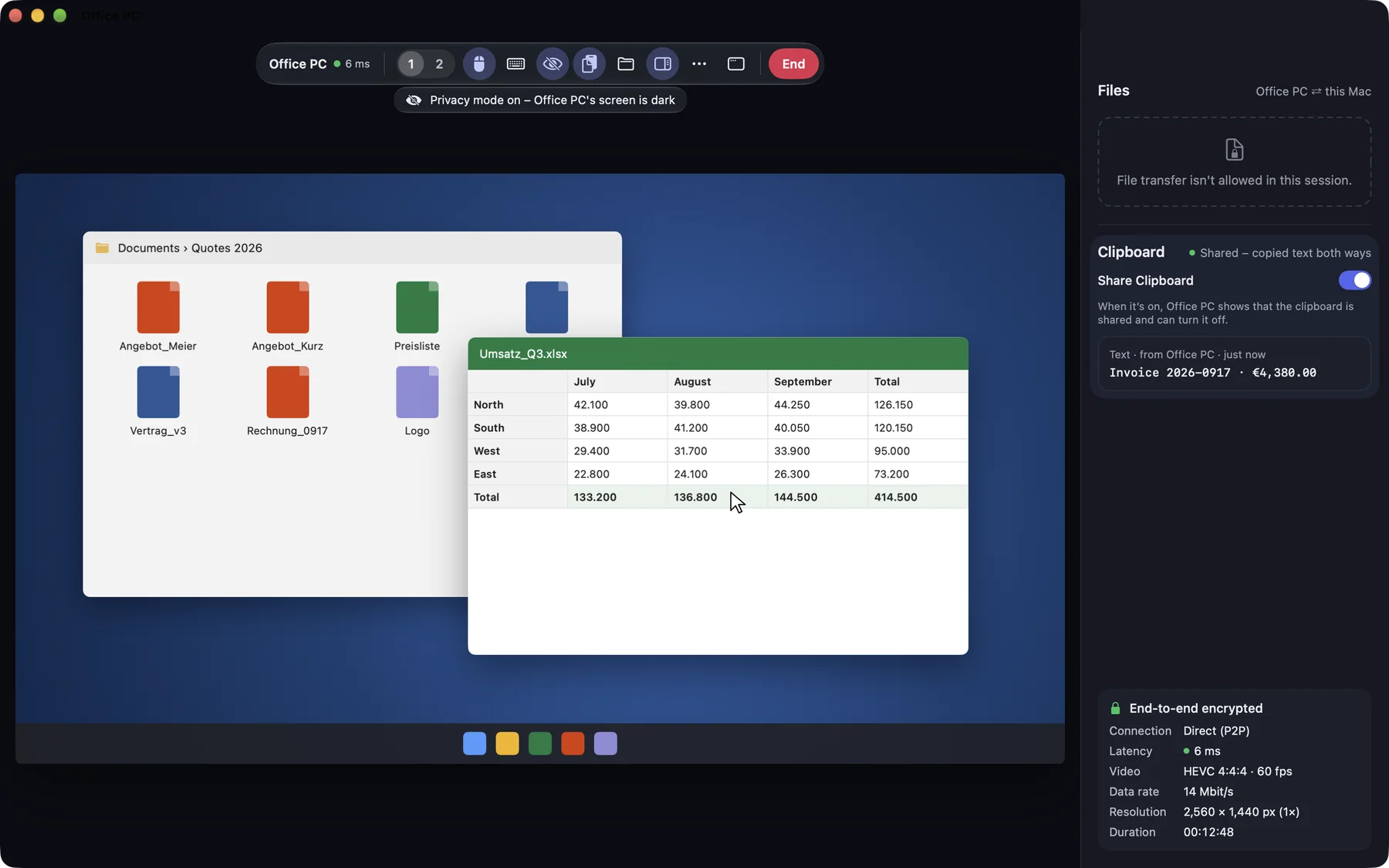
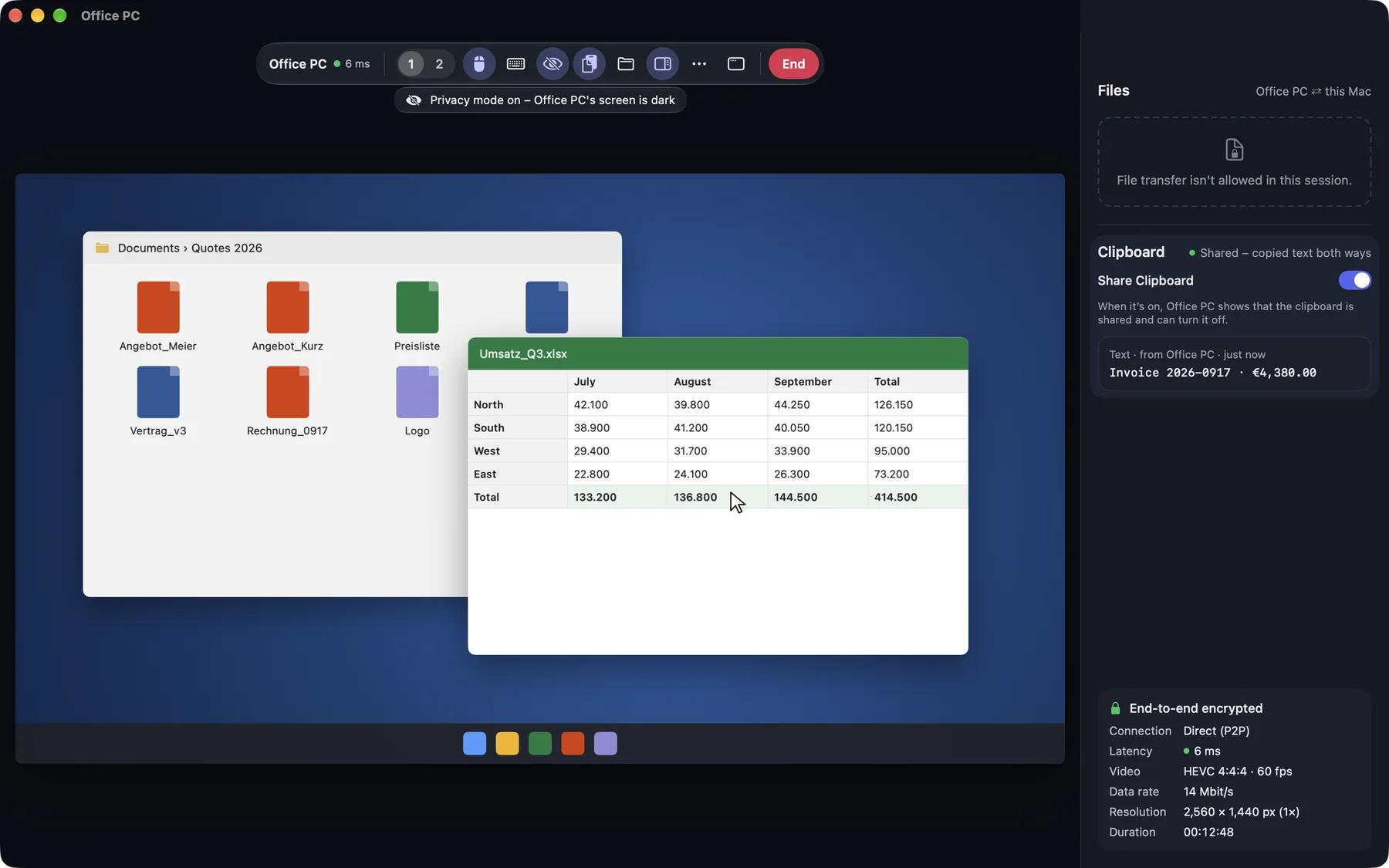
Shield the remote screen from onlookers. The live session remains visible and can be ended on the host.
Ready and in use with our first users. The public launch follows shortly.
macOS
Free
PricingAvailable features may differ between the direct version and Lite.
Standard or Lite? Compare versionsCurrently on Macs you control. You switch it on from a Mac, iPhone or iPad.
Yes. Instead of the content, the screen shows a notice that a session is running.
The other person reads you a short support code and confirms the session visibly on their own device. They can end it at any time.
Share your iPhone or iPad screen with your other devices or via a support code. For showing and explaining: iOS allows viewing only, no remote control.