Availability
Ready and in use with our first users. The public launch follows shortly.
Access & control
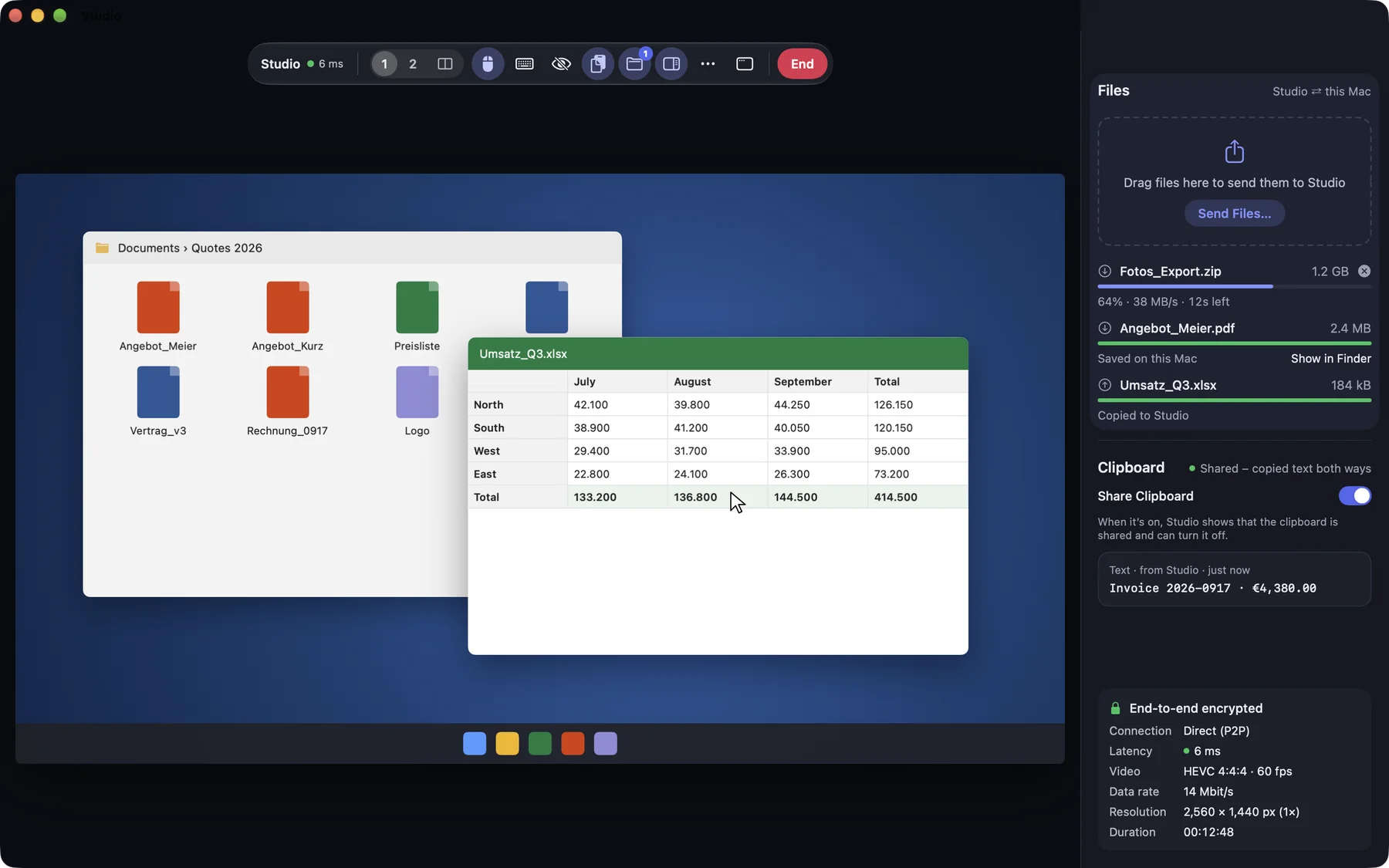
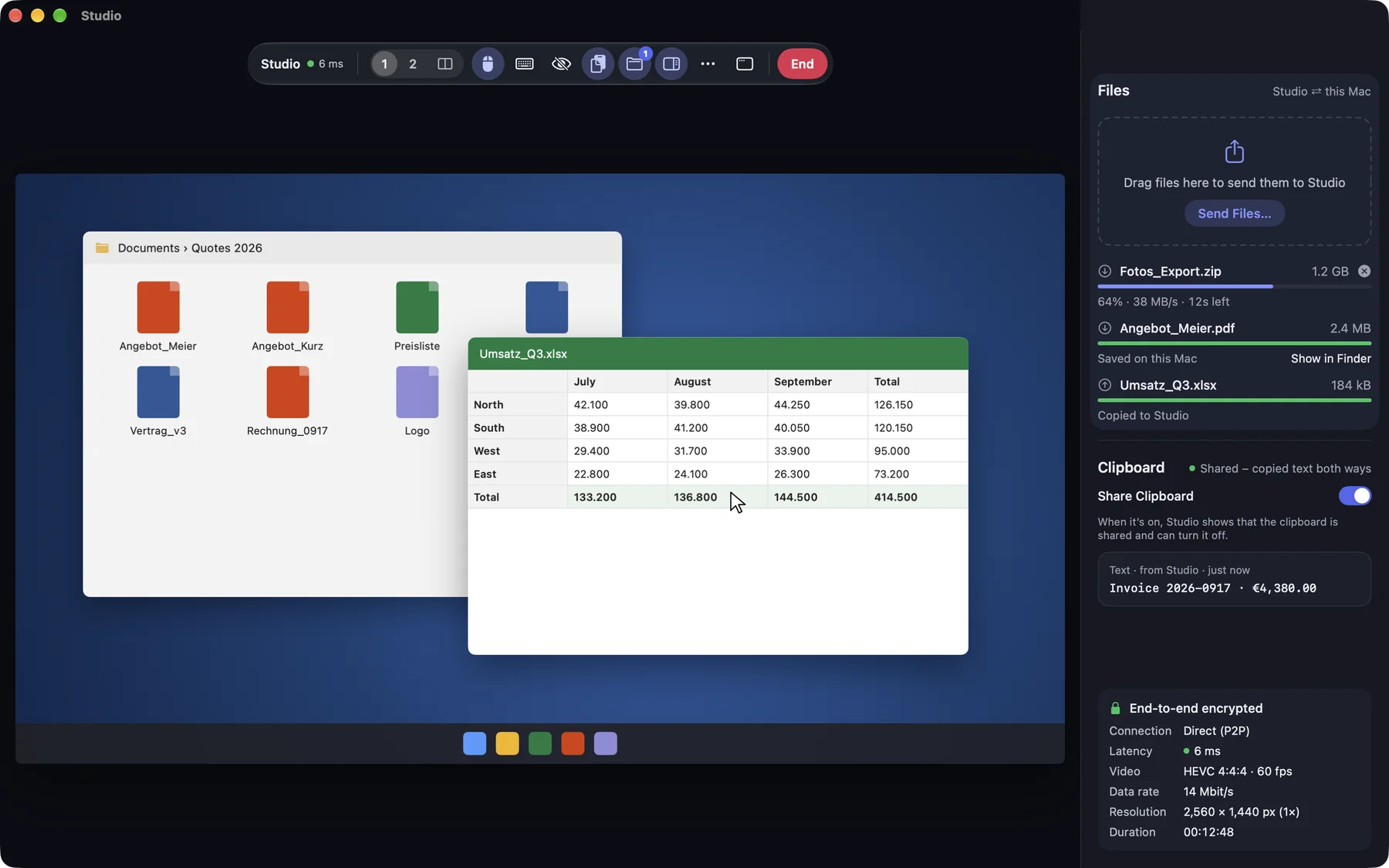
Switch between displays, match the resolution to your window or view everything pixel-perfect at 1:1. Even Macs without a monitor deliver a sharp picture.
Ready and in use with our first users. The public launch follows shortly.
macOS · iOS / iPadOS · Web
Free
PricingAvailable features may differ between the direct version and Lite.
Standard or Lite? Compare versionsYes. The 1:1 view shows every pixel of the remote screen, for example for image editing or small text.
DeskRanger restores the original resolution as soon as the session ends.
See and control your Mac from a Mac, iPhone, iPad or right in the browser. With keyboard shortcuts, multiple displays and one-click system actions like Mission Control.
One switch is all it takes: your Mac stays reachable, even after a restart, at the login window and when the screen is locked.
Connect right in the browser, with nothing to install and the same end-to-end encryption as in the app. Browser sessions are confirmed by the person at the device.