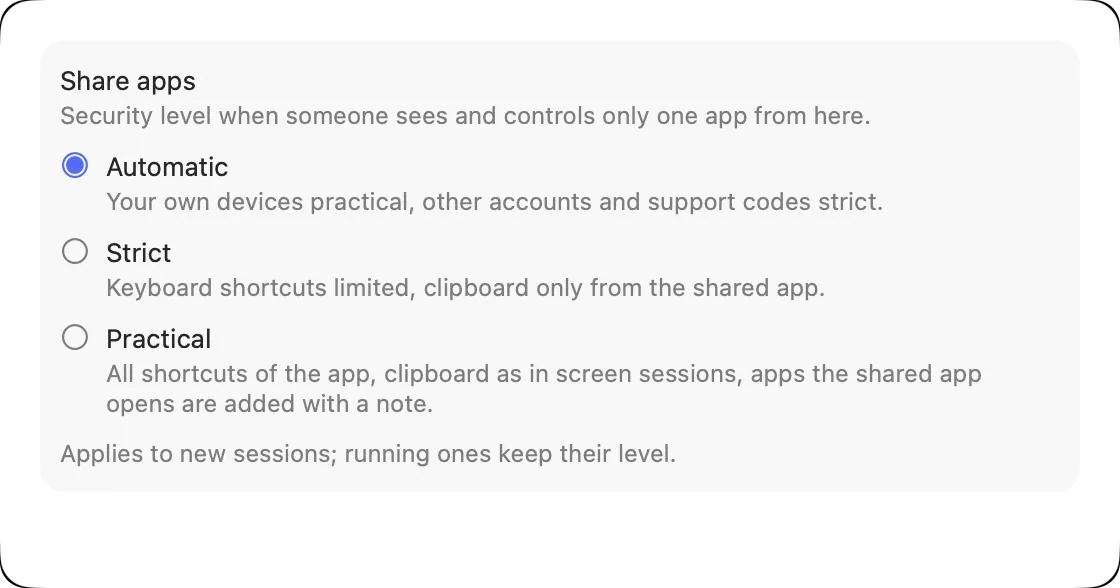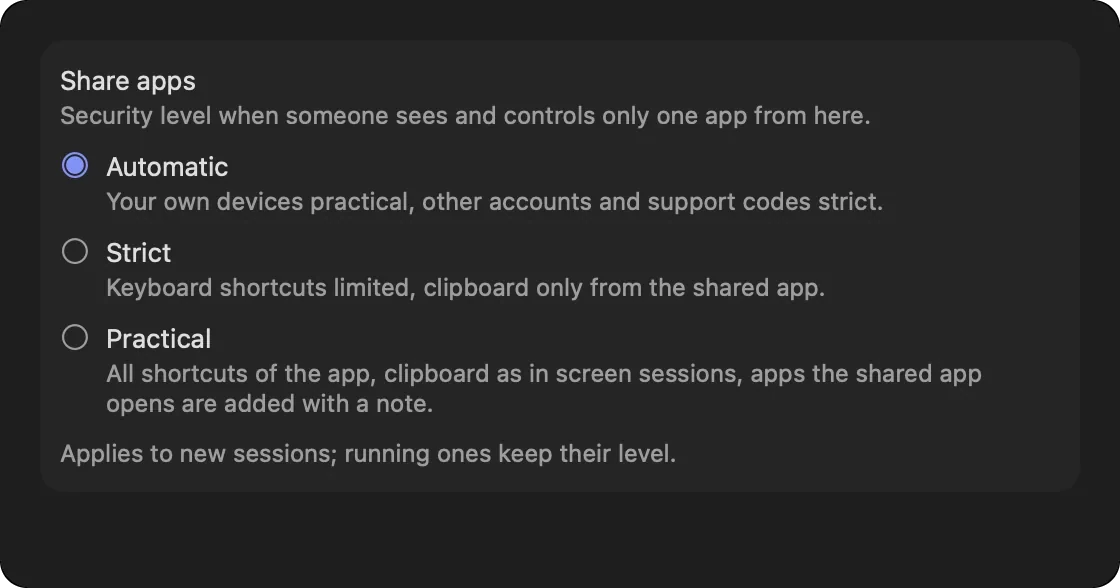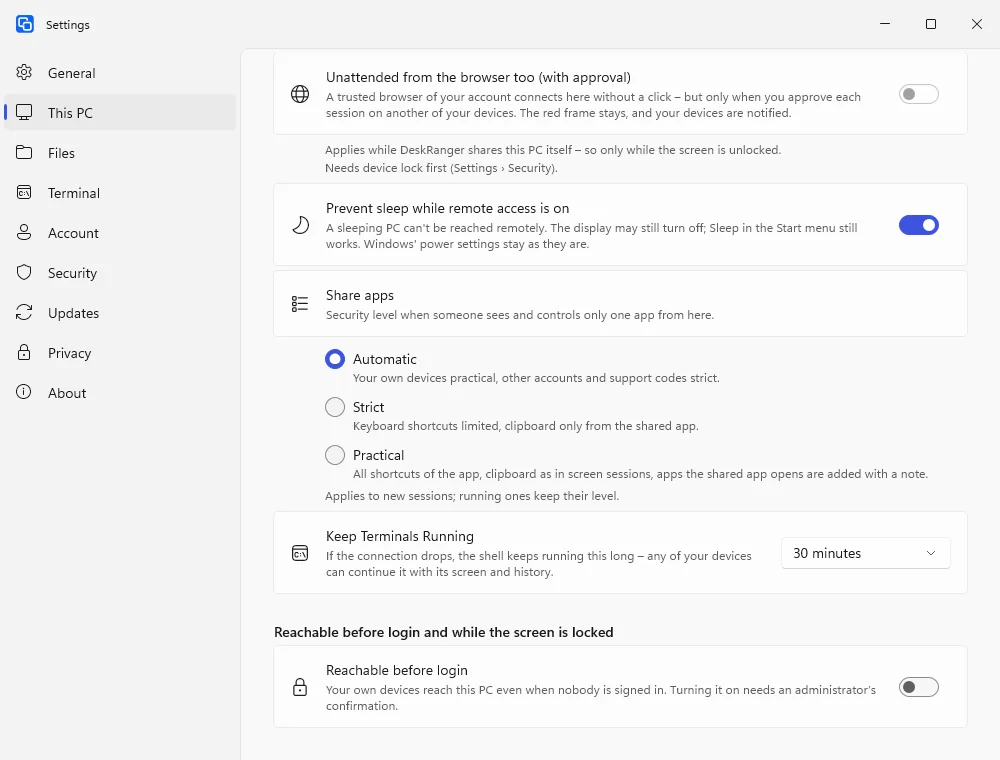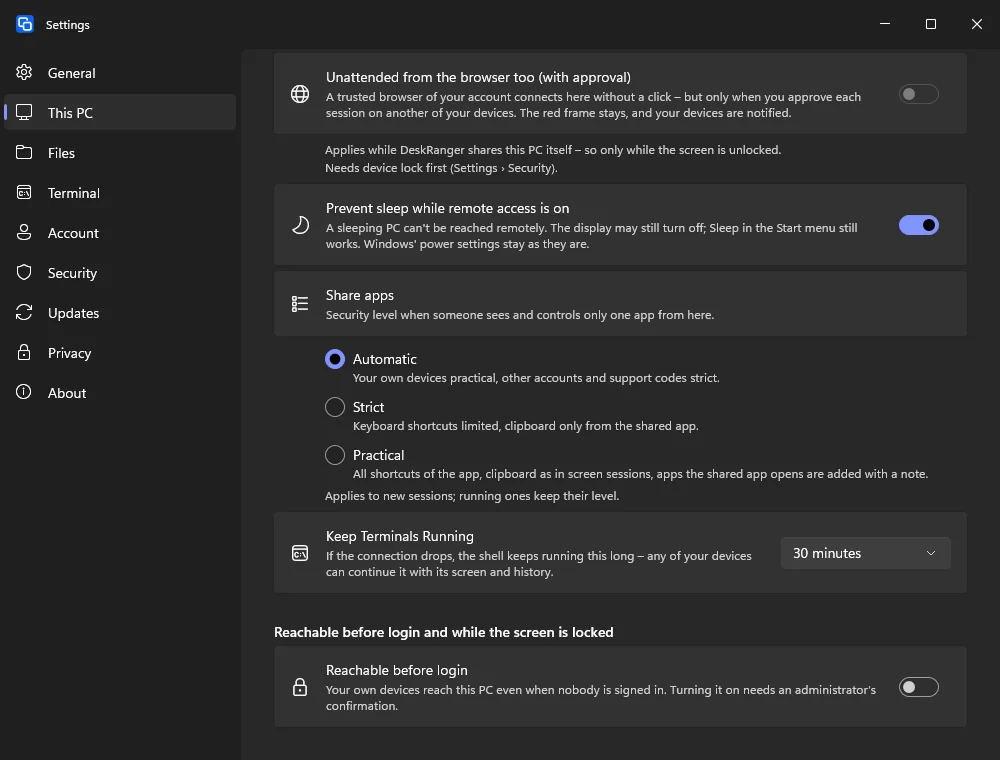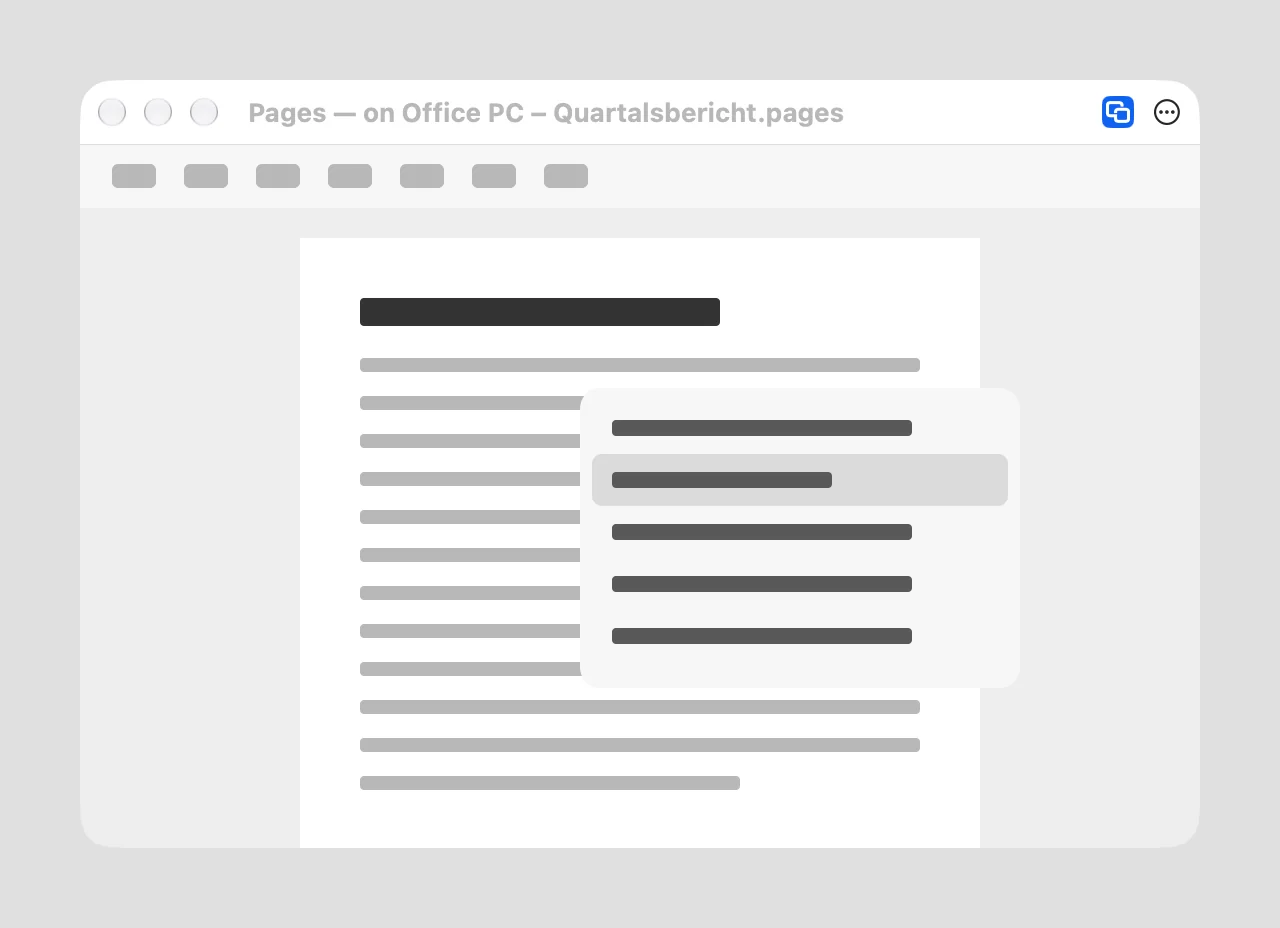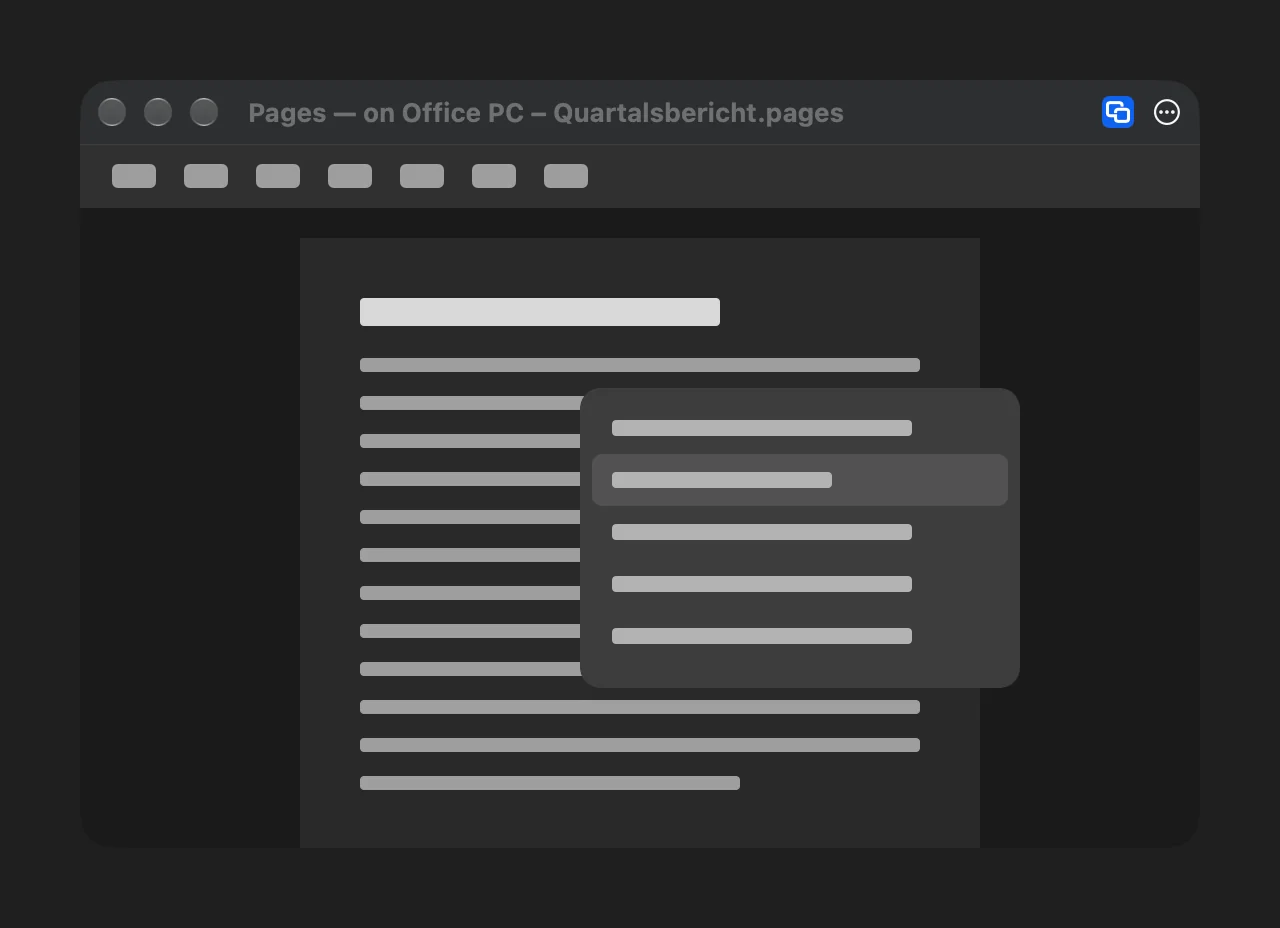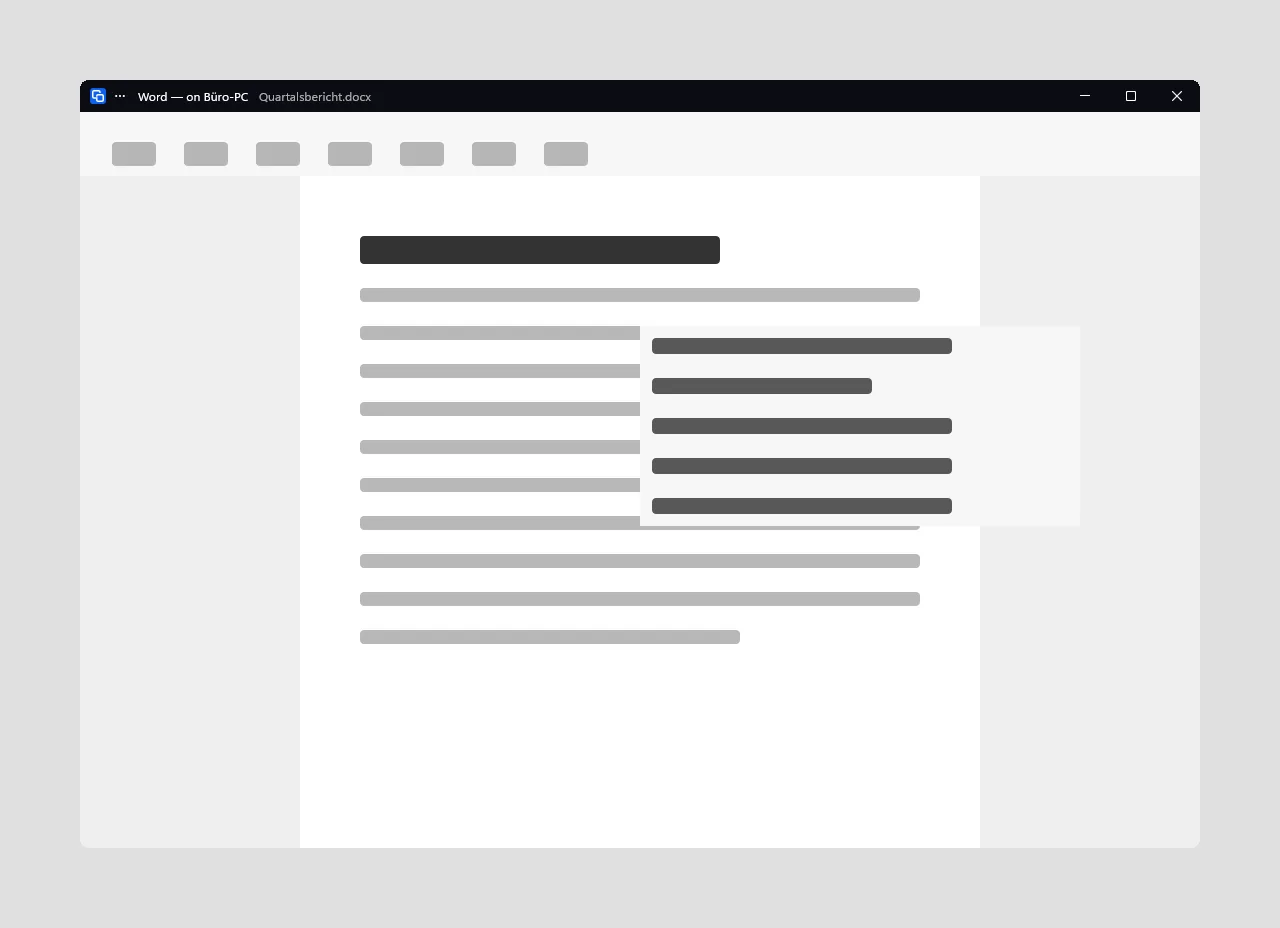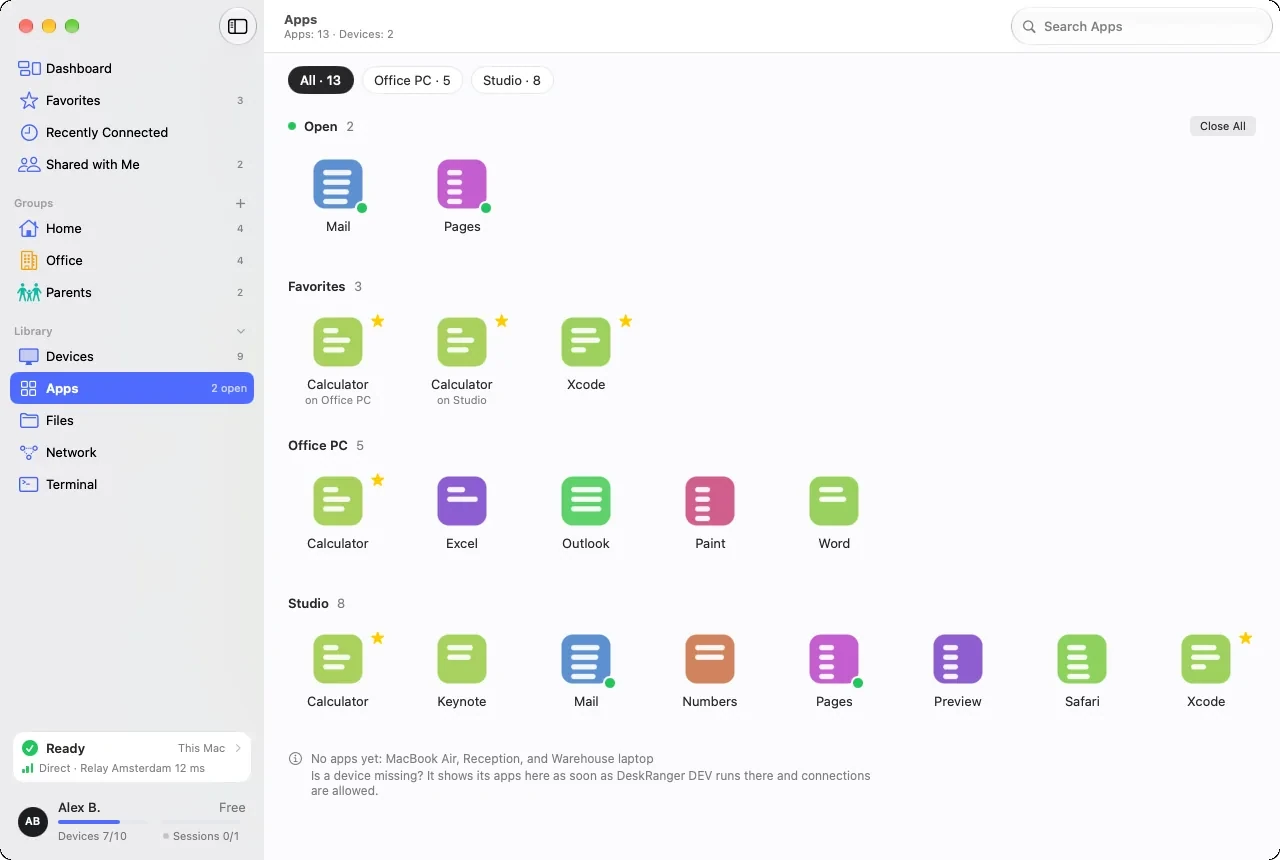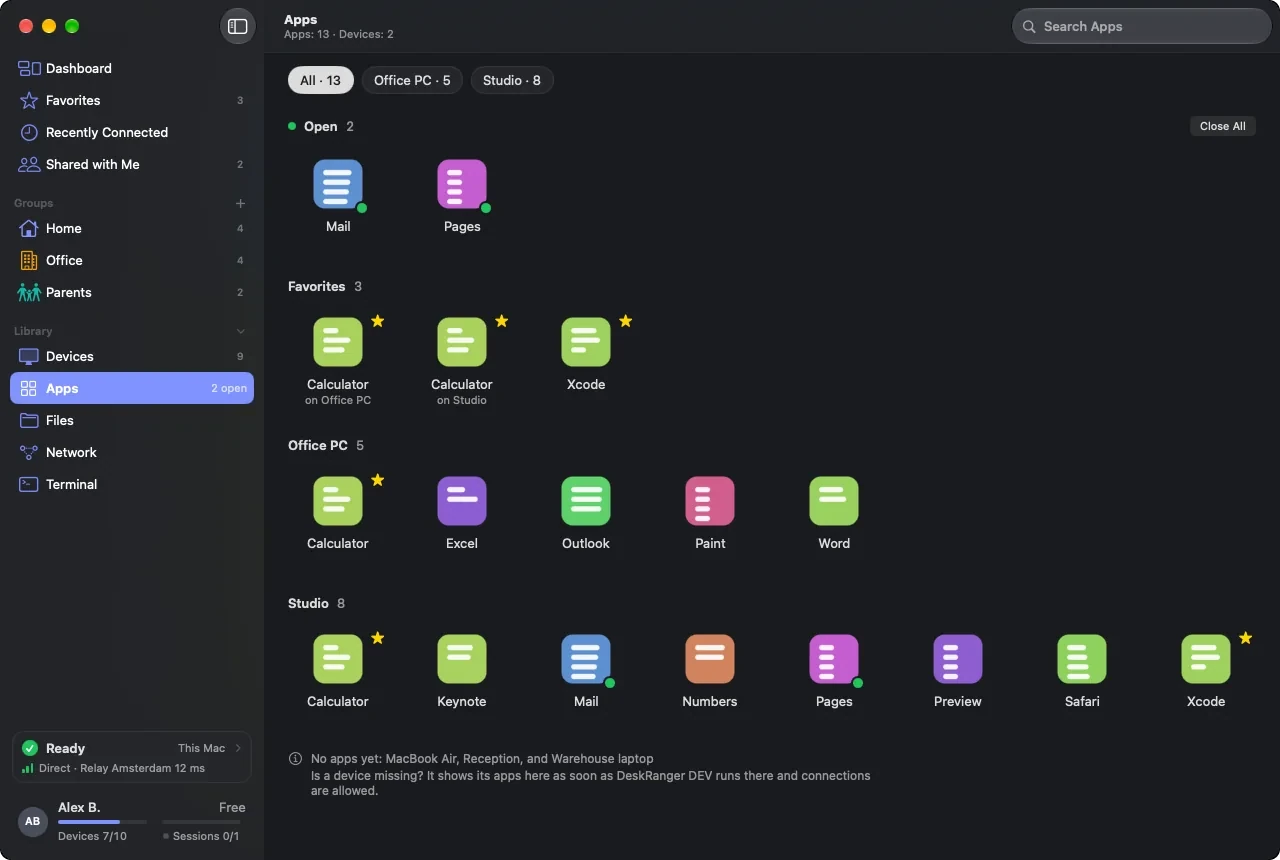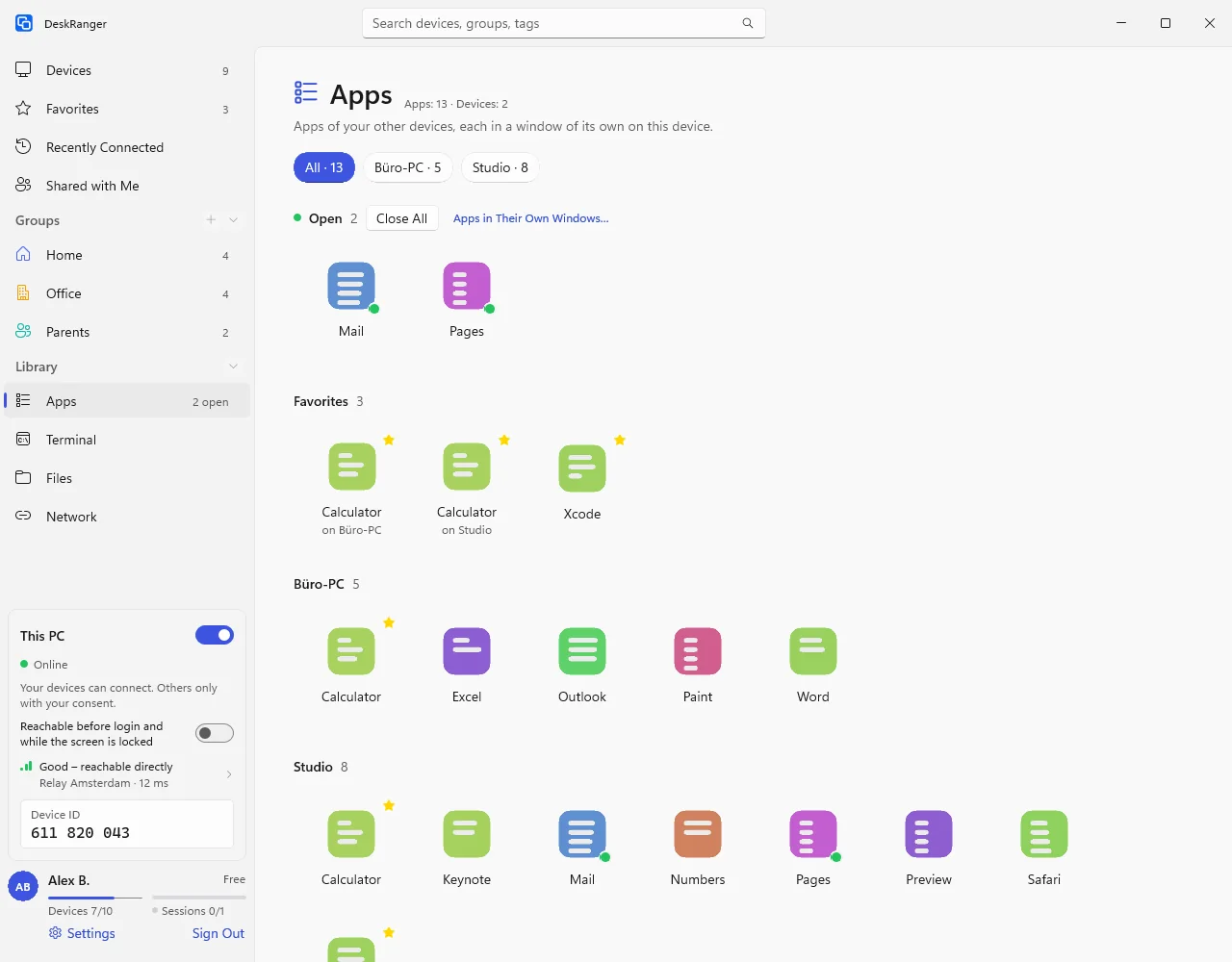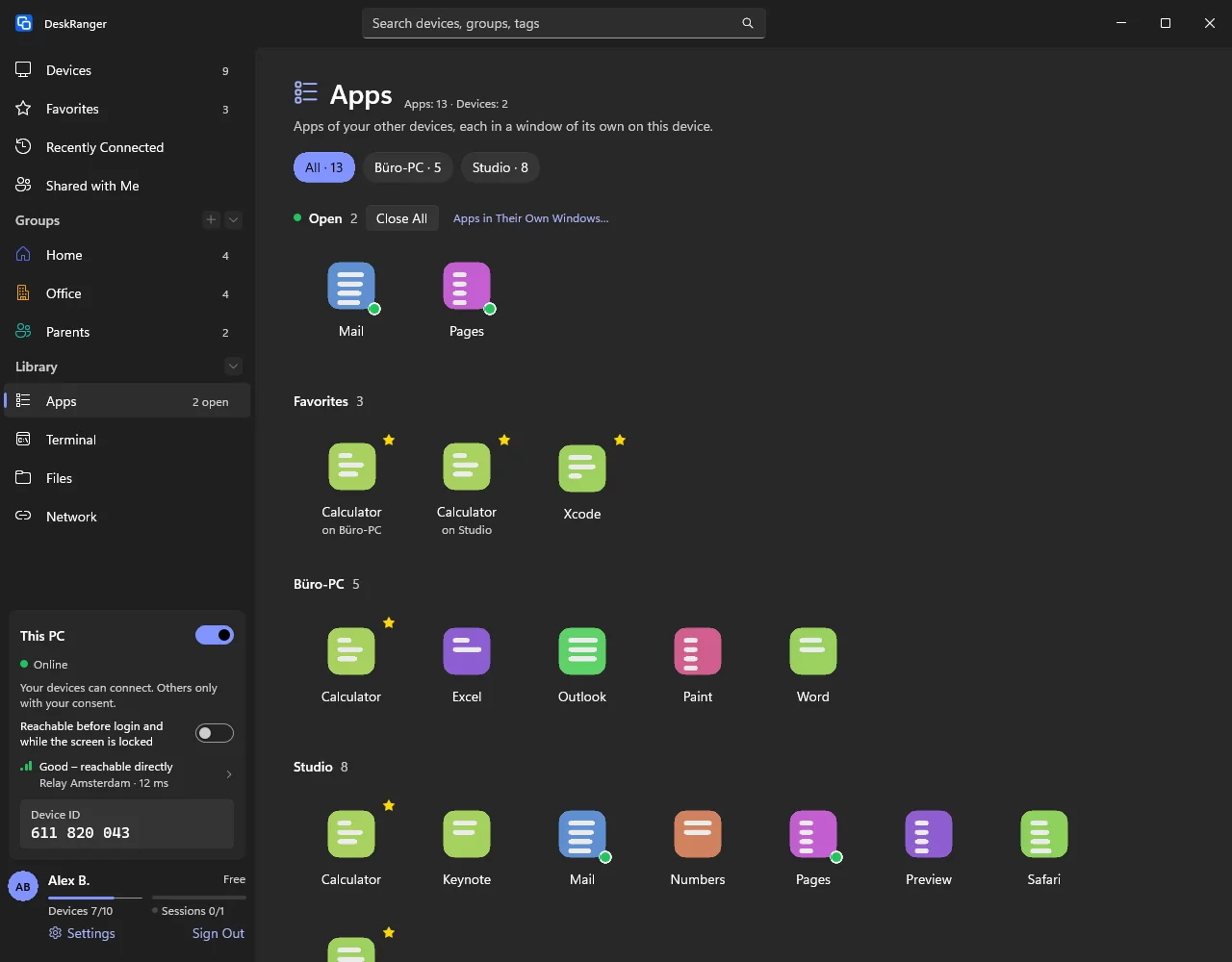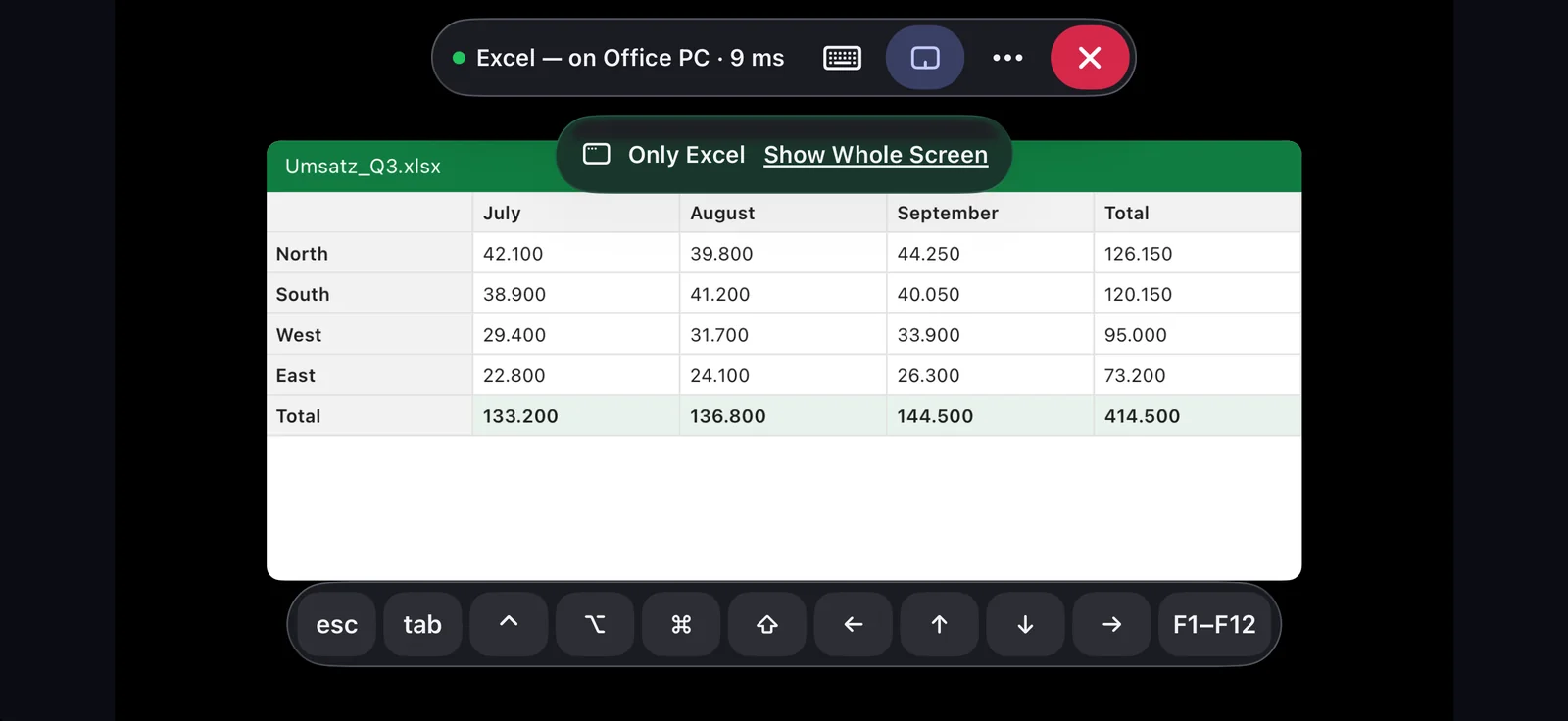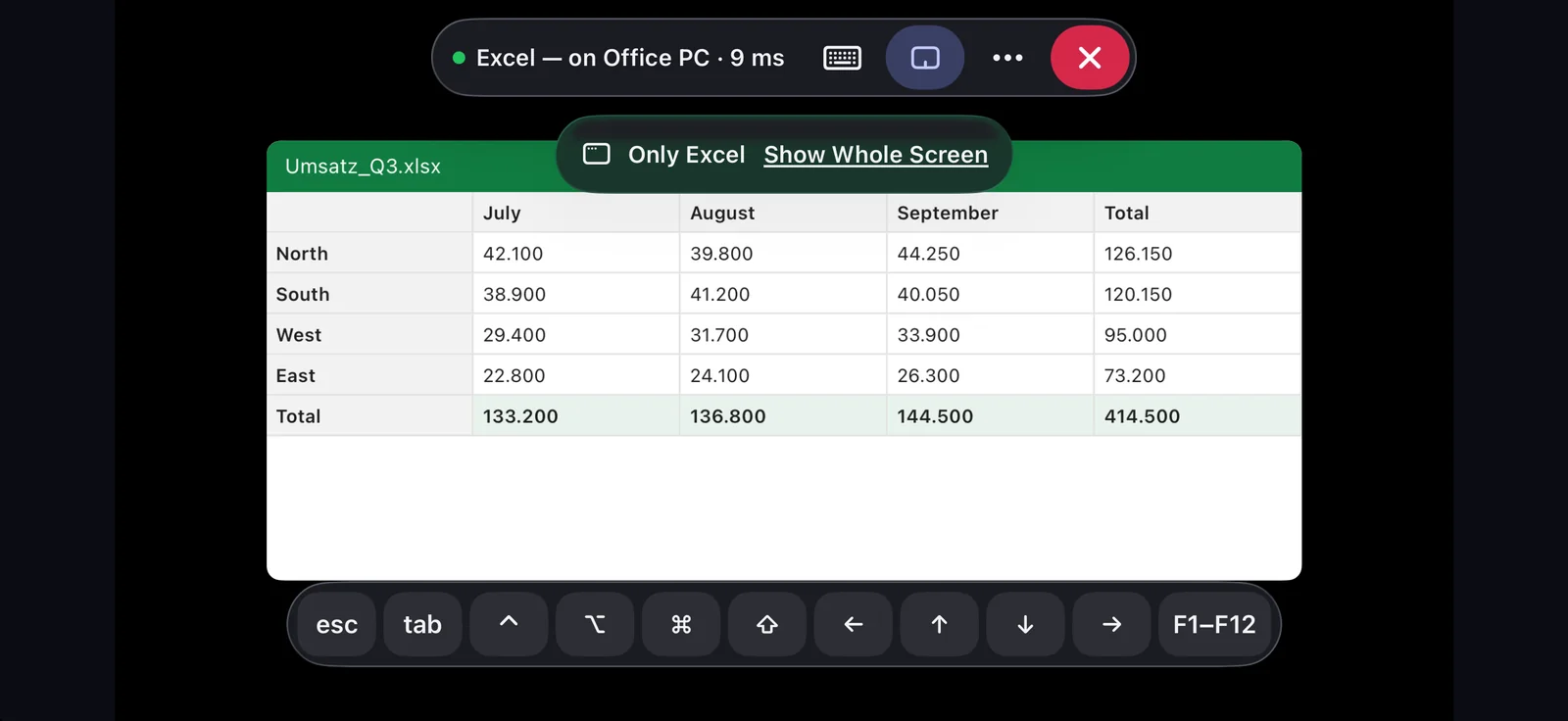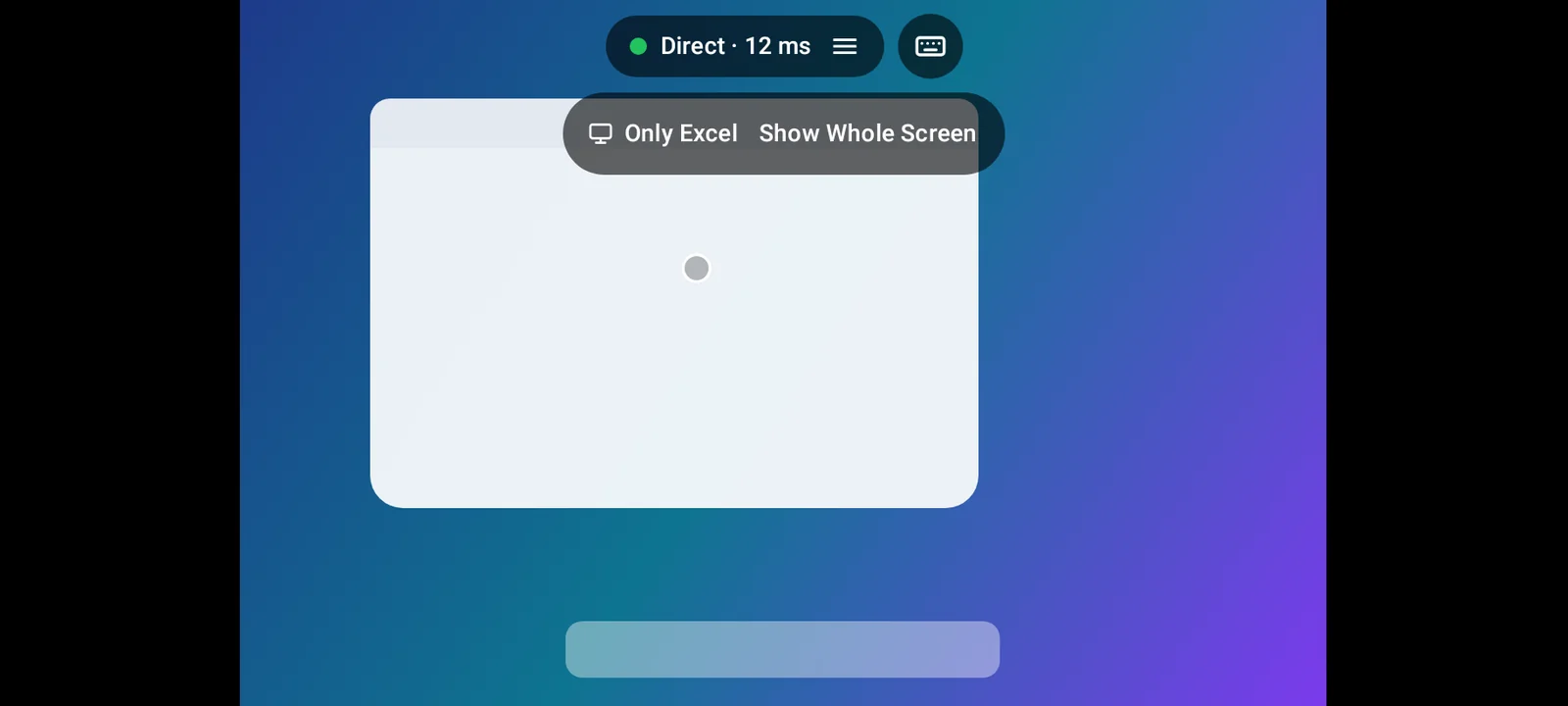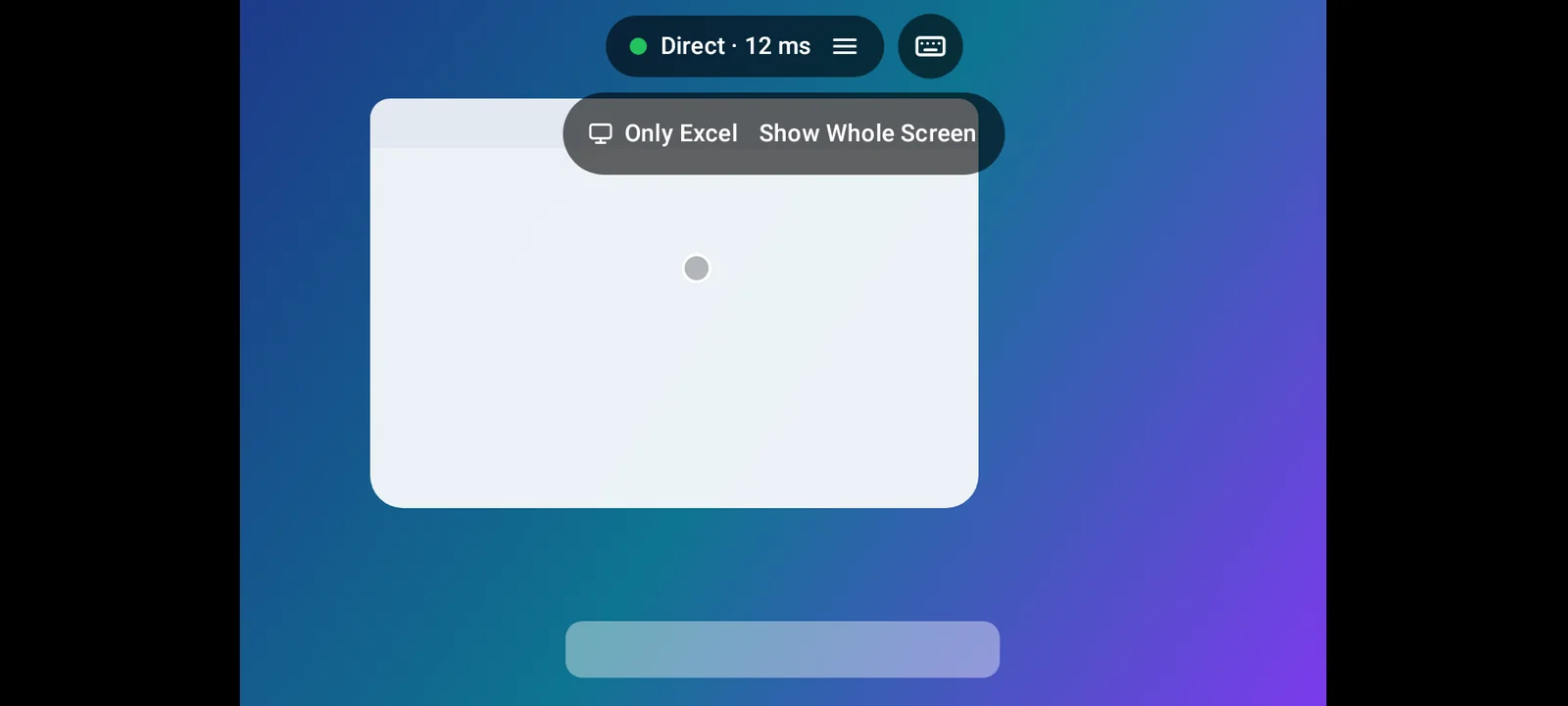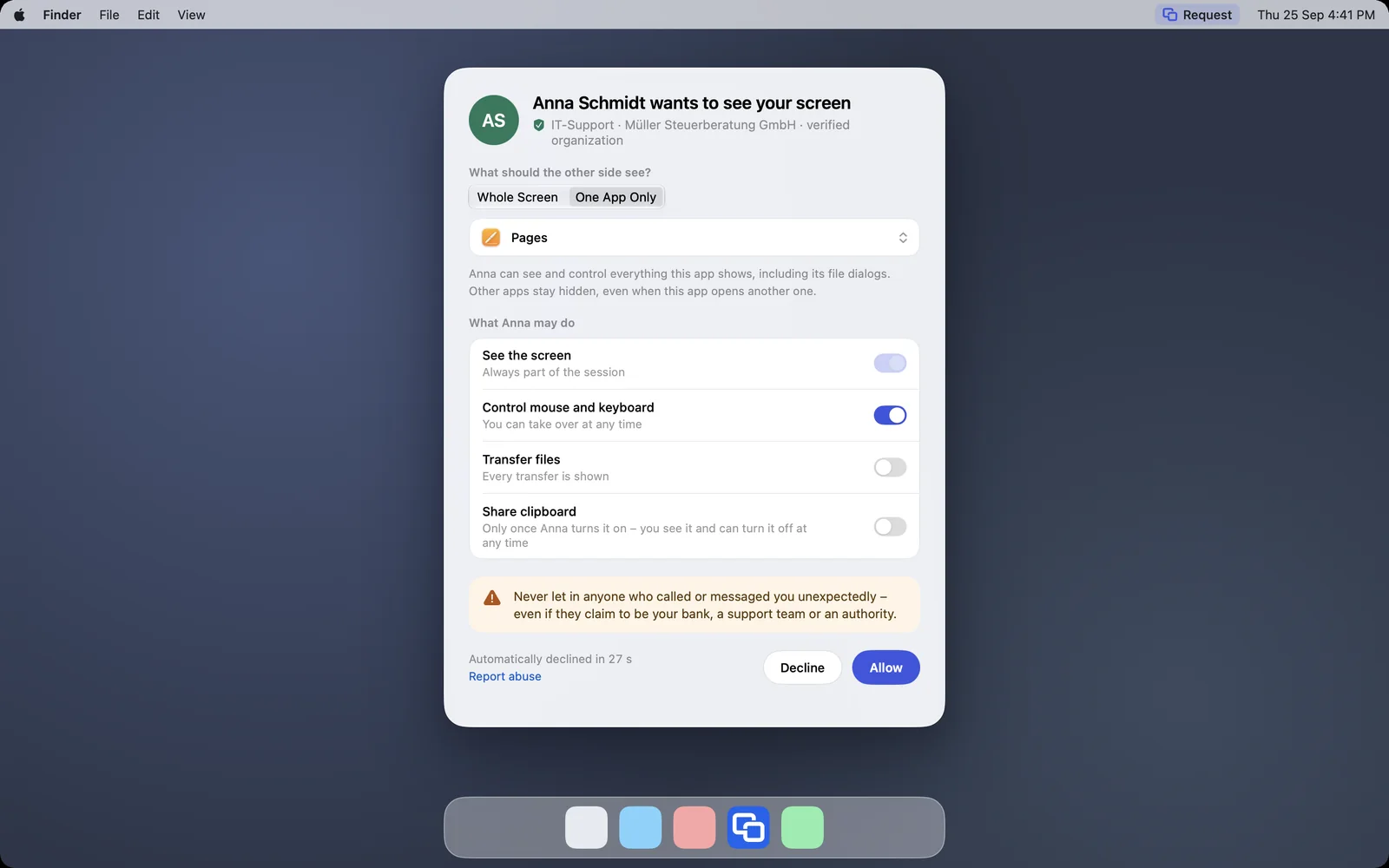
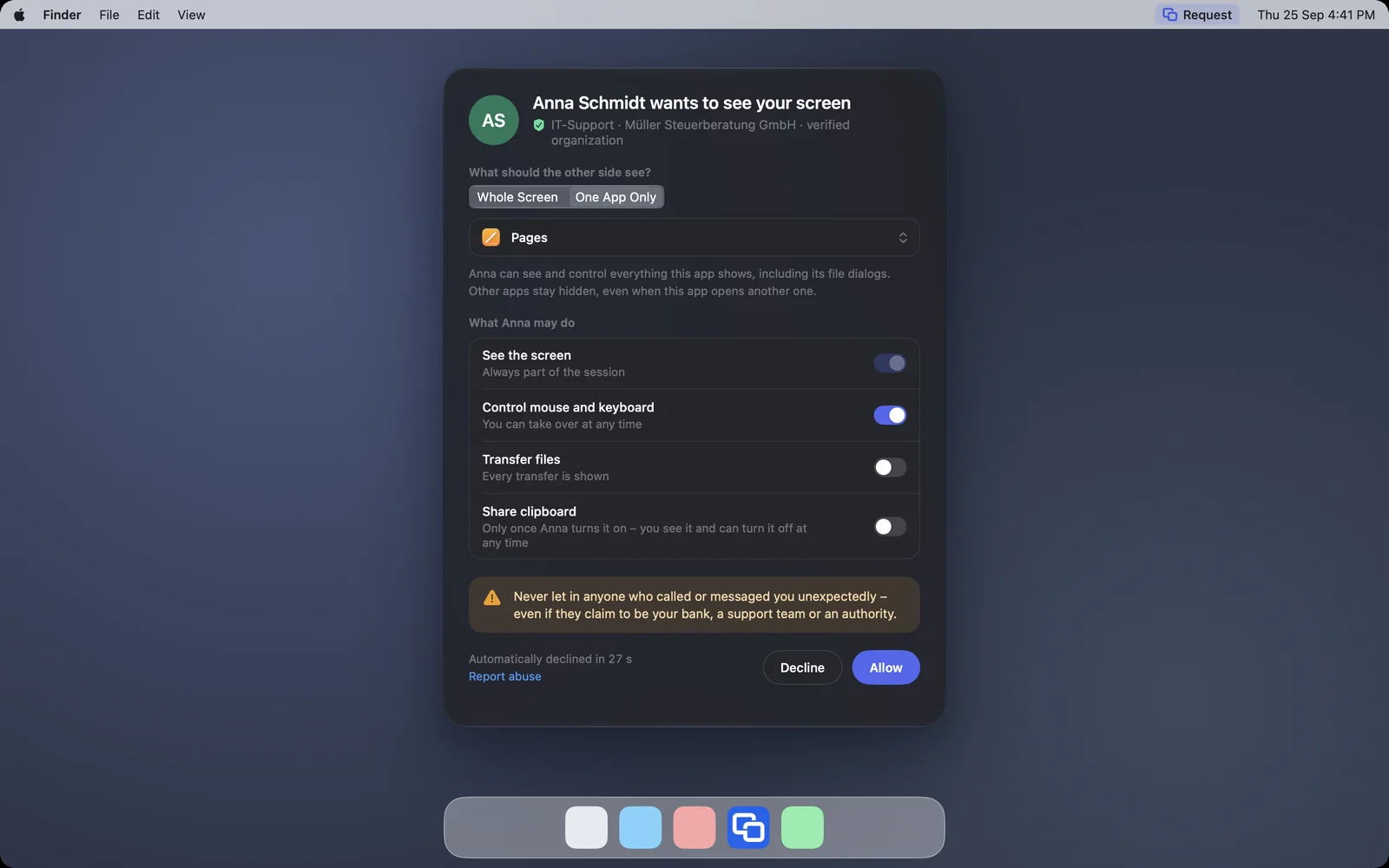
Share just one app
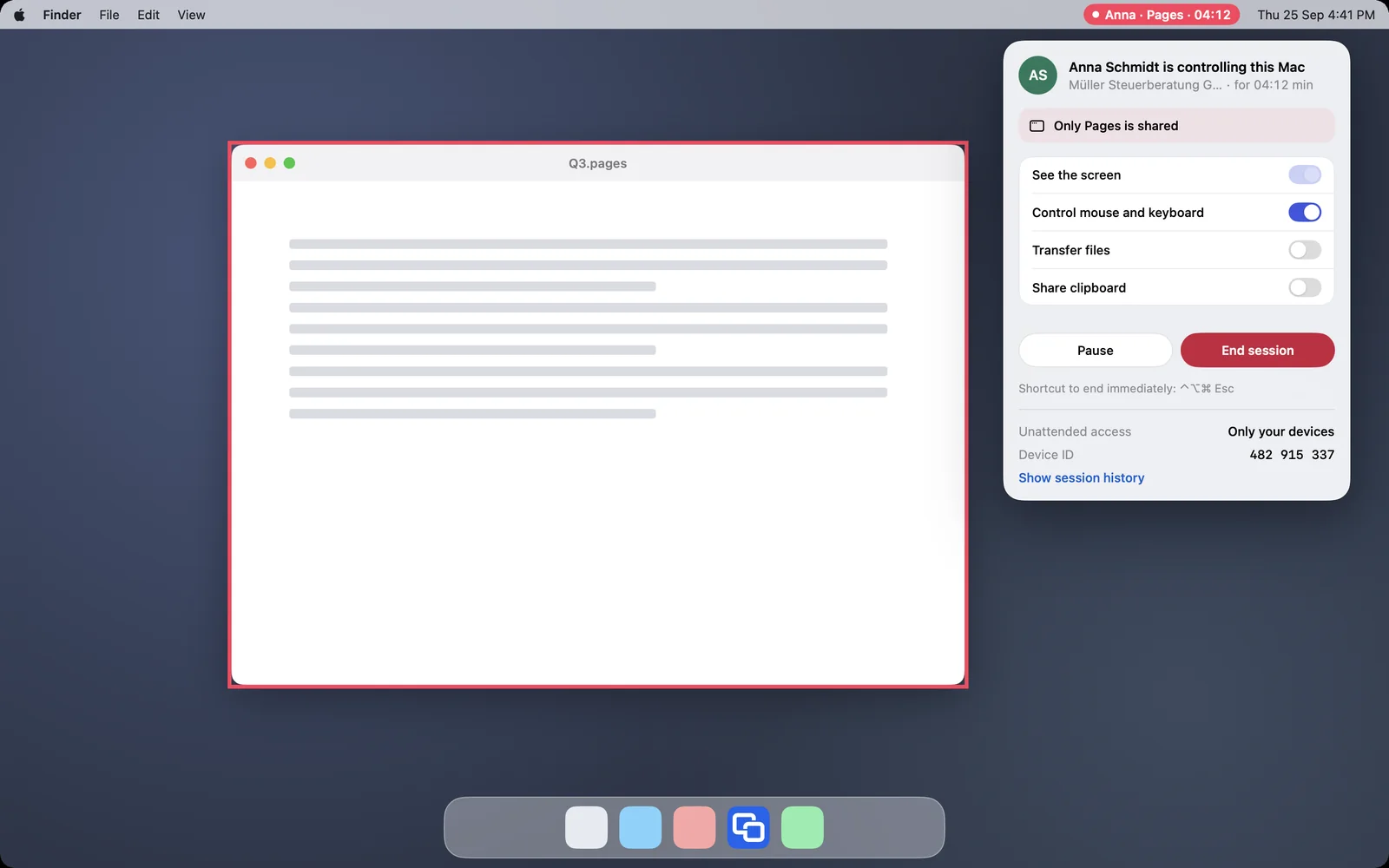
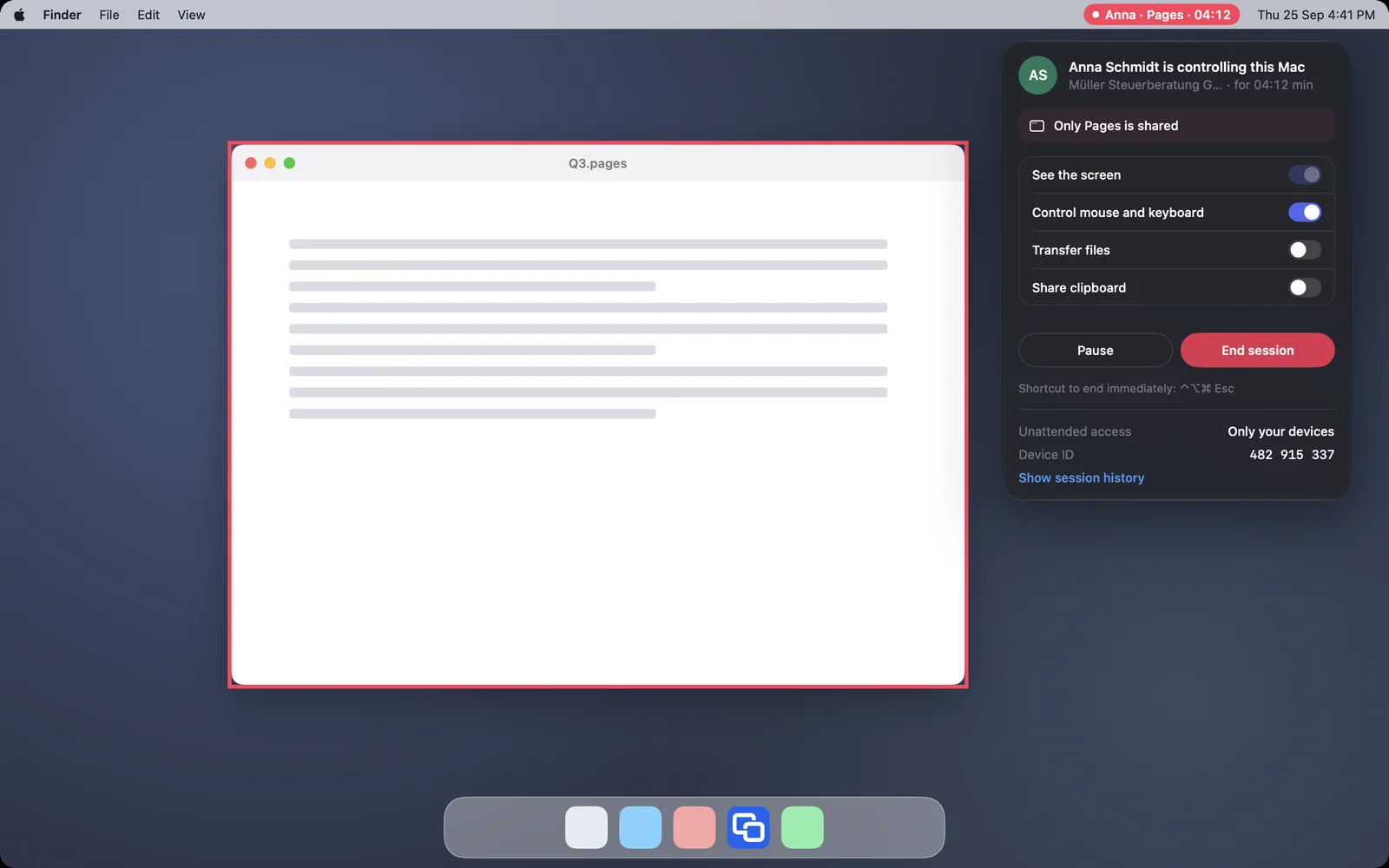
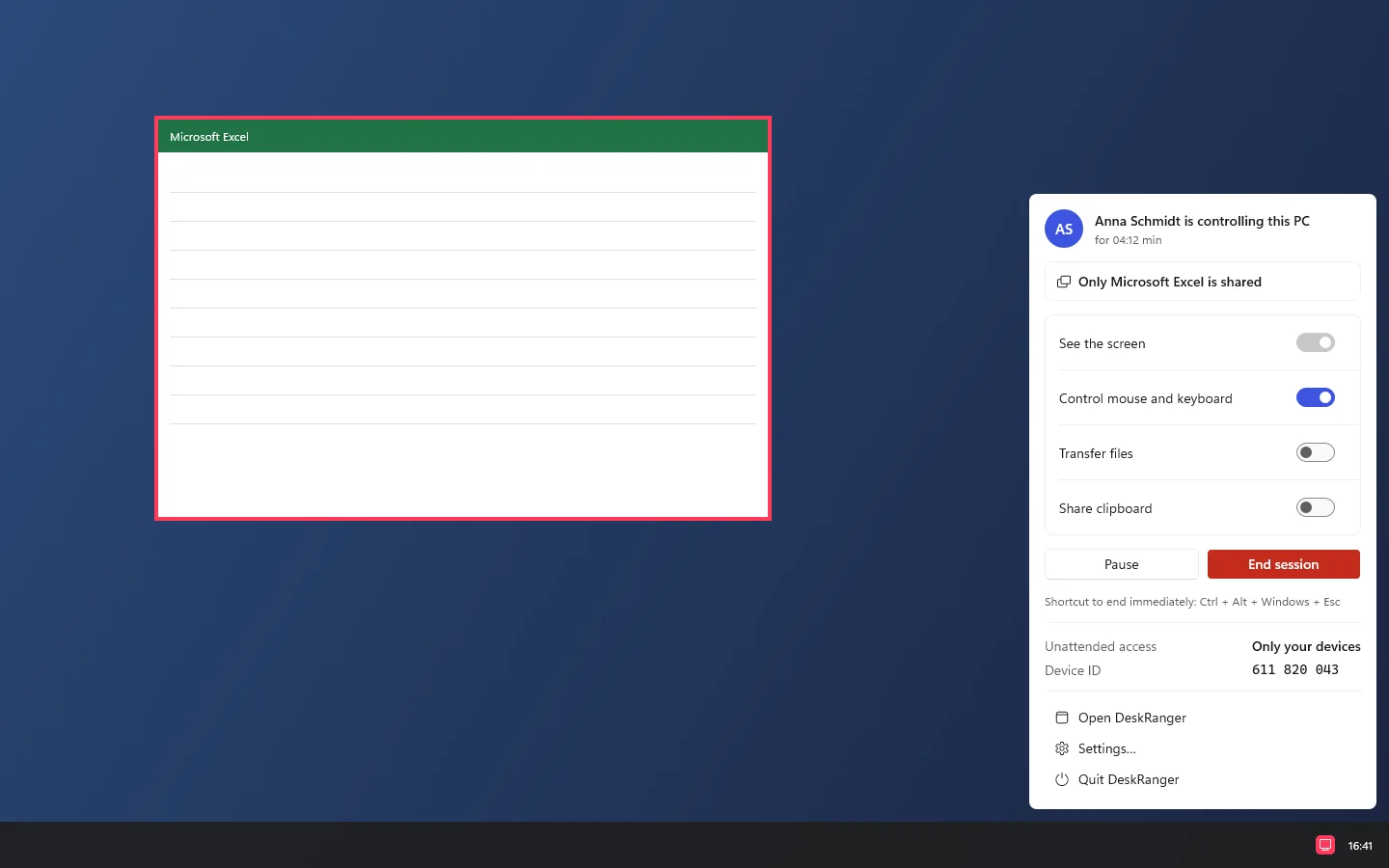
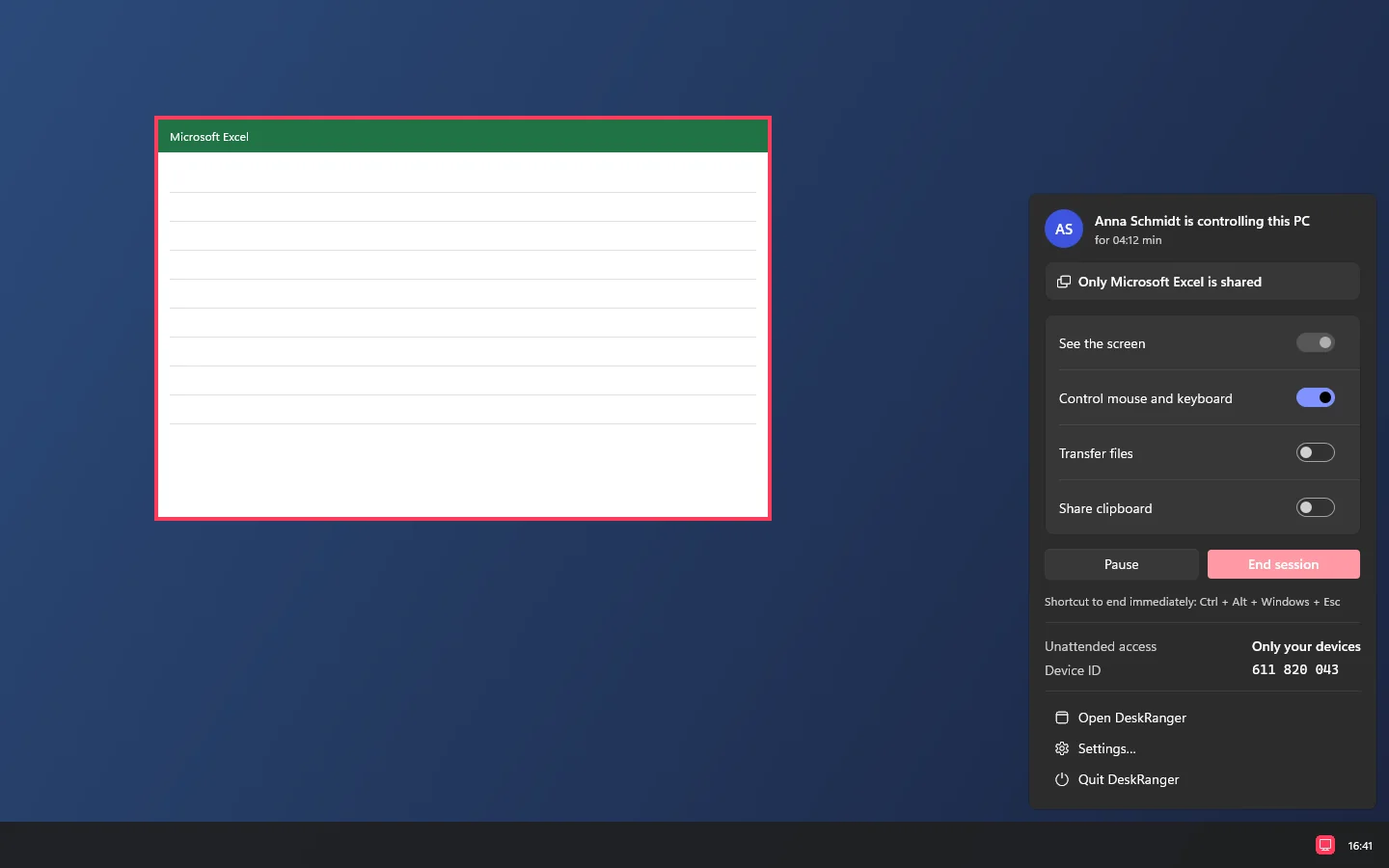
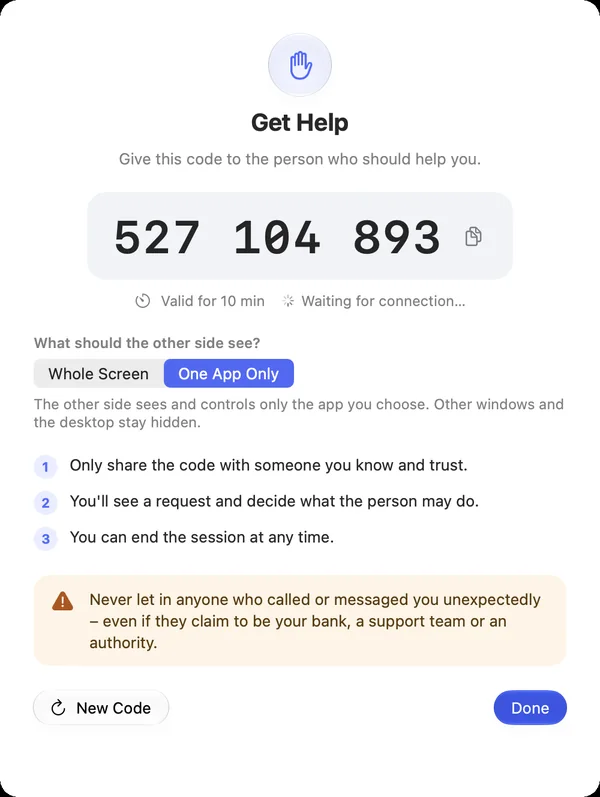
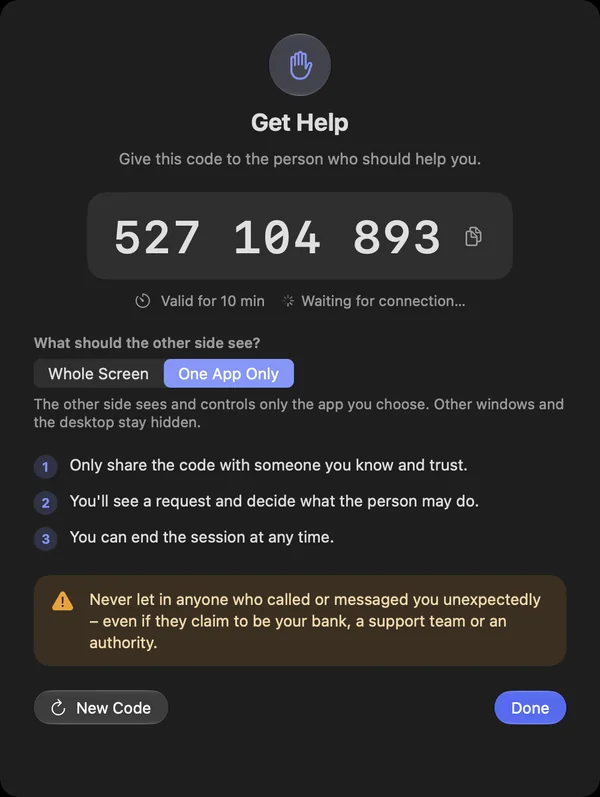
You show just one app instead of the whole screen. With a request you choose „Nur eine App“ under „Was soll die andere Seite sehen?“ and then the app. You can also set this up beforehand with „Hilfe erhalten“ under „Support-Code“.
- Clicks and keys meant for other apps do not reach you
- Programs running as administrator and DeskRanger are not in the list
- Also through the DeskRanger service when the app is not running
Shown: Mac
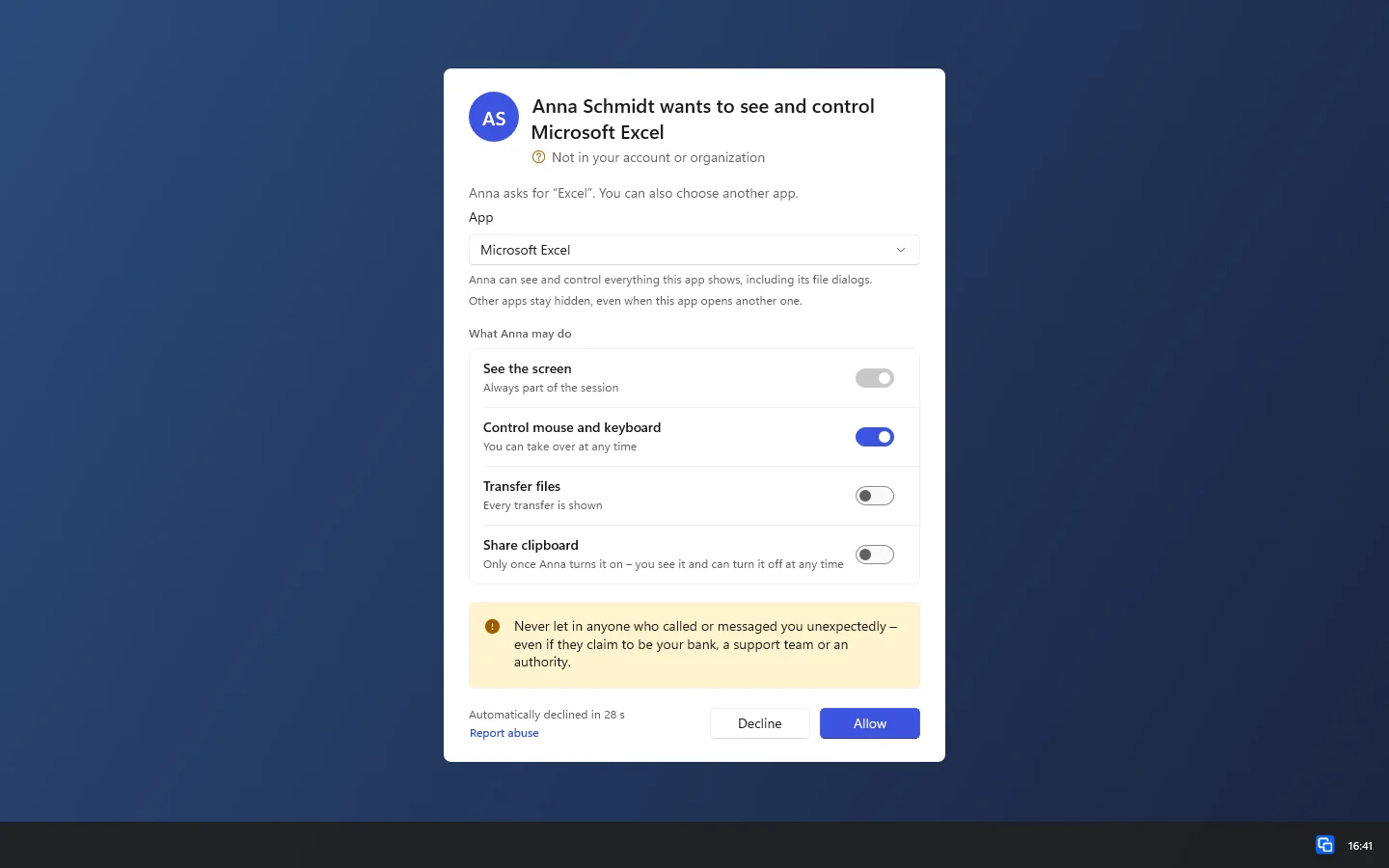
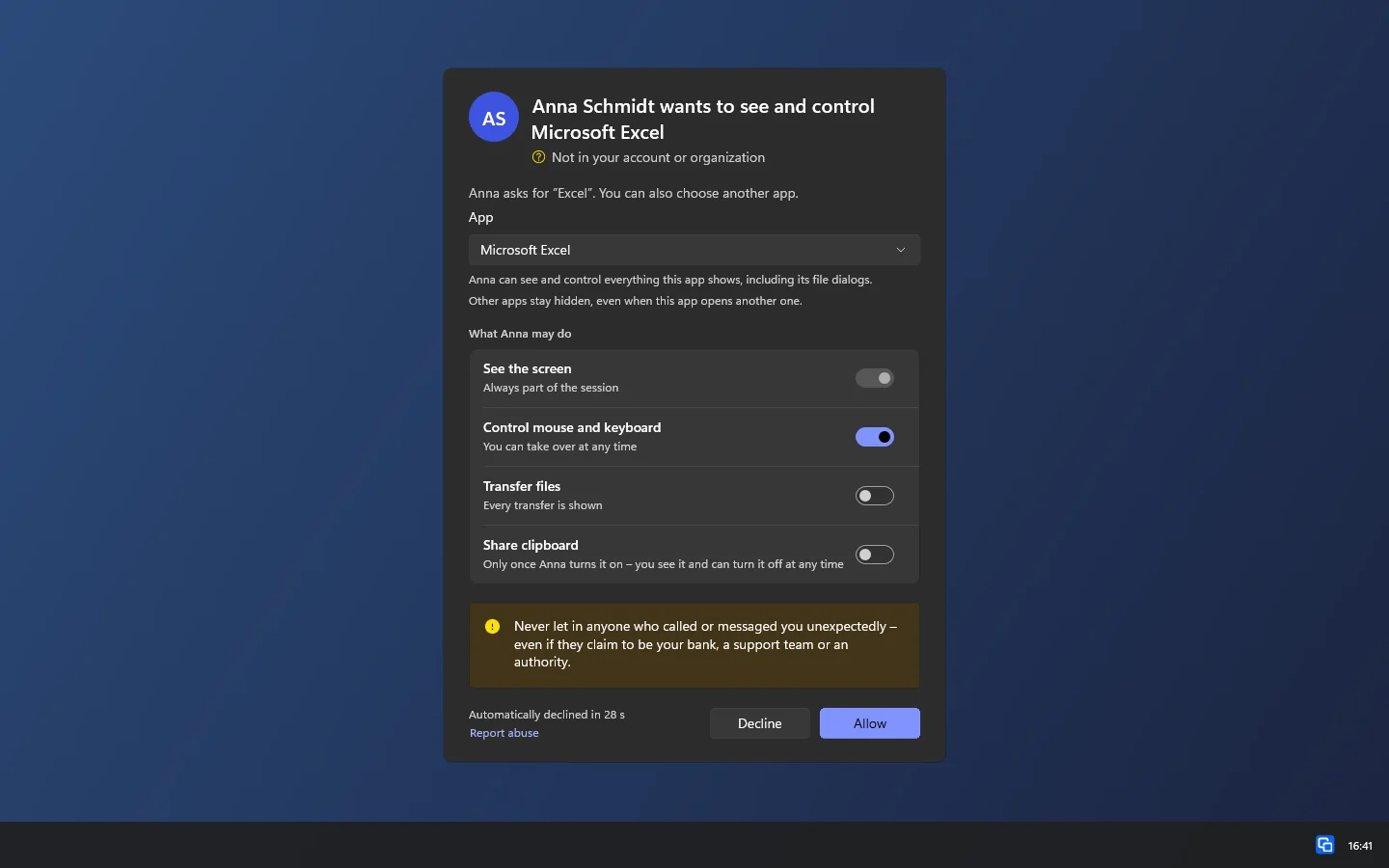
Shown: Windows