Availability
Ready and in use with our first users. The public launch follows shortly.
Files & connections
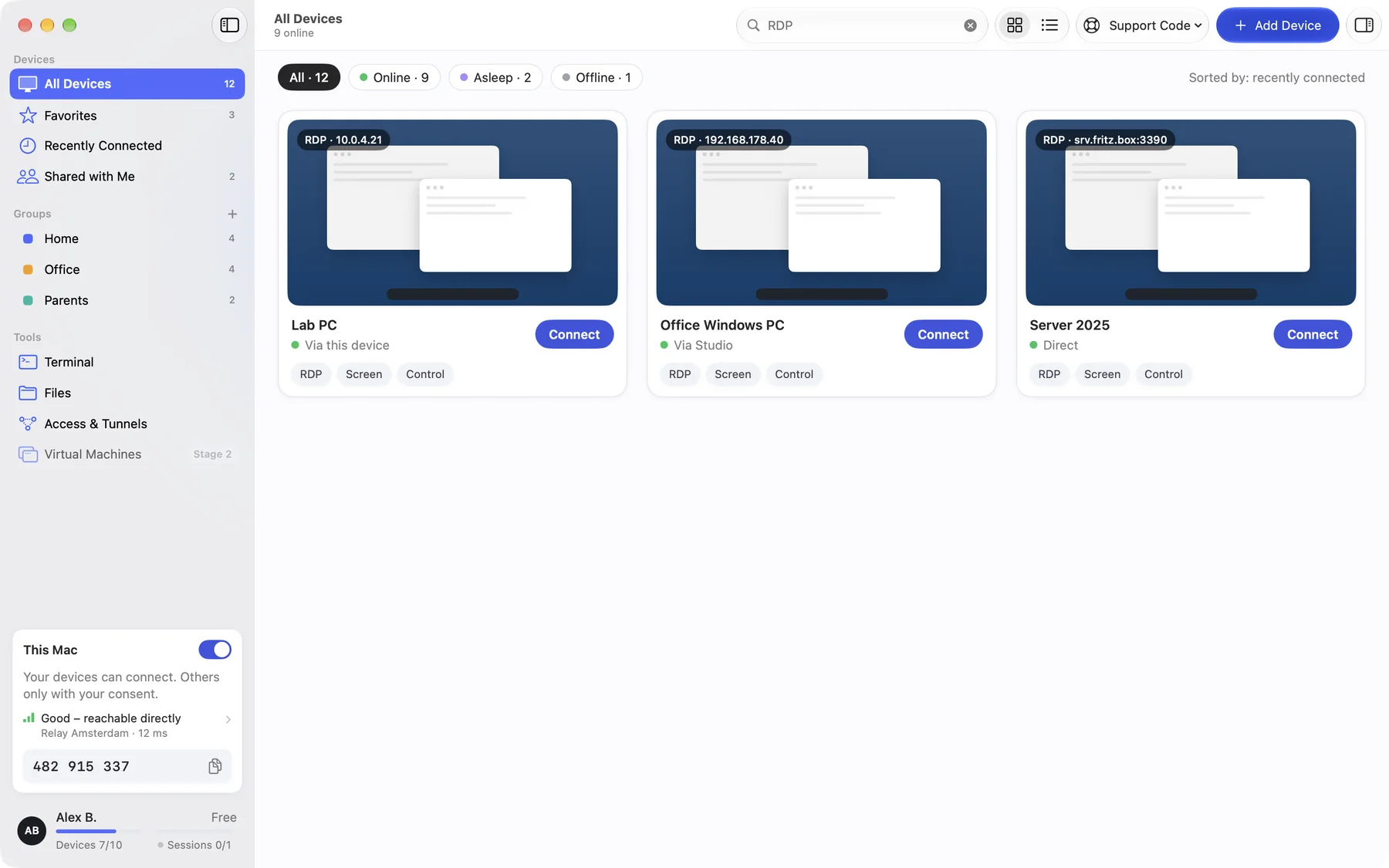
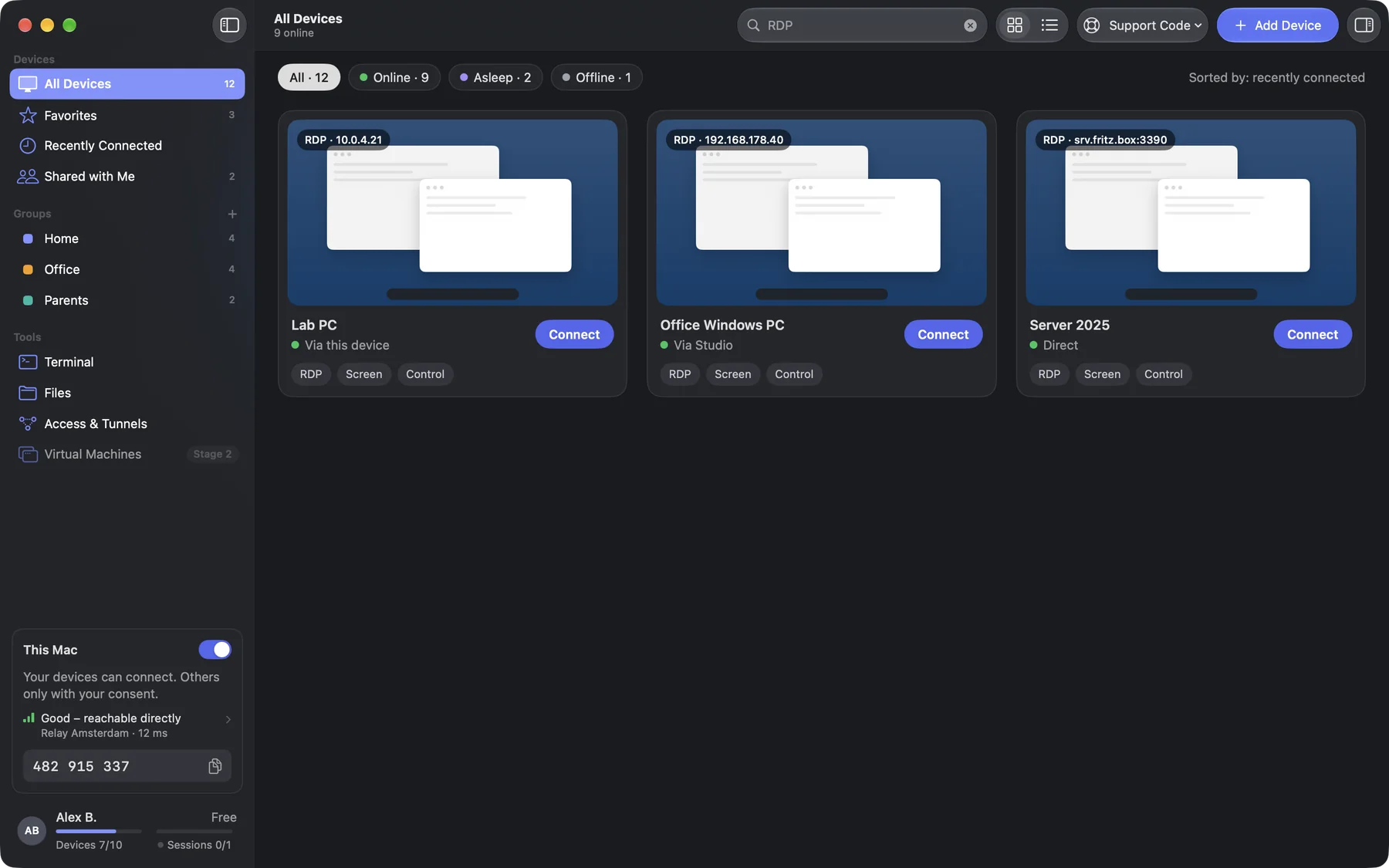
Open existing Windows Remote Desktop PCs in the same app, directly or through one of your devices on the same network, with no port forwarding. VNC and SSH follow.
Ready and in use with our first users. The public launch follows shortly.
macOS · iOS / iPadOS
Free
PricingAvailable features may differ between the direct version and Lite.
Standard or Lite? Compare versionsNo. It is enough that Remote Desktop (RDP) is switched on on the PC, for example on Windows Pro.
DeskRanger remembers the fingerprint on the first connection and warns you if it changes.