Unlimited user accounts
Create as many accounts as you need. With 10 channels, up to 10 people work at the same time.
Business
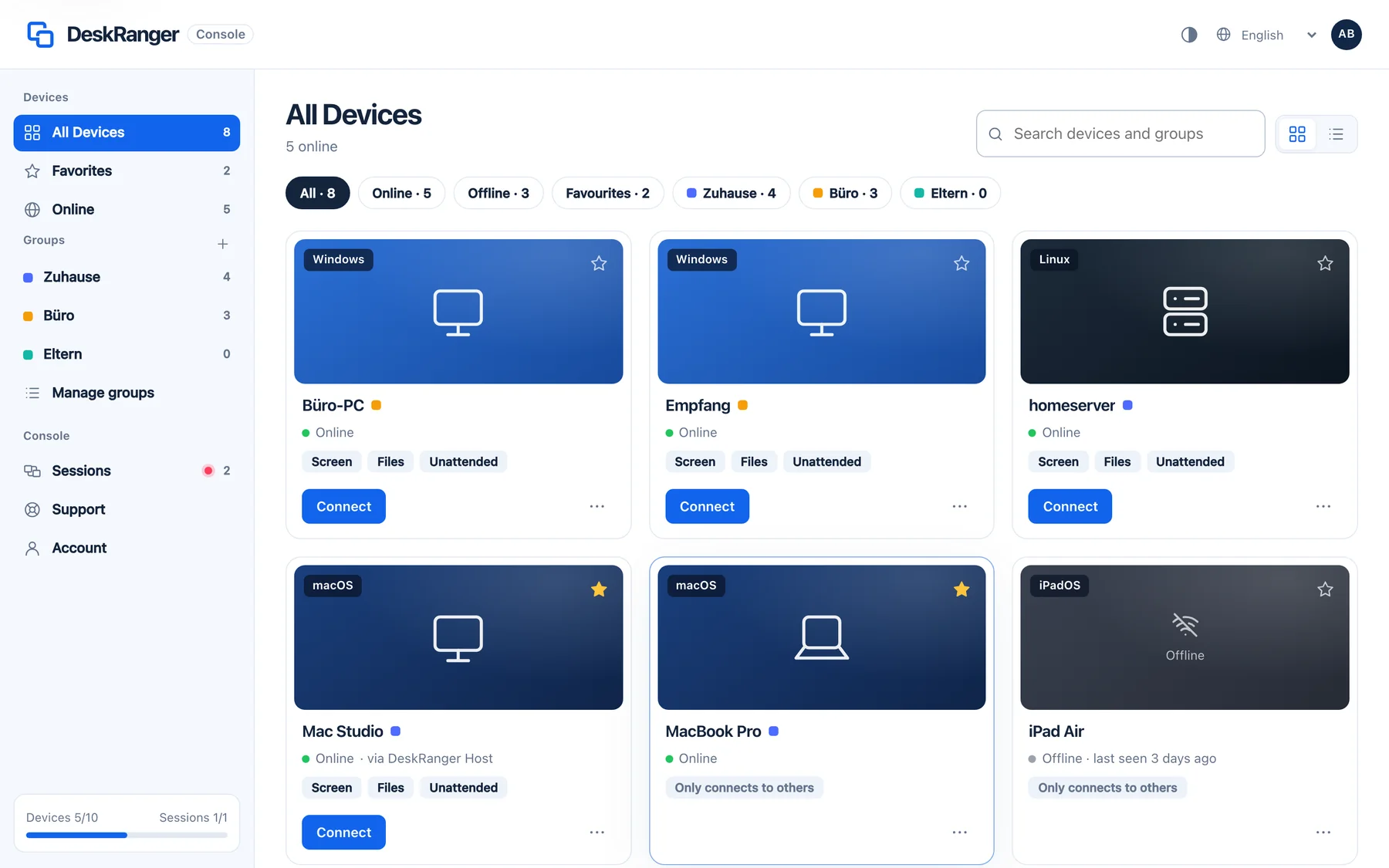
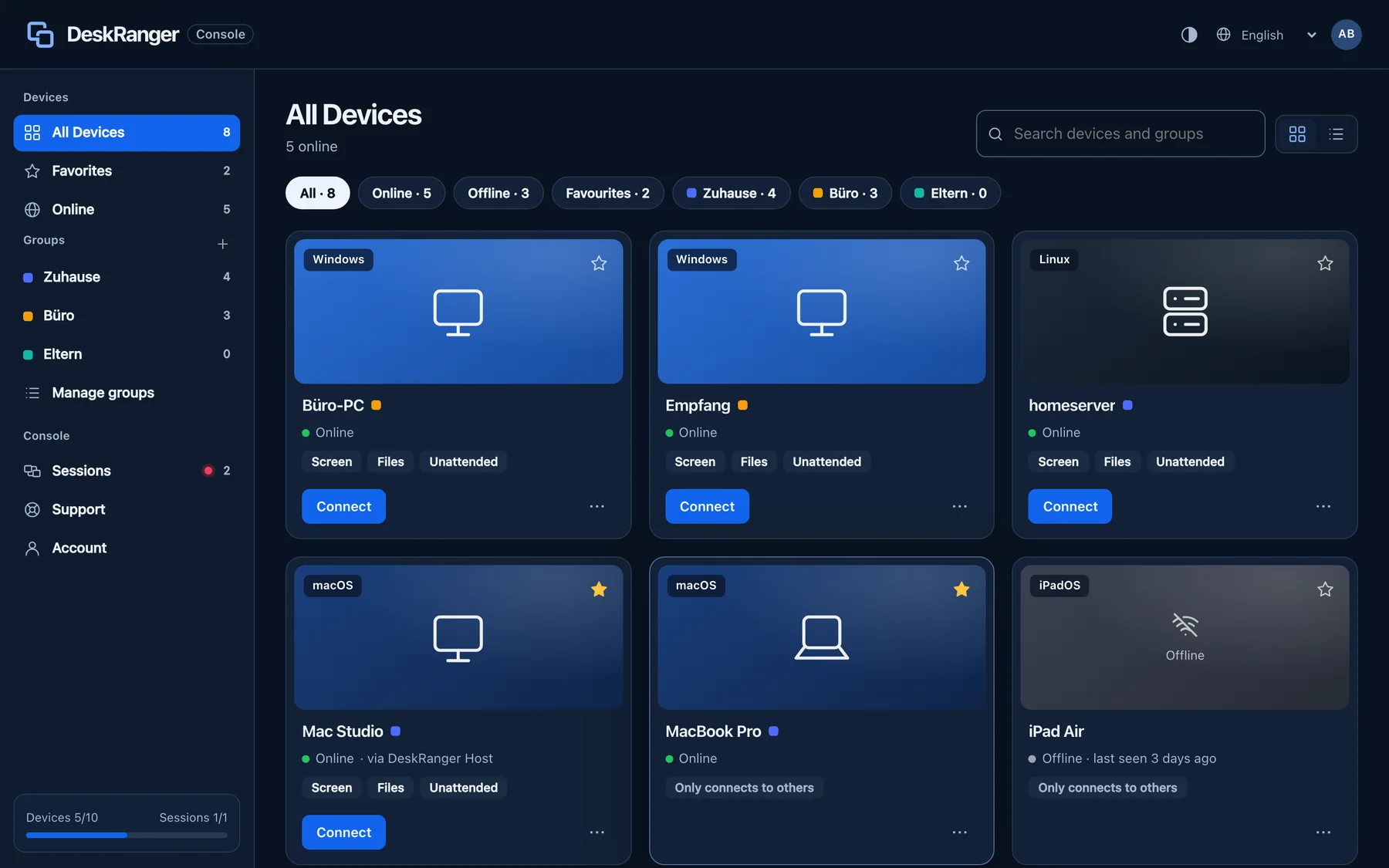
Help people with a support code, keep an eye on devices in the web console and pay only for workstations in use at the same time.
Your customer opens DeskRanger and reads you the nine-digit support code.
Your customer sees who wants access and what is allowed, and confirms on their own device.
A red frame on the device shows that someone is working. Your customer can end the session at any time.
A channel is taken as soon as you start a remote connection from a device. On Team you work on up to ten devices at once through it. When your last connection ends, the channel is free again. Just being signed in takes no channel.
Create as many accounts as you need. With 10 channels, up to 10 people work at the same time.
From one workstation you open up to 10 devices at once, for example for rollouts or parallel maintenance. Pro allows 5.
If the same person works on a Mac and a Windows PC at the same time, that takes two channels. As long as channels are free, that’s fine.
When every channel is in use, no further workstation can start a session for now. On workstations that are already active you can connect more devices up to your plan’s limit. DeskRanger never ends a running session because of a limit.
Example: 100 user accounts and 10 channels. Up to 10 people are active at once, each with up to 10 devices.
No commercial-use detection. Free can also be used for work within its limits.
The other person reads you a short support code and confirms the session visibly on their own device. They can end it at any time.
Connect right in the browser, with nothing to install and the same end-to-end encryption as in the app. Browser sessions are confirmed by the person at the device.
See CPU, memory, storage and versions. Query your own devices without starting a screen session.
All your devices at a glance: groups, favourites, search and live status. DeskRanger finds devices on the same network by itself.
Coming soonLook after devices together and set responsibilities: shared groups, tiered roles and channels for the whole team.
Coming soonDecide who may reach which devices, with rules for files, clipboard and unattended access.
Session content stays between your devices. Our servers cannot read it in cleartext.
Help by support code and consent. Running sessions are always visible on the device.
Planning DeskRanger for a large organization? We tailor Enterprise to your requirements: channels and users, sign-in and policies, hosting and contract terms.