Help › Functions
Privacy mode
Darken the other Mac’s screen while you work on it. You still see it yourself.
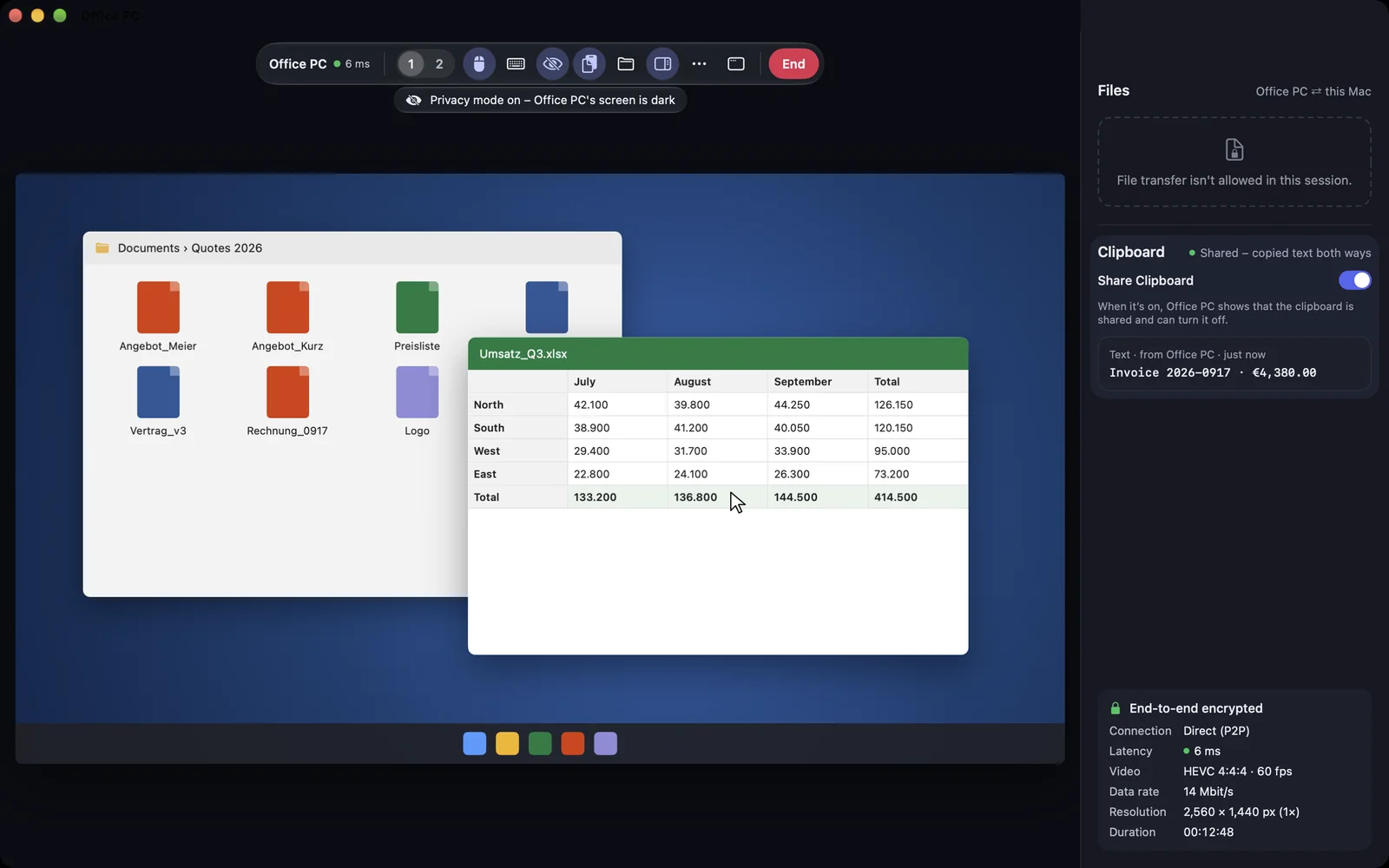
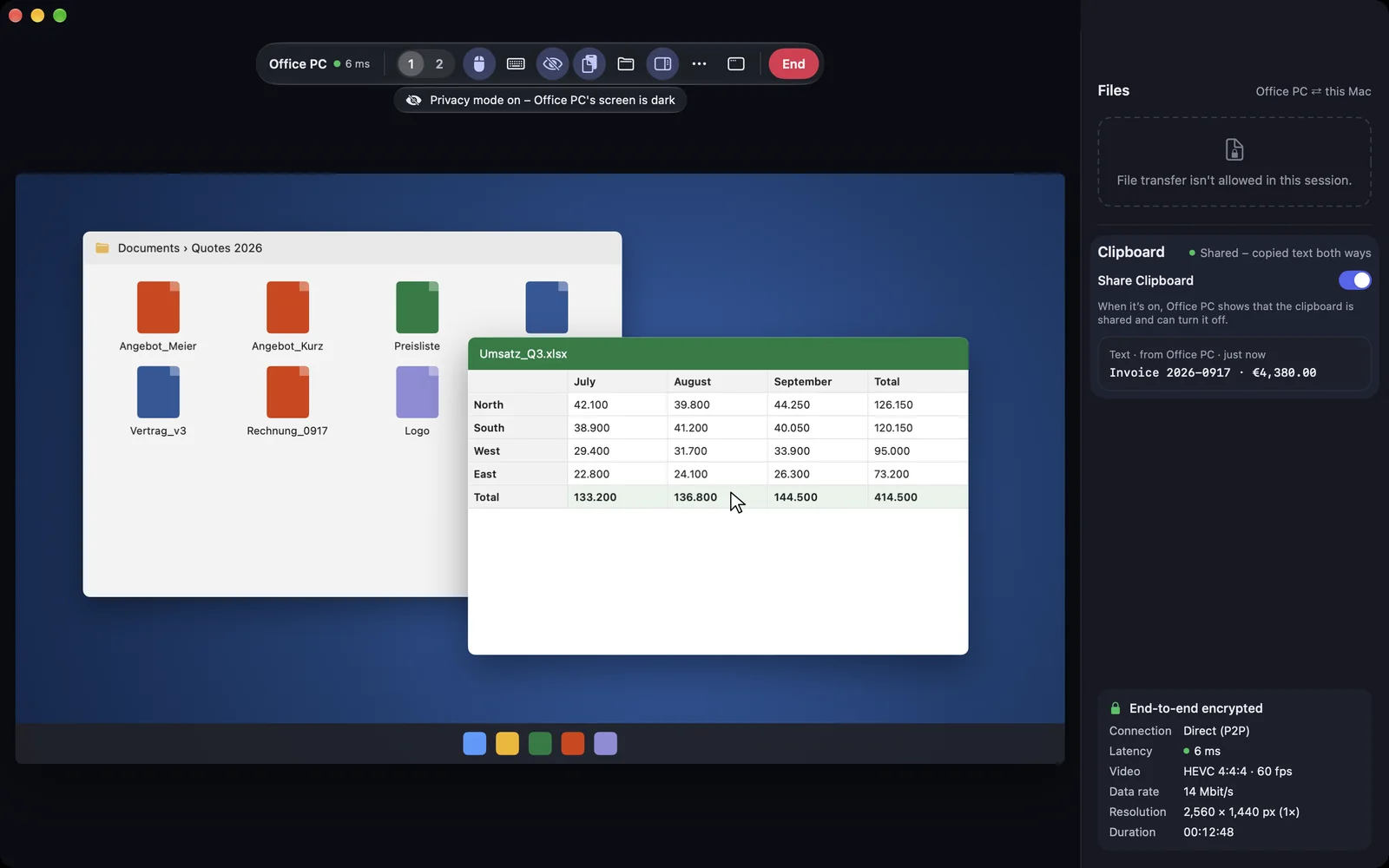
In privacy mode the screen of the Mac you are connected to goes black. Nobody there can read along while you, for example, set up an account. You still see the screen as usual. The session needs the permission Control mouse and keyboard for this.
macOS
Switch it on in the session toolbar: Privacy mode: blank the remote device's screen. Shortcut: ⌃⌥⌘P.
Windows
This function is coming soon to Windows.
iPhone & iPad
In the session menu: Turn On Privacy Mode.
Web
This function is planned for Web.
On the other Mac
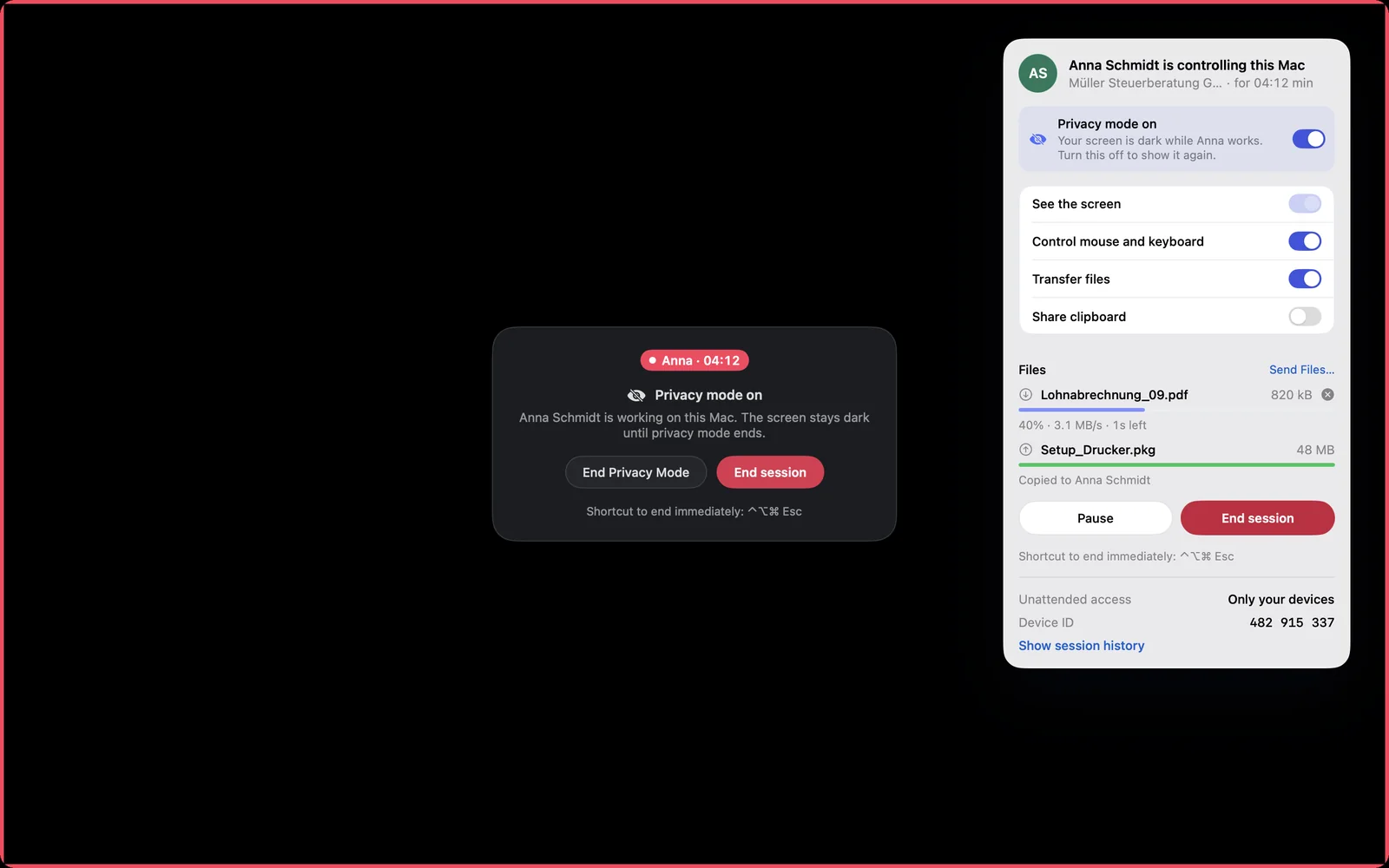
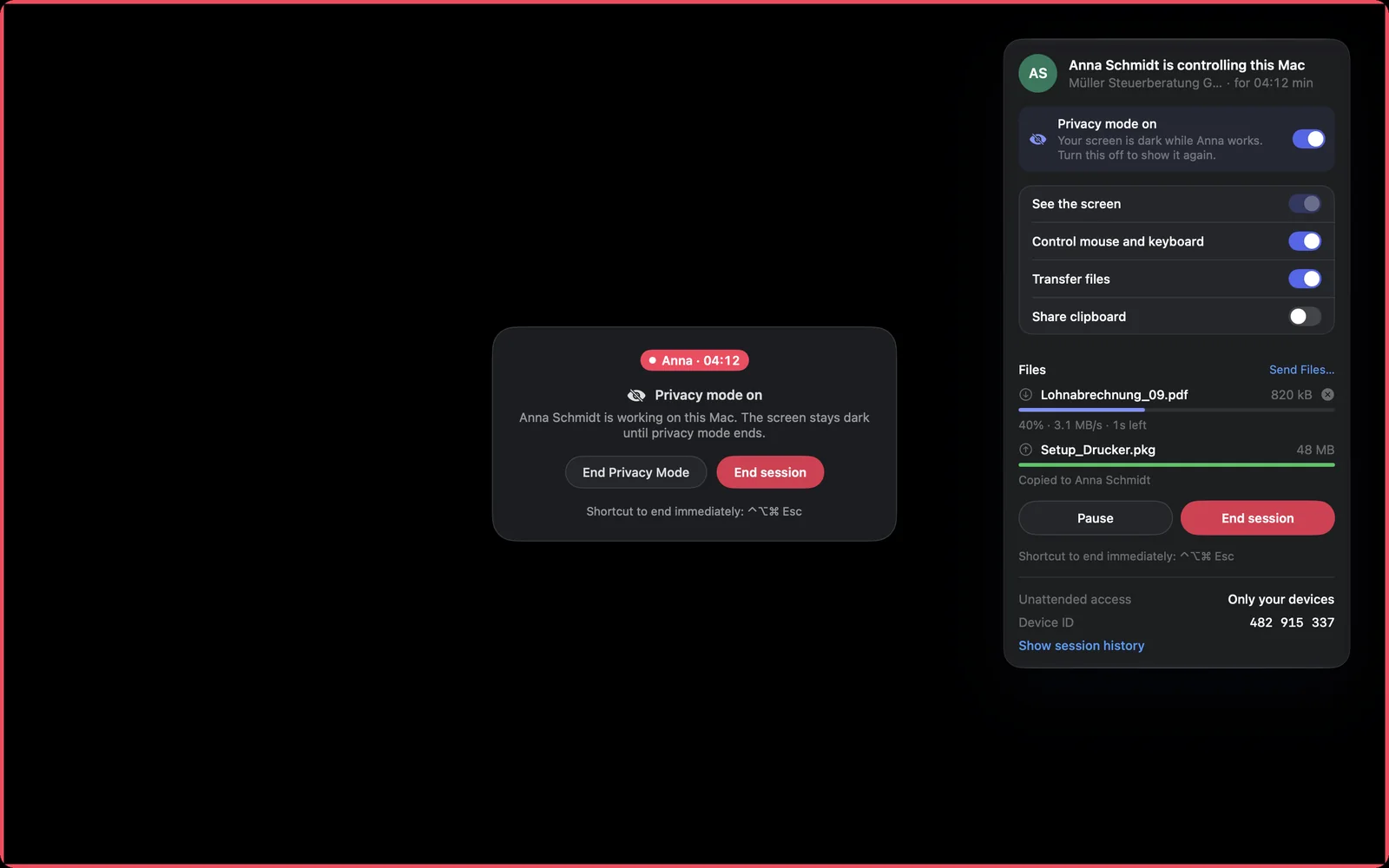
The screen is dark, the red frame stays visible, and a notice says who is working. The person there can end privacy mode at any time with End Privacy Mode or end the whole session. When the session ends, the screen is visible again at once.
You may not control in this session. Privacy mode needs the permission Control mouse and keyboard.
The other Mac did not switch privacy mode on, for example because it is showing the login window.