Help › Functions
Passwords and keys
Where DeskRanger keeps the sign-in for remote desktops and SSH servers: on your device, never on its servers.
For remote desktops and SSH servers, DeskRanger keeps passwords and keys on the device where you enter or create them. DeskRanger's servers only know a computer's name, address and user name, never a password or a key.
The password right when you add it
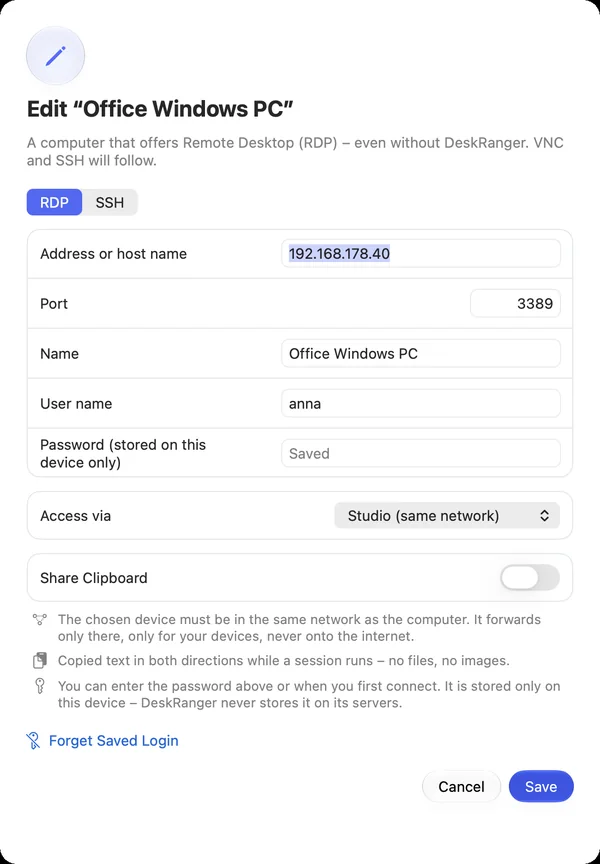
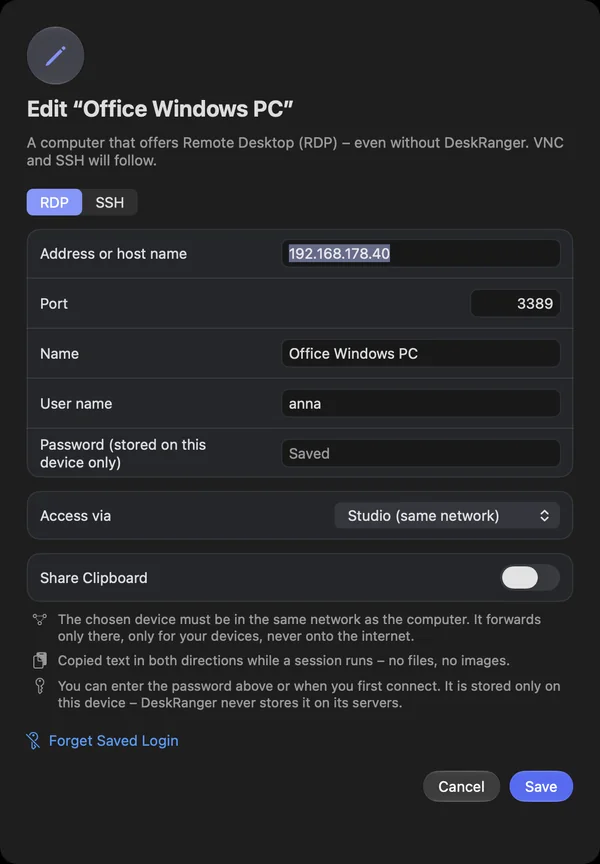
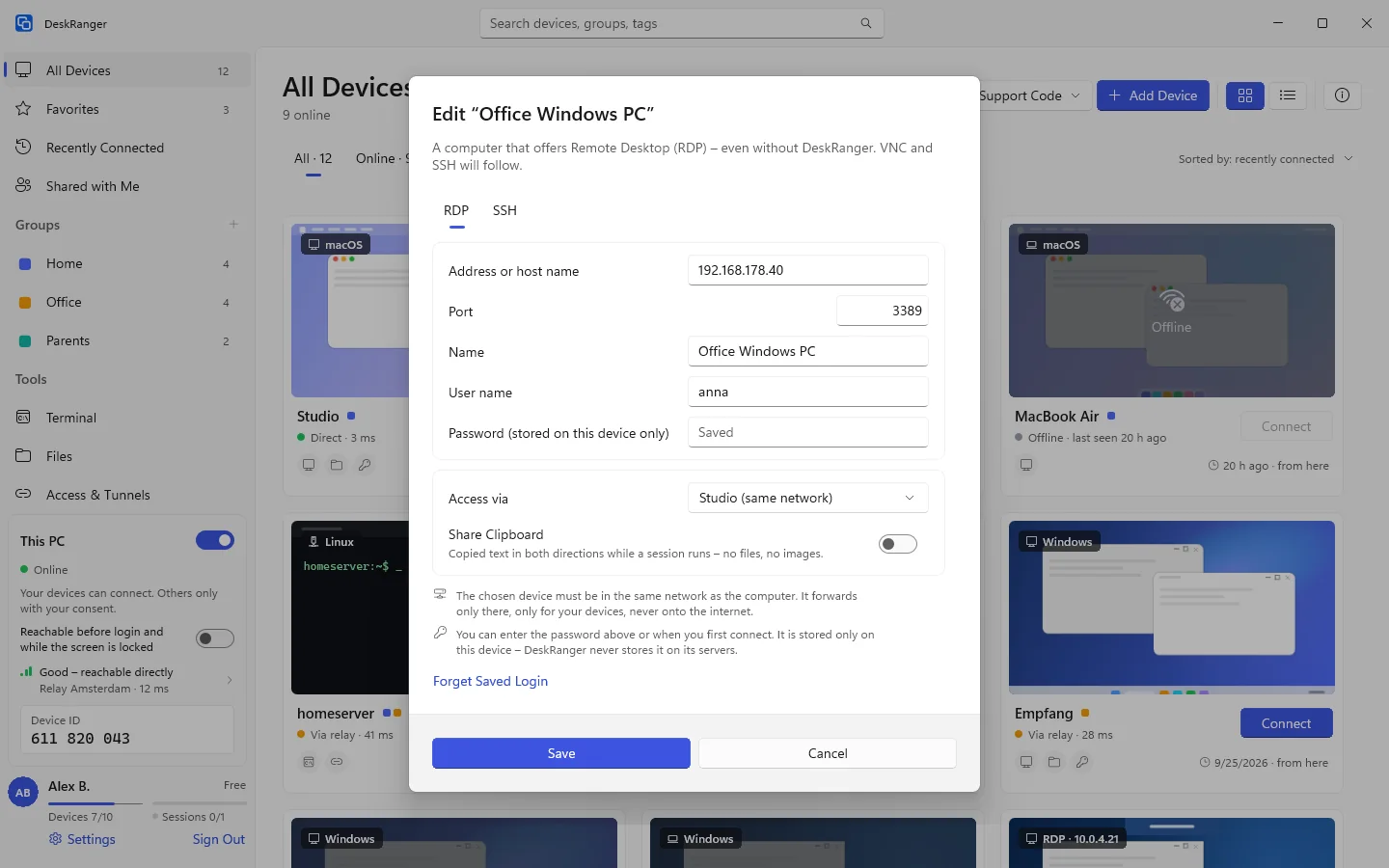
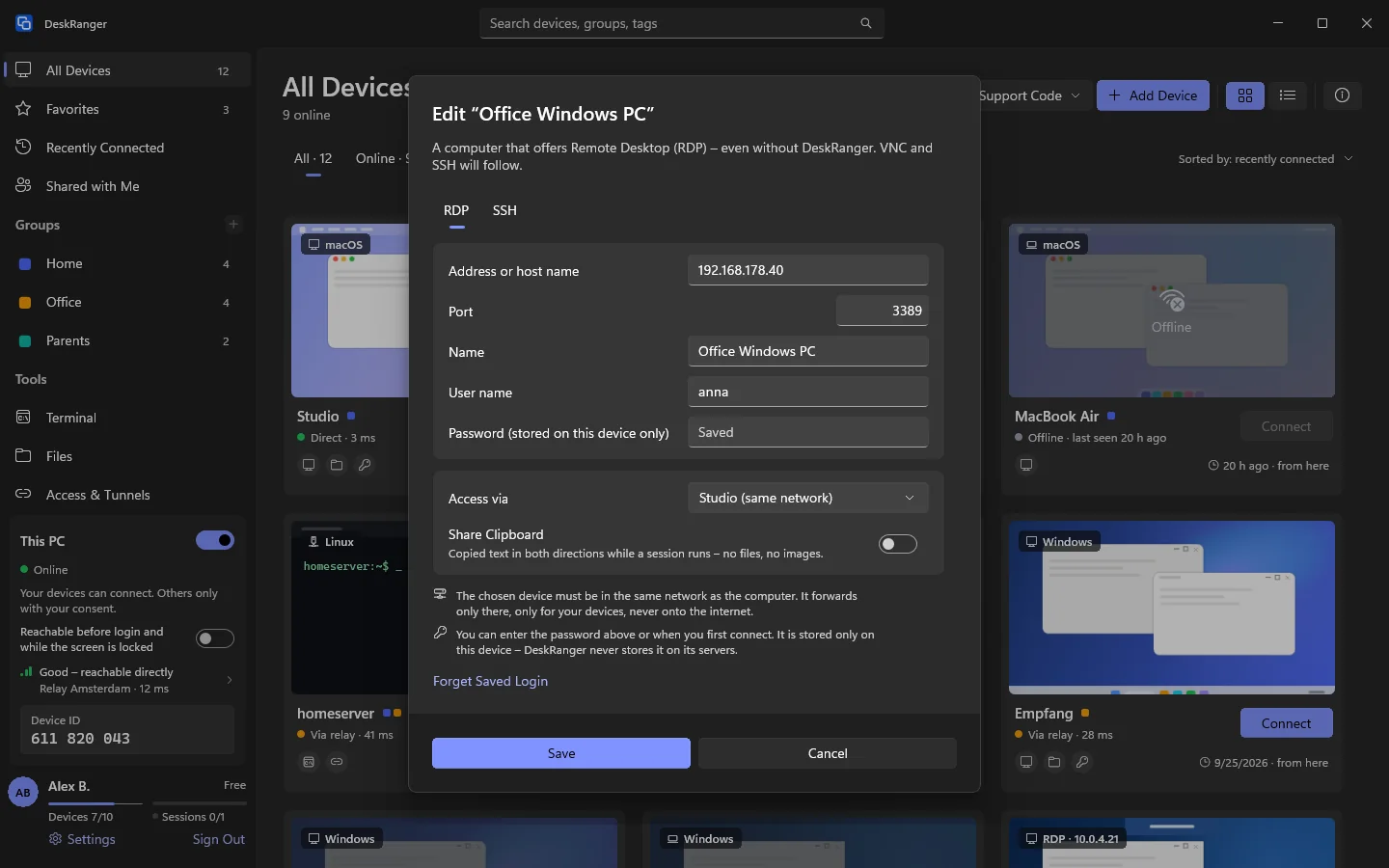
Choose Add Device and then Add a remote desktop or SSH server, or edit an existing computer. The field Password (stored on this device only) is optional. If you leave it empty, DeskRanger asks for the password when you first connect.
- The password is saved with the user name. Without a user name the field stays locked: Enter the user name first.
- If one is saved already, the field says Saved. Leave it empty and the saved one stays. A newly typed one replaces it.
- Forget Saved Login deletes it from this device.
- An SSH server with Sign-in Keys only needs no password; then the field is not there.
- On an Android device the password is encrypted with Android's keystore, on this device only.
macOS
The password is in this Mac's keychain, on this device only and not in iCloud.
Windows
The password is in Windows' Credential Manager, on this PC only.
Web
This function is planned for Web.
When an SSH password is sent
DeskRanger first checks the server's key. On the first connection it asks whether you trust it. Only then does it send the password. If the server later presents another key, DeskRanger does not connect and sends neither a password nor a key.